

Page 1

3.1 Computer platform
Tracking Link:
Notes: If need account to manage your team,please contact your supplier to get.
User name: ID/IMEI number Default password 123456
*Please change the password after you login in.
www.aoyagps.net
3.Tra cking P latfo rm
1.2. A ccess ories
NO.
1
2
3
Name
T802
User Ma nual
Charg ing Cab le
Quant ity
1
1
1
Main tenan ce
There are no main tenance spare s in the termina l, please do not d isassemble i t when you are
non-profess ionals. Any ma lfunctions , please send T8 02 to our company o r to repair stati on.
!
Pleas e power of f in the pl ace whe re the wi reless t ransm itter s are
not all owed to u se.
Pleas e don't pu t the into f ire or wa ter to av oid exp losio n and
envir onmen tal pol lutio n.
Pleas e keep th e dry.
Pleas e send the t o the rec ycle bi n when th e lithi um batt ery is s crap.
T802
T802
T802
T802
Notices (important)
èOnly th e call/ SMS fun ction o f the SIM c ard is ena bled ca n the ach ieve Ca ll/SM S
alarm f uncti on. For m ore det ails ab out the i nforma tion of S IM card , pleas e consu lt the
speci fic net work op erato rs.
èTo achiev e all the f uncti ons, yo u need to s et guard ian num ber bef ore usi ng, or th e
can onl y commu nicat e with th e web pla tform .
èPleas e do not ma ke near th e trans mitte rs, suc h as car DV R, inte rphon e, or oth er
commu nicat ion dev ices.
èChang ing cir cuits to t he vehi cle or ot her con troll ed devi ce must b e opera ted by
profes siona ls. Our c ompan y is irre spons ible fo r the dam age of due t o the wron g
opera tion.
T802
T802
T802
T802
Basi c Defin ition s
¦WEB Pla tform : You can con nect th e termi nal wit h the onl ine pla tform t o trans fer dat a.
¦BDS: Be iDou Na vigat ion Sat ellit e System
¦GPS/A -GPS: G lobal Po sitio ning Sy stem/ As siste d Globa l Positi oning S ystem
¦LNA: Lo w Noise A mplif ier
¦SNR: Si gnal- Noise R atio
¦G-Sen sor: G ravit y- Sens or
¦CDN: Co ntent D elive ry Net work
¦SMS: Sh ort Me ssage
2.Quick installation
2.1 SIM card insertion
3.2 Trac king by A ndroid /IOS AP P
Scan th e QR code t o downl oad Andr oid/I OS APP, or sear ch in the ap p store.
Login n ame: ID /IMEI n umber Pa sswor d: 1234 56
AoyaSt ar
2.3 Observe the signal indicator and make sure the GSM and BDS/GPS are working normally.
Status o f Signa l Indic ator
The powe r
is worki ng
The powe r
is cutoff
Always l ighte d: sear ching f or GSM ne twork
Flash on ce in eve ry 3 sec onds: t he netw ork is nor mal.
Flash tw ice, in e very 3 s econd s: the ne twork is n ormal .
Flash tw ice, li ght for 3 s econd s: sear ching f or GSM ne twork .
Long lig hted: S earch ing for G PS sign al.
Flash sl owly: B DS/GP S is posi tioni ng.
Always O ff: Th e T802 is s leepi ng.
GSM
Indic ator
(Blue )
GPS
Indic ator
(Gree n)
3.4 Change the password
Web platform : Click in the upper right corner.
APP : Click in the upper left corner.
3.5
APP : Click Location can check current location.
BDS/ GPS/L BS/AGP S Multi -Mode P ositi oning
Web platform : Click can check the current location.
User Manual v1.0
T802
GPS Tracker
Scan to d ownloa d APP
Choose the map display, 3D stereoscopic, satellite and floor plan.
Histo ry rout e
Geo-f ence li st
Add a new f ence
Trackin g navig ation
Show cu rrent p hone lo catio n.
Show cu rrent t racker l ocati on.
Selec t wheth er to sho w traff ic.
Web plat fom:w ww.aoy agps. net or se arch “Aoy astar ”in ap p store .
3.6 Rem ote voi ce moni tor (re quire s SIM card h ave cal ling fe ature )
This fu nctio n requi res sett ing the g uardi an numb er on the p hone AP P / PC side a nd
openi ng the mo nitor f uncti on at the s ame tim e. Dial ing to the d evice p hone nu mber by t he
guard ian num ber, and th e devic e will an swer th e call au tomat icall y.
Note: S et the gu ardia n numbe r steps pl ease se e [3.3 ]Setti ng the gu ardia n numbe r
3.3 Setting the authorized/guardian number
Before using the device , you have to set a authorized number first,The number can be use to
receive different alarm message , and also can send SMS command to set the device.
Note:All SMS command will valid only sending by authorized number.
Web platform : Click "settings"to set the authorized/guardian number.
APP : Cli ck deta ils to ed it the au thori zed/g uardi an numbe r.
Web platform: Click "Settings", turn on "Set Voice Monitor Switch" .
Unplug the device cover, insert the SIM card correctly into the slot.
THE SIM CARD MUST SUPPORT GSM NETWORK WITH GPRS
3.7 Hi story r oute pl aybac k
Web platform : click "play history"can check the history route.
3
8
13
2
4
12
7
1
4
11
6
4
10
5
4
9
14
1. Int roduc tion
1.1 Vi ew of T80 2
T802 is a powerful and stable performance of the BDS/ GPS rechargeable magnetic intelligent tracker,
with real-time precision positioning, histor y route playback, portable without wire cut installation,builtin big rechargeablebattery with different working mode can provide a quite long life battery.
T802 is especi ally for perso nal asset trac king, differ ent vehicles m anagement an d for
personal us e real time spy tra cking.
SIM car d slot USB Chargi ng Port
Light S ensor
T802 User ma nual Charg ing Cab le
Page 2
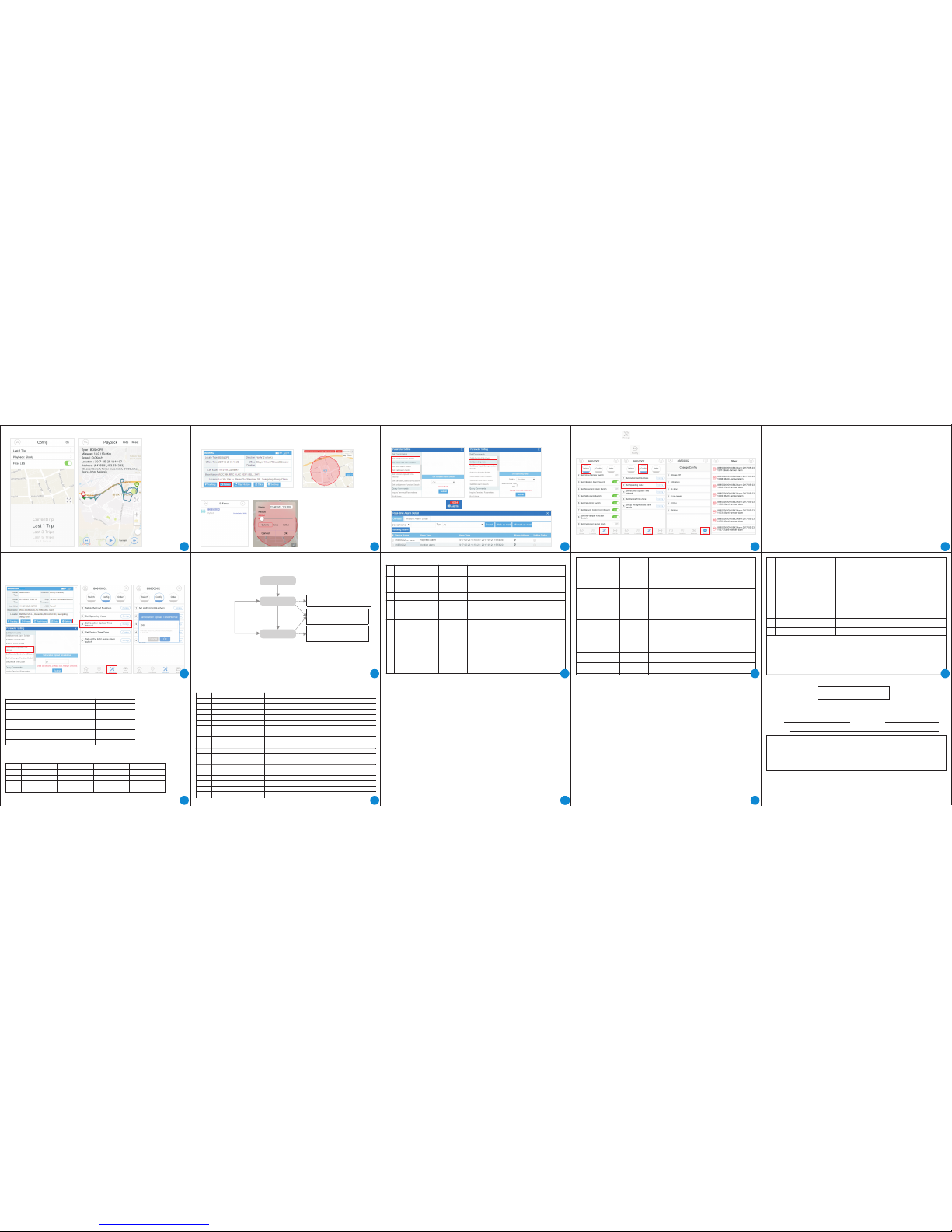
APP:Click history can check the history route.
3.8 Geo-Fence Alarm (IN/OUT Area)
Web platform : Click "fence"and select "new circle fence"or "new polygon fence",can
draw a invisible fence,when device out/in the fence,platform will show alarm.
device out/in the fence,platform will show alarm.
APP : Click "location"and select more functions -add new fence or select fast fence ,when
3.9
Web plat form : C lick "Se tting s"can s et the di ffere nt alar m switc h.
Set ove r speed t hresh old : Free t o set in an y speed .
Mult iple Al armin g
Check the total alarms : Click in the upper right corner can check all notifications.
Setting Over speed alarm : Click "config" - set speeding value-config
Check alarms : Click "Notify" to view the relevant alarm information,as shown in Figure 6 below.
APP : Click "Manage" can set the different alarms switch.
The "no tify" s hows th e total a larms o f the dev ice , the p roduct h as a tamp er / ligh t / low
power / v ibrat ion / dis place ment / ov er spee d alarm , etc., in t he Web or A PP to sel ect the
appro priate a larm to r emind t he swit ch.
(1) Low p ower al arm: Wh en the in terna l batter y volt age is lo wer tha n 3.6V, wil l
autom atica lly sen d an alar m to the pla tform .
(2) Tampe r alarm : When th e equip ment ta mper sw itch is d etect ed to be rem oved, i t will
autom atica lly sen d an alar m to the pla tform .
(3) Lig ht alar m: equi pment i nstal led in th e dark , when th e devic e in the pho tores istor t o
detec t the lig ht, it wi ll auto matic ally se nd an alar m to the pl atfor m.
(4) Dis place ment an d vibra tion al arm: Wh en the de vice se nses th at the ve hicle i s
abnor mally v ibrat ed or is il legal ly move d, it wil l automa tical ly send a n alarm t o the
platf orm.
(5) Ove r speed a larm: s peed al arm to se t the spee d thres hold, w hen the d evice s peed
excee ds the th reshol d, it wil l autom atica lly sen d an alar m to the pl atfor m. The de fault
speed t hresh old is 12 0km / h, an d 0 indic ates the o versp eed ala rm is off.
3.10 S et GPS up loadin g inter val
The GPS default uploading interval is 30 seconds,you can set the minimum to 10 seconds ,
and it will uploading more frequently and correspond will cost more battery and GPRS data.
Web plat form : Cl ick "Se tting s”-Se t GPS upl oad tim e inter val.
APP: Clic k "Mana ge"-"c onfig "-Set G PS uplo ad time i nter val.
4. Mod es
The T80 2 can aut o-cha nge the w orkin g mode in d iffere nt situ ation s.
Tracki ng Mode
Devic e stopp ed
Sleep ing Mod e
Upload l ocati on data t o platf orm
each 30 se conds .
Detec t vibra tion
or move ment
Start Mo ving
Devic e was stop
over 3 min utes
In this tw o mode, user ca n send
comman d via pla tform &APP or
SMS to the d evice .
GPS offl ine ,GP RS keep
conne cting, Uploa ding a da ta to
platfo rm ever y 3 minu tes.
Supplement:
*Each time the device wakes up from a low-power mode, it will perform AGPS fast positioning.
If the network abnormality causes the AGPS to fail, it will try several times.
*If the satellite positioning fails, the device will upload base station location data to the server,
base station positioning accuracy is lower than the satellite positioning.
8. Trou ble Sho oting
èT802 is o fflin e?
Solut ions: c all T80 2, if it do es not an swer:
Pleas e confi rm that t he powe r suppl y is conn ected , and the GS M indic ator is l ighte d.
Pleas e confi rm that t he SIM ca rd is ins erted c orrec tly or it s balanc e is enou gh.
If it ans wered , pleas e confi rm that th e accou nt you lo gged in i s corre ct.
If it is st ill off line, p lease re star t the T80 2.
èGPS pos ition ing is no t accur ate?
Solut ion: Pl ease co nfirm T 802 is in o utdoo r enviro nment , and GPS a ntenn a is not bl ocked
by meta l objec ts.
The pos ition ing acc uracy o f GPS is abo ut 10 met ers. If t he posi tioni ng is not s o accur ate,
the T80 2 may be in i ndoor p lace. I f the GPS s ignal i s weak, t he Cell -ID pos ition ing wou ld
enabl e. The po sitio ning ac curac y about 1 0~30m of C ell-I D is usua lly wor se than t hat of
GPS. You ca n enabl e or disa ble the C ell-I D posit ionin g in the pl atfor m.
èCan not r emote ly list en?
Solut ions:
Pleas e confi rm that t he SIM ca rd in the T 802 has th e voice c all fun ction .
Pleas e confi rm that t he list ening f uncti on of T802 i s enabl ed.
èNot thi s IMEI or U ser Nam e?
Solut ion: Pl ease co ntact w ith our s ervi ce staf f, they wil l add you r accou nt into t he syst em.
9. Serv ice and Warranty
è
è
è
è
m
m
m
m
You can return or chan ge the product i f the damage occ ur at performa nce within 7 day s.
It is free to repair the product within a year if the damage are not manually.
Please show the Warranty Card and do not alter it when you want to get relation help. If not,
we reserved the right of no warranty.
We will provide the warranty service with no free in the following cases:
Damaged T802 by human factors.
Damaged by mis-wiring.
Damage caused by force majeure, such as Natural fire, lightning.
Mis-operation without reading this manual.
5. SMS C omman ds
Comma nds Nam e
Comma nds
Conten ts
Set guardian number
sos,
xxxxx xxxxx x
Sending SMS to inquiry
C
Parameters inquiring
SR
CLOSE, N 1
Enable/disable SMS alarm
DH, N1
Enable /disa ble cal ling
alarm
xxxxxxxxxxx---the guardian number
Note: if the guardian number is null, it is meant to clear the
guardian number
Sending SMS to inquiry the current position
Inquiry the parameters of T802
N1 means if the “SMS alarm” function is enabled or not
“N1=1” means disabled, “N1=0”means enabled
—
N1 means if the “call to alarm” function is enabled or not
“N1=1” means enabled, “N1=0”means disabled
—
Expla natio ns
JGBJ,N 1,N2,
N3
Light de tecte d alarm
1
2
3
4
5
6
NO
ZD,N1,N 2,N3
Vibrat ion ala rm
settin g
Low-po wer
alarm se tting
DY,N1,N2 ,N3
10
DY set low-power alarm
N1 means if the “low-power alarm” function is enabled or not
“N1=1” means enabled, “N1=0” means disabled
N2 means if the SMS function of low-power alarm is enabled or not
“N2=1” means enabled, “N2=0” means disabled
N3— means if the Call function of low-power alarm is enabled or not
“N3=1” means enabled, “N3=0” means disabled
—
—
—
ZD---set vibration alarm
N1--- means if the “vibration alarm” function is enabled or not
“N1=1” means enabled, “N1=0” means disabled
N2--- means if the SMS function of vibration alarm is enabled or not
“N2=1” means enabled, “N2=0” means disabled
N3--- means if the Call function of vibration alarm is enabled or not
“N3=1” means enabled, “N3=0” means disabled
7
CSBJ--- set overspeed alarm
speed---the upper limit value of speed, with a range in 40-60km/h.
It also can be 0. “0”means the overspeed alarm is disabled
n1 means if the SMS function of overspeed alarm is enabled or not
“n1=1” means enabled, “n1=0” means disabled
n2 means if the Call function of overspeed alarm is enabled or not
“n2=1” means enabled, “n2=0” means disabled
—
—
CSBJ,s peed,
n1,n2
Overs peed al arm
setti ng
8
9
15
WLSMS, N1
Geo-fe nce ala rm
settin g
WY,N1,N 2,N3
Displa cemen t
alarm se tting
N1 means if the “Geo-fence alarm” function is enabled or not
“N1=1” means enabled, “N1=0” means disabled.
—
WY set displacement alarm
N1 means if the “displacement alarm” function is enabled or not
“N1=1” means enabled, “N1=0” means disabled
N2 means if the SMS function of displacement alarm is enabled or not
“N2=1” means enabled, “N2=0” means disabled
N3— means if the Call function of displacement alarm is enabled or not
“N3=1” means enabled, “N3=0” means disabled
—
—
—
14
Note:
èN1/N2/N3 mus t be equal to 0 or 1.
èExcept setti ng the guardian n umber comman d, other comma nds can only be is sued by
the guardian n umber.
èFor example:CS BJ,60,0,1 indi cates that it wi ll make an call ala rm of overspeed w hen the
speed exceed s 60km/h; DY,1,1, 0 indicates tha t it will make a SMS al arm of low power wh en
the T802’s pow er is low.
12
ITV--- set transmission time.
N1---the specified time value of transmission, with a range in
15-3600s.
ITV,N1
GPS upl oading
inter val
Reset al l setti ngs to fa ctory e xcept t he IP add ress an d port
of serv er.
CLEAR
Reset to factory
Restar t T802 RESET
Restart the T802
11
19
24
16
18
23
28
16
21
26
17
22
19
27
JGBJ --- light alarm setting N1 --- light alarm function is turned
on or off
Valid values are 0 or 1,0 for off, 1 for on
N2 --- light alarm corresponding to the SMS alarm notification
is turned on or off
Valid values are 0 or 1,0 for off, 1 for on
N3 --- light alarm corresponding to the telephone alarm
notification is turned on or off
Valid values are 0 or 1,0 for off, 1 for on
Alarm st atus
inquir ing
ALMSW
Inquiry if the alarm is enabled or not
GPS sle eping
setti ng
sleep, N1
Sleep---Set sleeping of GPS
N1---means if the “GPS sleeping” function is enabled or not
“N1=1” means enabled, “N1=0” means disabled
6.De fau lt se ttin gs
6.1 Bas ic para meter s are set by d efaul t
Defau lt item
guard ian(S OS) num ber
Sleep ing mod el swit ch
SMS Ale rts swi tch
Call al arm swi tch
Vibra tion al arm sen sitiv ity
Over sp eed ala rm thres hold
Uploa ding in terva l
Forti fy fun ction (vibr ation , movem ent )
Status
Empty
On
Off
Off
Low
120km /h
30 seco nds
Off
6.2 Sep arate a larm swi tch def ault se tting
There a re three k inds of a larm, t eleph one, pl atfor m three al arm met hods, e ach ala rm
suppo rts one o r more di ffere nt alar m mode.
Note: To ac hieve t he tele phone / S MS alarm f uncti on to ope n the pho ne / SMS al arm swi tch
Alarm s type
Low pow er
Anti re move
Light a larm
Geofe nce ala rm
(Plat form) switc h
On
On
On
On
SMS swi tch
Off
Off
Off
Off
Call sw itch
Off
Off
Off
Off
NO.
1
2
3
4
15
20
25
7. Par amete rs
Items
GSM fre quenc y
BDS/G PS chip
GPRS
Sensi tivit y of BDS/ GPS
BDS/G PS Accu racy
Cell ID A ccura cy
Speed A ccura cy
A-GPS St art-u p
Fast Pos ition ing
3D G-Se nsor
Batte ry
Storag e Tempera ture
Opera ting Temp eratu re
Humid ity
Opera ting Cu rrent
Sleep ing Cu rrent
Dimen sions
Net Weig ht
NO
1
2
3
4
5
6
7
8
9
10
11
12
13
14
15
16
17
18
Value
850MH z/900 MHz/1 800 MHz /1900 M Hz
Compa tible w ith u-b lox/BD S
Class 1 2,TCP/ IP buil d in GSM MO DULE
-163d Bm
10m (op en sky)
50-20 00m
0.1m/ s
≤25s (op en sky)
Suppo rts AGP S
±8g(A ll Dire ction )
6000m Ah/re charge able
-40~+ 85゜C
-20~+ 70゜C
20%~8 0%RH
< 50mAh
< 3.5mA
62*12 0*25m m
223g
13
WARR ANTY CA RD
Name
Purch ase Dat e
Conta ct
Email
Addre ss
Deale r's Stam p
Please send this warranty card to
M3 Asia Sdn Bhd
Lot 17.1, Level 17,Menara Lien Hoe,Persiaran Tropicana,47410,Petaling
Jaya,Selangor,Malaysia or email to support @m3asia.com.
Tel No.03-7886 2423 Web:www.m3asia.com
 Loading...