

Page 1
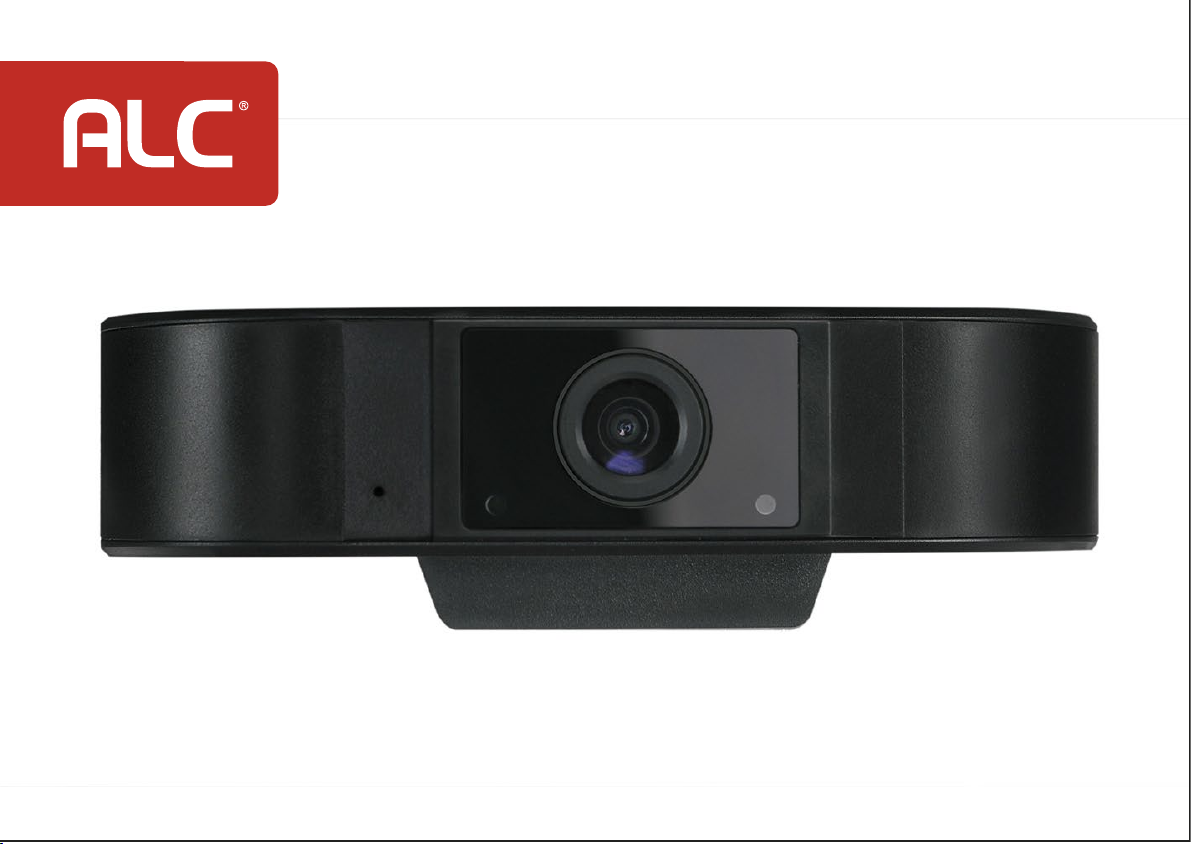
Web Camera Full HD 1080p
Model AWC05
Quick Start Guide
Page 2
Getting Started
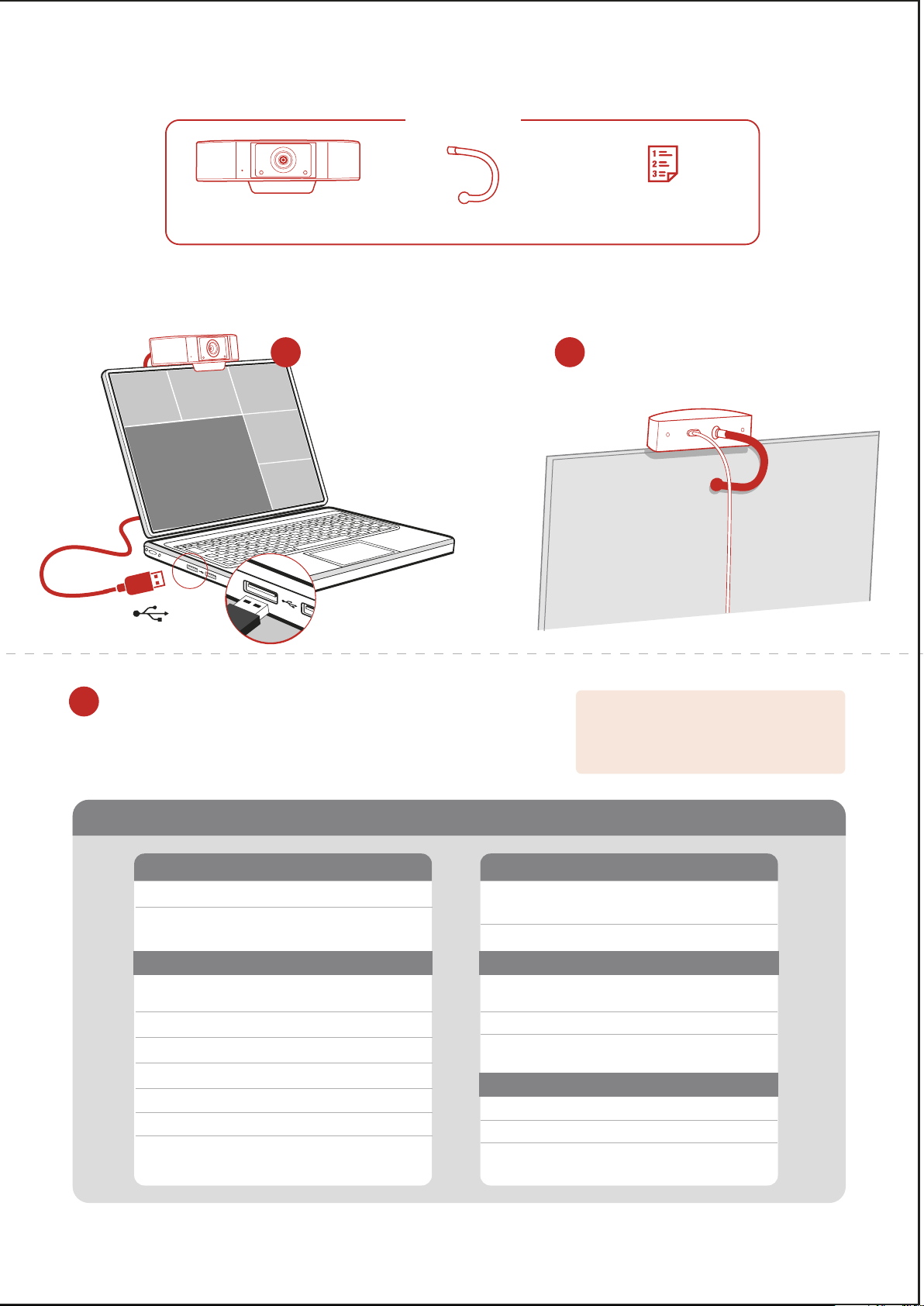
In the Box
USB 2.0 connection
Web camera with
built-in 4.5 ft. USB cable
Plug the cable from the back
1
of the camera into the USB
port of your laptop or monitor.
Flexible mounting
bracket
Easy Installation
Quick Start Guide
Screw in the flexible mounting rod
2
into camera back and bend as needed
to rest camera securely.
Plug & Play Installation
3
No need for software drivers or additional software installation, your web
camera supports all UVC standards, it will run by itself automatically.
(Compatible with Mac OS 10.10 and higher, Windows 7, 8, 10)
SPECIFICATIONS
Web Camera
Sensor
Supports
Compression
Max Resolution
Frame Rate
Viewing Angle
White Balance
Light Correction
2.0 MP, 1/2.9"CMOS
Windows 7, 8, 10;
Mac OS 10.10 and higher
Video
Video
H.264
1920 x 1080px (Full HD)
30fps
80°
Lens
3.6mm
Auto
Auto
Audio
Signal-Noise Ratio
Operating Conditions
Working
Temperature
Working Humidity
Environmental
Conditions
Power Supply/Camera Specs
Length of USB cable
Power
Camera Size
(Weight)
NOTE: On certain applications you might have
to select camera. If asked, choose the following:
“
UVC Camera
work automatically.
Audio
Built-in microphone,
voice pick up within 16 ft
> 50dB
-4°F to + 131°F
10% - 90% non-condensing
Indoor
4.5 ft (1.5m)
DC5V/160mA (±6mA) from USB
3.9” x 1.18” x 0.91”
(0.18 lbs.)
“. Then, your web cam should
ALCwireless.com
Page 3

ALC Cares About You!
If you need assistance, please contact
CUSTOMER SUPPORT at 1-844-767-8544
or visit ALCwireless.com for assistance.
MADE IN CHINA. Distributed by Atoms Labs LLC
©2020 Atoms Labs LLC, Flower Mound, TX. All rights reserved. Mac OS is a registered trademarks
of Apple, Inc. Windows is a registered trademark of Microsoft, Inc. Certain other product names,
brand names, and company names may be trademarks or designations of their respective owners.
One-Year
Limited Warranty
https://www.alcwireless.com/warranty/
 Loading...