

Page 1
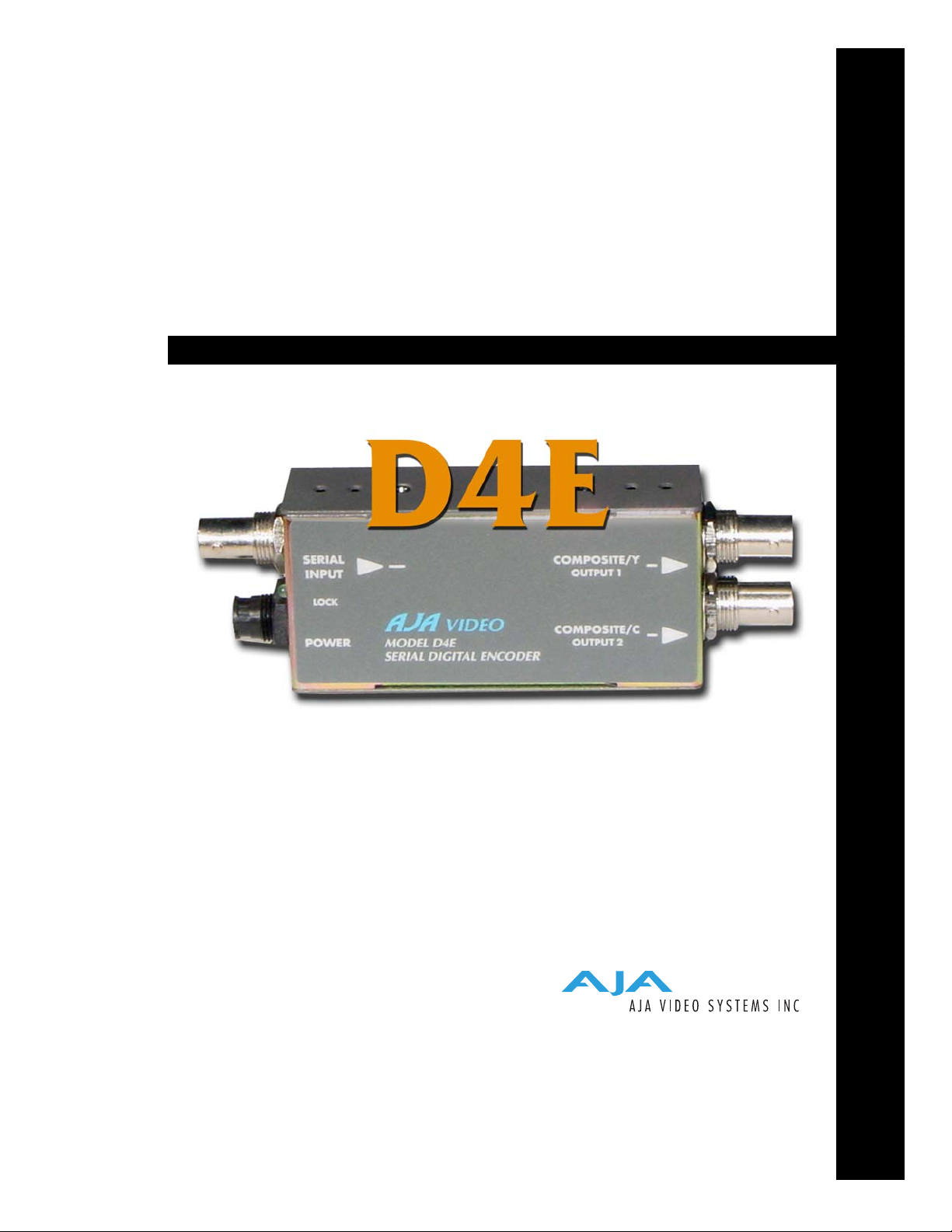
D4E Serial
Digital Encoder
User Manual
December 5, 2003 P/N 101634-00
Page 2

2
Trademarks
AJA, Io, and Kona are trademarks of AJA Video, Inc. All other trademarks are the property of their
respective holders.
Notice
Copyright © 2003 AJA Video, Inc. All rights reserved. All information in this manual is subject to
change without notice. No part of the document may be reproduced or transmitted in any form,
or by any means, electronic or mechanical, including photocopying or recording, without the
express written permission of AJA Inc.
FCC Emission Information
This equipment has been tested and found to comply with the limits for a Class A digital device,
pursuant to Part 15 of the FCC Rules. These limits are designed to provide reasonable protection
against harmful interference when the equipment is operated in a commercial environment. This
equipment generates, uses and can radiate radio frequency energy and, if not installed and used in
accordance with the instruction manual, may cause harmful interference to radio
communications. Operation of this equipment in a residential area is likely to cause harmful
interference in which case the user will be required to correct the interference at his own expense.
Changes or modifications not expressly approved by AJA Video can effect emission compliance
and could void the user’s authority to operate this equipment.
Contacting Support
Limited Warranty
To contact AJA Video for sales or support, use any of the following methods:
443 Crown Point Circle, Grass Valley, CA. 95945 USA
Telephone: +1.800.251.4224 or +1.530.274.2048
Fax: +1.530.274.9442
Web: http://www.aja.com
Support Email: support@aja.com
Sales Email: sales@aja.com
When calling for support, have all information on the product (serial number etc.) at hand prior to
calling.
AJA Video warrants that this product will be free from defects in materials and workmanship for a period of five years
from the date of purchase. If a product proves to be defective during this warranty period, AJA Video, at its option, will
either repair the defective product without charge for parts and labor, or will provide a replacement in exchange for the
defective product.
In order to obtain service under this warranty, you the Customer, must notify AJA Video of the defect before the expiration
of the warranty period and make suitable arrangements for the performance of service. The Customer shall be responsible
for packaging and shipping the defective product to a designated service center nominated by AJA Video, with shipping
charges prepaid. AJA Video shall pay for the return of the product to the Customer if the shipment is to a location within
the country in which the AJA Video service center is located. Customer shall be responsible for paying all shipping charges,
insurance, duties, taxes, and any other charges for products returned to any other locations.
This warranty shall not apply to any defect, failure or damage caused by improper use or improper or inadequate
maintenance and care. AJA Video shall not be obligated to furnish service under this warranty a) to repair damage resulting
from attempts by personnel other than AJA Video representatives to install, repair or service the product, b) to repair
damage resulting from improper use or connection to incompatible equipment, c) to repair any damage or malfunction
caused by the use of non-AJA Video parts or supplies, or d) to service a product that has been modified or integrated with
other products when the effect of such a modification or integration increases the time or difficulty of servicing the
product.
THIS WARRANTY IS GIVEN BY AJA VIDEO IN LIEU OF ANY OTHER WARRANTIES, EXPRESS OR
IMPLIED. AJA VIDEO AND ITS VENDORS DISCLAIM ANY IMPLIED WARRANTIES OF
MERCHANTABILITY OR FITNESS FOR A PARTICULAR PURPOSE. AJA VIDEO’S RESPONSIBILITY TO
REPAIR OR REPLACE DEFECTIVE PRODUCTS IS THE WHOLE AND EXCLUSIVE REMEDY PROVIDED TO
THE CUSTOMER FOR ANY INDIRECT, SPECIAL, INCIDENTAL OR CONSEQUENTIAL DAMAGES
IRRESPECTIVE OF WHETHER AJA VIDEO OR THE VENDOR HAS ADVANCE NOTICE OF THE
POSSIBILITY OF SUCH DAMAGES.
Page 3

•
•
•
•
•
•
•
Introduction
Features
AJA D4E Serial Digital Encoder User Manual — Introduction
The D4E SDI Encoder provides the lowest cost all-digital conversion of Component
Serial Digital (SDI) to analog NTSC or PAL Composite or Y/C (S Video). The D4E
is useful for monitoring, level and phase checking, dubbing, or desktop video
applications. The D4E automatically adapts to NTSC or PAL video standards and
outputs analog NTSC (525 line input) or PAL (625 line input).
The D4E encodes the full dynamic range of input component video—values below
black and above white are not clipped. In the NTSC mode, the 7.5 IRE pedestal can
be disabled by external DIP switch selection. Narrow/wide H/V blanking are also
configurable via DIP switches.
1
SDI Input, SMPTE 259M
Lowest-Cost SDI to NTSC/PAL Available
2 Composite-Y/C Analog Outputs
Automatic NTSC/PAL Selection
Built-In Test Pattern
Ultra-Miniature Size Mounts Anywhere
3
Block Diagram
I/O Connections
SDI Input
BNC
+ 5VDC
Power
Input
External DIP switch user interface for configuration
DIP
Switch
User
Interface
for
Feature
Selection
Serial
Video
In
ReClock
D/A
Converter
COMPOSITE OR Y/C OUTPUTS
(selected by DIP switch)
1
Filter
Filter
COMP
2
COMP
Y
C
D4E SDI to Analog Component and Composite Converter, Block Diagram
Composite
and Y/C
Output BNCs
Configuration
Determined by
DIP switch on
other side
D4E, Side View
Page 4

4
User Controls
The user interface for the D10CE is a 4-switch
DIP accessible through a cut-out in the
bottom of the unit. Use the DIP switches to
configure output, pedestal, blanking, and
enable or disable the test signal output.
Switches 1 through 3 control the format of the
output BNC. Switch 4 turns the test signal on
and off. The exact function of each DIP switch
and what it controls is described on the
DIP Switches
OFF ON
following pages.
Dip Switch Functions All dip switches are accessible through a cut-out in the bottom of
the unit.
Switch 1—Selects Y/C or Composite Output at the 2 Output
BNCs
:
ON OFF
Selects Y/C (S-video) output at the two
BNCs)
Selects composite video output at the two BNCs
Switch 2—Configure Blanking
:
ON OFF
WIDE Blanking:
Vertical—
Line numbers indicate where video starts)
line 20, field 1; line 20, field 2 (525 line)
line 23, field 1; line 336, field 2 (625 line)
Horizontal—
Active video line duration
ITU-R/SMPTE (710 pixels NTSC,
702 pixels PAL)
NARROW (NAR) Blanking:
Vertical—
Line numbers indicate where video starts
line 13, field 1; line 12, field 2 (525 line)
line 10, field 1; line 322, field 2 (625 line)
Horizontal—
Active video line duration's)
ITU-R.470 (720 pixels PAUNTSC)~-
Switch 3—Configure Pedestal For Composite/Sync BNC
:
ON OFF
7.5 IRE pedestal for NTSC (also selects
BETA 525 levels for YPbPr)
Note:
There is no effect with 625 input.
No pedestal (also selects SMPTE levels for
YPbPr)
Switch 4—Turn Test Signal Output On or Off
Page 5

1.
2.
3.
4.
Installation
AJA D4E Serial Digital Encoder User Manual — Installation
:
ON OFF
Output 75% Color Bars (requires a valid
Normal Operation—no test signal is output
SDI input)
Notes:
1. The D4E is programmed for a 1.3 MHz chroma bandwidth when operating in
composite video mode. This provides the best quality video when encoding component
digital video. However with lower cost monitors, it may be desirable to reduce the
composite chroma bandwidth to 650 Khz to reduce the effects of cross-color artifacts.
This option is available from AJA Video as a special order.
1
2. The encoder D-to-A chip used in the D4E has an 8-bit input for component digital
video and 10-bit D-to0-A converters for the analog outputs. This configuration is often
described as an 8-bit “signal path” and 10-bit “Quantization.” Due to the internal
processing of the encoder chip, it is advantageous to use 10-bit D-to-A converters at the
output even though the input is 8-bits.
Typically, D10CE installation consists of the following:
5
Specifications
disconnect +5VDC from the convertor
configure the DIP switch for the desired equipment configuration and video formats
connect video equipment to the convertor BNCs
apply +5VDC power to the converter (AJA power supply model DWP)
Item Specification
Serial Input SMPTE 259M 270MB, (SDI)
SDI Cable Equalization 300 meter 8281 typical
Outputs NTSC/PAL, 2 BNC
Or NTSC/PAL Y/C, 2 BNC
Frequency Response +/- .25dB to 5.5MHz (Y)
+/- .25dB to 2.0MHz (Chroma - S-Video)
+/- .25dB to 1.3MHz (Chroma - Composite)
2T K factor < 1% (Y)
Differential Gain < 1 .5%
Differential Phase < 1 .5 degree
Y/C delay 10ns maximum
D/A Converters 10 bits
Signal Path 8 bits
Delay (input to output) 1.5us
Output level adjustment +/- 20% (internal)
Page 6

6
Item Specification
Output level matching 1 .5% or 10mv (All outputs are separately buffered)
Power
(AJA power supply model DWP)
Size 5.1" x 1.8" x 1" (131 x 44 x 25 mm)
5v DC regulated, 2 watt
 Loading...