

Page 1
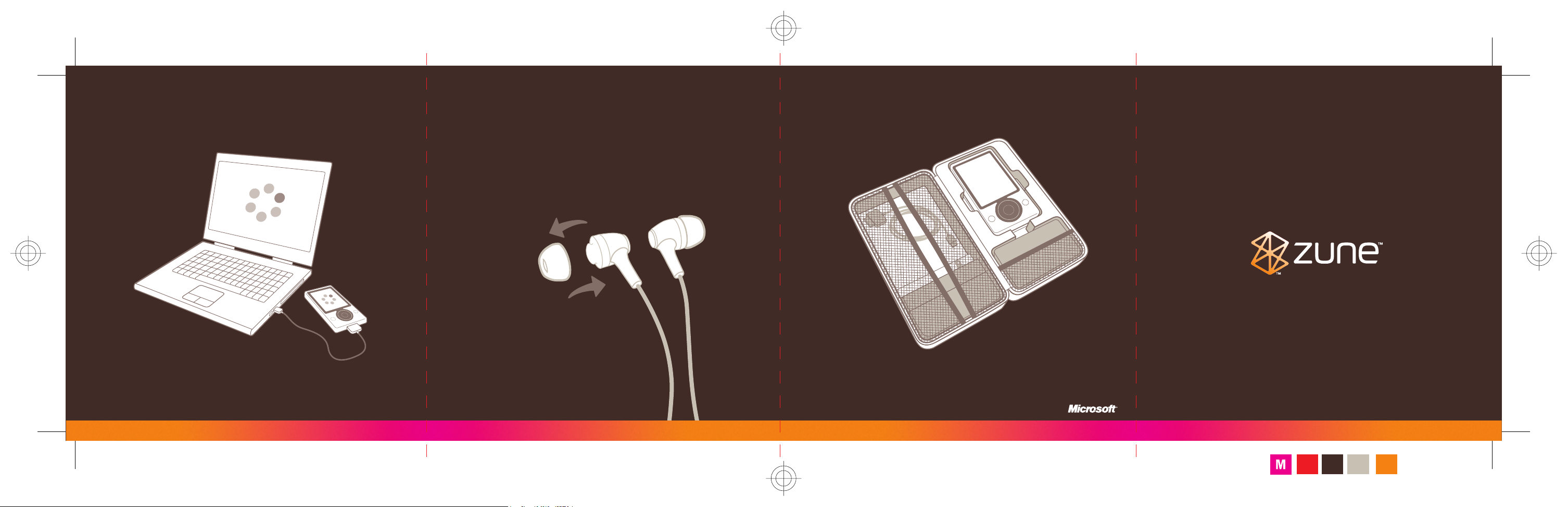
Sync and charge
ZuneTM with your computer.
– Silicone sleeves ensure a
comfortable t while blocking
external noise.
– Choose the sleeves that best t
your ears. Pull gently to remove
sleeves, push gently to attach.
See the Zune Product Guide for
important safety information.
Carry Zune and your favorite
accessories with convenience
and style.
For more, see www.zune.net.
©2006 Microsoft Corporation. All rights reserved. 0806 Part No. X12-59544-03
Travel Pack
Start
Fold
Pollock PMS Warm
Lines
Gray 4 c
PMS Orange
021 C
Page 2
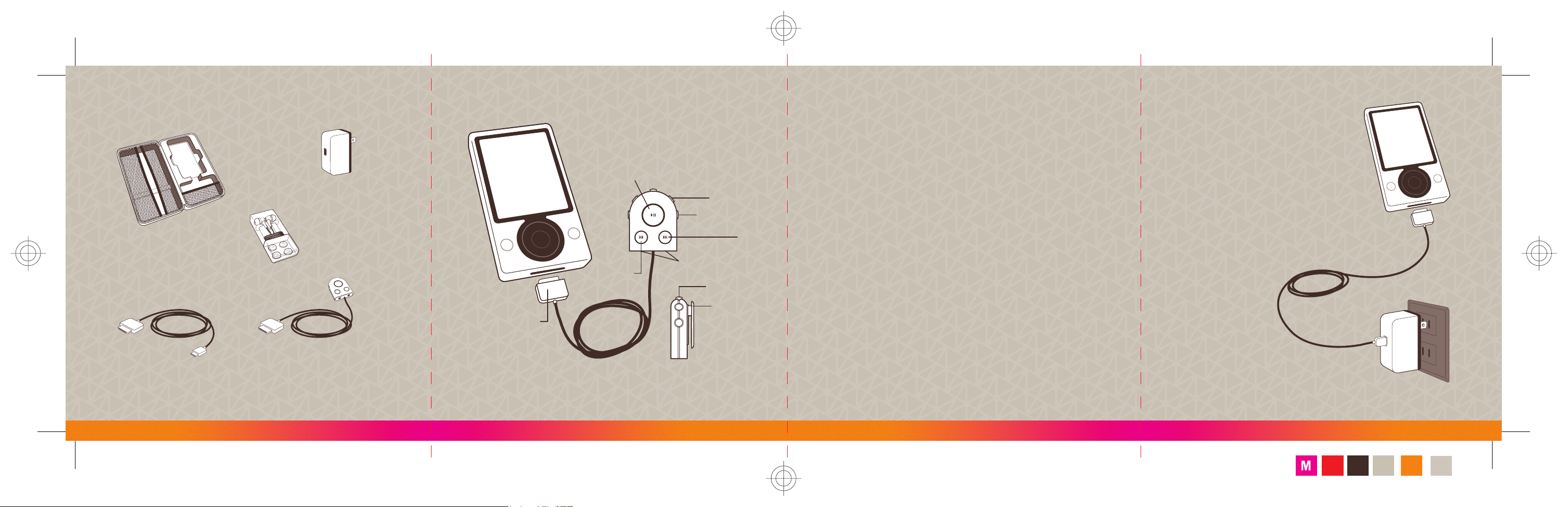
Zune Dual Connect Remote
Zune AC Adapter
Zune Sync Cable
Zune Premium
Earphones
Zune Gear Bag
Remote connector
Next
Hold switch
Play/pause
Swivel clip
Previous
Headphone jacks
Volume down
Volume up
– Each of the remote’s headphone
jacks has its own volume control.
– The headphone jack on your
ZuneTM device remains active
when the remote is connected,
accommodating up to 3 sets of
headphones.
– Using multiple sets of headphones
will drain the battery more quickly.
– The remote’s hold switch locks only
the buttons on the remote. This
means the remote’s buttons can be
active while the Zune device’s are
locked, and vice versa.
– The remote’s swivel clip attaches
easily to belts, straps, and clothing.
– Connect the sync cable to both
the AC adapter and Zune before
connecting to a power outlet.
See the Zune Product Guide for
important safety information.
Fold
Lines
Pollock PMS Warm
Gray 4 c
PMS Orange
021 C
Gloss
Varnish
 Loading...