

Page 1
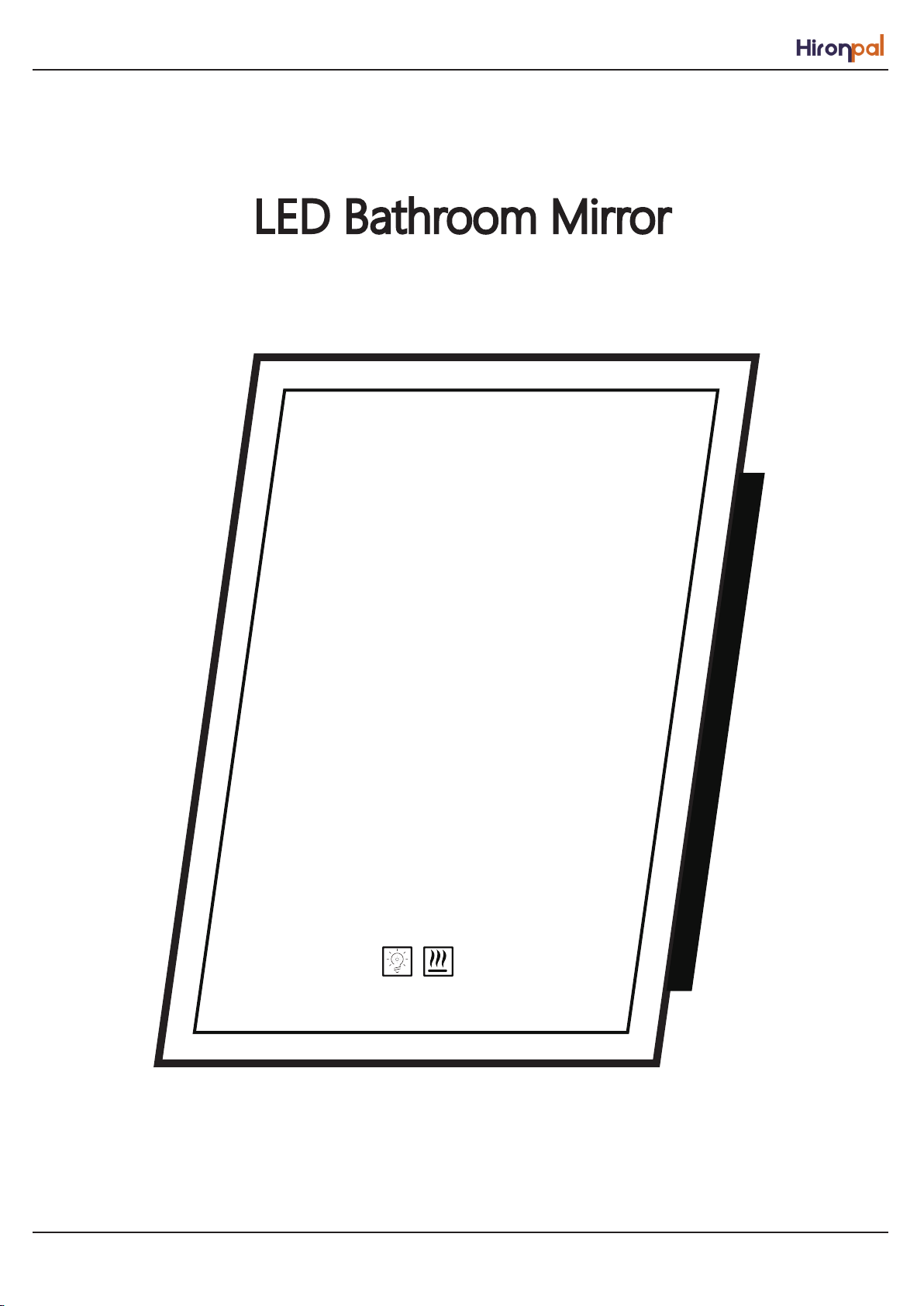
LED Bathroom Mirror
1
Page 2
Installation Steps
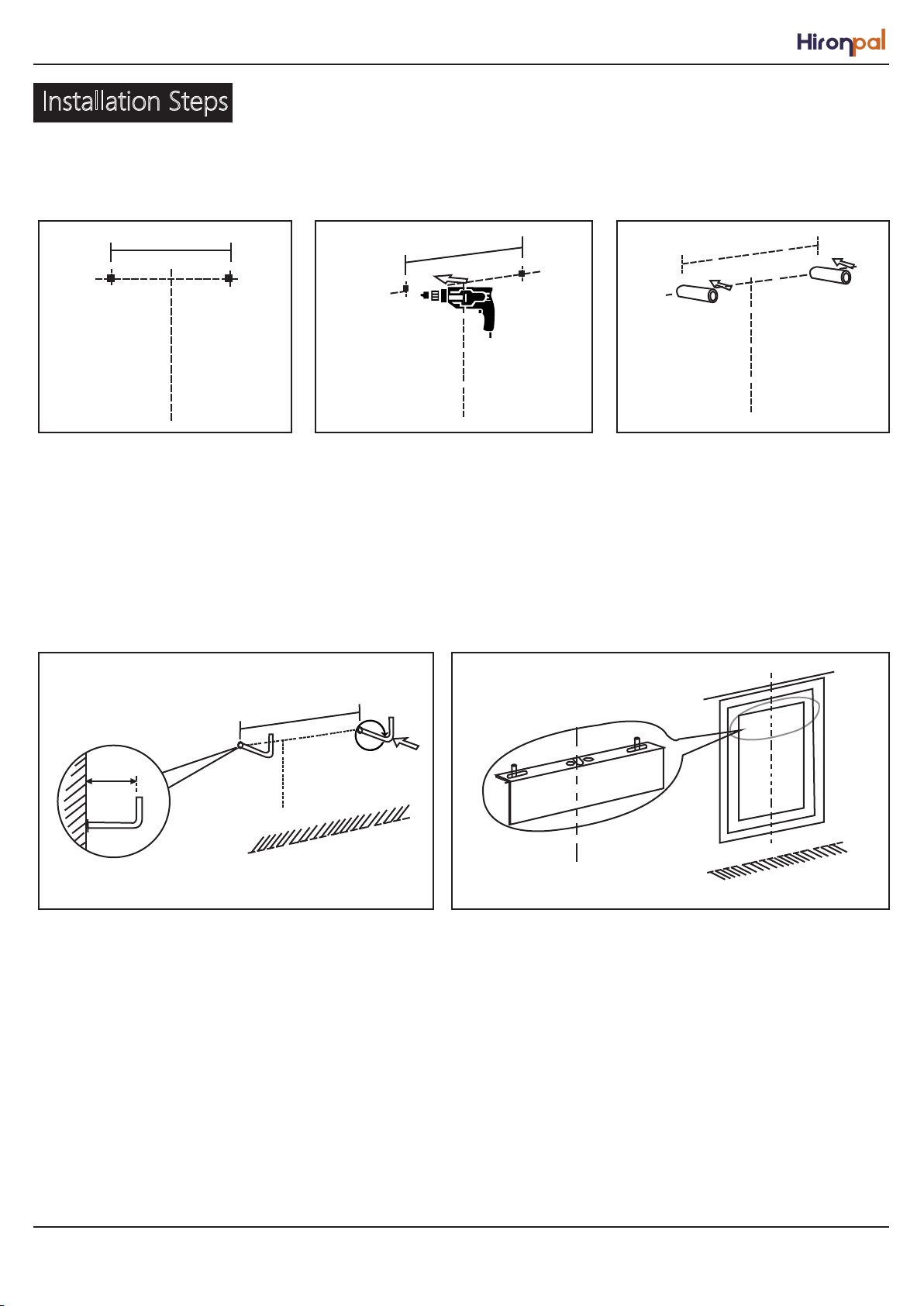
Step 1: Step 2: Step 3:
1.Mark the desired positionon the wall.
2.Drill holes in the middle of the holes.
The diameter and depth should be
large enough for supply pins.
Step 4: Step 5:
20-22cm
3.Place plastic wall plugs inholes.
4.Tighten the elbow screw into the drillinghole on the
wall in clockwise direction. (thescrew should protrude
20-22 mm from thewall).
5.Hang the mirror on the wall.(You can put it vertically or
horizontally according to your needs))
2
Page 3
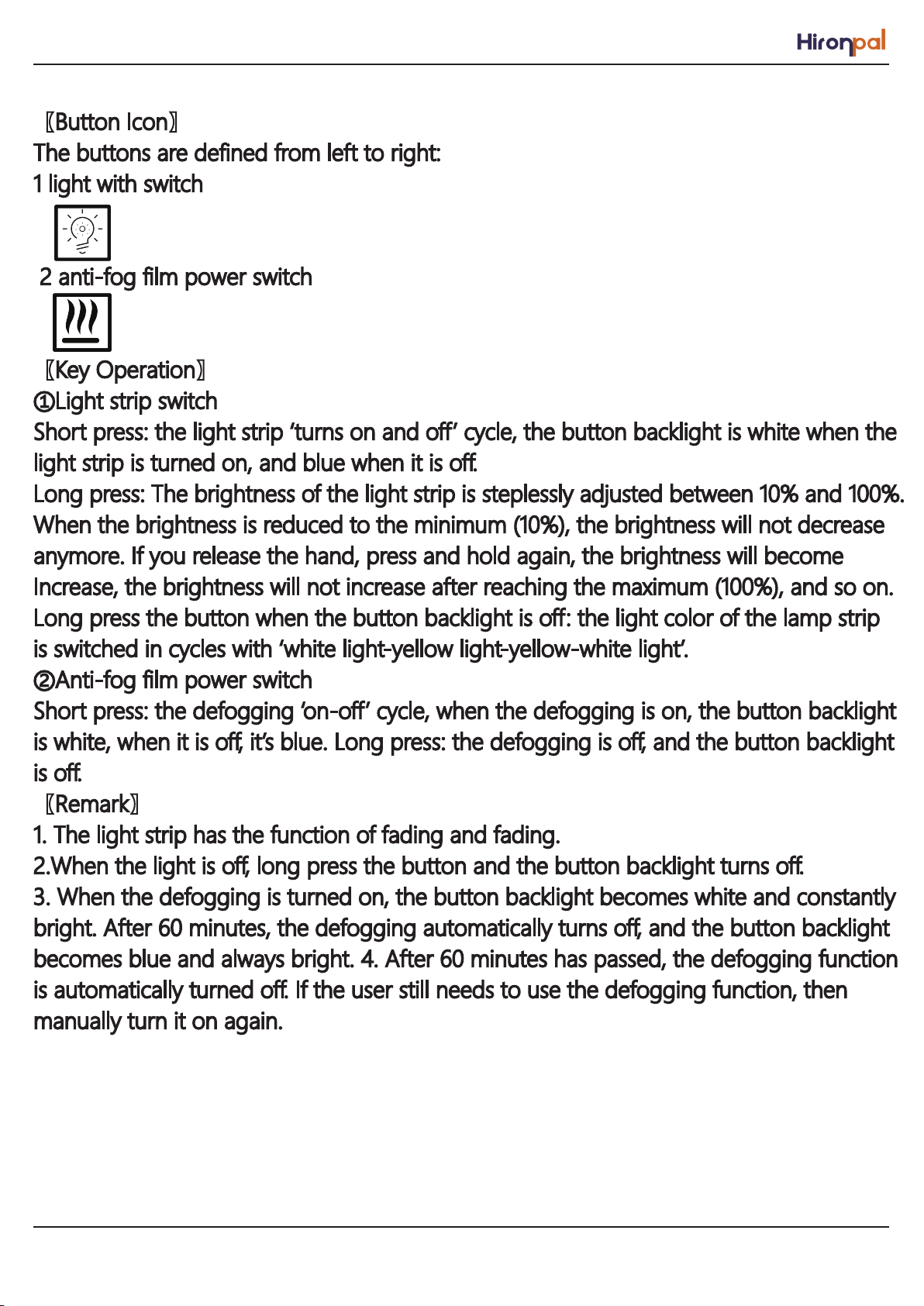
【Button Icon】
The buttons are defined from left to right:
1 light with switch
2 anti-fog film power switch
【Key Operation】
①Light strip switch
Short press: the light strip ‘turns on and off’ cycle, the button backlight is white when the
light strip is turned on, and blue when it is off.
Long press: The brightness of the light strip is steplessly adjusted between 10% and 100%.
When the brightness is reduced to the minimum (10%), the brightness will not decrease
anymore. If you release the hand, press and hold again, the brightness will become
Increase, the brightness will not increase after reaching the maximum (100%), and so on.
Long press the button when the button backlight is off: the light color of the lamp strip
is switched in cycles with ‘white light-yellow light-yellow-white light’.
②Anti-fog film power switch
Short press: the defogging ‘on-off’ cycle, when the defogging is on, the button backlight
is white, when it is off, it’s blue. Long press: the defogging is off, and the button backlight
is off.
【Remark】
1. The light strip has the function of fading and fading.
2.When the light is off, long press the button and the button backlight turns off.
3. When the defogging is turned on, the button backlight becomes white and constantly
bright. After 60 minutes, the defogging automatically turns off, and the button backlight
becomes blue and always bright. 4. After 60 minutes has passed, the defogging function
is automatically turned off. If the user still needs to use the defogging function, then
manually turn it on again.
3
 Loading...