

Page 1
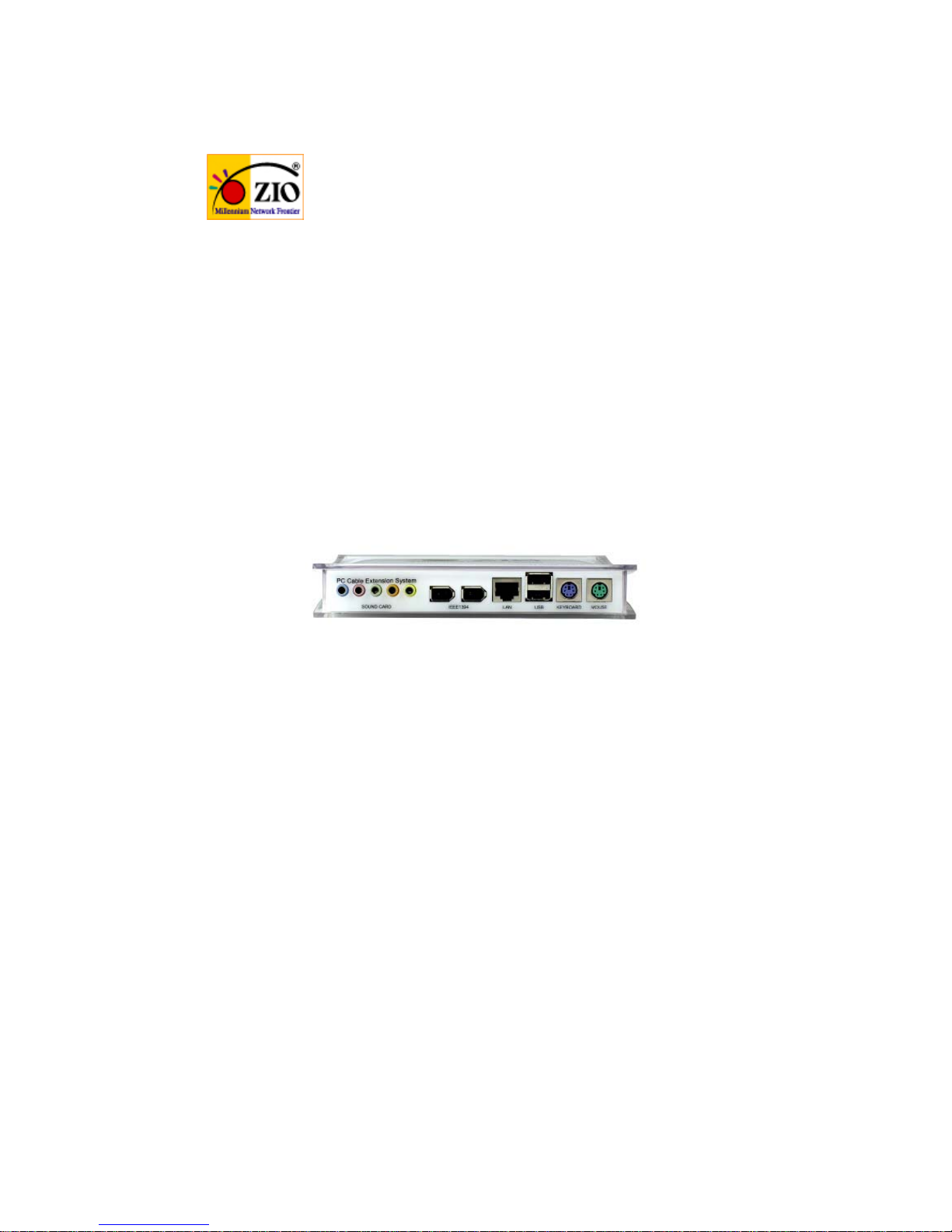
Multi Box
PC Cable Extension System
User's Manual
1. Introduction
Multibox is a computer peripheral's cable extension auxiliary device to connect Lan
card, IEEE 1394, USB 2.0, Sound card, Keyboard and Mouse.
Multibox is easy to install and use it in anywhere and anytime.
Multibox allows user to connect often-used device's cable easily to PC and clean the
behind of PC without any trouble. With beautiful housing, Multibox is an ideal PC
auxiliary device at home and office.
Page 2
2. Feature
■ Beautiful Crystal design
■ Extend 1.8M from LAN card, IEEE 1394, USB, PS/2, Sound port.
■ Easy and to connect from any place
■ Clear computer cable arrangement
3. Specifications
■ 1 LAN Port : RJ-45, Cat. 5
■ 2 USB Ports : Support USB 1.1/2.0, Type A female
■ 2 IEEE1394 Ports : 6Pin,
■ 2 PS/2 Ports : Mouse/Keyboard, Mini-DIN 6 pin F
■ 5 Sound Ports : Support 5.1 Channel
■ Main Master Port : D-SUB 37pin F
■ Sound Master Port : D-SUB 15pin F
■ Main Master Cable : Up to 1.8M ~ 2M
D-SUB 37pin M
1 RJ-45(Cat. 5) Port, 2 USB 2.0 (Type A Male) Port
2 PS/2 (Mini-DIN 6 pin M) Ports , 2 IEEE1394(6Pin M) Ports
■ Sound Master Cable : Up to 1.8M ~ 2M
D-SUB 15pin M, 5 Sound Connectors F Type
(blue, pink, green, black, yellow)
■ Dimention : 179mm(L) x 109mm(D) x 30mm(H)
4. Composition
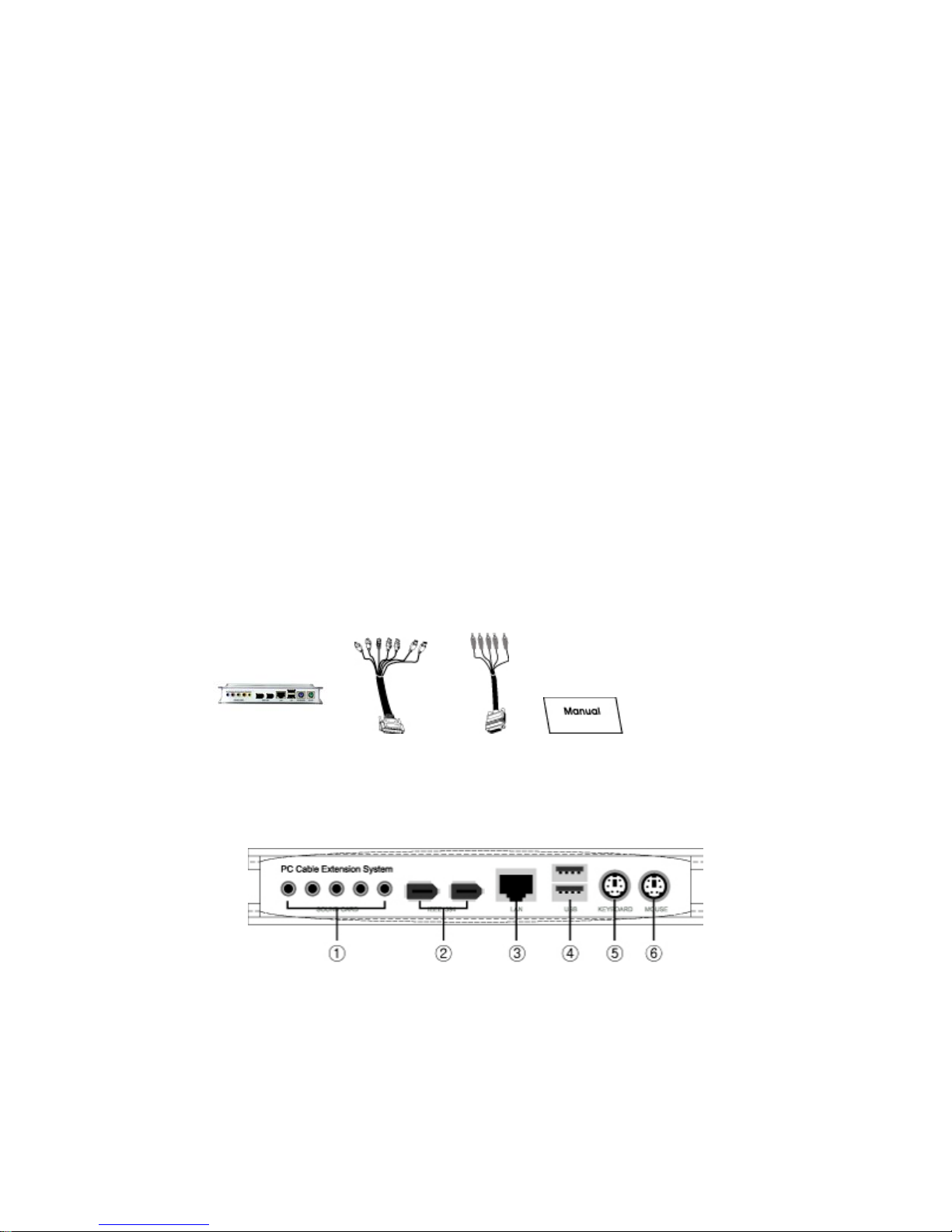
Multibox Master Cable Sound Cable User's Manual
5. Hardware Description
[Front]
Page 3
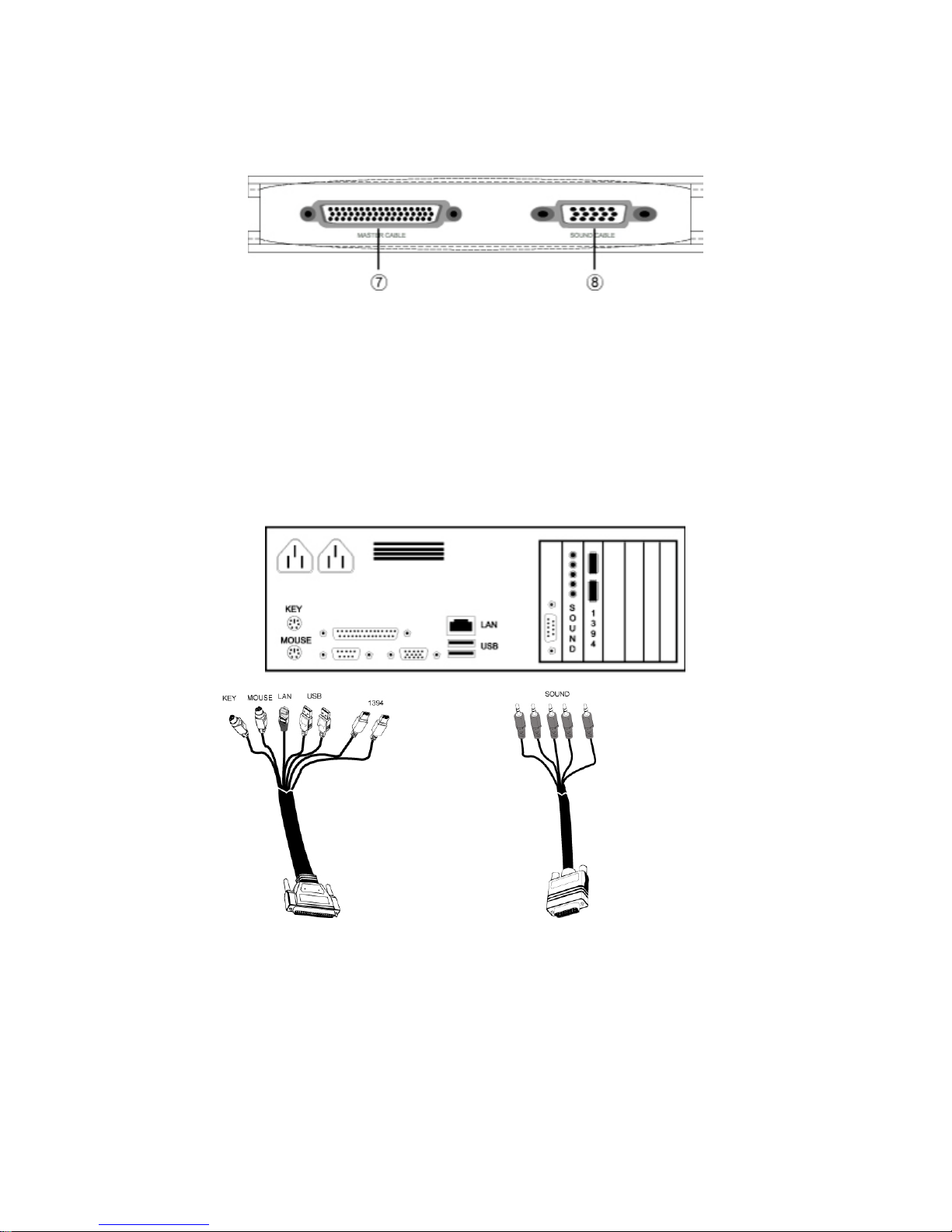
[Rear]
SOUND PORT (Speaker, Mike, Earphone)
IEEE1394 PORT
LAN PORT
USB 1.1, 2.0 PORT
KEYBOARD PORT
MOUSE PORT
MASTER CABLE PORT
SOUND CABLE PORT
6. Installation
Personal Computer
Master Cable Sound Cable
Page 4

Multibox
Step 1 - Connect each connectors of Master cable to each available port in
PC's rear part
Step 2 - If PC is installed a sound card, connect the sound card cable to PC.
Step 3 - Connect master cable and Sound card cable of PC to Multibox.
Step 4 - Connect mouse, keyboard, USB devices, IEEE 1394 devices and
speaker to Multi box.
Step 5 - Installation is completed.
7. Notice
■ Multibox is a cable extension device for PC peripherals. Multibox does not
have any electrical and mechanical effect on PC.
■ Multibox does not have any electrical Circuit. So Multibox is not applicable
to CE or FCC
■ Multibox does not use electric power. So Multibox does not have electrical
effect on PC power.
■ Multibox is a cable extension device to ensure maximum cable distance.
 Loading...