

Page 1
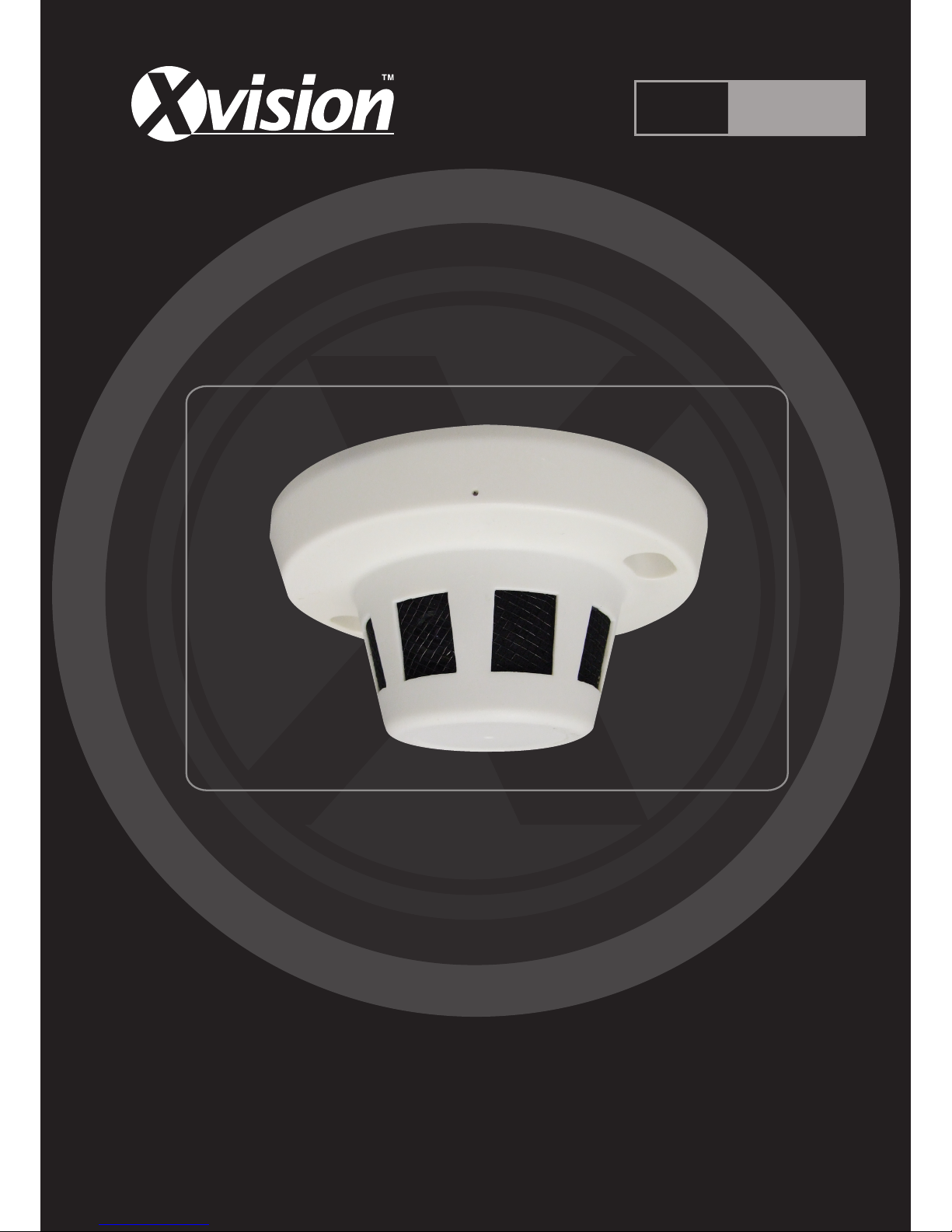
Professional HD 960H Covert Smoke
Alarm Camera with Audio
User Manual
Version 1
Thank you purchasing the XC960SA camera from Xvision.
Please ensure that you read and understand this User Guide before operating the camera.
Please store this User Guide in an easily accessible location.
HD
960H
Page 2

XC960SA
HD
960H
2
www.xvision.com
Contents
1. Product Overview .................................................................................. 4
1.2 Package Contents .......................................................................... 4
2. Installaon ............................................................................................ 5
3. How to Operate the Camera .................................................................. 6
4. Specicaons ........................................................................................ 7
Page 3

XC960SA
HD
960H
3
www.xvision.com
Safety Precauons
1. Do not install the equipment in an environment with too much moisture, dust or smoke dust as this
may result in re or electric shock.
2. In the unlikely event that the equipment should malfuncon and emit an abnormal smell or smoke,
please immediately stop it, shut o the power and contact your supplier.
3. Please do not place this equipment near a heat source to avoid risk of re.
4. Please do not store, install and use this product in danger areas with inammable or explosive
substances.
5. Please make sure the power is turned o when installing the product.
6. Please ensure that you install the camera in an area with good venlaon.
7. When installing the camera, please make sure that it does not face any objects giving out strong lights
as this will damage the CCD of the camera.
Page 4
XC960SA
HD
960H
4
www.xvision.com
Thank you for purchasing the HD 960H XC960SA from Xvision. Please read through this manual carefully
and make sure you understand before operang the camera.
1.1 Features
• High quality camera designed to look like a smoke alarm
• Sony 960H CCD Sensor
• Xvision X1K DSP
• HD960H (960x576) resoluon
• Xvision 3.6mm HD Megapixel Lens for a 78° viewing angle
• 0.01 low lux light level
• Automac Digital Noise Reducon
• Integrated microphone for high quality audio
• Tamper Resistant
• Designed for Wall or Ceiling Mount
1.2 Package Contents
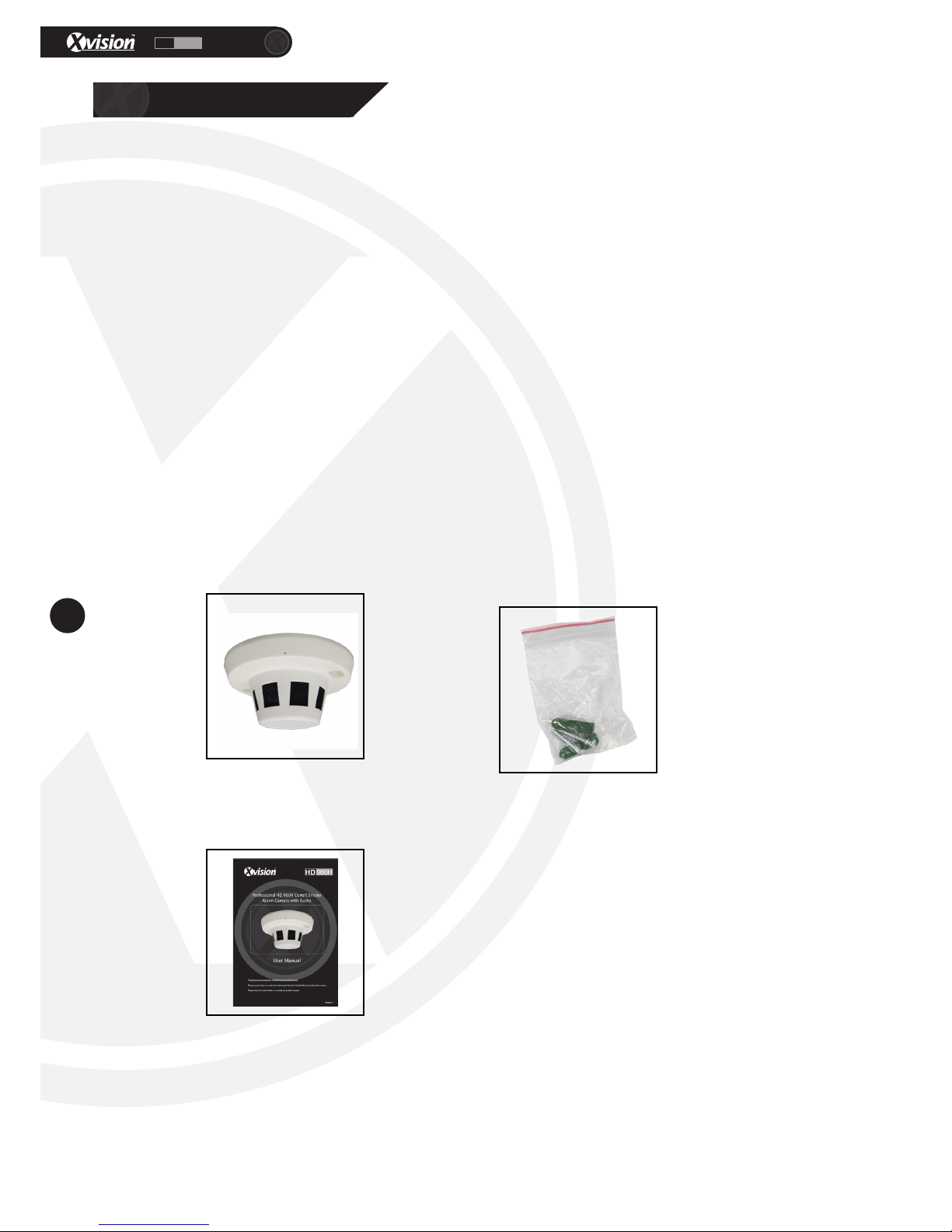
The packaged box for the XC960SA comes with the following items:
Should any of these items be missing, please contact your local distributor.
1. Product Overview
1. Product Overview
XC960SA Camera Installaon Screws/
Wall Plugs
User Manual
Page 5
XC960SA
HD
960H
5
www.xvision.com
1. Product Overview
2. Installaon
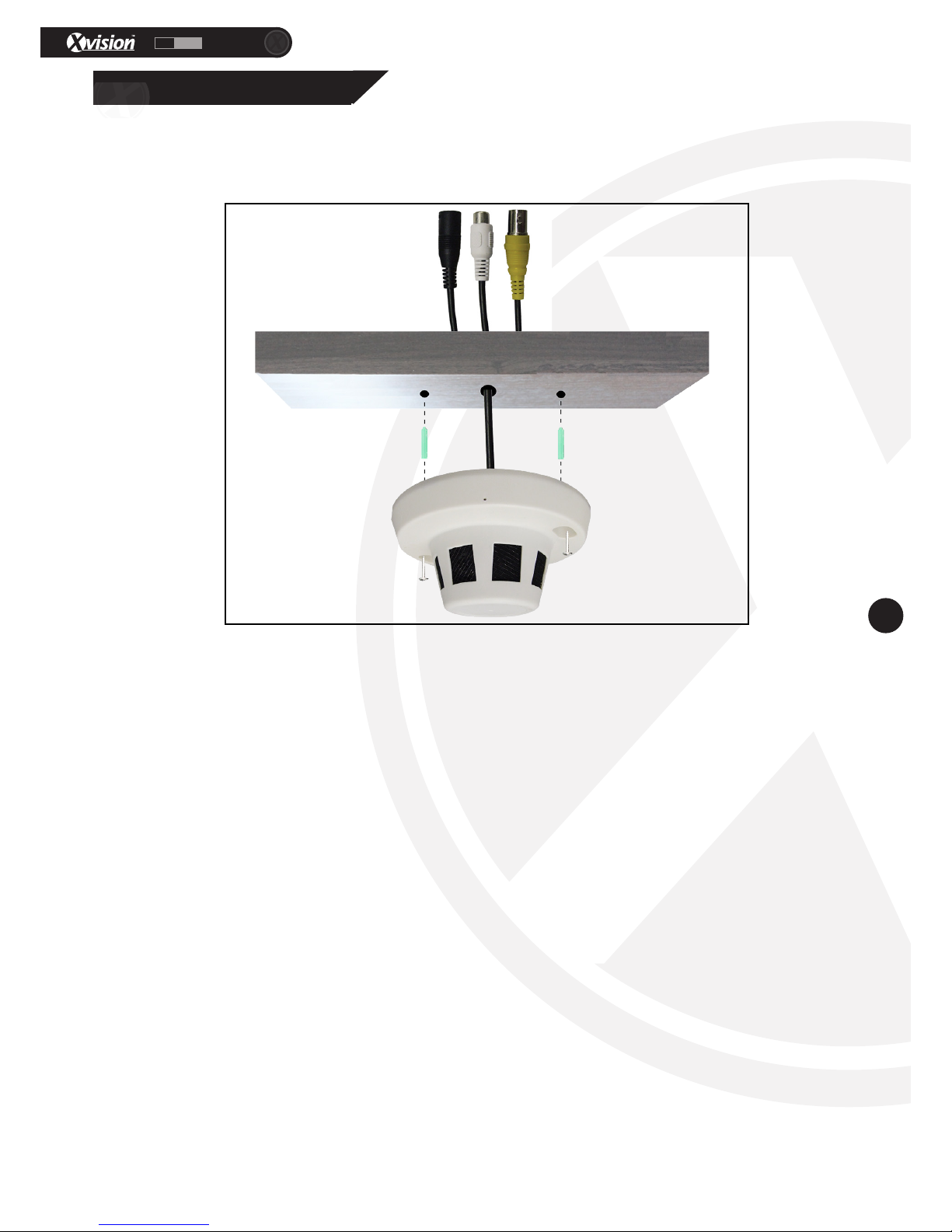
The XC960PIR camera can be wall or ceiling mounted. To install the camera you will need to aach the
bracket to the wall or ceiling. Please see the diagram below on how to install the camera.
1. Select the posion you want to mount the camera in and mark out the holes.
2. Take the wall plugs from the accessory pack and get the correct size drill bit. Depending on the wall or
ceiling, please make sure to choose the appropriate drill bit.
3. Drill the holes. If you want to hide the cables in the wall/ceiling, drill a hole for the cables to go.
4. Ensure cables are fed through the wall/ceiling before xing the camera.
5. Once the plugs are in, place the camera over the wall plugs and screw the camera in place
6. Connect the video, audio & power cables to the camera aer the camera has been mounted.
Page 6
XC960SA
HD
960H
6
www.xvision.com
1. Product Overview
3. How to Operate the Camera
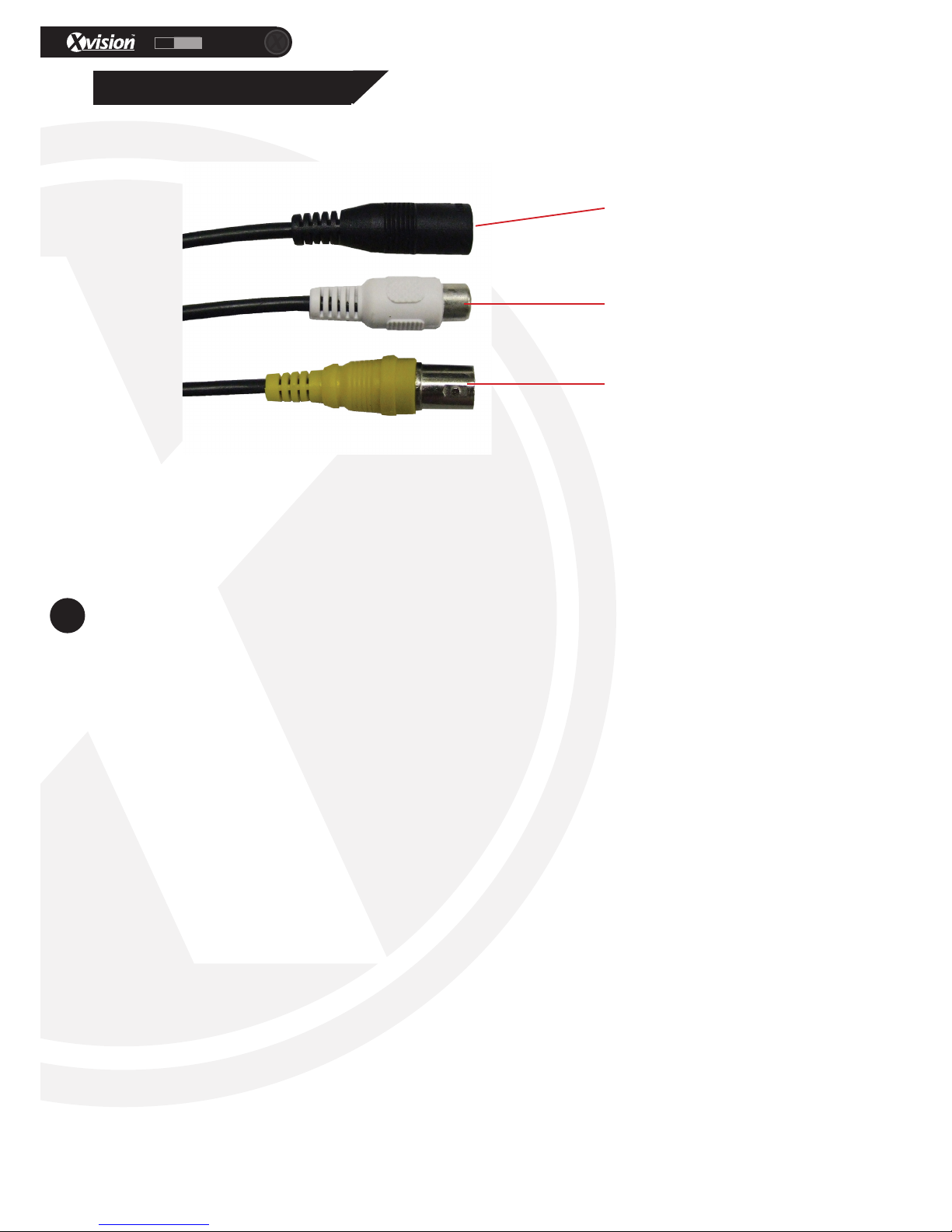
To operate the camera, rstly you will need to connect the BNC and DC sockets to the BNC and DC sockets
of a power supply and DVR or Monitor. If you wish to extend the cables, you can connect the DC and BNC
Sockets to the BNC/DC of a PNP cable/RG59 cable.
You can then connect the DC socket to a 12V DC Power Supply and the BNC socket to back of your
compable DVR or monitor.
To connect the Audio output to a DVR or monitor, connect the white audio lead to the corresponding input
on the DVR/monitor. If you wish to extend the cables, you can connect the AV cable and to the AV cable of
a PNP cable/RG59 cable.
BNC Socket for
video
DC Socket for
power
AV Output for
Audio
Page 7

XC960SA
HD
960H
7
www.xvision.com
Model XC960SA
Picture Type Colour
Image Sensor 1/3” Sony CCD
Resoluon 960H
Minimum Illuminaon 0.005 Lux
Night Vision N/A
Lens 78°
Moon Detecon No
Mirrored Image No
Power Supply DC 12V
Consumpon 240mA
Dimensions in mm (WxHxD) 120x54x120
Weight (Kg) 0.25
Weatherproof No, Internal Only
For more informaon, please contact our technical team. Contact details are on the back page.
1. Product Overview
4. Specicaons
Page 8
TECHNICAL SUPPORT
For technical support, please contact your local distributor.
Alternatively, call 0871 222 1430.
LIMITED WARRANTY
This product is supplied with a 12 month warranty. The warranty excludes products
that have been misused (including accidental damage) and damage caused by
normal wear and tear. In the unlikely event that you encounter a problem with this
product, it should be returned to the place of purchase.
Manufactured exclusively for:
Xvision UK, Unit 2 Valley Point, Beddington Farm Road, Croydon, Surrey CR0 4WP
www.xvision.com
www.xvision.com
HD
960H
 Loading...