

Page 1
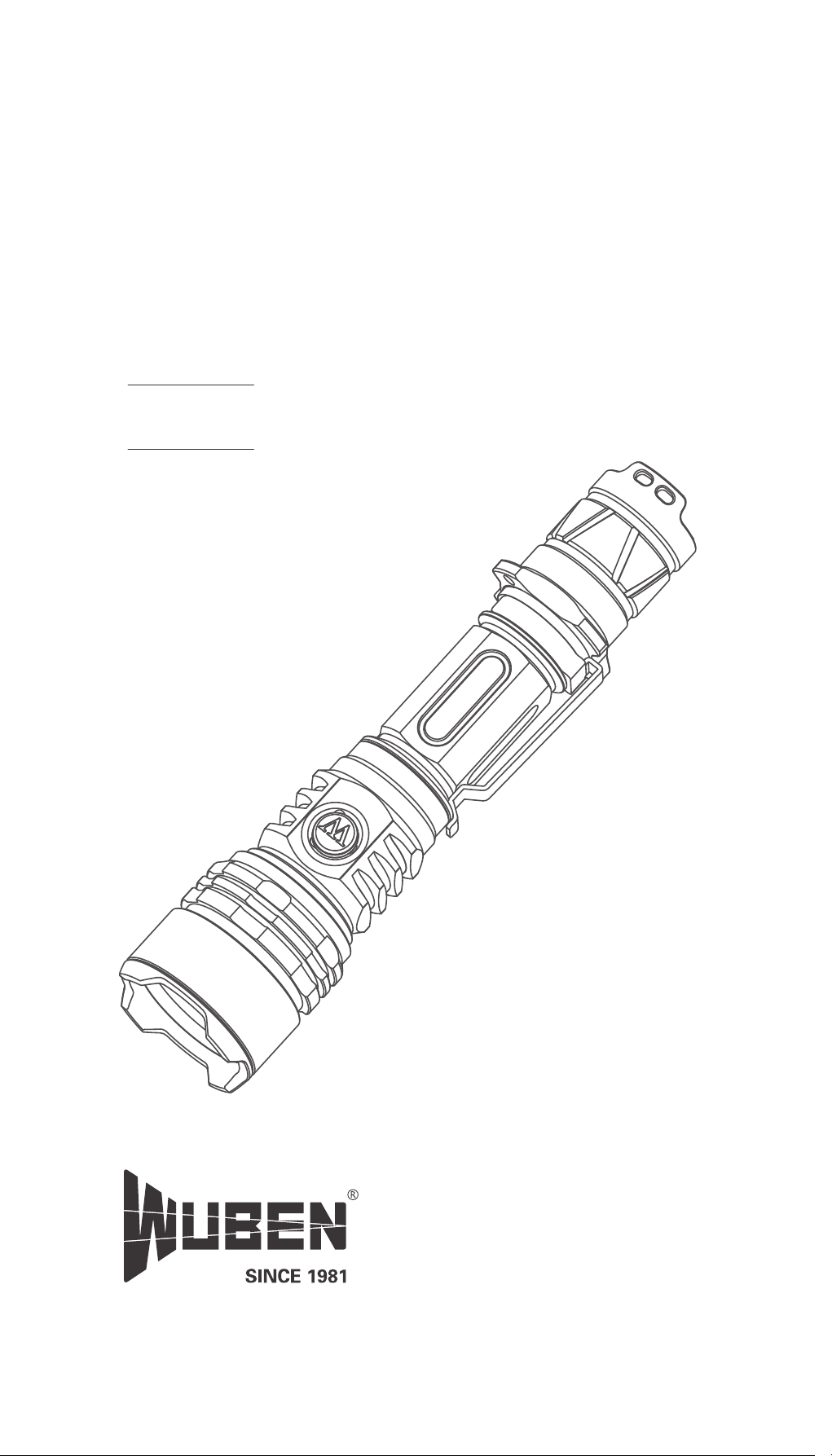
P45R
User Manual
V 1.0
Page 2
WARNINGS
Please read user manual carefully before using the light.
Product will generate heat while working, please be
cautious with that to avoid any possible harm.
Please don’t shine into eyes directly to avoid harm to eyes.
Please keep the light away from children.
Please use WUBEN or WUBEN recommended battery.
Please don’t disassemble the light or it will not be
covered by WUBEN warranty policy.
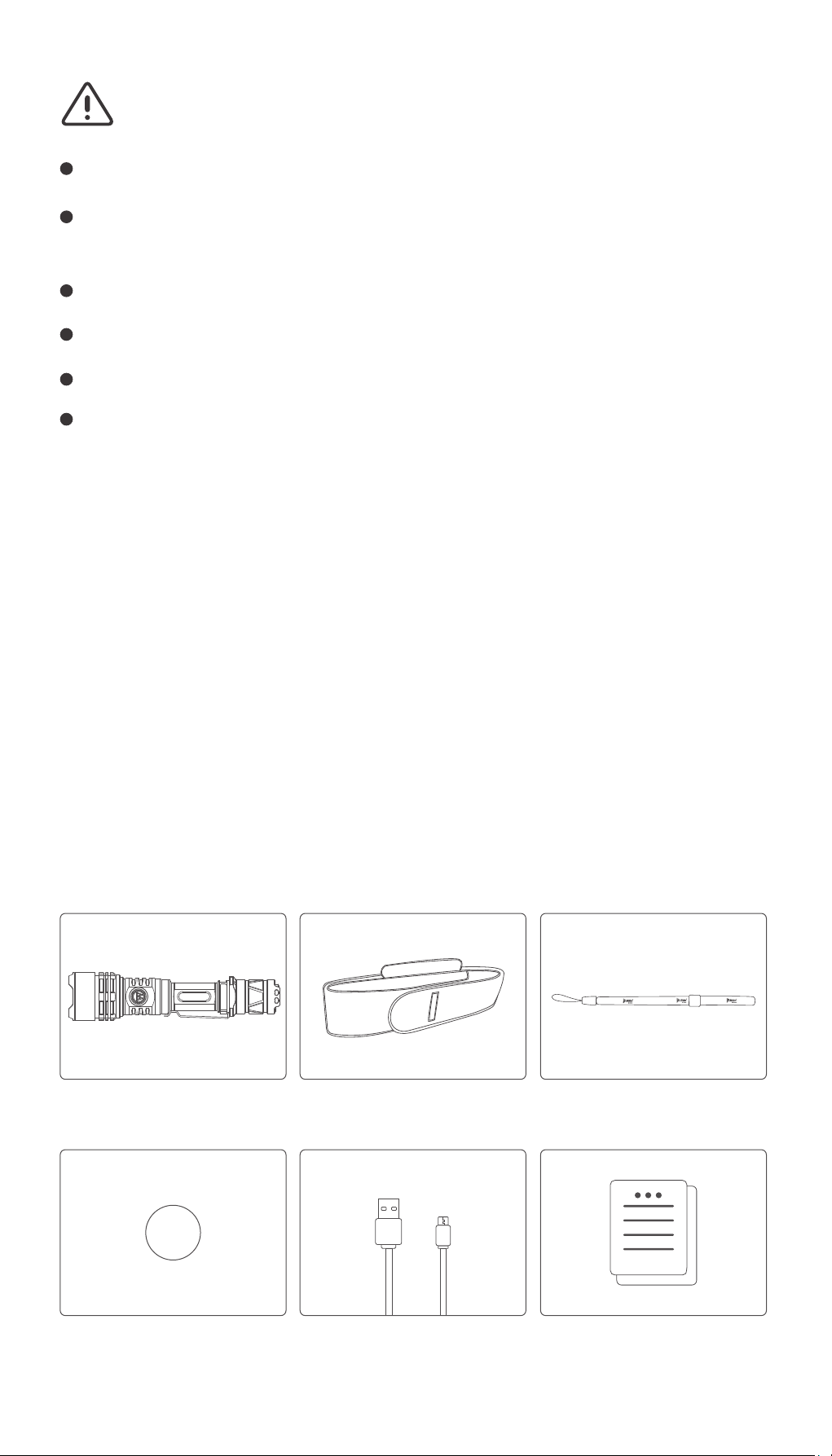
Product List
Before using this product, please check whether the
contents of the package are complete.
E05 x 1
Holster x 1 Hand Strap x 1
Waterproof Ring x 2 Micro-USB Charging
Cable x 1
(Manual/Warranty Card
/Certificate) x 1
Page 3
Product Operation
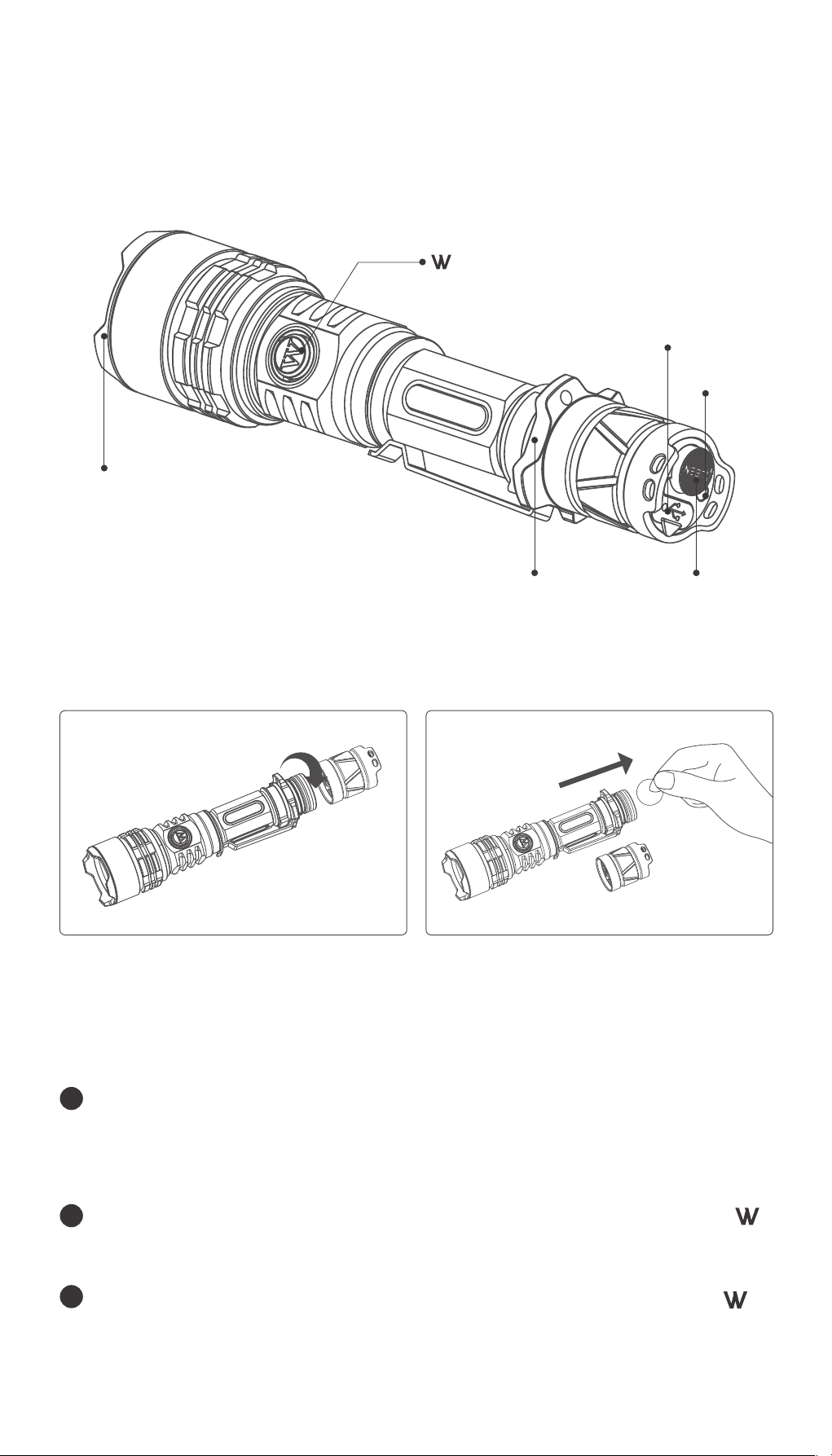
1. Product Structure
switch
(low power indicator)
Strike Bezel
Mirco-USB
charging port
Charging
indicator
Tactical ring
Tail Switch
2. Installation
① Unscrew the tail cap ② Take out the isulation plate before
you use it
3. Operation (Classic mode)
1
ON/OFF: Tap the tail switch to turn on the light
temporarily, click to turn the light constant on, click
again to turn it off.
2
Output selection: When the light is on, click on the
switch to cycle through Low-Mid-High-Turbo.
3
Flash mode : When the light is on, double-click on
switch to cycle through Strobe and SOS, click to exit the
flash.
Page 4
4. Operation (Tactical mode)
1
ON/OFF: Tap the tail switch to turn on the light
temporarily, click to turn the light constant on, click
again to turn it off.
2
Flash mode: Double tap on the tail switch to activate
the strobe, press it down to click to lock the strobe mode.
3
Output selection : When the light is on, click on the
switch to switch between Strobe and Turbo, press and
hold the switch for 1 second to turn on the low
output level, click to go back to Strobe or Turbo.
5. Mode switch
When it is on Classic mode, tap the tail switch 5 times and
click on it, the main light will blink 3 times and turn on
Turbo, which indicates Tactical mode. When it is on
Tactical mode, tap the tail switch 5 times and click on it,
the main light will blink 3 times and turn on Low, which
indicates Classic mode
Classic mode is the default mode.
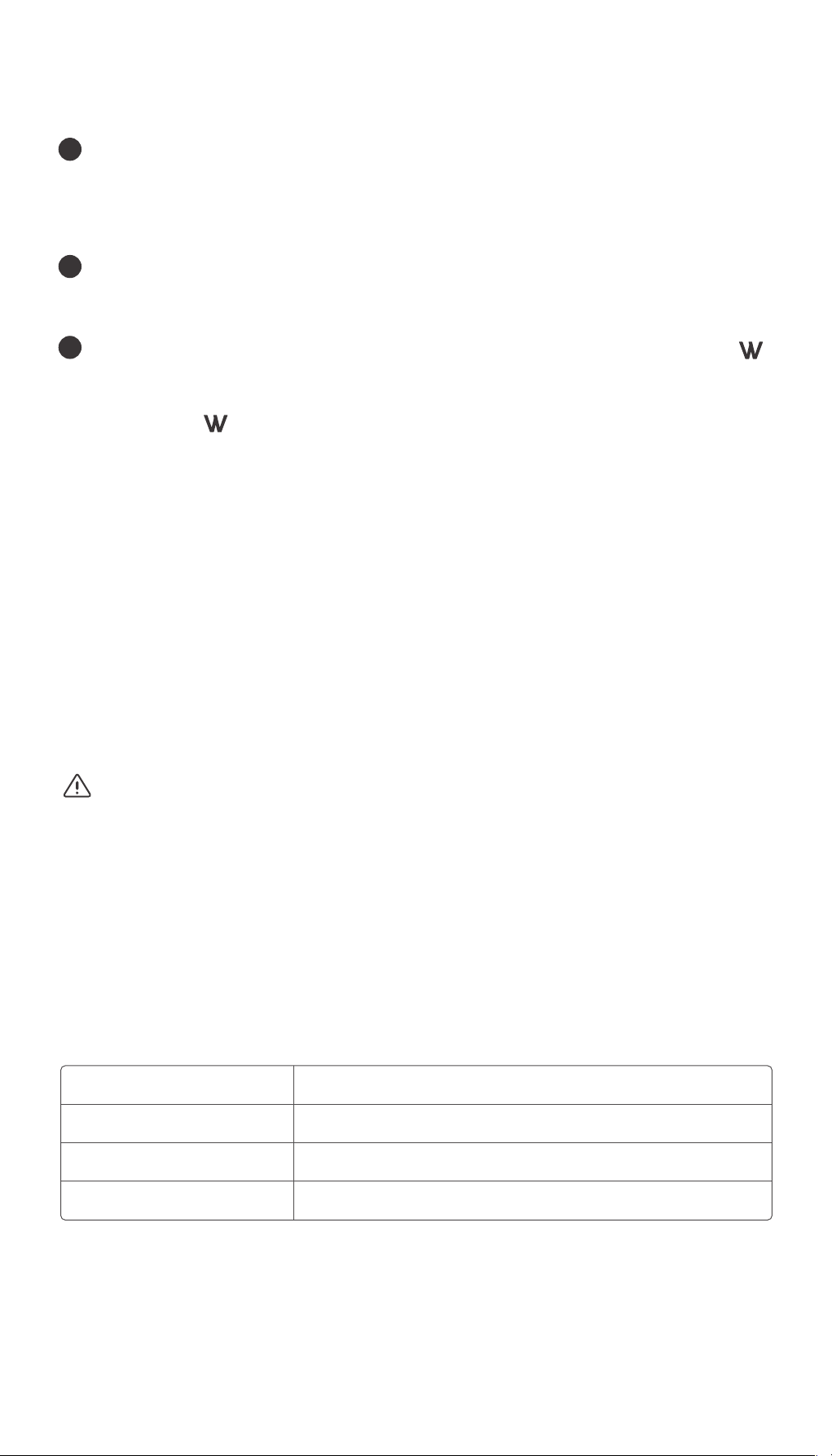
6. Charging
Plug the USB charging cable. Charging time will be about
4 hours. If the battery is not compatible or it is abnormal
charging, red light and green light will flash alternately.
Charging battery power status indication
(Charging indicatorin the tail switch)
Less than 15%
Power 16%-40%
Power 41%-90%
Power 90%-100%
Red flash
Red constant on
Blue flash
Blue constant on
Page 5
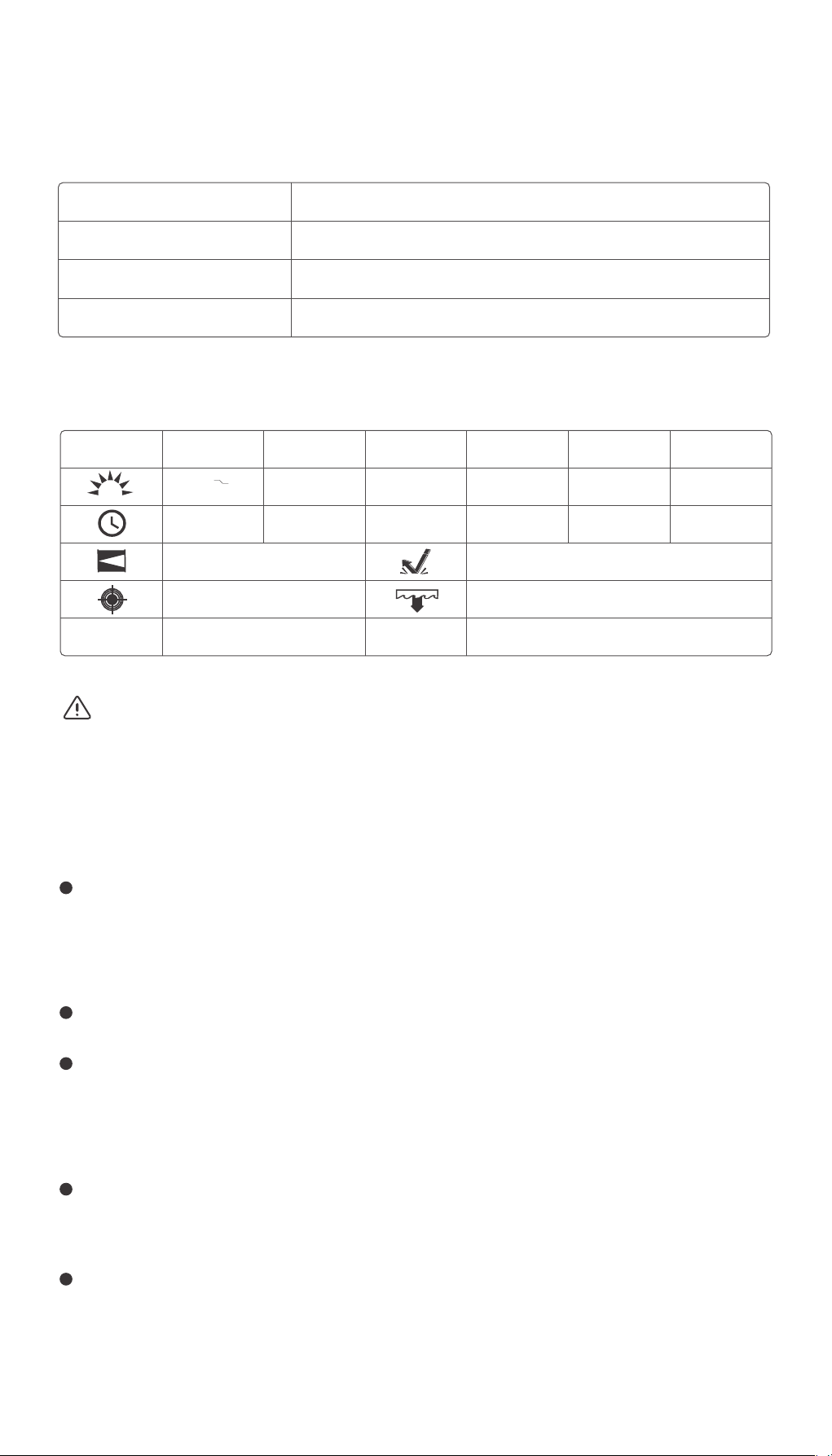
7. Low battery power warning
(Battery power status indicator)
Power 80%-100%
Power 30%-79%
Power 15%-29%
Power under 15%
Parameters
FL1 Standard
Weight
Turbo
2000 700
Lm
3+90mins
370m
34141 cd
191g (with battery) 162.6mm x 37mm ( L x D )
Blue constant (Turn off after 5s automatically)
Blue flash
Red constant (Turn off after 5s automatically)
Red flash
High Med Low Strobe SOS
500 LM 130 LM 10 LM 2000 LM
3h 8h 40h /
(Turn off after 5s automatically)
200 LM
1.5m
IPX8 (2m underwater 1h)
Size
/
The above data tested in WUBEN laboratory, may change because
of different test instruments or other factors.
Maintenance
O-ring may lose fail to keep the light water proof,
please change O-ring according to the condition to
promise waterproof performance.
Please use WUBEN or WUBEN recommended battery.
When the battery in low status, please recharge the
light or change battery in time to maintain the lifespan
of the battery.
Please clean the conductive part with alcohol dipped
cloth.
Take out the battery if put away for a long time, in case
of battery leakage or possible explosion.
Page 6

FAQs
Problem
Abnormal
flashing or
no bright
Noise
Reason
Check whether the switch is
opened properly
Checked whether the
assembly is in the right place
Check whether the battery
is charged
Check whether the battery
is anti-loading
Check if the battery contact
points are dirty
Check whether there is a
foreign body fall
Parts damage
Solution
Open the switch
Tighten the assembly
parts
Charger the battery
Remove the battery
re-assembly
Use alcohol to clean
Pour foreign body
Return to the local
dealer
If the above method has not solved your problem.Please
contact local dealers for after-sales service.
Warranty policy
1. Under Warranty
15 days free replacement: Since the purchase date,
consumer can request to replace with same or similar
product for free due to quality problem within 15 days.
1 year free repair service: Since the purchase date,
WUBEN offers free repair service due to quality
problem within 1 year.
5 years free repair service for registered users: Since
the purchase date, for registered users, WUBEN offers
free repair service due to quality problem within
5 years.
Page 7

Life time repair service: Over 5 years since the purchase
date,WUBEN offers repair service due to quality problem
but may charge some cost according to the cost may
cause.
Negotiation is opened to any possible argument.
2.Beyond Warranty
Breakdown due to deliberate damage.
Breakdown due to improper operation.
Breakdown due to battery leakage.
Abrasion due to normal use.
Breakdown due to irresistible reasons.
Gift.
Final interpretation is reserved to WUBEN.
SHENZHEN SHENGQI LIGHTING TECHNOLOGY CO., LTD
Web: www.wubenlight.comE-mail: [email protected]
Add: 209# Building C, 1970 Industrial Zone, Minzhi, Longhua
District, Shenzhen, China
Zip Code: 518131
wubenlight.com
 Loading...