

Page 1
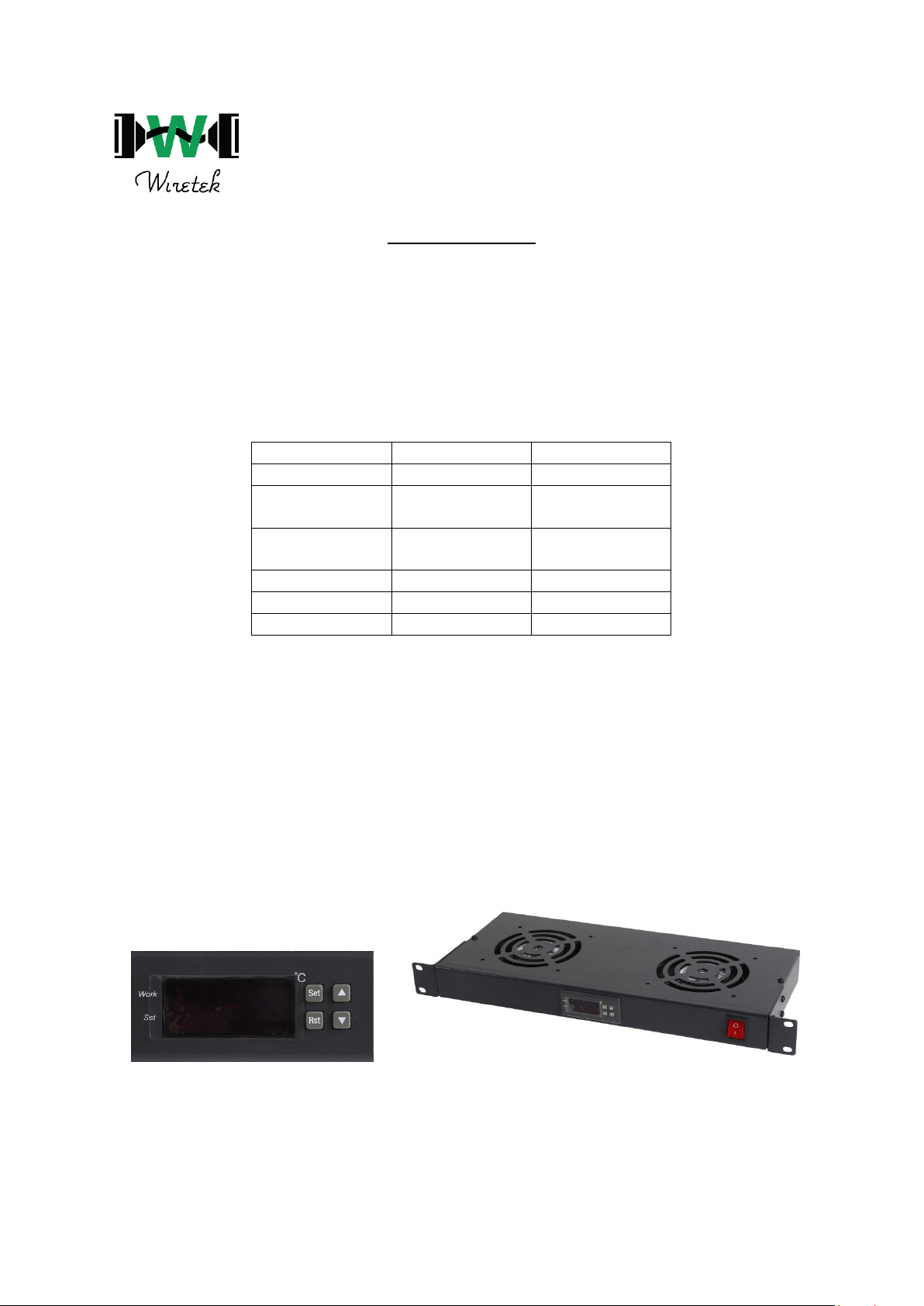
RFK1003
When powered on, the room temperature will be displayed on the main screen indicated of
the display panel and is measured via the thermometer probe on the back of the unit
1. Press “Set” to indicate the temperature control and use the Arrow buttons to select the
desired temperature limit.
2. Press “Rst” to go back to the main screen with the desired temperature limit set.
3. From the main screen press and hold “Set” for 6 seconds to access the function menus and
use the arrows to navigate to the different functions indicated by the symbol.
4. Press the “Set” button to go into the function setup and select the desired range using the
arrow buttons.
5. Once you find the desired value, press “Rst” to go back to the main screen and the value will
be set.
• If any functions need to be adjusted, repeat steps 3-5 while selecting the desired symbol in
the function menu.
Symbol
Function
Setup Range
HC
Heating/Cooling
-13° - 90° C
d
Temperature
return difference
1° - 15° C
CA
Temperature
calibration
0° - 5° C
Pt
Delay time
0 - 5mins
HS
Upper limit
28° - 120°
LS
Lower limit
-50° - 28°
 Loading...