

Page 1
Quick Start Guide
HUB 2
3. Download or Update the Wink App
Visit the App Store or Google Play Store to download
the latest version of the Wink app. The app will guide you
through some quick steps to sign up or login.
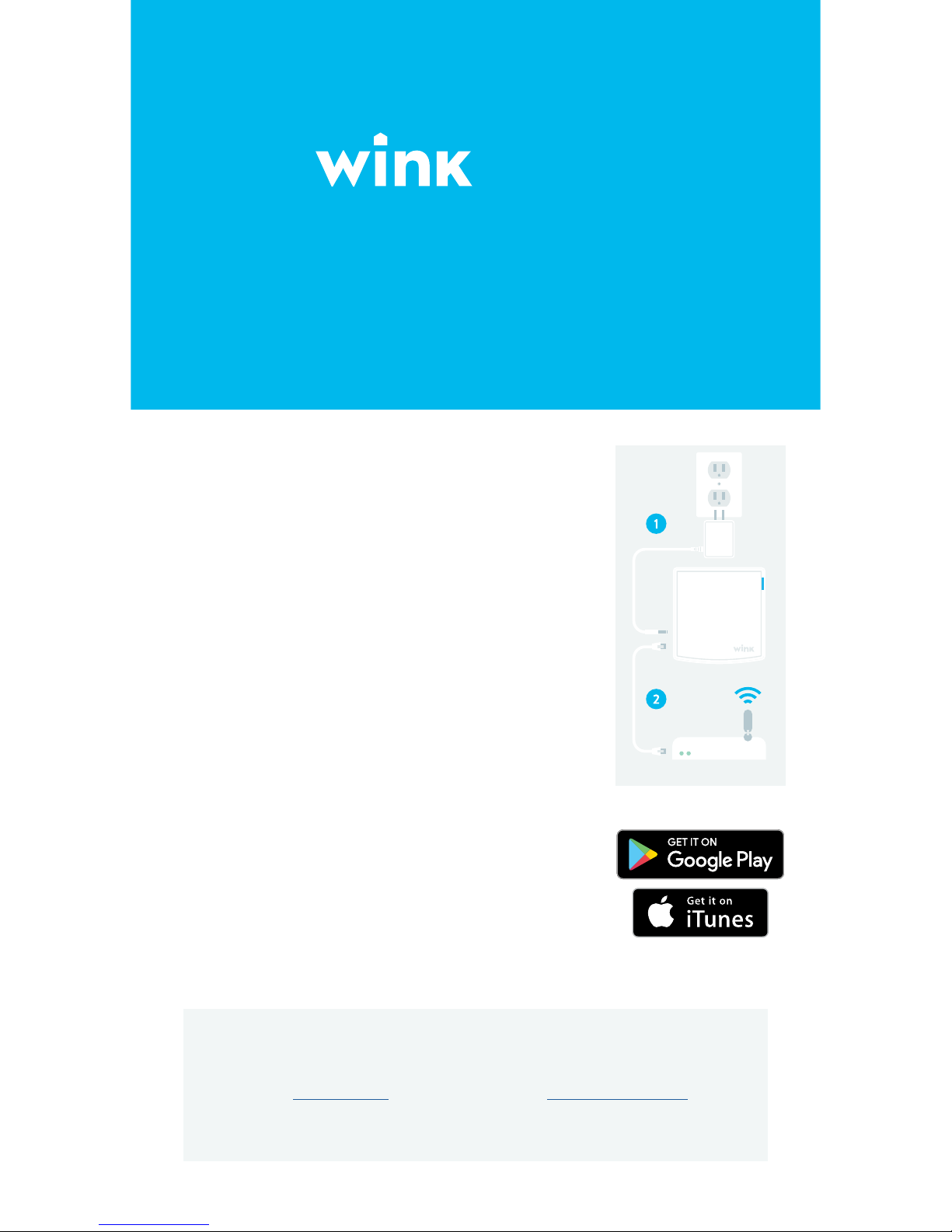
1. Plug in your Wink Hub
Find a spot for your Hub, centrally located in your home. If
you choose to move your Hub later, both the Hub and its
compatible products will reconnect automatically.
2. Connect to Internet
The simplest option is to connect the Hub directly to your
router using the included Ethernet cable.
Otherwise, to connect via Wi-Fi, skip this step and follow the
instructions in the app after step 3.
Have questions?
Visit wink.com/help, or shoot us an email at [email protected].
Want to speak to a human? Reach us at 1-844-WINK-APP.
Page 2
Guide de démarrage rapide
HUB 2
3. Télécharger l’App Wink
Visitez l’App Store ou Google Play Store pour télécharger
l’application Wink gratuitement. L’application vous
guidera à travers quelques étapes rapides pour vous
inscrire ou vous identifier.
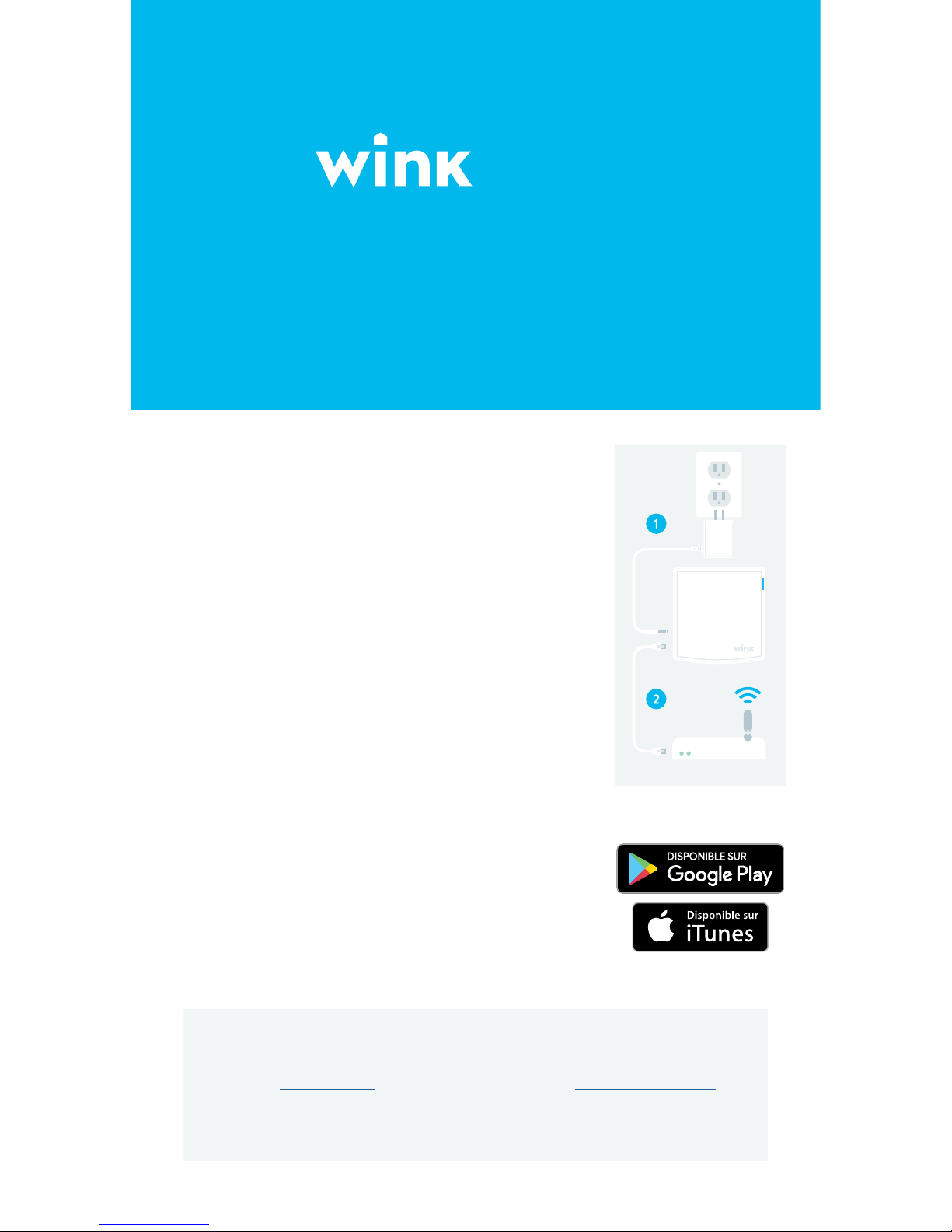
1. Brancher votre Wink Hub
Trouvez une place pour votre Hub, situé au centre de
votre maison. Si vous choisissez de déplacer votre Hub
plus tard, à la fois le Hub et ses produits compatibles se
reconnecteront automatiquement.
2. Se connecter à Internet
L’option la plus simple consiste à connecter le Hub directement à votre routeur en utilisant le câble Ethernet inclus.
Sinon, pour se connecter via Wifi, ignorez cette étape et suivez
les instructions dans l’application après l’étape 3.
Vous avez des questions?
Visitez wink.com/help, ou écrivez-nous un courriel à [email protected].
Si vous voulez parler à un être humain, vous pouvez nous joindre au
1-844-WINK-APP.
 Loading...