

Page 1
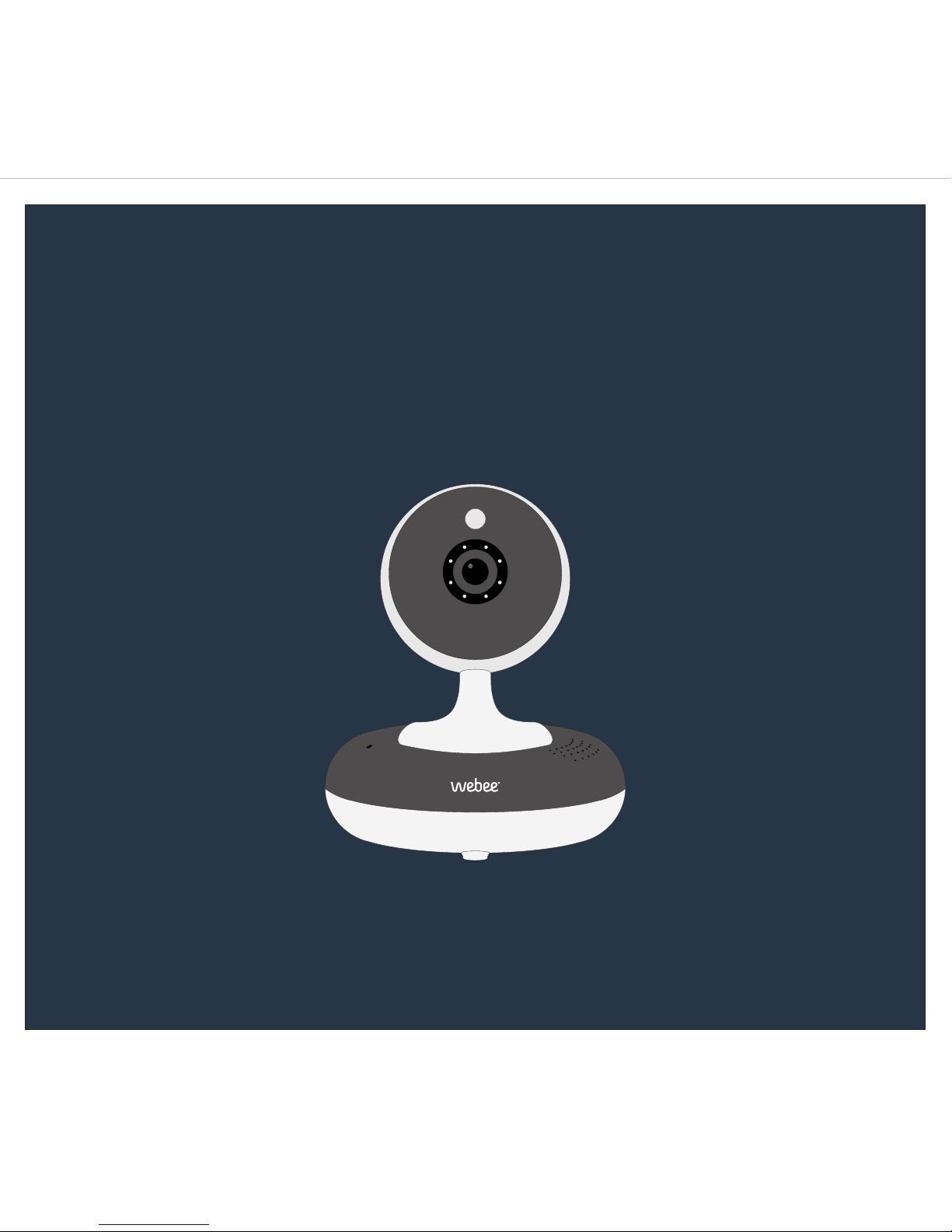
Smart Camera
Cámara Inteligente
Quick Start Guideline / Guía de Uso
Page 2
Page 3
Page 4
CONTACT US
CHAT WITH US
MANUALS
CHECK OUR FAQs
www.webeelife.com
Let us know what you need.
webeelife.com/manuals
All the information you need.
webeelife.com/faqs
Most questions have been answered!
If you have any problems adding devices to your network, please contact our support team at [email protected]
Webee Corporation © 2016 All Rights Reserved
Español: [email protected]
Si encuentra dificultades para sumar sus dispositivos a la red, por favor contacte a nuestro equipo de soporte [email protected]
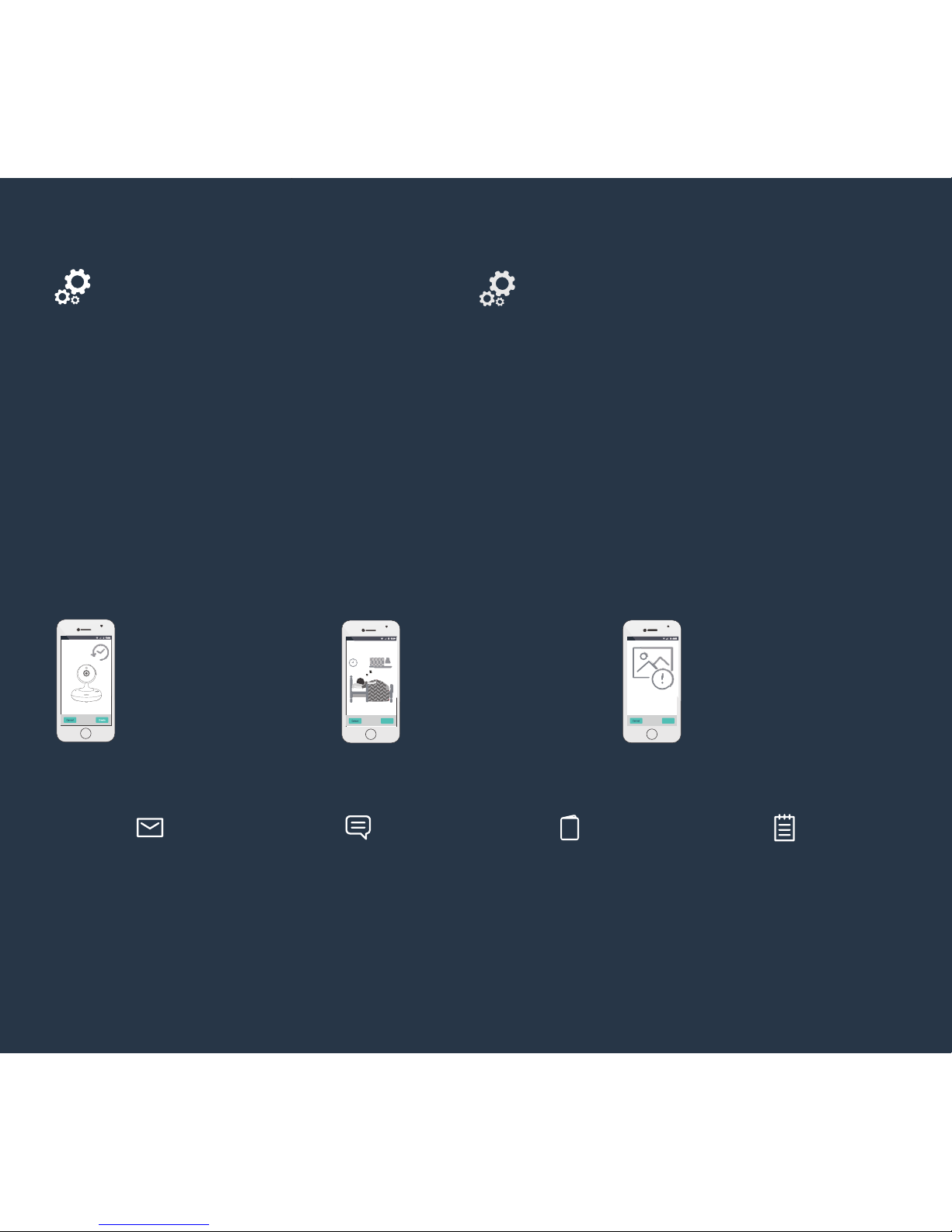
Access your camera through
your mobile app from
anywhere.
Receive alerts on your phone
if any activity is captured by
your camera while you are
away.
Never miss a thing!
Record video on Micro SD
card every time motion is
detected.
Bedroom
Activity Outside
View
Acceda a la cámara desde su
teléfono móvil desde
cualquier sitio.
Reciba notificaciones sobre la
actividad capturada por la
cámara en tiempo real.
¡No pierda ningún detalle!
Grabe videos en la tarjeta
Micro SD cuando se registre
movimiento.
*If you continue to experience difficulties adding the camera to your network, contact our support team at [email protected]
Troubleshoot
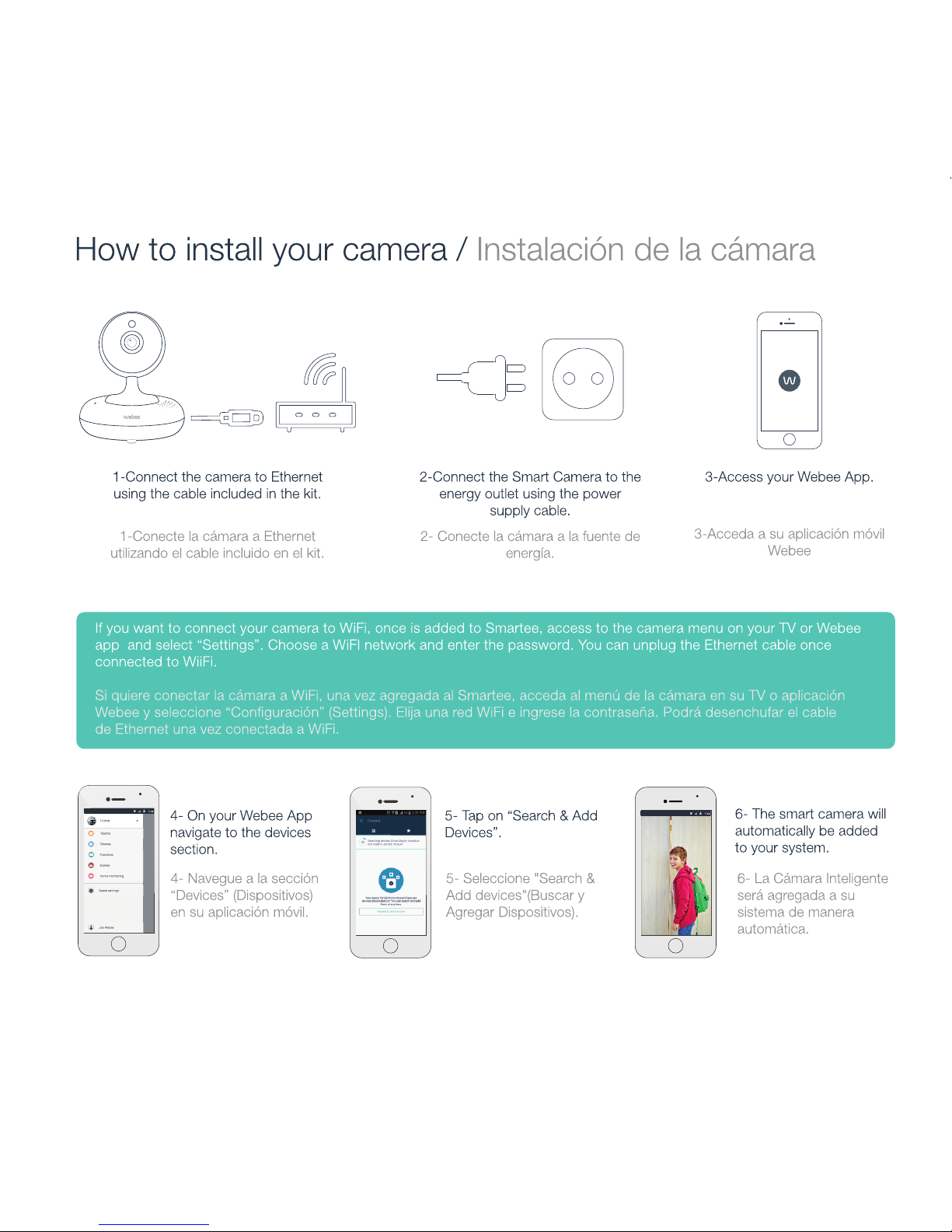
If your camera is not added to the system:
1) Check that the camera is properly connected to internet and to
the power supply.
2) Check that the camera and the Smartee are on the same
internet network. Verify your Smartee internet network by
navigating to “settings” on the bottom menu of your TV
dashboard, then selecting “system”.
3) If you are still unable to add the camera to your system, reset
the camera by pressing the small reset button located at the
bottom for 10 seconds and then try following the process again.
Si su cámara no es agregada al sistema realice lo siguiente:
1) Compruebe que la cámara esté correctamente conectada a
Internet y a la fuente de alimentación.
2) Compruebe que la cámara y el Smartee estén en la misma
red de Internet. Para verificar su red de Internet navegue hasta
“Settings” (Configuración) en el menú inferior de su panel de
control en la TV , luego seleccione “System” (Sistema).
3) Si todavía no puede agregar la cámara al sistema, reiniciela
presionando el botón pequeño de reinicio situado en la base de
la cámara durante 10 segundos y luego repita los pasos
previos.
Solución de problemas
*Si continua experimentando problemas al añadir la cámara a la red, contacte a nuestro equipo de soporte en [email protected]
 Loading...