

Page 1
http://amazon.com/Vortexgear or https://vortexgear.us
https://amazon.ca/Vortexgear or https://vortexgear.ca
Race 3 User Manual
Main Features:
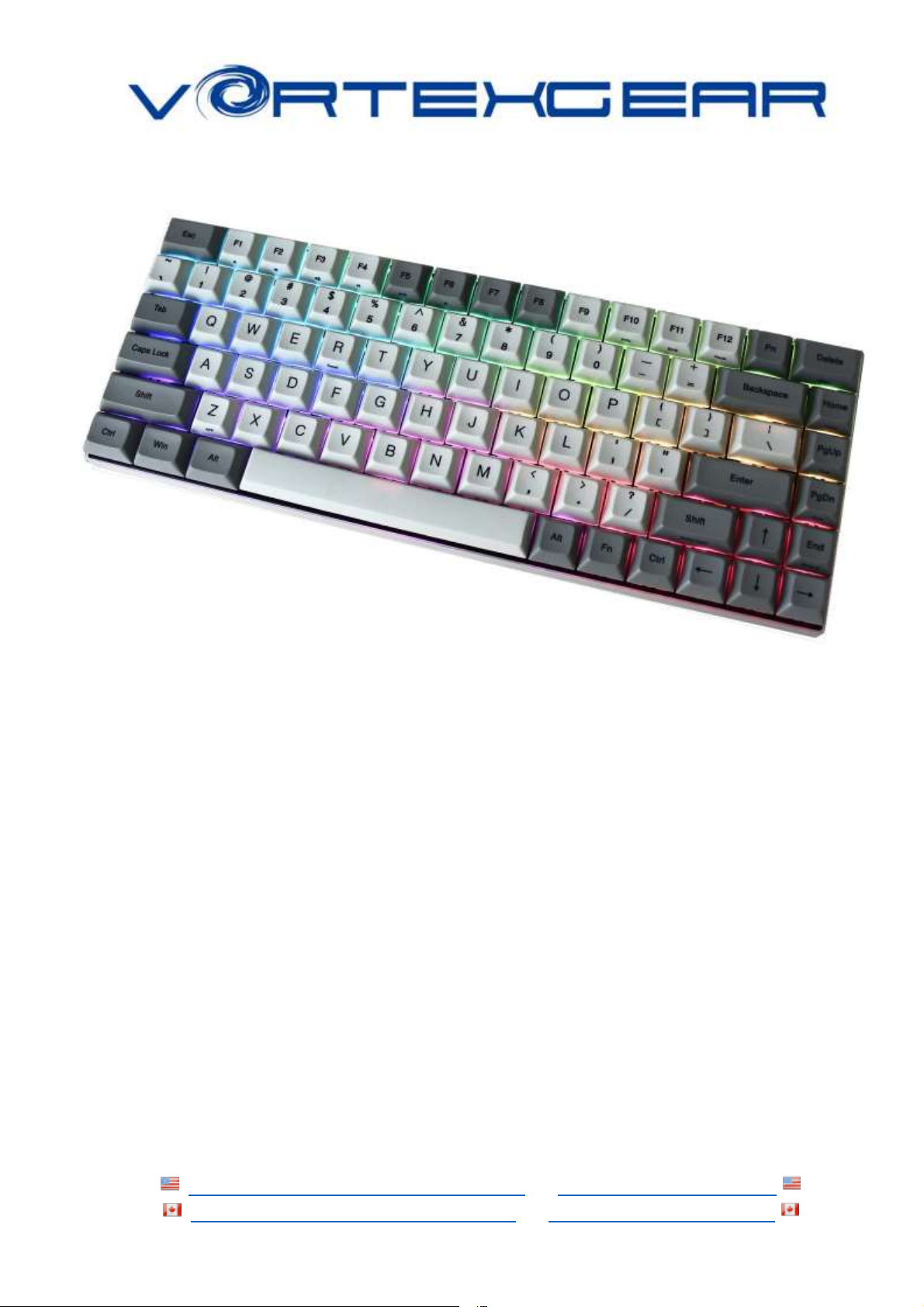
1. Compact design for laptop users
2.Cherry MX switches inside
3. Arbitrary programming key-code and LED colors
4. Build in 4 layers for programming
5. PBT DSA profile keycaps with Dye-Sublimated technology
6. Anodized CNC-machined aluminum case (Narrow bezel)
7. Detachable Micro USB cable
Package Content :
1. Keyboard x 1
2. Micro USB Cable x 1
3. Extra Mac & RGBY modifiers keycap
Page 2
http://amazon.com/Vortexgear or https://vortexgear.us
https://amazon.ca/Vortexgear or https://vortexgear.ca
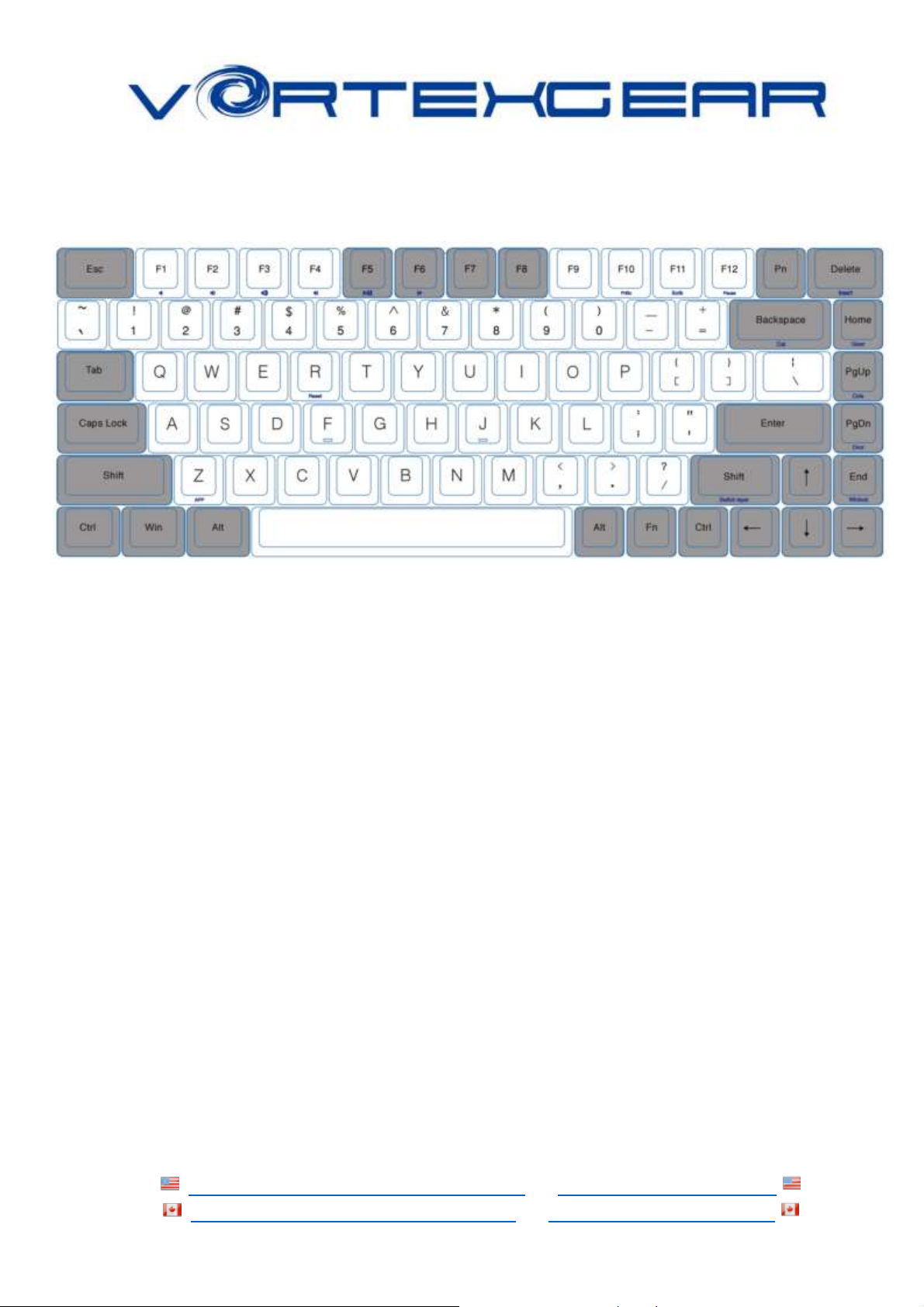
Keyboard Layout (Default):
1. Switch O.S:
❖ Windows: Pn + W
❖ Mac: Pn + M
➢ Windows interchangeable with Alt
➢ F1~F12 please refer to the mac keyboard layout
➢ Some keys need to set their own
❖ Linux: Pn + L
➢ Caps lock interchangeable with L_Ctrl
2. Switch Keyboard Layout:
a) QWERTY: Fn + Home
b) COLEMAK: Fn + PgUp
c) DVORAK: Fn + PgDn
Page 3

http://amazon.com/Vortexgear or https://vortexgear.us
https://amazon.ca/Vortexgear or https://vortexgear.ca
3. Spacebar LEDs instructions:
a) Left side LED – Switching Layers (Fn + R_shift)
i. Red - Layer 1
ii. Green - Layer 2
iii. Blue - Layer 3
iv. None - Default
b) Right side LED – Switching layout Windows lock
i. Red - COLEMAK
ii. Green - DVORAK
iii. Blue – Windows lock
iv. None – QWERTY (Default)
4. Other functions:
a) Programming steps please refer to POK3R manual [ https://images-na.ssl-
images-amazon.com/images/I/81HJ6x12RzL.pdf ]
b) Reset the current layer key-codes: Fn + R
c) Reset all layers’ key-codes and restore to default: L_Alt + R_Alt
d) Swap Fn position:
Hit Fn + L_Alt for 3 seconds then select new Fn key location directly
Page 4
http://amazon.com/Vortexgear or https://vortexgear.us
https://amazon.ca/Vortexgear or https://vortexgear.ca
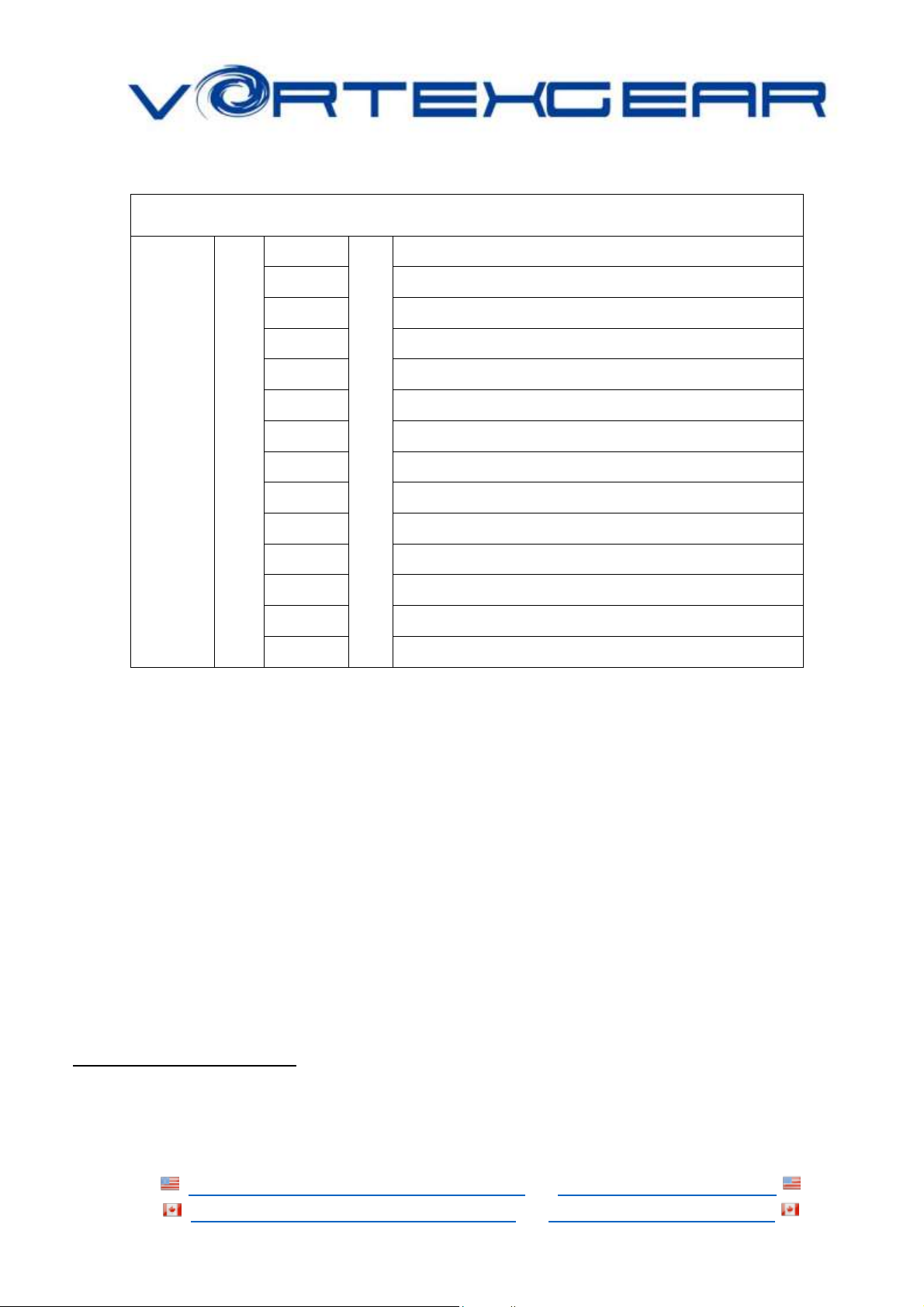
5. RGB Backlit:
Multi-color dynamic Backlighting
Pn
+
ESC
=
Palette
1
Single Color - Red
2
Single Color - Green
3
Single Color - Blue
4
Display single color LED mode1
5
Display full color LED mode2
9
Custom LED mode 1
0
Custom LED mode 2
-_
Display recording 1
=+
Display recording 2
X
Brightness down
V
Brightness up
<
Light effect speed up
>
Light effect speed up
RGB LEDs edit descriptions:
The RGB Race 3 has a total of 3 layers to edit the LEDs3.
Step 1. Choose a layer (Fn+<,> or ? key) you want to edit.
Step 2. Press Pn + 9 or 0 to enter the edit mode.
Step 3. Press Pn + 1,2 and 3 to mix color4 OR press Pn + ESC5 to turn on the
palette and select a color you want.
Step 4. Select a key or a row you want to change color.Step 5. Press Pn + 9 or 0
again to exit edit mode.Step 6. Press Pn + - or Pn + = to display the previously
saved setting.
1
Interactive mode, Flash vortex mode, Aurora mode
2
Full key light mode, Breath mode, Vortex mode, Rain drop mode.
3
Each layer can be edited in single key(Pn+9) or whole row(Pn+0)
4
The color you mixed will show on Pn key
5
There are total have 61 kinds of colors on palette.
 Loading...