

Page 1
www.vocas.com
User manual
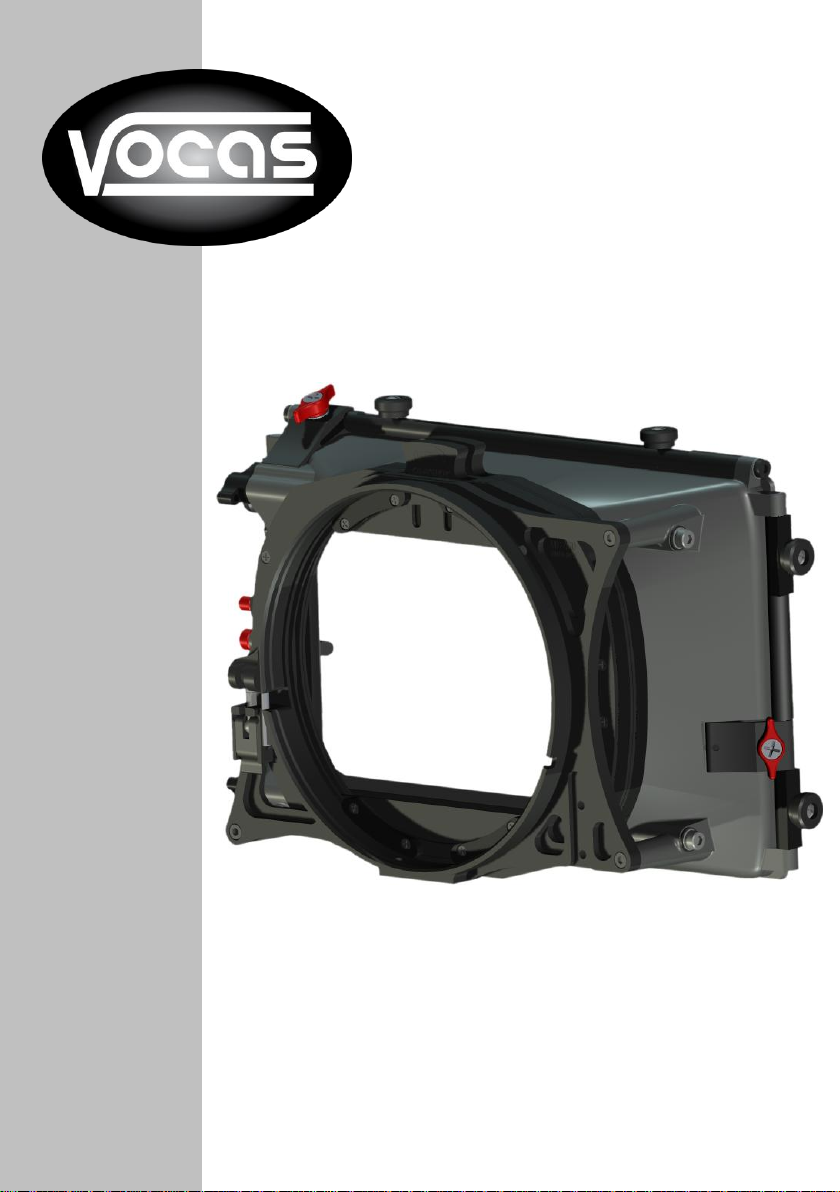
MB-430 matte box
Version 1.0.1
Page 2

2
Index:
Box contents MB-430 matte box #0400-0430: ......................................................... 2
Guide to components, MB-430 matte box: ............................................................... 3
Common directions for using this matte box: ............................................................ 5
Adjusting the Clamping mechanism of this matte box: ............................................. 6
Accessories: .............................................................................................................. 7
Contact data .............................................................................................................. 7
Box contents MB-430 matte box #0400-0430:
1 pc. matte box.
This manual.
2 pc. 4”x5.565” & 4”x4” combo filter frame. #0410-0010
1pc. Top flag. #0430-0003
© Vocas Systems B.V.
Page 3
3
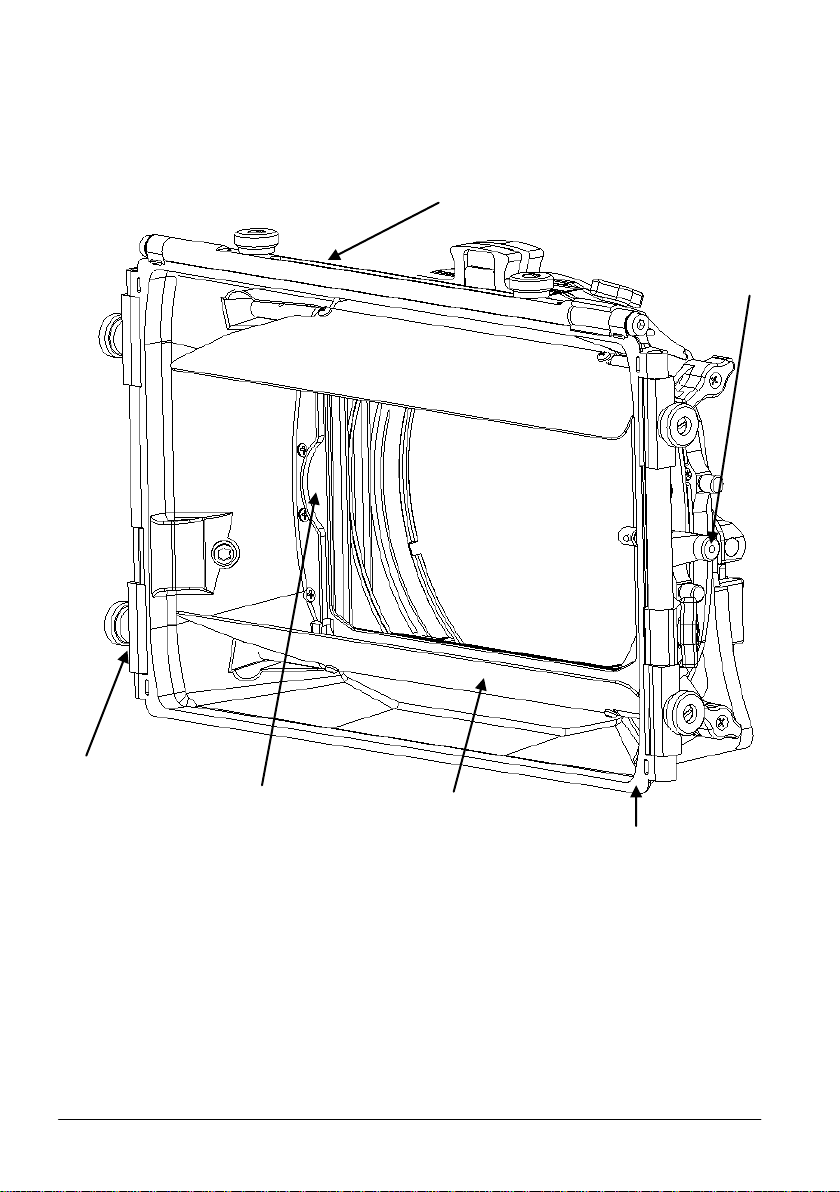
Guide to components, MB-430 matte box:
Internal Eyebrow
Side flag hinge
Wide angle hood
Top flag hinge
3rd filter slot
3rd filter lock
Front view
© Vocas Systems B.V.
Page 4
4
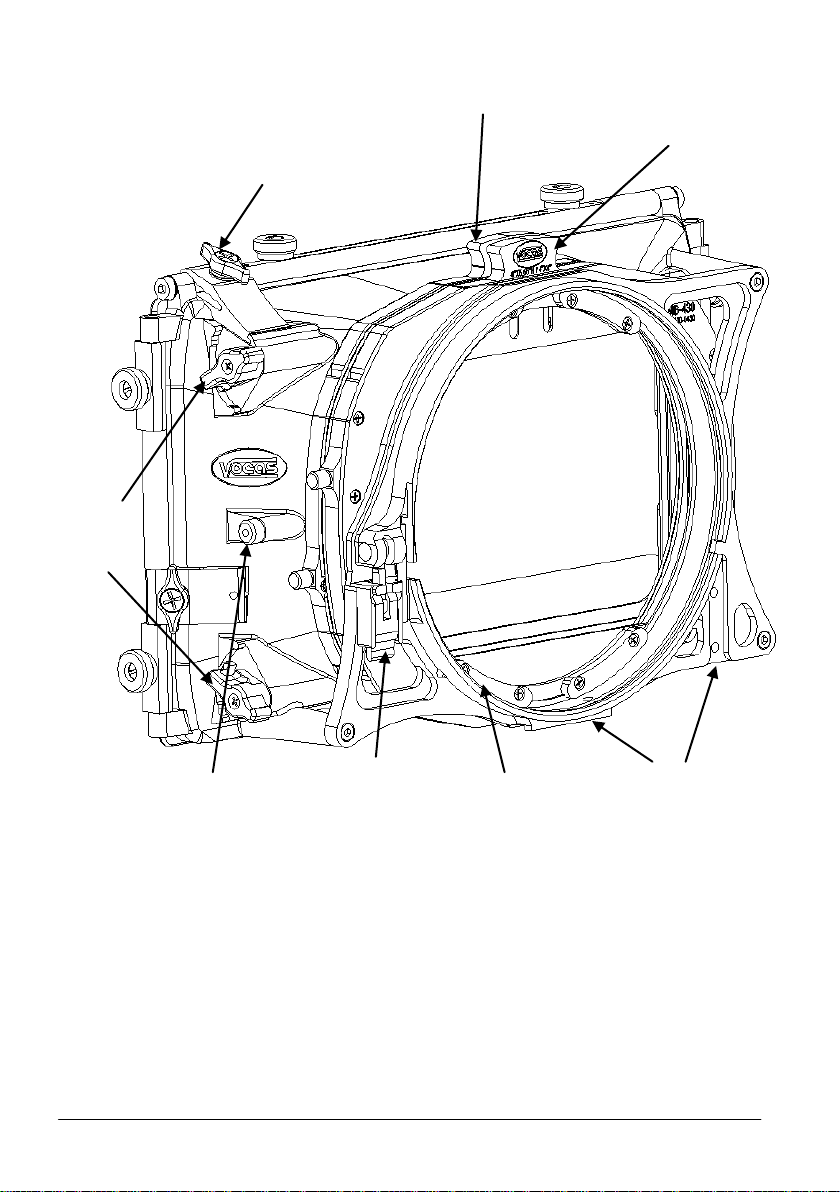
Eyebrow
adjustment
knobs
Heavy duty
flag clamper
Rotatable
filter slot
138mm
clamp ring
Rail accessory
attachment points
Clamp ring
lock
3rd filter lock
Non-rotatable
filter slot
Rear view
© Vocas Systems B.V.
Page 5
5
Common directions for using this matte box:
This matte boxes can be attached to the camera in three ways:
1. Clip-on:
For maximum lightweight and economical operation the matte box
attaches directly to the front of a lens. Either with or without a step down
adapter ring. The internal rear end diameter of this matte boxes is 138mm.
2. 15mm Bars adapter.
This bars adapter attaches your matte box to any 15mm light weight rail
support. Functionally connecting your matte box to the base of the
camera.
3. On 15mm or 19mm swing away bracket
The swing away bracket connects the matte box to either 15mm light
weight or 19mm rails. As with the bars adapter this accessory connects
the matte box to the base of the camera, however the swing away bracket
also allows the user to quickly change lenses without having to remove
the matte box from the rails.
If the matte box is used on a rail support, we strongly recommend using the flexible
adapter ring kit. This is a soft flexible step-down ring.
To prevent light from entering from the rear side of the matte box (and reflecting via
the filter in front of the lens), the hole in the flexible ring must match the front
diameter of the used lens. Therefore the flexible ring can stretch to accommodate
most lens diameters.
For extra reduction of flare, the patented Eyebrows are added in the MB-430.
These internal French flags can be adjusted to the zoom position of the lens by
rotating the “eyebrow adjustment knobs”.
Caution: Not all viewfinders, LCD screens, and monitors show 100% of the
captured image. Therefore, if the eyebrows are adjusted with the help of the LCD
screen, it might be possible that the eyebrows come into picture.
When not using a 3rd filter in the hood
compartment, it is recommended to lock
the filter lock into the retracted position to
avoid possible vignetting.
This is done by pulling the knob outward as
far as it will go and then twisting counter
clockwise.
© Vocas Systems B.V.
Page 6
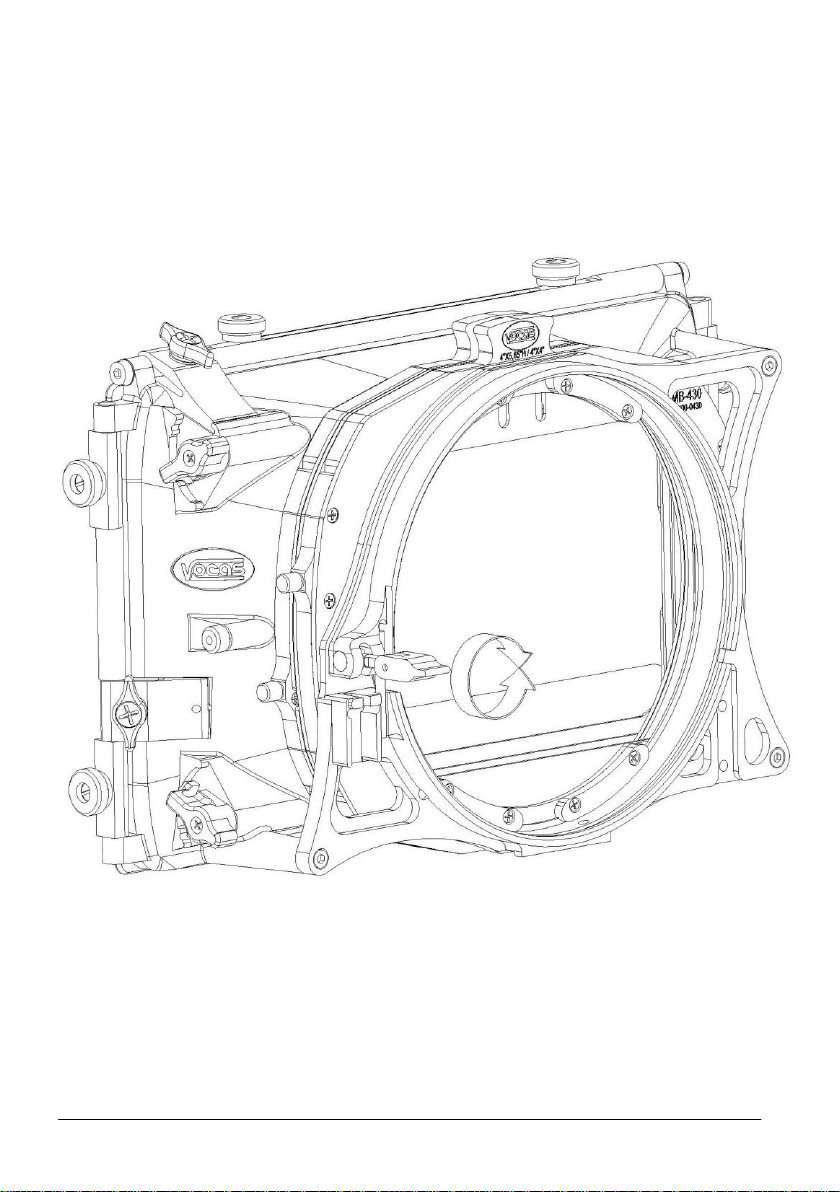
6
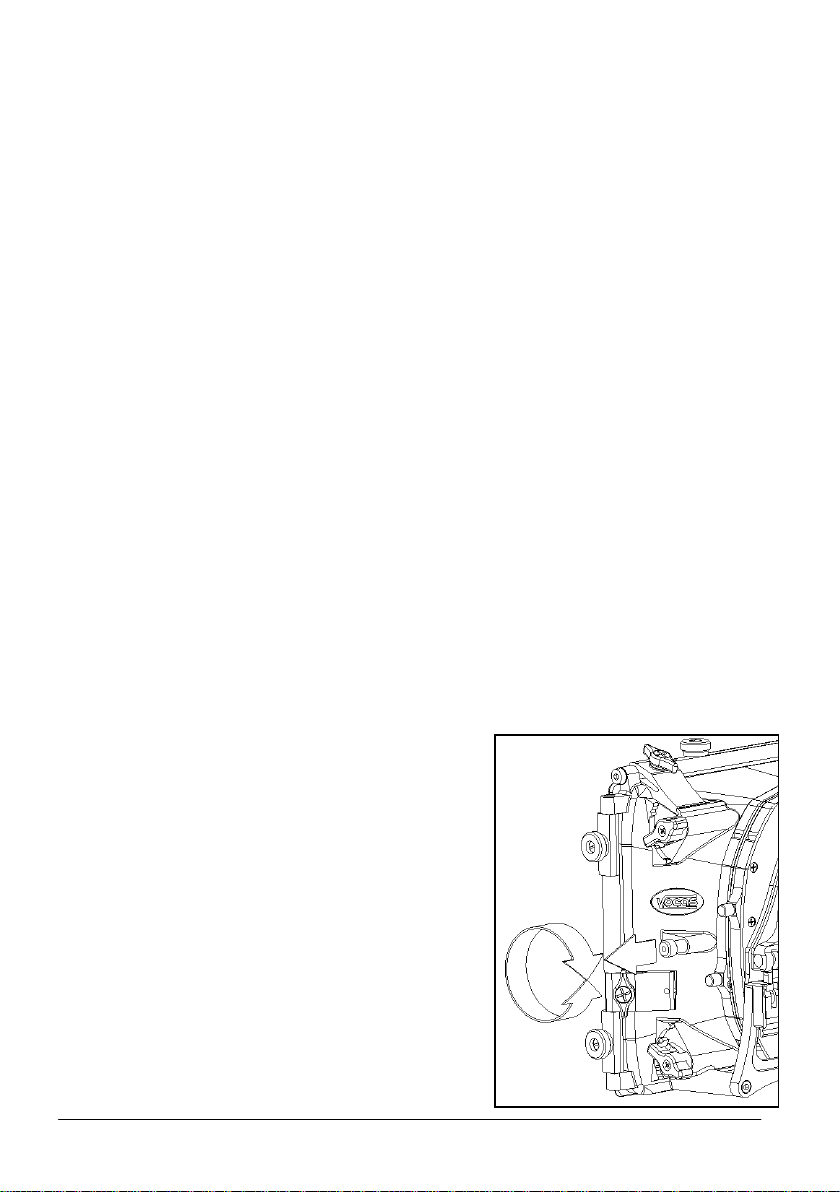
Adjusting the Clamping mechanism of this matte box:
1. Take the matte box of the lens.
2. Put the clamper in the “open” position.
3. Pull the clamper out of its housing as shown below.
4. Rotate the clamper right to tighten or left to loosen with halve a turn at the time.
5. Put the clamper back in its original position.
(note: please be careful not to over tighten the mechanism).
© Vocas Systems B.V.
Page 7

7
Accessories:
For all available accessories and compatibilities please check our website:
www.vocas.com
Contact data
Vocas Systems B.V.
Larenseweg 121
1221 CL Hilversum-Netherlands
T:+31(0)35-6233707 F:+31(0)35-6233997
www.vocas.com
© Vocas Systems B.V.
 Loading...