

Page 1
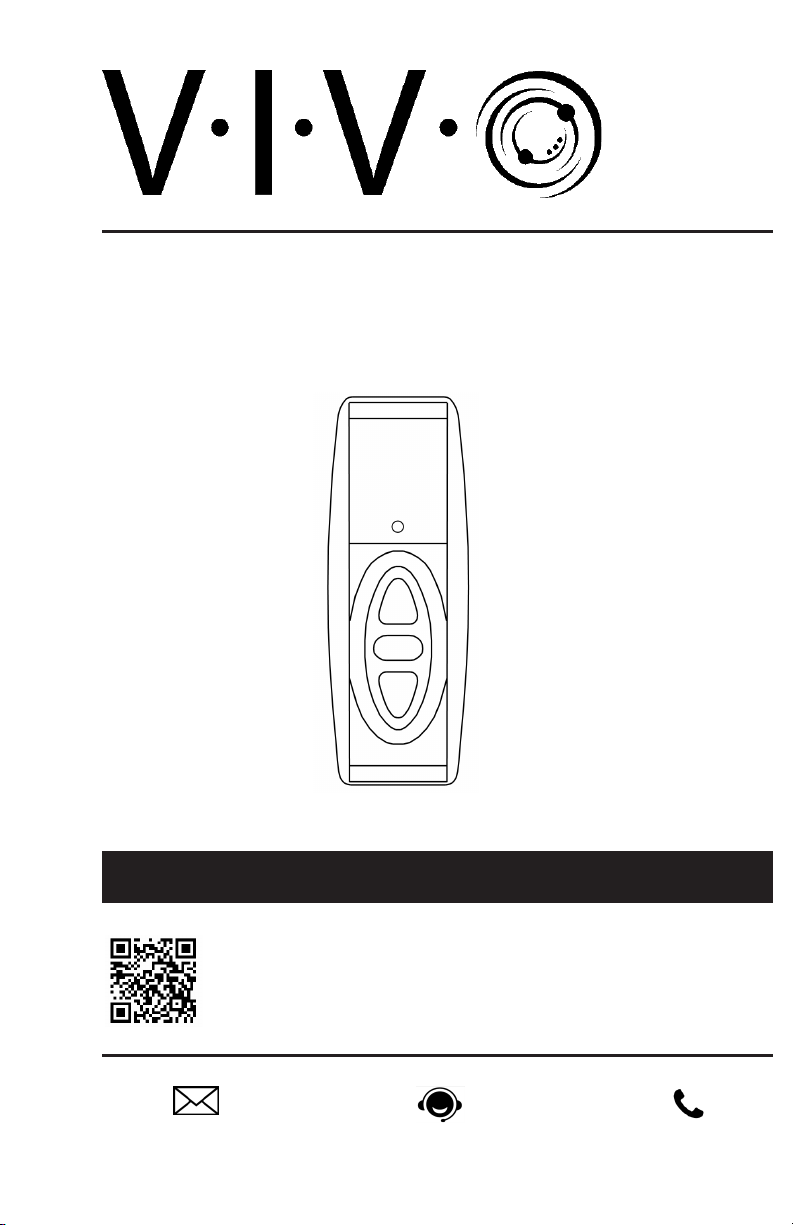
MOUNT-E-UP44 Remote Control
Instruction Manual
SKU: MOUNT-E-UP44 Remote Control
Scan the QR code with your mobile device or follow the link
for helpful videos and specifications related to this product.
https://vivo-us.com/products/mount-e-up44
Page 2
WARNING!
If you do not understand these directions, or if you have any doubts about the safety of the installation,
please call a qualified technician. Check carefully to make sure there are no missing or defective parts.
Improper installation may cause damage or serious injury. Do not use this product for any purpose that is
not explicitly specified in this manual and do not exceed weight capacity. We cannot be liable for damage
or injury caused by improper mounting, incorrect assembly, or inappropriate use.
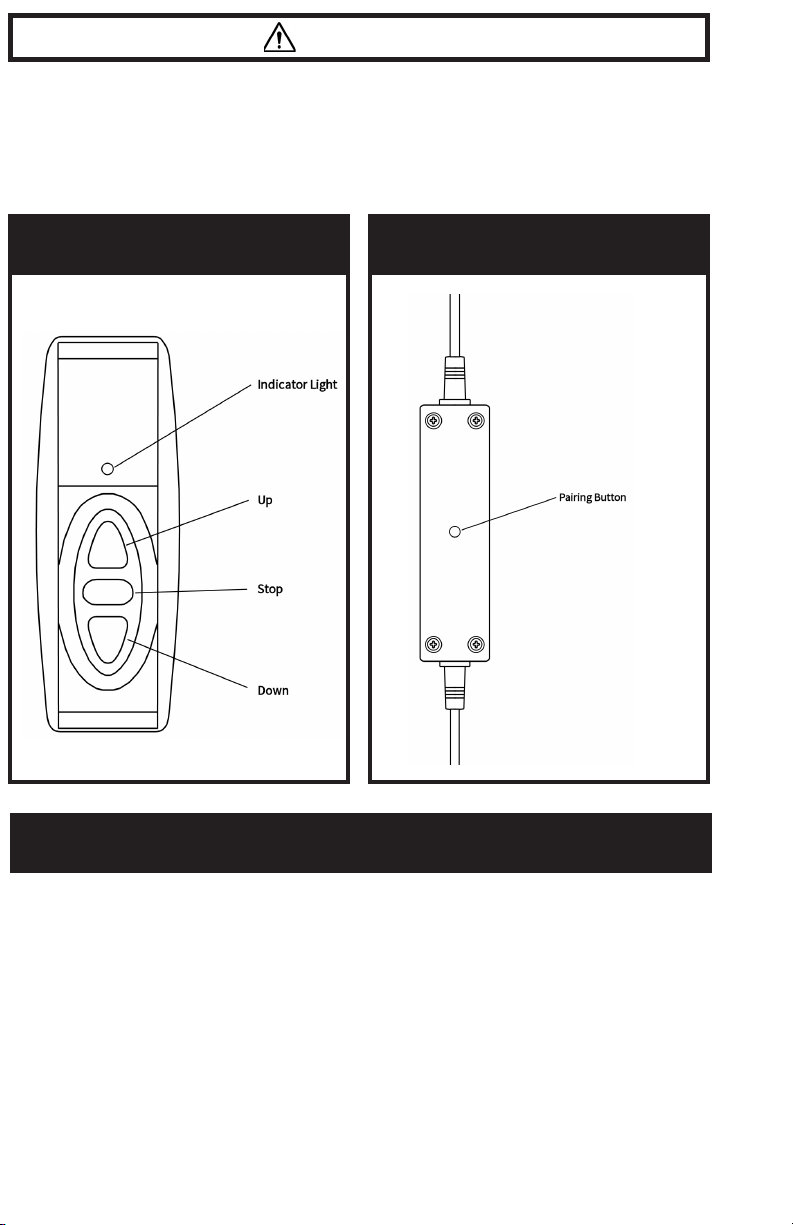
BUTTON FUNCTIONS
CONTROL UNIT
REMOTE CONTROL OPERATING INSTRUCTIONS
Movement
Up: Press the Up button on the remote to raise the mount. When pressed, the mount will
continue to move until it has reached the maximum height or until stopped manually.
Down: Press the Down button on the remote to lower the mount. When pressed, the mount
will continue to move until it has reached the maximum height or until stopped manually.
Stop: Press the Stop button to stop movement at any point.
(NOTE: When mount stops automatically at maximum or minimum height, the Up or Down
button must then be pressed twice to begin movement.)
2
Page 3

PAIRING
Multiple mounts may be paired to a single remote. To pair the mount with a remote, use a
small, thin object such as a toothpick to press the Pairing button on the center of the control
unit. Press any button on the remote within a few seconds aer pressing the Pairing button,
and the mount will then be paired with the remote.
(NOTE: The mount is designed to work with the included RF remote, and may not pair
correctly with other RF remotes.)
TROUBLESHOOTING
Remote does not respond: Replace 23A12V remote battery. Battery can be accessed by
removing bottom cover of remote.
Mount powered on, does not respond: Refer to Pairing instructions to make sure remote
and mount are paired.
Mount cannot raise: Please ensure that TV does not exceed weight limit, and that cabinet
lid is not too heavy for mount.
No power to mount: Check to make sure all power connections are firmly connected, and
that AC outlet is properly delivering power.
ADDITIONAL NOTES
• Do not plug power adapter directly into motor. The control unit MUST be connected
between the adapter and motor.
• To extend life of motor and electronics, do not operate continuously for an extended
period of time. Allow the mount to rest for a few minutes aer raising or lowering.
• If installing to a cabinet with a hinged lid, ensure that the hinges are installed to the back
of the lid and that the lid is able to open freely.
• Ensure that the control unit is not surrounded by material that can block RF signals,
such as aluminum.
3
Page 4
Love your new VIVO setup and want to share?
Tag us in your photo! @vivo_us
LAST UPDATED: 09/16/2019
Open Monday-Friday from 7:00am-7:00pm CS T,
our dedicated support team can oer immediate assistance with rapid response times.
If any parts are received damaged or defective, please contact us.
We are happy to replace parts to ensure you have a fully functioning product.
www.vivo-us.com
309-278-5303
AVG. RESPONSE TIME (within oice hrs): 1HR 8M
- 23% within < 15m
- 38% within < 30m
- 61% within < 1hr
- 83% within < 2hr
- 92% within < 3hr
AVG. RESOLUTION TIME (within oice hrs): < 15 M
AVG. RESOLUTION TIME (within oice hrs): 5M 4S
FOR MORE VIVO PRODUCTS, CHECK OUT OUR WEBSITE AT: www.vivo-us.com
 Loading...