

Page 1
Copyright @2010 by this company. No. Part of this publication may be reproduced,
transmitted, transcribed, stored in a retrieval system or translated into any language
or computer language, in any form or any means. Electronic, mechanical, magnetic,
optical, chemical, manual or otherwise, without the prior written permission of this
company.
SAFETY INSTRUCTION
1. Never push objects of any kind, or spill liquid of any kind into these products.
2. Do not attempt to service this product yourself, as opening or removing covers
may expose you to dangerous voltage points or other risk. Refer all servicing to
qualified service personnel, if any misuse mentioned above happened or any
accident dropping, miss-operations occurred.
Page 1 of 6
7. Security notes
The unit is only suitable for indoor use. The heat being generated in the unit has to
be removed via air circulation. Therefore the circulation vents at the housings must
not be covered with any objects.. Do not insert or drop anything into the air vents !
This could result in a short-circuit. If the unit is used for purposes other than
originally intended, if it is connected in the wrong way or not repaired by authorized
skilled personnel, there is no liability for possible damage. To cleaning only use a
dry, soft cloth, by no means chemicals or water. .If the unit is to be put out of
operation definitively, bring it to a local recycling plant for disposal.
8. Technical Data
Screen Size 10.4” Diagonal
Resolution SVGA 800 X 600
Number of Colors 262,144 Colors
Pixel Pitch and Format 0.264 x 0.264
Brightness
230 cd/㎡
Contrast Ratio 500:1
Operating Temp.
0℃ ~ 50℃
Storage Temp
-20℃ ~ +60℃
Backlight CCFL
Viewing Angle R/L 60deg, U/D 35/ 65 deg
Power Consumption 1.25A DC 12V
Video Input level
1.0Vpp ±0.5Vpp
Video Impedance
75Ω
PC Input 15pin D-Sub
Page 6 of 6
Page 2
5 Operation
1) Switch on the device with the Energy Saving Main Power.
○
01
2) Then turn the
○
04 Power bottom.
3) Select the Video input Source
○
05
4) Adjust the Brightness with the
○
08
5) Please push OSD Control Menu
○
06 to select the Brightness, Contrast, and other
controls that you wish to change, then use
○
03 or ○05 to get desired picture.
6 Application range
The LCD color monitors offer a sharp and high contrast display. They can be
universally applied, e.g. in surveillance systems, in reverse monitoring car systems or
marine bridge for multimedia applications, IP 65 Waterproof Rating
Page 5 of 6
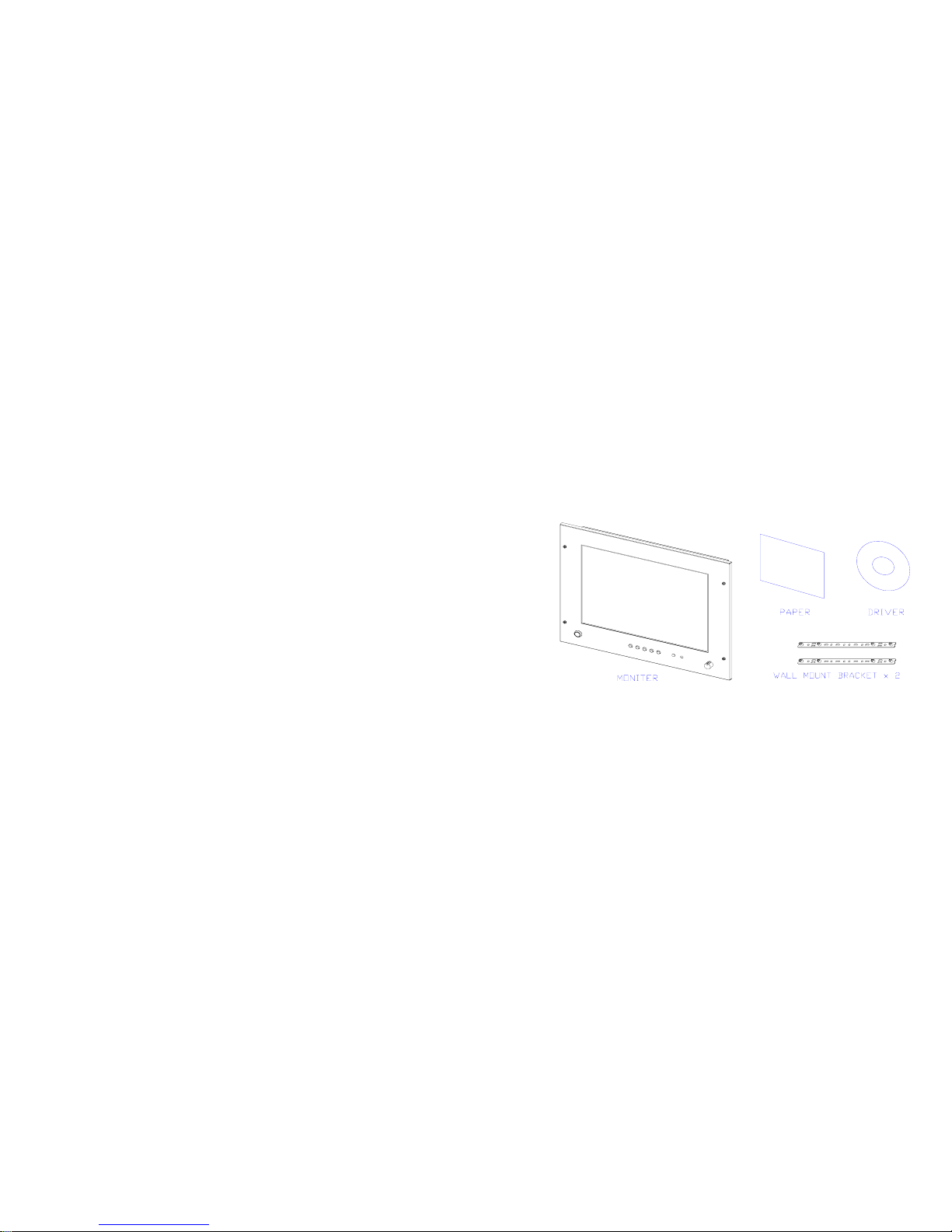
1.Contents :
10.4” Monitor x 1 Power supply x 1
Wall Mount Bracket x 2, Panel Cut Dimension 1:1
Fig. 1 Connectors and Controls
Page 2 of 6
Page 3
2 . Installation
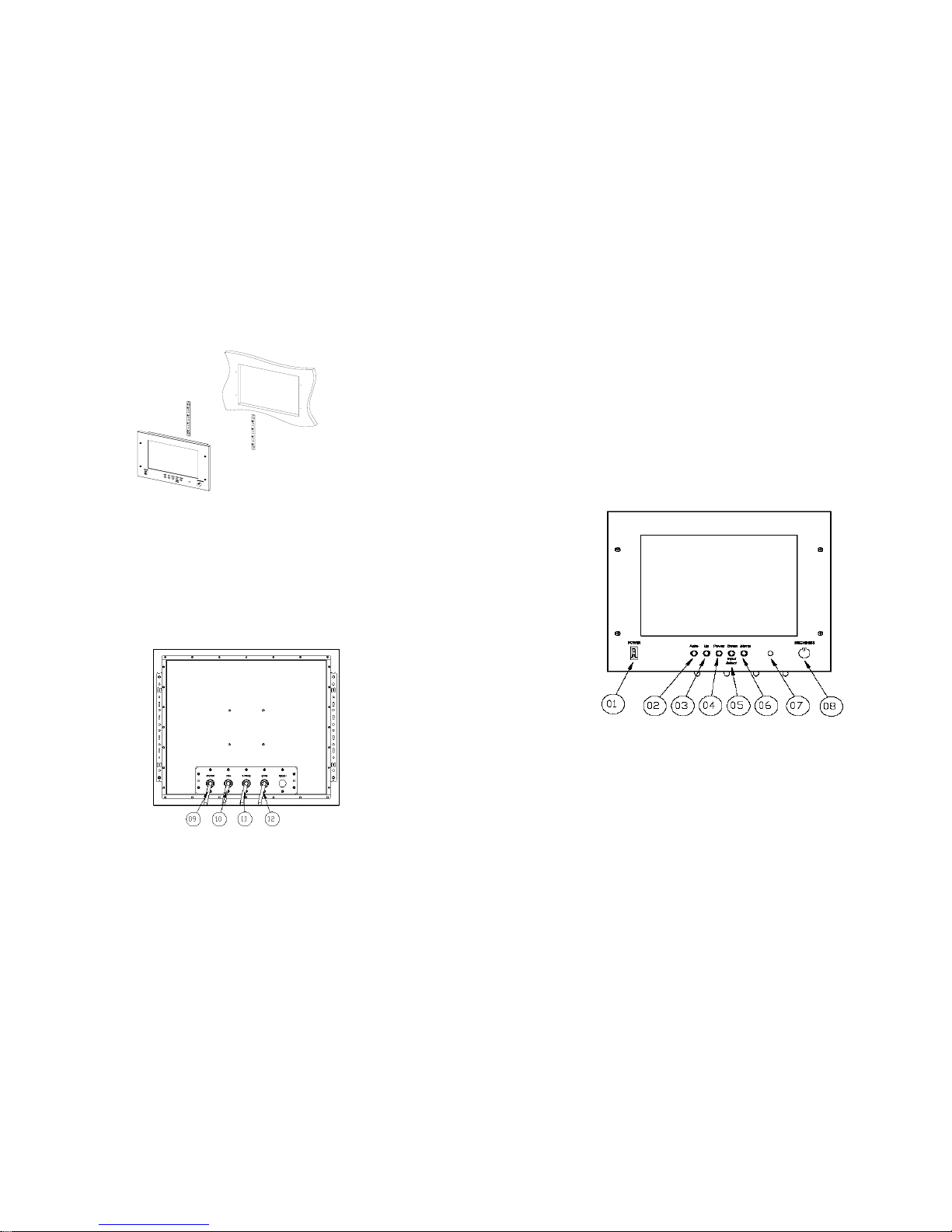
Fig.2 Installation
Please use the Panel Cut Dimension Sheet to cut an 1:1 opening on where your wish
to install the monitor, then fasten the two brackets onto the wall, then fasten the
monitor on to bracket.
3. Connection
Fig.3 Connectors
Page 3 of 6
1) Connect the 12V DC into
○
09 , ( positive center)
2) Connect the PC RGB input to
○
10
3) Connect the S-Video source
○
11
4) Connector the CVBS ( Video source) to
○
12
4. Connections and operating Elements
Fig. 4 Controls
○
01 Energy Saving Main Power. ○02 Auto
○
03 □+ Increase ( default to Brightness ) ○04 OSD Power on
○
05 □- Decrease (default to Input Select)
○
06 OSD Menu ○07 LED Power Indicator
○
08 Brightness Control
Page 4 of 6
Page 4
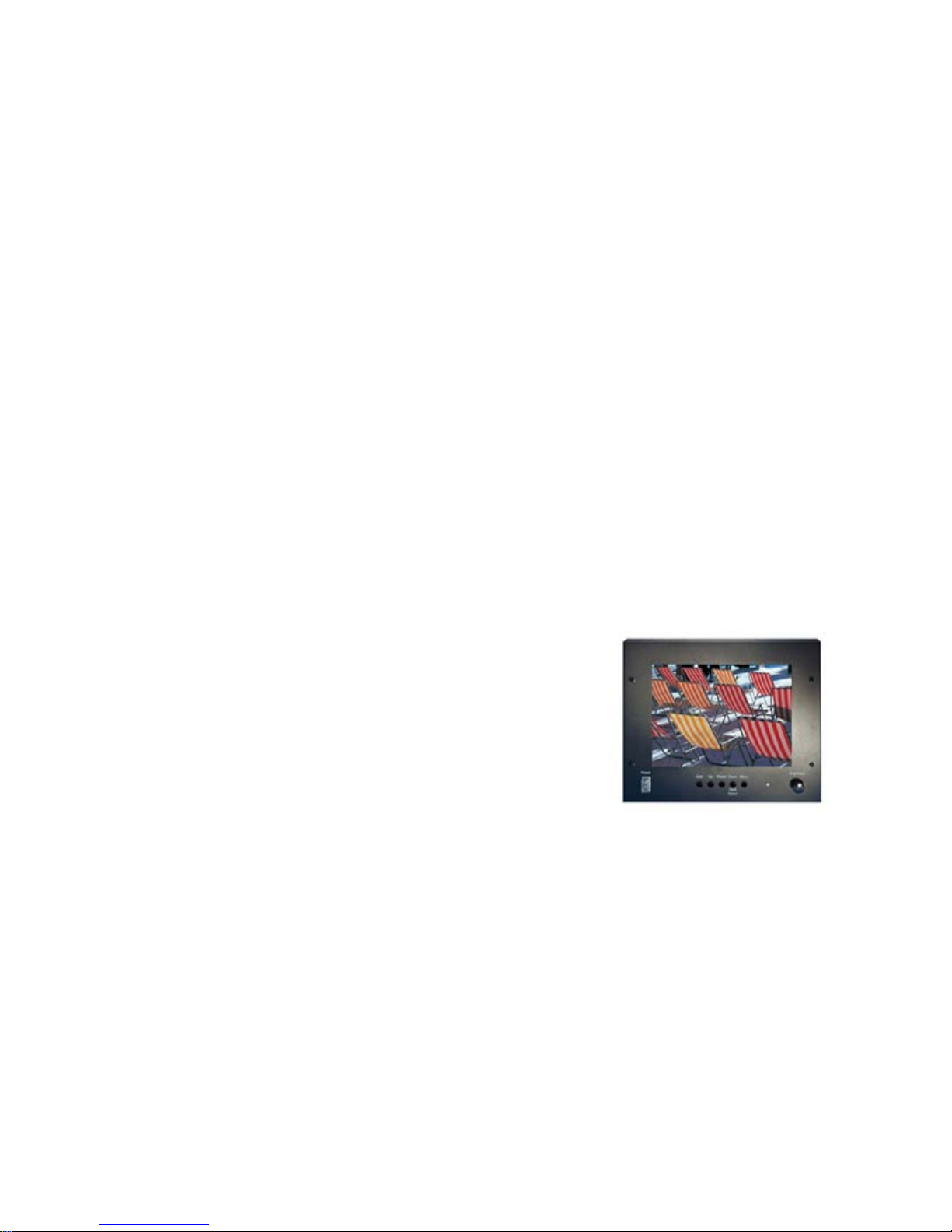
LM-1050
10.4” W aterproof Monitor
User’s Manual
Version 1.0
 Loading...