

Page 1
1
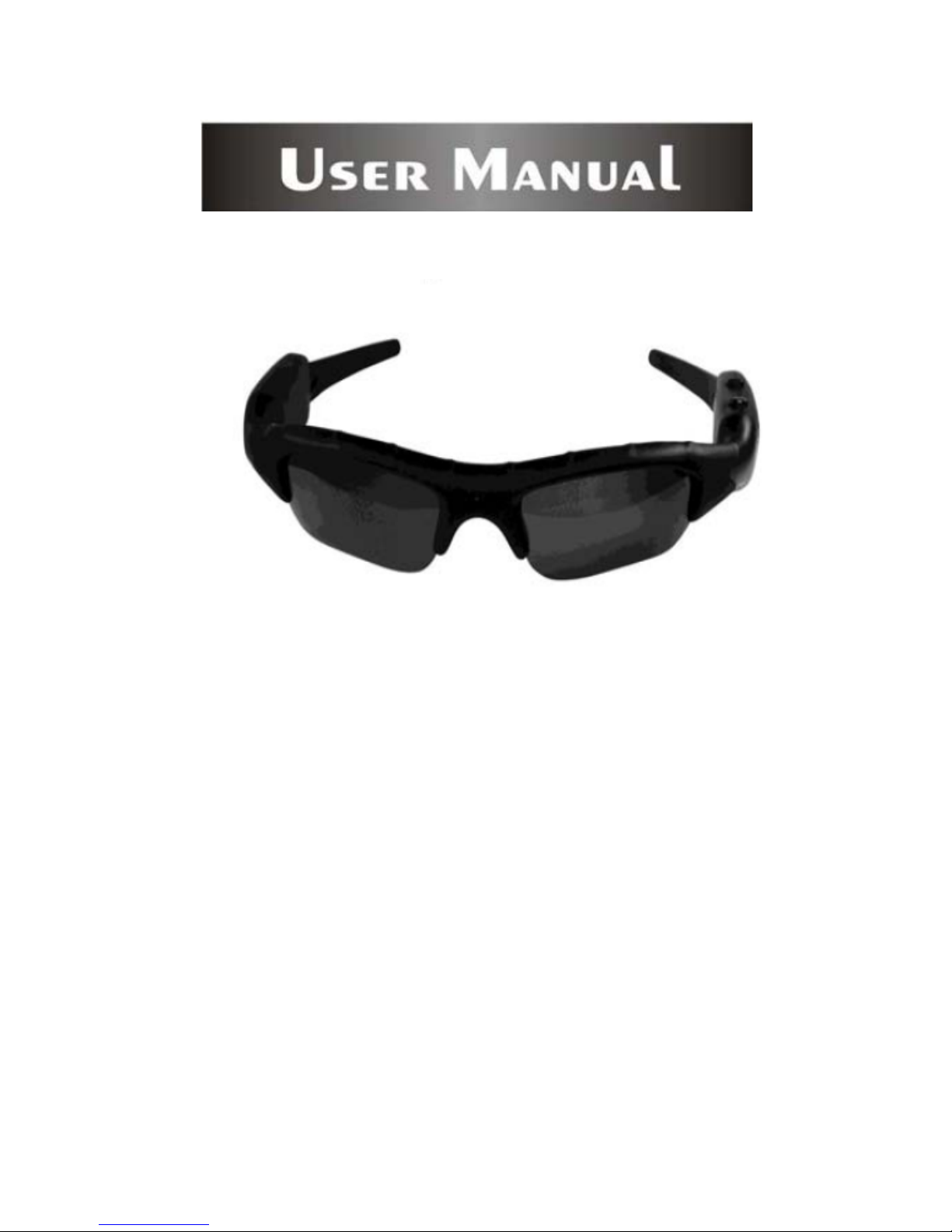
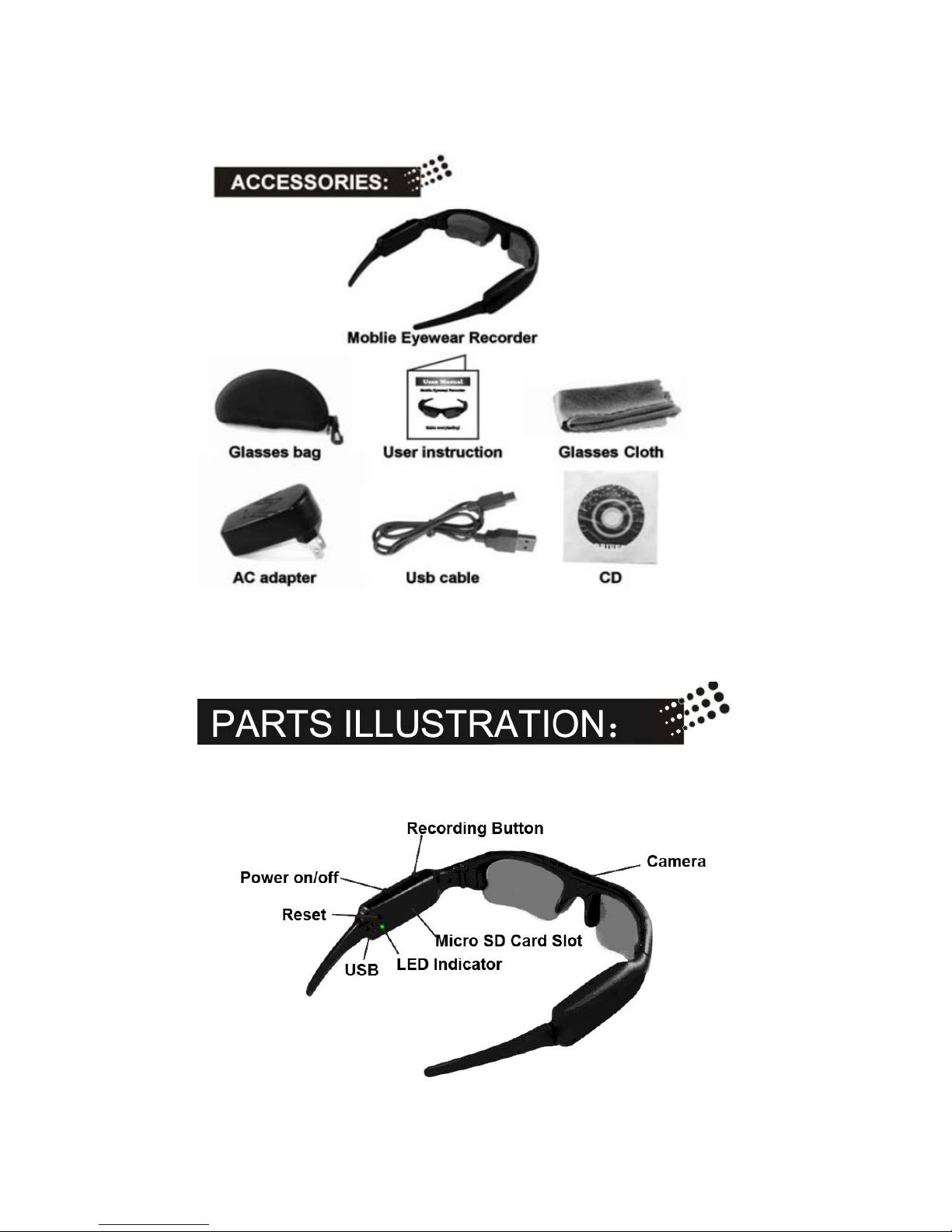
Mobile Eyewear Recorder
Page 2
2
Page 3

3
1. Quality Polaroid Lens from brand makers.
2. User friendly operation button for easy control.
3. With extended memory slot for TF/Micro SD card.
4. Easy connection with PC/Laptops,no driver needed.
5. Built in 2G memory with extended memory for as long as 5 hours
video recording.
6. Sleek and elegant design suits for both men and women users.
7. 1.3 mega pixels pinhole CMOS camera for clear digital recording.
8. Real time recording, never let memorable moments sneak away
from life.
9. A must equipment highly recommended for journalists, traffic
police, travelers and students.
A) Switch On
Long press On/Off button for 5-6 seconds till the blue LED lights
on. When it changes to green color, it’s ready for recording.
B) Switch Off
One long press plus one short press of On/Off button will switch
off the device manually, or leave the device without operation for
20 seconds, it will shut off automatically.
C) Recording
1. Start to record
In power on mode, short press of recording button, it will start
recording, you are able to see the blinking and exchanging of
blue and green LED lights.
Page 4
4
2. Stop and Save
Short press the recording button, device will stop recording and
you will see the blue LED lights on, now the devices are saving
data to its in-built memory. When blue lights changed to green,
data saving finished and device is ready for next recording.
3. Auto shut-off
If you leave the device without operation for 20 seconds, it will
automatically shut off.
A) The device has a standard in-built 2GB memory.
B) Device also offers micro SD card slot for extended memory.
C) Under default saving mode, if micro SD card inserted, data will be
saved on micro SD card first, if not, data will be saved in the
in-built flash memory.
D) When space is full, LED light will stop blinking and start data
saving; If in-built memory is full, device will shut off after data
saving.
E) You are kindly requested to insert and pull out the Micro SD card
in power off mode to avoid data loss or damages to the device or
Micro SD card.
F) Please format Micro SD card before using.
A) If failed to start the device, in most cases the battery is flat and
needs to be recharged. For initial three charges, you are kindly
requested to charge the li-polymer battery for at least 12 hours long
to ensure its best performance in future. Please do not charge it for
over 24 hours.
B) You can either charge the battery using USB cable or charge it thru
AC adaptor provided. Usually a full charge requests 3-4 hours.
Page 5

5
C) The red LED lights will turn on when starts recharging and will
turn it off when battery is full.
D) Please do not use other AC adaptors other than the one provided in
the standard kit to avoid damages to the product.
E) If you haven’t use the device for a long period of time, we suggest
you to recharge the battery first before use it.
F) Better charge the battery in power-off mode for fast recharge and
best protection.
A) System Requirement
1. CPU must be at least 100Mhz above
2. Operating system: Win 98/Me/2000/XP/Vista
3. USB slot
4. CD-Rom/DVD Rom
5. Minimum 15MB free harddisk space
6. Minimum 32MB momory
B) Connecting PC or Laptop
1. If you are running a Win98 system, you need to first install the
software from the driver CD in the kit. Other systems can
simply pass this step.
2. Start the device, plug the USB to it and then connect to PC or
Laptop.
3. The computer will recognize the newly added disk and shall
install if necessary the driver.
4. After installation, a new window will popup, and you are able
to see a folder namely “Video” with the video files you have
just recorded ready for downloading to local disk.
5. You can then copy or cut and save to your local hard drive
then.
6. When finished, click to remove the storage disk.
Page 6
6
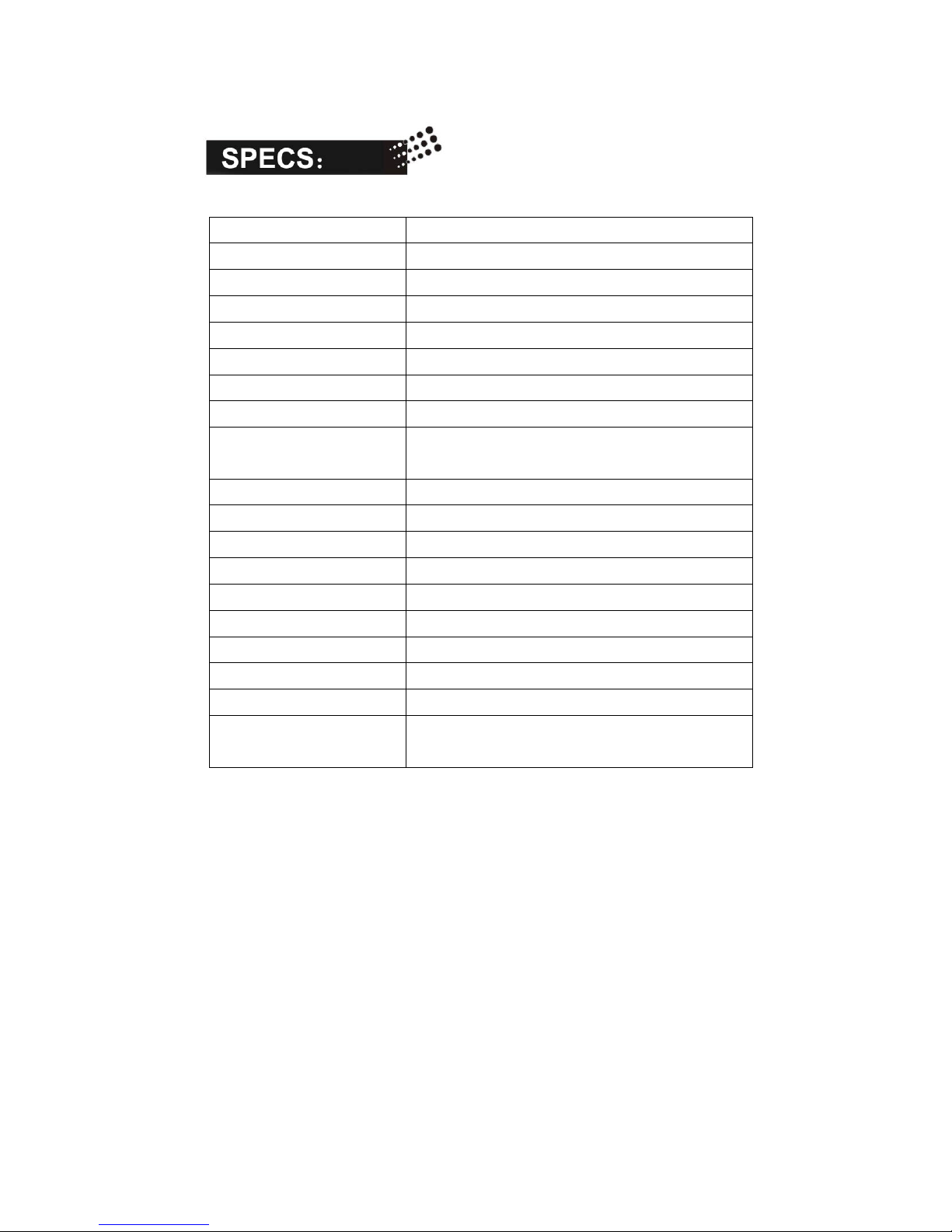
Product Size 170*160*40mm
Physical weight 39g
Speed Read > 700kbs, write > 500kbs
USB 1.1
Power supply Embedded 550mAh Li-polymer Battery
Power duration 4-5 hours
Power Adaptor 5V DC/ 500mAh
Power Consumption <0.4W
Memory In-Built 2GB
Support TF/Micro SD Card, Max 2GB
Resolution 320*240
Video Format 3GP
Audio Stereo
Lens specs 1.3 mega pixels pinhole CMOS camera
Recording Speed 30fps
Working temp 0 C – 60 C
Storage temp -20 C - 80 C
Player Quicktime, Real player, Storm codec
Menu Language English
Operating System: Win98,Win2000, Windows XP ,
Windows Vista
Page 7
7
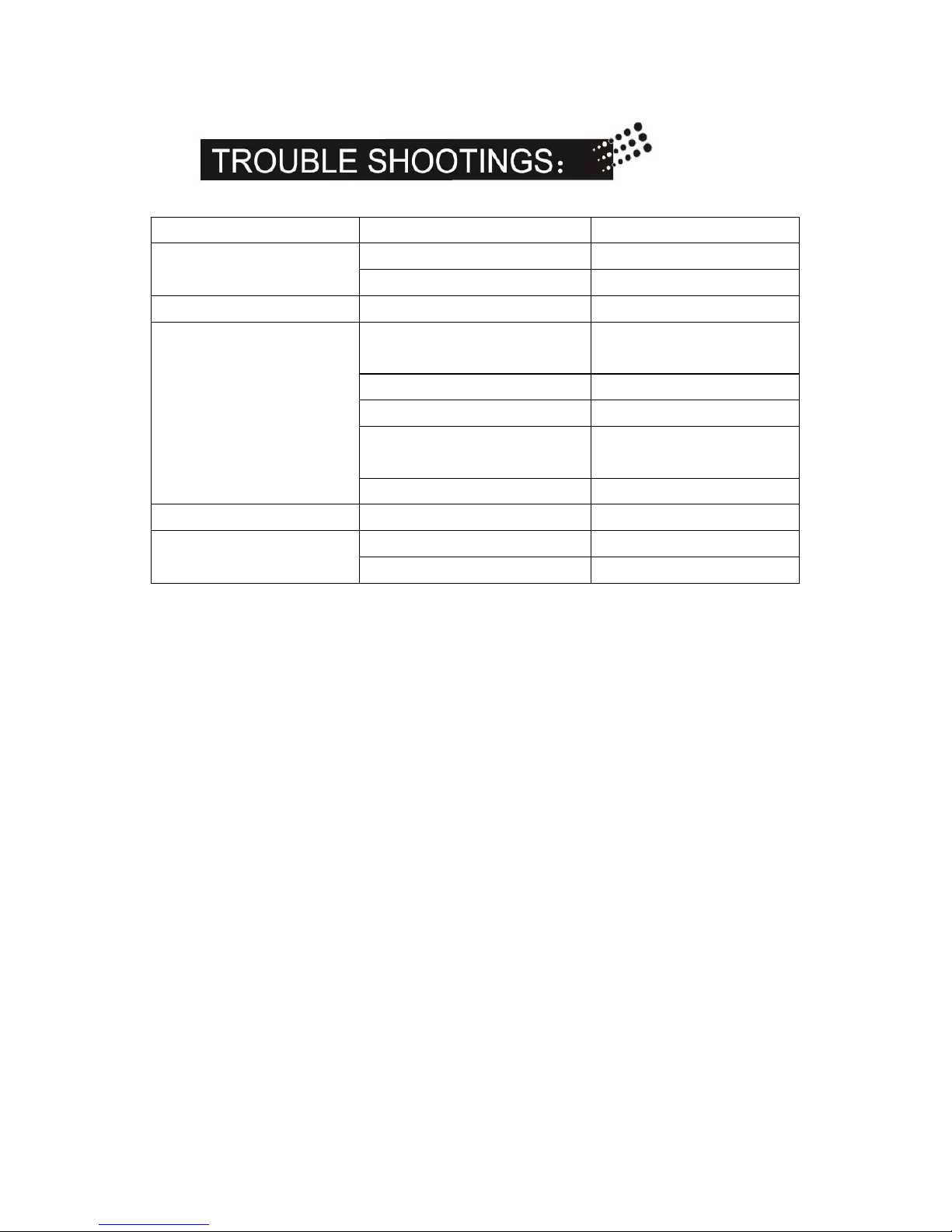
Symptom Possible reason Solution
Fail to start Flat battery, Recharge battery
device jam Reset, then start again
Auto shut-off Flat battery Recharge battery
Cannot recognize when
connect to PC/Laptop
Connect to pc when power
off
Power On Device
USB Cable failure Replace new cable
PC Bios disabled Set USB enabled
Mainboard does not
support USB port
Update Mainboard
driver
PC system Jam Reboot PC
Data not saving Memory is full Delete unwanted files
Power auto off after
start
Battery power shortage Recharge battery
Memory is full Delete unwanted files
 Loading...