

Page 1
VidePan
Bublcam Guides
Getting Started
Prepared for
Bublcam
July 2015
Prepared by
VidePan
info@videpan.es
Page 2

P a g e | 2 VidePan
Table of Contents
What is in the box? ................................................................................................. 3
Getting to know the Bublcam ................................................................................ 4
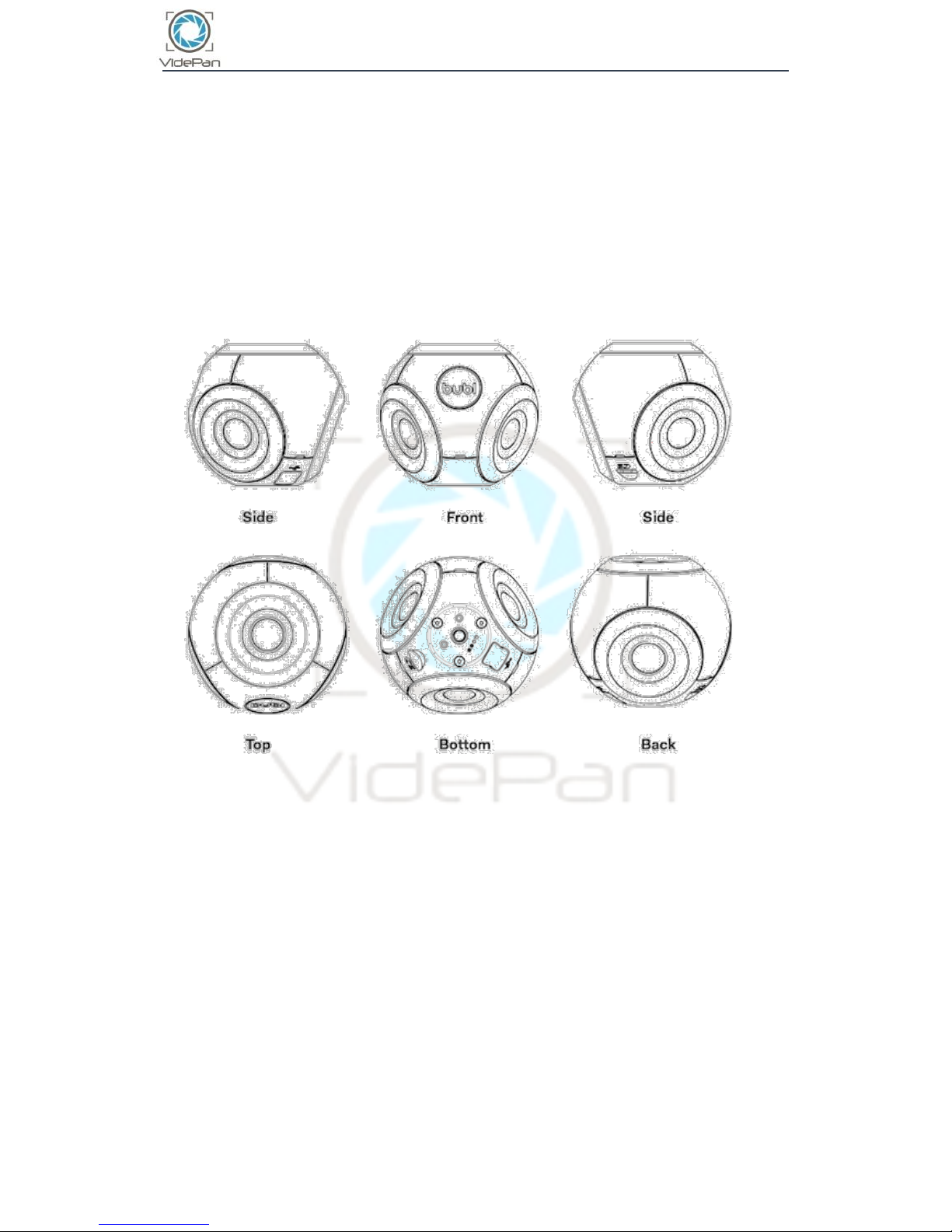
Bublcam diagrams: ........................................................................................................................ 4
Bublcam Tech Specs.............................................................................................. 5
How does the Bublcam work? .............................................................................. 7
LED Colour Chart .................................................................................................... 8
Safety Precautions, Warnings, Care and Storage ............................................ 10
Warranty (EU) ........................................................................................................ 11
Warranty Repair & Replacement Instructions: ........................................................................ 12
Page 3

Getting Started
P a g e | 3 VidePan
What is in the box?
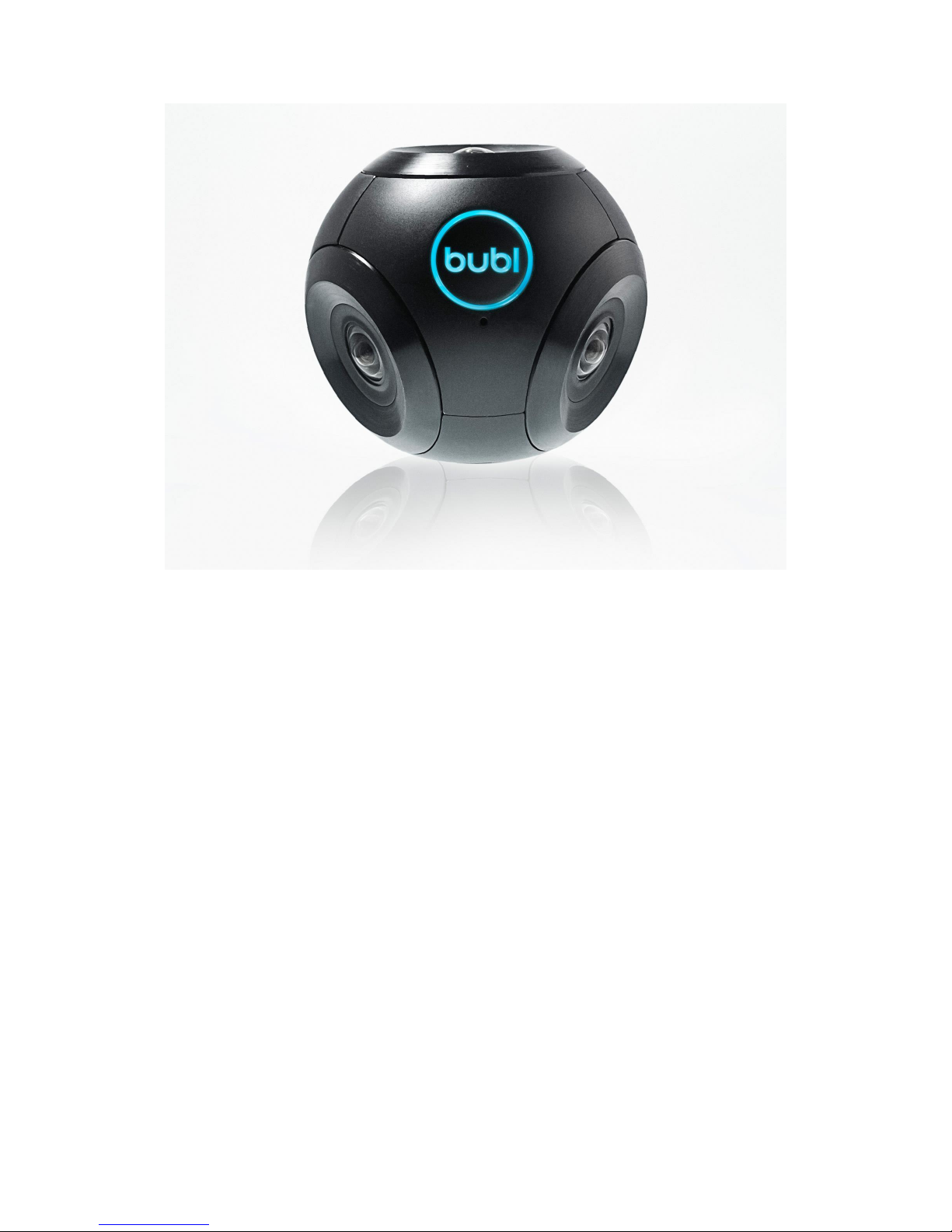
Bublcam
USB cable
Wall adapter
Mini tripod
Cloth pouch
Lenspen
Page 4
Getting Started
P a g e | 4 VidePan
Getting to know the Bublcam
Terms you need to know:
bubl - spherical media in either photo or video format
Bubl Cloud - www.bubl.io - where you store and manage your bubls
Bublcam diagrams:
Page 5

Getting Started
P a g e | 5 VidePan
Bublcam Tech Specs
Size and
weight
Dimensions
80mm (3.14”) diameter, circular
Weight
Bublcam: 280g
Storage
On board
MicroSD/SDHC
Supports
4 - 32 GB Class 10 UHS-1 micro SD
card
Power
Power source
3.7V LiPo at 1560mAh
Charging
method
Mini USB 2.0 port with USB cable +
power adapter
Charge Time
Approx. 2h
Optics
Aperture
f/2.0
Field of View
4 lenses x 190° FOV (160 used)
Focal Length
1.2mm
Minimum
Focus
Distance
25cm
Sensor
5MP x 4
video mode
Video File
Format
Saved as .MP4, H.264
Microphone
Omni PUI mic, -45dB+-3
Audio Format
MP3
Video File
Resolution
Multiplex*
30 fps:
1440p x 1440p
15 fps:
1920p x 1920p
Equirectangular**
30 fps:
1984 x 992p
15 fps:
2688p x 1344p
Image Mode
Page 6

Getting Started
P a g e | 6 VidePan
Photo File
Format
Saved as .JPG
Approx. Image
Resolution
14MP
Multiplex* 3840p x 3840p
Equirectangular** 5376p x 2688 p
Features
Memory
64MB flash
Chip
438 Mhz, TI-TMS320DM368
Output
USB 2.0
Accelerometer
Tri-axial +/-1.5G, 120Hz
WiFi
802.11n
Ports
USB, microSD
Mount Thread
¼”-20 (standard tripod size)
Supported
Software/System
Mac OSX, Windows 7, 8
Supported
Mobile Software
iOS 8+, Android 4.1+
Environmental
Storage Temp
0° to 25° C
Operating Temp
-15° to 40° C
*A Multiplex file displays the content captured from each of the 4 lenses
in separate quadrants of the file.
**An Equirectangular file displays the spherical stitched content in a flat
projection.
Page 7

Getting Started
P a g e | 7 VidePan
How does the Bublcam work?
The Bublcam has four 190 degree FOV lenses. The four lenses capture four
images and combine them into a multiplexed photo or video feed (four
fisheye views from each lens).
Our proprietary software stitches the four images together in real time to
create one complete 360 degree/spherical photo/video.
Page 8

Getting Started
P a g e | 8 VidePan
LED Colour Chart
The Bublcam uses LED colours to communicate with you. Here’s what it’s
telling you:
LED Colour
Behaviour
Description
Pulsing
Powering on
Pulsing
Saving file
3 quick
flashes
Capture failed - check to see
that the microSD is inserted
correctly or if the card is full
Slow flash
Preparing to capture
photo/video
Quick flash
Ready to capture. Capture
will begin on third quick flash
Solid
Capturing bubl
Page 9

Getting Started
P a g e | 9 VidePan
LED Colour
Behaviour
Description
Solid
Video mode. Ready to
capture.
Solid
Photo mode. Ready to
capture.
Pulsing
Recovering. Will reboot
when complete.
Flashing
Something went wrong.
Need to recover OS.
Page 10

Getting Started
P a g e | 10 VidePan
Safety Precautions, Warnings, Care and Storage
Keep out of reach from infants and children
Do not disassemble, alter, or apply heat
Do not drop or subject the product to severe impacts
Stop using the product immediately if it emits smoke/smell or
behaves abnormally
Do not let the product come into contact with liquids or moisture
Avoid using, placing and storing the product in direct sunlight,
humid/dusty areas, and temperatures above 40 C/104 F or under 40 C
Use appropriate and provided cables, connections, ports
Please use the provided lens pen to clean the Bublcams lenses
Page 11

Getting Started
P a g e | 11 VidePan
Warranty (EU)
Bubl Technology Inc. (“Bubl”) products are guaranteed against
manufacturing defects two (2) years from the original date of purchase.
Bubl’s sole obligation in the event of such defects during this period is to
repair or replace the defective part or product with a comparable part or
product at Bubl's sole discretion. Except for such repair or replacement,
the sale, processing or other handling of this product is without warranty,
condition or other liability even though the defect or loss is caused by
negligence or other fault. The foregoing warranty is limited and is not
applicable to: (i) normal wear and tear; (ii) defects or damage caused by
use, accident (including without limitation collision, fire and the spillage of
food or liquid), neglect, abuse, alteration, unusual stress, modification,
improper or unauthorized repair, installation, wiring, or testing, improper
storage, use in an unapproved device or if the serial number has been
removed; (iii) use not in accordance with the documentation; and (iv)
damage caused by the equipment with which the product is used. Bubl
assumes no liability for any accident, injury, death, loss, or other claim
related to or resulting from the use of this product. In no event shall Bubl
be liable for any special, indirect, incidental, punitive or consequential
damages of any nature whatsoever relating to or resulting from the use of
this product, any of its parts or equipment with which the product is used.
Products are not warrantied against water housing leakage, industrial
housing damage or any other resulting damage or defects. Please review
and follow the instructions carefully when sealing the water or industrial
housings.
The limited warranty extends only to the original retail purchaser and is
not assignable or transferable to any subsequent purchaser or user. THE
LIMITED WARRANTY SET FORTH ABOVE IS PROVIDED IN LIEU OF ALL
OTHER WARRANTIES AND Bubl HEREBY DISCLAIMS ALL OTHER
WARRANTIES OF ANY KIND, WHETHER EXPRESS, IMPLIED, STATUTORY OR
OTHERWISE, INCLUDING WITHOUT LIMITATION ANY WARRANTIES OF
MERCHANTABILITY, FITNESS FOR A PARTICULAR USE OR PURPOSE, NONINFRINGEMENT, QUALITY AND TITLE. Bubl DOES NOT WARRANT THAT THE
PRODUCT IS ERROR FREE OR THAT IT WILL FUNCTION WITHOUT
INTERRUPTION. To the extent Bubl may not, as a matter of applicable law,
Page 12

Getting Started
P a g e | 12 VidePan
disclaim certain implied warranties, the duration of any such implied
warranty shall be limited to the shorter of the two (2) year limited
warranty period or the minimum time period permitted under such law.
To obtain warranty service for any product that is subject to the foregoing
warranty, the customer must notify Bubl to obtain a Return Merchandise
Authorization ("RMA" or "return") and return the defective product
together with proof of purchase and the RMA form to the address
specified by Bubl in connection with the RMA. Any product returned to
Bubl without an RMA or without proof of purchase will be returned to
customer at customer's cost. Returns or replacements of parts and/or
products may be subject to shipping, handling, replacement and/or
restocking fees.
Warranty Repair & Replacement Instructions:
1. If you have read and believe that your product has an issue that is
covered under Bubl’s warranty, please contact us here
(https://bubl.zendesk.com/hc/en-us/requests/new) before returning
anything to us.
2. If it is determined that the issue is covered under warranty, you will be
granted a return and sent an email with the return number and return
label.
3. Package the product to be replaced in its original packaging (if you
don’t have original packaging, please see shipping instructions), clearly
write the return number on the outside of the package and use the
return label to ship it to us.
4. If a product is not deemed covered under warranty or it is sent without
a return number clearly written on it, it will be returned to the
customer at the customer’s cost.
 Loading...