

Page 1
Motion Marketing,
Kansas City
Service and Help
www.motionmarketinginc.com
email: [email protected]
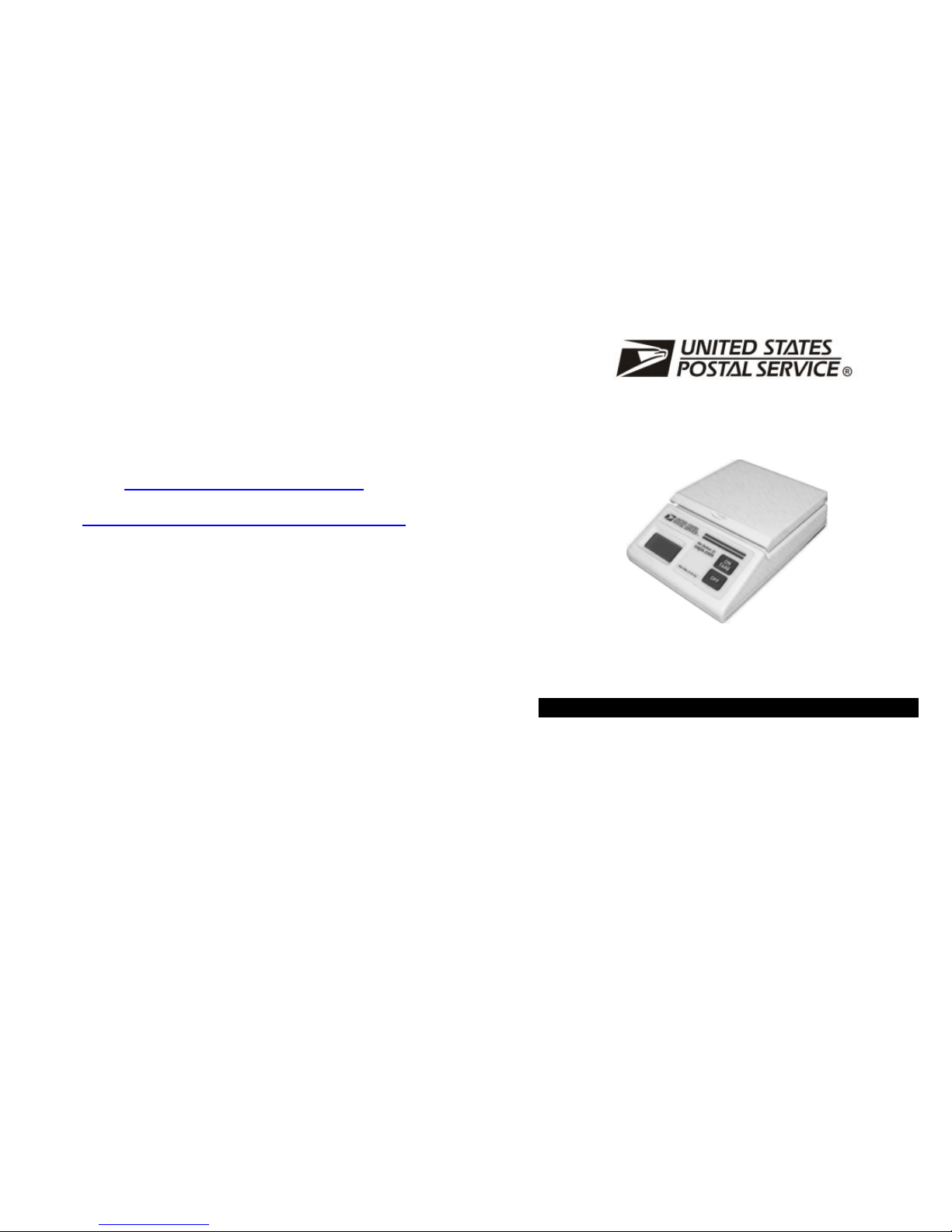
USPS Plus 10
Electronic Postal Scale
With fold-up platform for weighing large flats or mailing tubes
Max. 10 lbs d=0.1oz
The USPS PLUS 10 is a quality electronic digital scale with many features and functions.
Please read this manual carefully to enjoy this product
Operating Instructions
SCALE SPECIFICATIONS
Range : 0 ~ 10lbs
Mechanical overload protection
Tare : Unlimited to the total capacity of the scale
Accuracy : ± 0.1 % of reading ± 1 digit
Calibration : Four points of Automatic Calibration for greater accuracy
Resolution : 0.1 oz
Minimum Weight : 0.1 oz
Min. Add-on Wt. : 0.1 oz
Power : AC Adaptor: 9 V, 100mA (Supplied)
Battery: 9 V Alkaline battery (Not supplied)
Warm-up time : 1 minute or less
Display : 7 segment LCD with 3 + 2 half digits
Auto Off : Auto off after 5 minutes of non-use in battery operation
Temperature : Good performance within 20 degrees to 110 degrees F
Case & Platform : Fine textured ABS plastic
Load Cell Technology : Four optimal placed single strain gages with temperature
compensation
Load Cell Body : High Tensile Strength Aluminum Alloy
Page 2
Unpacking and assembling the scale
Unpack the scale and if the scale came from a colder or warmer
environment let it first stay for sometime to be at the same temperature
as your current environment.
Using the scale with a battery
Remove the battery compartment cover underneath the scale. Insert a
9V alkaline battery and connect to the battery snap. Replace the battery
compartment cover.
Using the scale with the power adapter
Connect the supplied power adapter to the input socket at the rear of the
scale and plug it into the power supply. It is advisable to remove the
battery when using the power adapter.
Scale startup
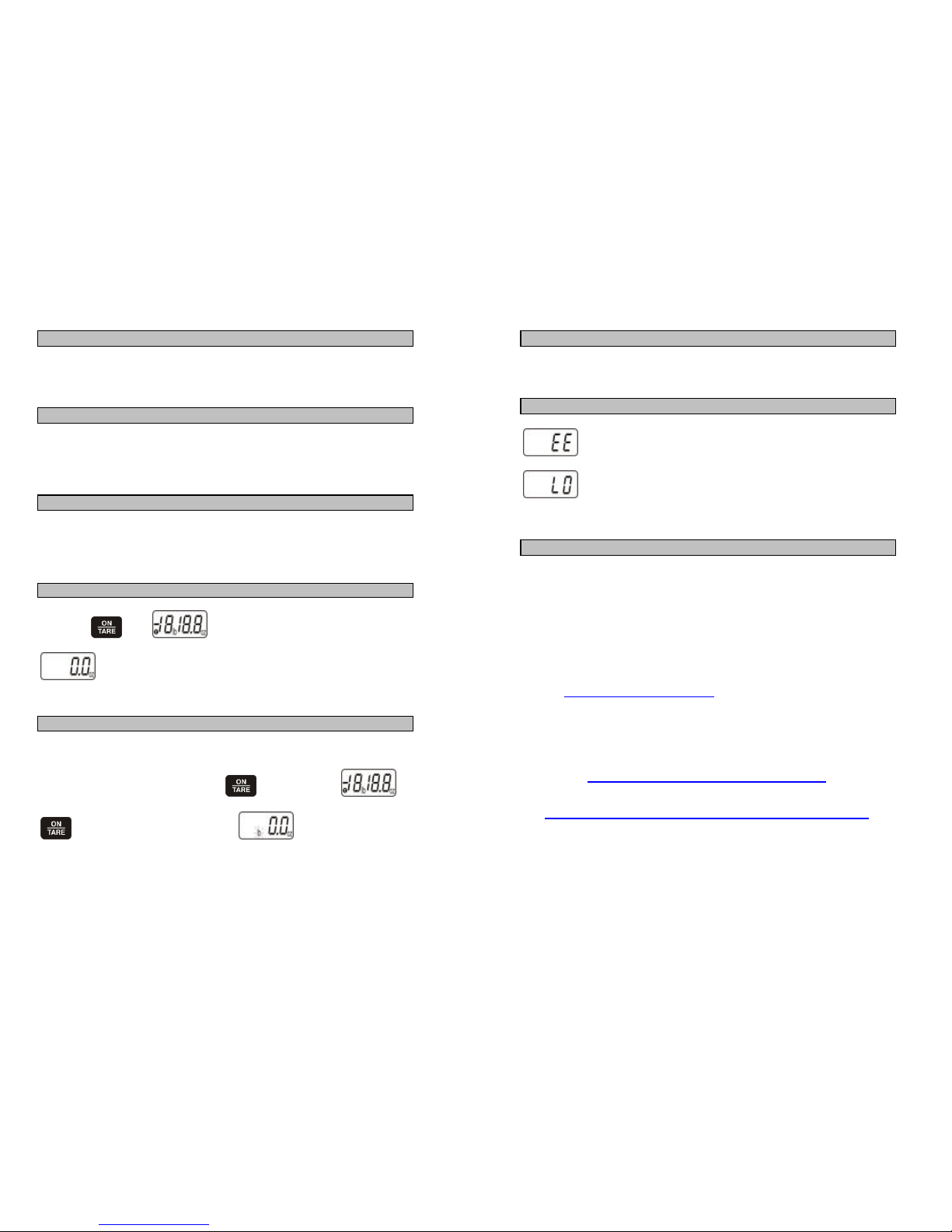
Press the key. will appear briefly in the LCD window
as the scale performs a self-check/zeroing routine, after which
will appear in the LCD window. Wait 60 seconds for the scale
to warm up. Your scale is now ready to weigh.
What is the function of TARE Key?
You can tare (set to zero) any article used as a container for small items
in the following way.
If the scale is switched off, press the key and wait for
to display. Place the container onto the platform, and then press the
key. The display will show . Place the item to be
weighed into the container, on the platform. The scale will now show the
weight of the item, excluding the weight of the container.
Be sure that the scale is operated on a flat surface
In order to operate correctly, the scale must be installed on a firm, flat
surface. It is advisable to turn the scale on 1 to 2 minutes prior to use.
.
Error Messages
The weight capacity of the scale has been exceeded.
When the input voltage is less than 7V, LO appears in
the LCD at the scale’s start up.
Limited Warranty
This USPS scale is warranted to be free of defects in parts and
workmanship for a period of one year from the time of purchase by the
original owner. If this product is found to be defective, Motion Marketing
will repair or replace defective parts at no charge, subject to the following
conditions:
1.) Owner must request a return authorisation from Motion
Marketing - please fill up the webform located at
www.motionmarketinginc.com
2.) Owner must include verification of the date of purchase when
requesting Limited Warranty Service. (Dated Sales Receipt
Required)
www.motionmarketinginc.com
email: [email protected]
 Loading...