

Page 1
NT-V3 Series
The NT-V3 Series >
NT-V3 Series
SFleetTrackin
g
At US Fleet Tracking, customer service is our top
priority. If you have any questions or encounter
any diffi culties with this system, please contact
our technical support at (405) 726-9900. They
are available Monday through Friday 7 a.m. to
7 p.m. CT and Saturday 9 a.m. to 4 p.m. CT.
If you have any questions about the web
interface, control panel, or basics of GPS
tracking and our system, please sign up for
the live training sessions every other Friday by
clicking the link on our website.
In these training sessions, our staff will help you
understand the ins and outs of GPS tracking
and the US Fleet Tracking web interface with the
many features it has to offer.
Thank you for choosing the NT-V3 Series
personal tracking device from US Fleet Tracking.
Messaging
NT-V3
Live T racking Devices
The NT-V3 Series >
SFleetTrackin
g
At US Fleet Tracking, customer service is our top
priority. If you have any questions or encounter
any diffi culties with this system, please contact
our technical support at (405) 726-9900. They
are available Monday through Friday 7 a.m. to
7 p.m. CT and Saturday 9 a.m. to 4 p.m. CT.
If you have any questions about the web
interface, control panel, or basics of GPS
NT-V3
Live T racking Devices
NTMv3.
5
Page 2

NT-V3 Series
getting started
messaging
THANK YOU for choosing one of our NT-V3 Series
personal tracking devices!
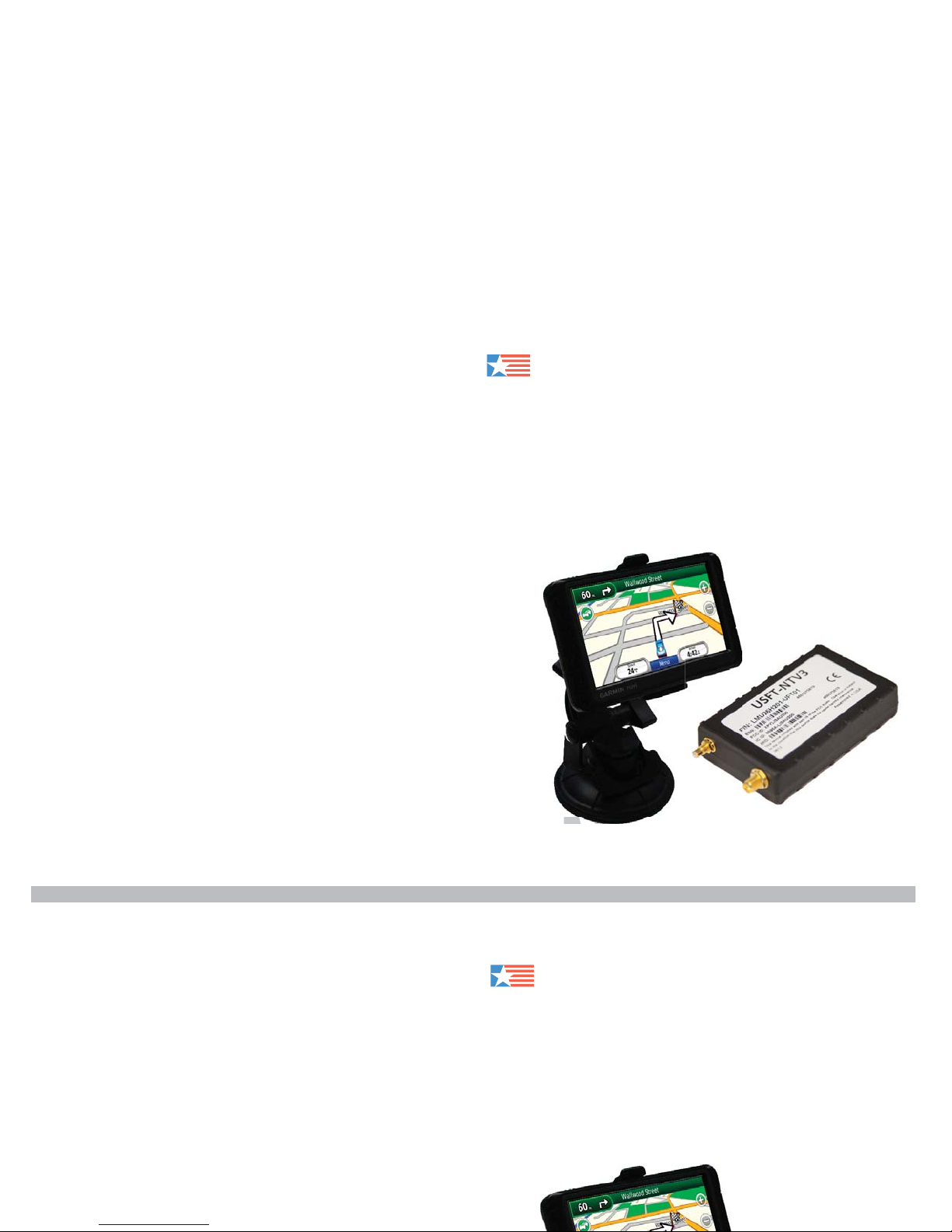
The NT-V3 Series devices integrate with certain
Garmin series personal navigation devices. They
allow for unlimited messaging to and from the
devices via any web-enabled computer.
This integration allows users to remotely set
destinations for employees in the fi eld from our
web-based system and offers unparalleled dispatch
and communications functionality.
To get started with your Garmin and US Fleet
Tracking NT-V3 device, please follow these steps:
US Fleet Tracking supported Garmin products:
• Dezl Series
• Nuvi 22xx - 24xx Series
• Nuvi 12xx - 14xx Series
• Nuvi 2x5 Series
• Nuvi 465
Supported FMI versions:
• Version 2.1 Fleet Management Interface
• Version 2.6 Fleet Management Interface
• Version 2.7 Fleet Management Interface
Your Garmin unit comes with preloaded software
that will need to be updated to function properly with
our messaging and routing features. To download
the most recent software version, visit: www.garmin.
com/products/webupdater/howtoinstall.jsp and fi nd
the WebUpdater installer.
Simply download the WebUpdater from Garmin
to your desktop. Use the supplied USB cable,
provided by Garmin, to install the latest software
version. Connect your Garmin device to your PC
and run WebUpdater.
Please note:
The Dezl Series devices can only be updated using
the micro SD cable in the port located on the bottom
of the device.
Step 1 > Check Compatibility
Step 2 > Update your Garmin
NT-V3 Series
THANK YOU for choosing one of our NT-V3 Series
personal tracking devices!
The NT-V3 Series devices integrate with certain
Garmin series personal navigation devices. They
allow for unlimited messaging to and from the
devices via any web-enabled computer.
This integration allows users to remotely set
destinations for employees in the fi eld from our
web-based system and offers unparalleled dispatch
and communications functionality.
Supported FMI versions:
• Version 2.1 Fleet Management Interface
• Version 2.6 Fleet Management Interface
• Version 2.7 Fleet Management Interface
Your Garmin unit comes with preloaded software
that will need to be updated to function properly with
our messaging and routing features. To download
the most recent software version, visit: www.garmin.
com/products/webupdater/howtoinstall.jsp and fi nd
Step 2 > Update your Garmin
 Loading...