

Page 1
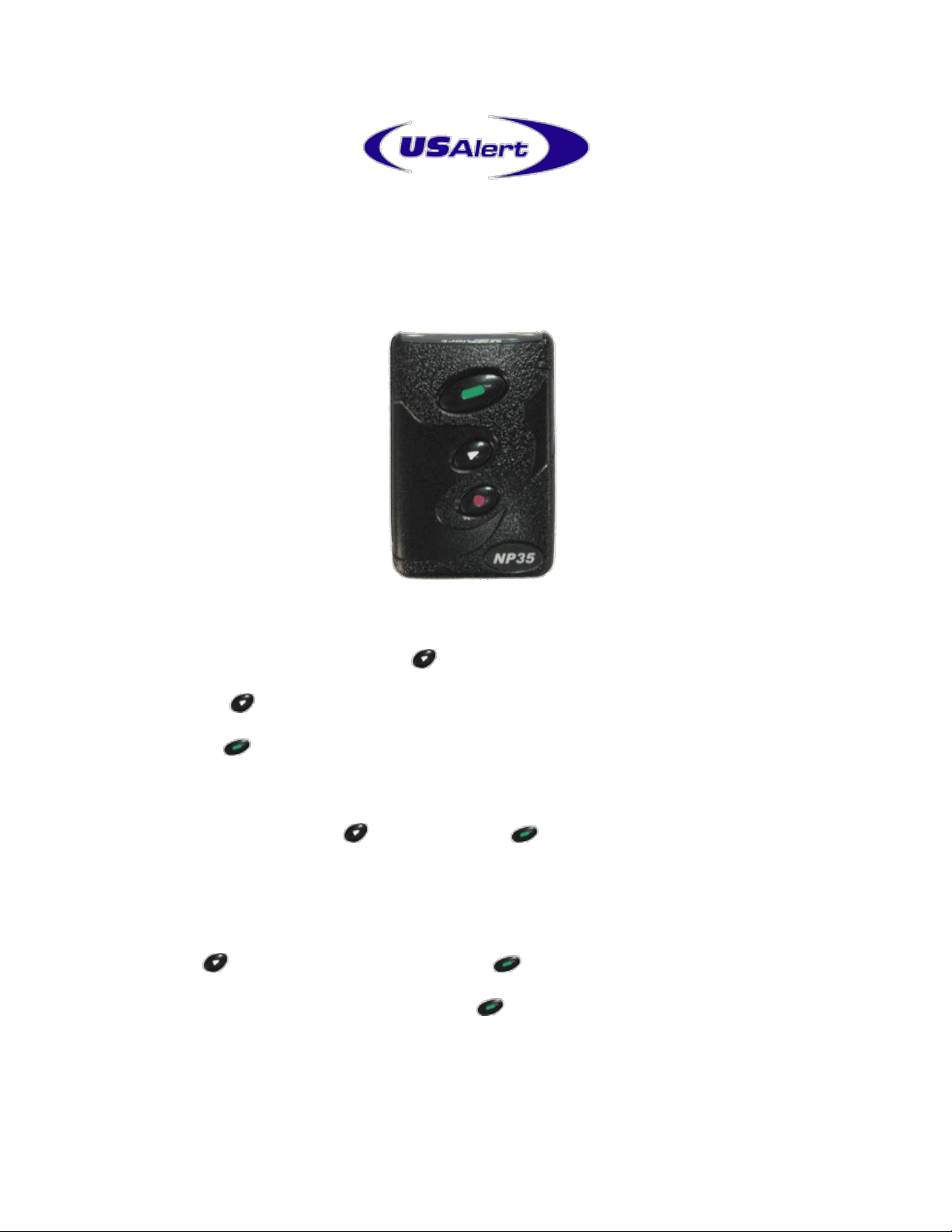
NP35 Numeric Pager
Hand Programming Manual
• Turn the pager off by pressing the Menu Key.
• Using the Menu Key, scroll through the various options until “Pager Off” is found.
• Press the Read Key to select this menu item. The pager will then turn off.
• Remove the battery from the pager.
• Now hold down both the Menu Key and the Read Key while inserting the
battery into the pager.
• You may be prompted for a four digit numeric password if this feature has been enabled
in the programming software.
Use the Menu Key to change fields and the Read Key to move to the next digit.
After the correct digits are entered, press the Read Key to proceed to the
programming menu. By default this password is “0200”.
• Once you are in the programming menu, you will see the first cap code ready for
viewing or editing. There are four or six cap codes available in total.
Page 2

• If you do not need to edit the four cap codes, you can press the Menu Key while the
ID number is flashing, to scroll through without changing that cap code.
• Each cap code can be enabled or disabled if required. “ON” is enabled and “– –“ is
disabled.
• The cap code programming continues until all cap codes have been set.
• Change Frequency --The frequency must be entered in kHz. Ie: If your transmitter
works on 450.3375 MHz, you type in 4503375. The frequency must match that of your
paging system.
• Press the Read Key until the cursor reaches the end of the line.
• The final query asks you to confirm that all entered settings are correct before writing
the settings to the pager. If everything is correct, press the Read Key, otherwise press
the Menu Key to go back to the cap code screen to make more changes.
• To exit the programming menu at any time, press the Escape Key.
• Once the settings are written to the pager, the pager will restart. The pager will then
resume normal operation with the updated programming settings.
 Loading...