

Page 1
1
INSTRUCTION MANUAL
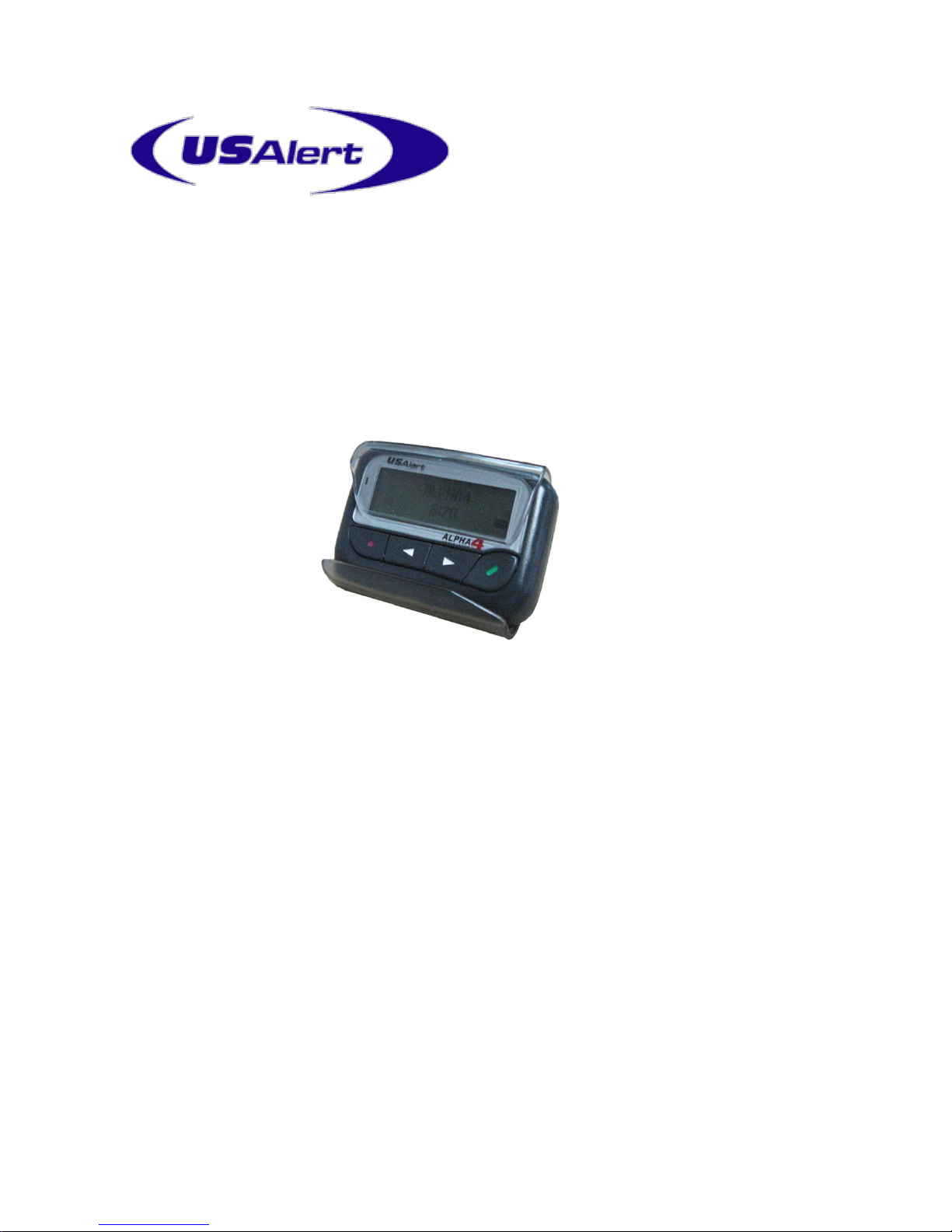
For USAlert Alpha 4 Hand Programming
Before Programming
The USAlert Alpha 4 pager can be programmed using Cap Code Programming
(CCP) software and a special programming cradle (UB-29). Key options of the
Alpha 4 can also be programmed manually without the need for software and
equipment. In the case of manual programming, 8 cap codes, baud rate, and
RF frequency can be programmed by hand. The option for hand programming
must be enabled in the CCP software (Hand Program/Canned MSG tab, Hand
programming: Enable box checked) for this feature to be operational.
Password protection for hand programming is optional and also is set in the
CCP software (Hand Program/Canned MSG tab, Hand programming: Require
password box checked or not checked).
Page 2

2
Manual Programming
In the manual programming mode, the user can set 8 cap codes, the baud rate, and the
pager frequency without connecting to a computer.
To enter the manual programming mode, while inserting the battery, depress and
hold the large ENT key for 2 seconds. If the Hand Programming feature and
password protection have been enabled, the Password screen should appear.
If the Hand Programming feature is not enabled, this screen will not appear. If the
password protection option is not enabled, the Main Menu screen should be the first to
appear.
Enter the password by pressing the Right key to increment the value of the first digit, Left
key to decrement. Press the ENT key to shift to the next digit. When the 4 digit display
corresponds to the stored password programmed from the CCP, press the ENT key to
display the Main Menu screen. If incorrect numbers were input, the pager will immediately
turn off. Default password is “0200”.
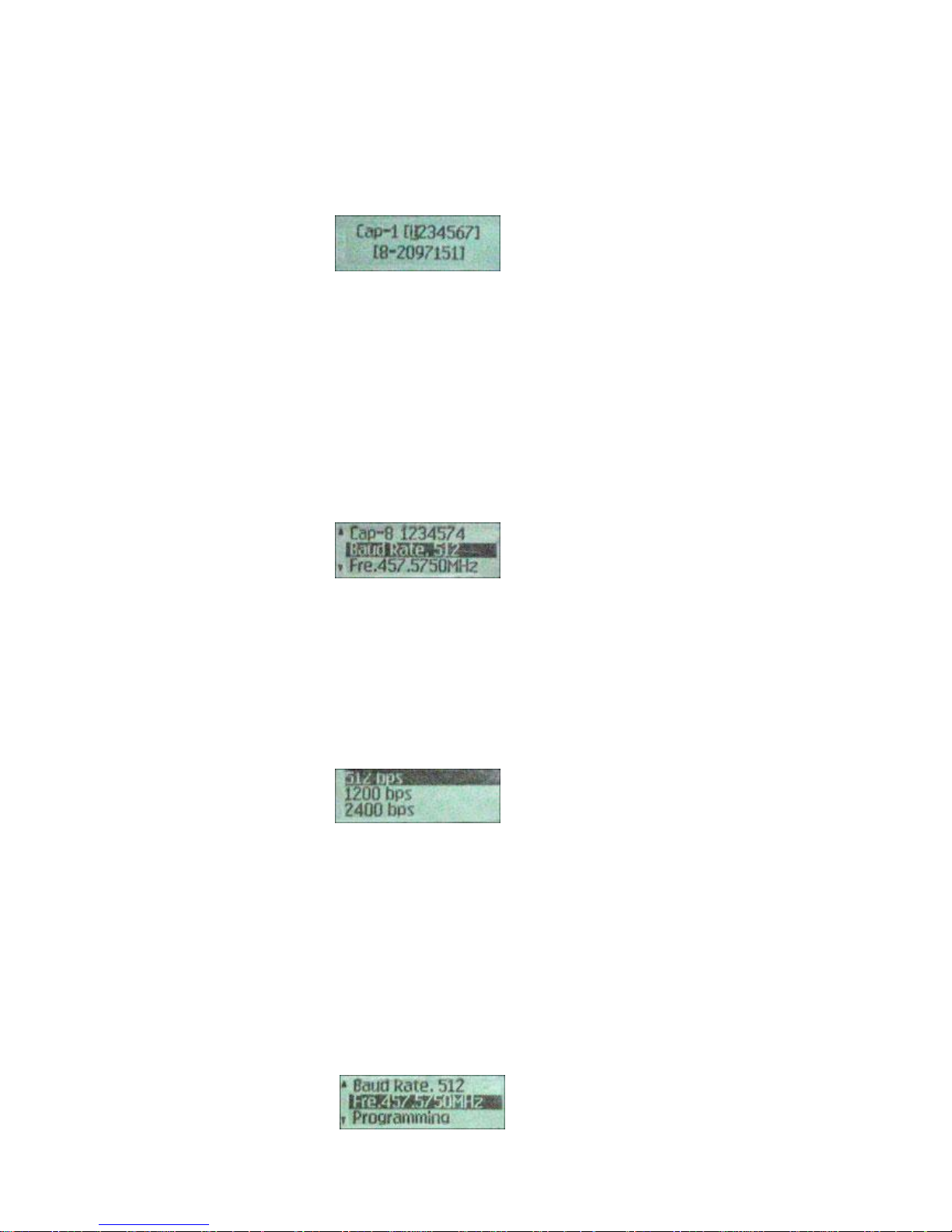
The Main Menu screen displays cap code addresses appearing in order from 1 to 8, the
Baud Rate and current setting, the pager Frequency and current setting, and a line for
Programming. Pressing the Right key will increment to the next line, Left key will
decrement to the previous line.
To program a cap code address, use the Right and Left keys to highlight the address.
Press the ENT key to select that address.
Page 3
3
An “On / Off” screen appears. Press Right or Left keys to highlight and enable this
address (On) or disable this address (Off). Press the ENT key to select. The cap code
screen for this address appears.
To program a cap code, press the Right key to increment the value of the first digit, Left
key to decrement. Press the ENT key to shift to the next digit. If an invalid cap code is
entered, the display will return to the first digit. The valid cap code range is listed under
each cap code input [0000008-2097151]. After completing a valid input, the menu will
shift back to the Main Menu and allow other addresses, baud rate, and frequency to be
programmed. Press the Right key to increment through the selections.
After completing the cap code entries, the Main Menu will display the current Baud Rate
setting. If correct, press the Right key to shift to the Frequency selection. If the Baud
Rate setting needs to be changed, press the ENT key to shift to the Baud Rate screen.
512 bps / 1200 bps / 2400 bps selections will appear.
Use the Right or Left keys to highlight the desired setting, and press the ENT key to
select. The display returns to the Main Menu screen and shows the new Baud Rate
setting.
The last programming menu is the Frequency setting.
Page 4

4
If the pager frequency is correct, press the Right key to shift to the Programming selection.
If the Frequency setting needs to be changed, press the ENT key to shift to the Frequency
screen.
Press the Right key to increment the value of the first digit, Left key to decrement. Press
the ENT key to shift to the next digit. If an invalid frequency is entered, the display will
return to the first digit. The valid frequency range for the pager is listed under the
frequency input, i.e. [454-462]. After completing a valid input, the menu will shift back to
the Main Menu and display the new frequency.
Note: It is recommended that the Frequency setting menu not be skipped. Even if the
frequency setting doesn’t change, please complete to ensure the proper frequency is set.
After completing all settings, use the Right or Left keys to highlight the Programming
screen on the Main Menu.
Press the ENT key to display “Yes?”. Press the ENT key to confirm programming all data
stored in the pager. After confirming the data, the pager will automatically turn off the
power. It is recommended to then reset the pager by momentarily inserting the battery
opposite to its normal operating position.
 Loading...