

Page 1

OWNER’S MANUAL
MRF100B
PowerBlaster
™
OWNER’S
MANUAL
No More Pointing..
changing the way a
remote control works!
Page 2

PowerBlaster
™
1
PowerBlaster
™
2
Congratulations!
Congratulations on purchasing
Universal Remote Control’s
PowerBlaster
™
MRF100B!
This changes everything!
When used in combination with
PowerBlaster
™
, a MasterControl
™
RF series remote control (RF10,
RF20, RF30) becomes an amazing
remote control powerhouse that
sends multi-directional RF (Radio
center doors, hide your
Components, and still control
them with ease. Control outdoor
speakers on your patio. Control
your Components anywhere!
RF Remotes are ready to go!
One of the best things about this
is — nothing has to be done to
the remotes themselves for this
feature to work. Every time you
press a button on one of the
MasterControl
™
RF series
through an easy step-by-step
process. This Owner’s Manual is
designed as a companion reference source to the DVD Setup
Guide, should you need to refer
back to a particular section, or
review certain instruction detail
not covered in the DVD. However,
if you are unable to watch the
DVD Guide for some reason,
everything you need to know
about setting up PowerBlaster
™
is
contained in this Manual.
NOTE: PowerBlaster™is only
compatible with Universal
Remote Control’s MasterControl™
RF series remote controls (RF10,
RF20, RF30). RF series remote
control radio signals will not
control Components directly.You
must have a PowerBlaster™ to
receive the RF remote radio
signals. Also, Components that
came with "no pointing" radio
remote controls cannot be
operated by an RF series remote
unless the Component can be
switched to standard IR (Infrared
Page 3
PowerBlaster
™
4
PowerBlaster
™
3
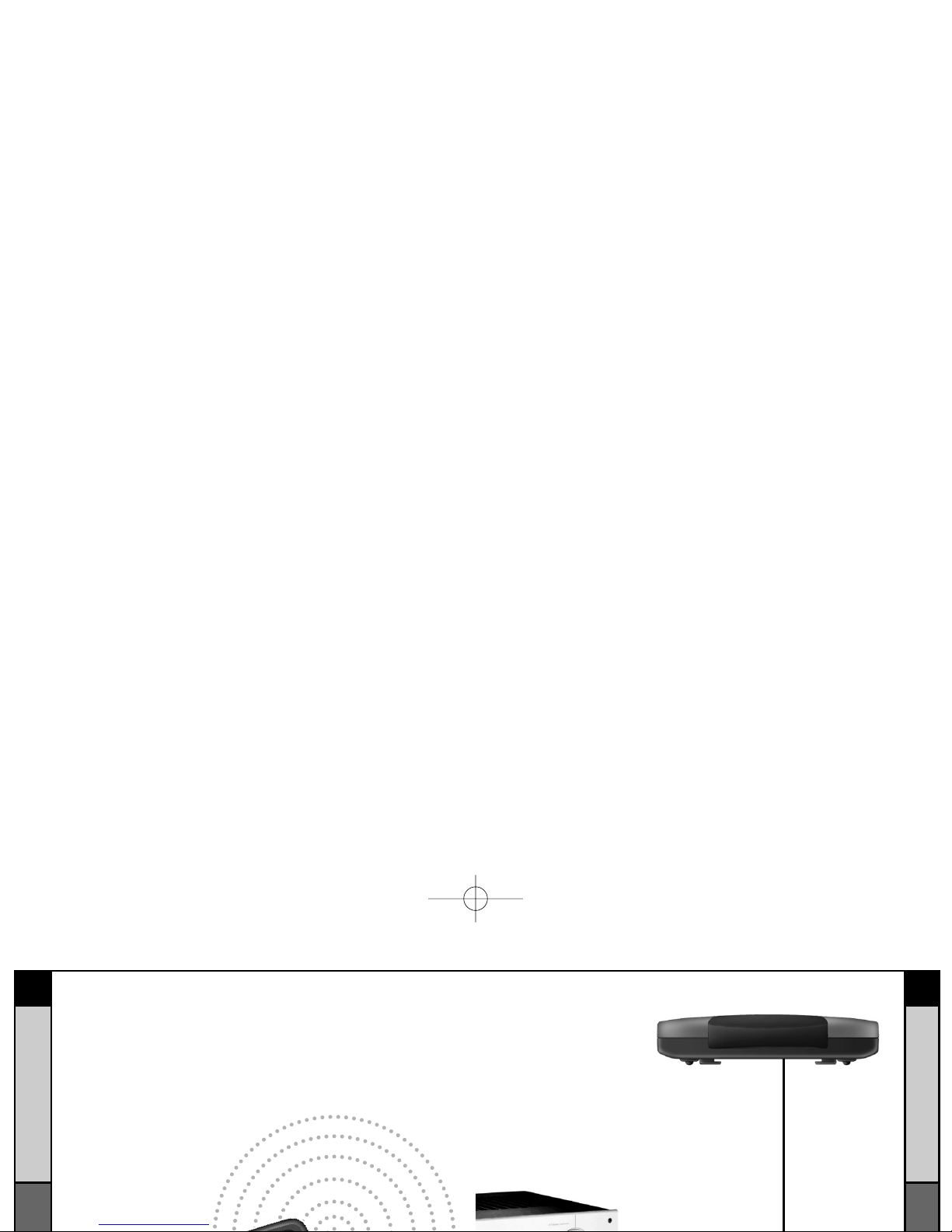
Here’s How PowerBlaster™Works:
1. RF series remote controls (RF10, RF20, RF30) send RF
(Radio Frequency) signals to PowerBlaster™, which is an
RF receiver.
2. PowerBlaster
™
converts RF signals
to IR (Infrared)
commands and sends them out to
components in the same cabinet
space via the built-in front blaster.
Page 4
PowerBlaster
™
6
PowerBlaster
™
5
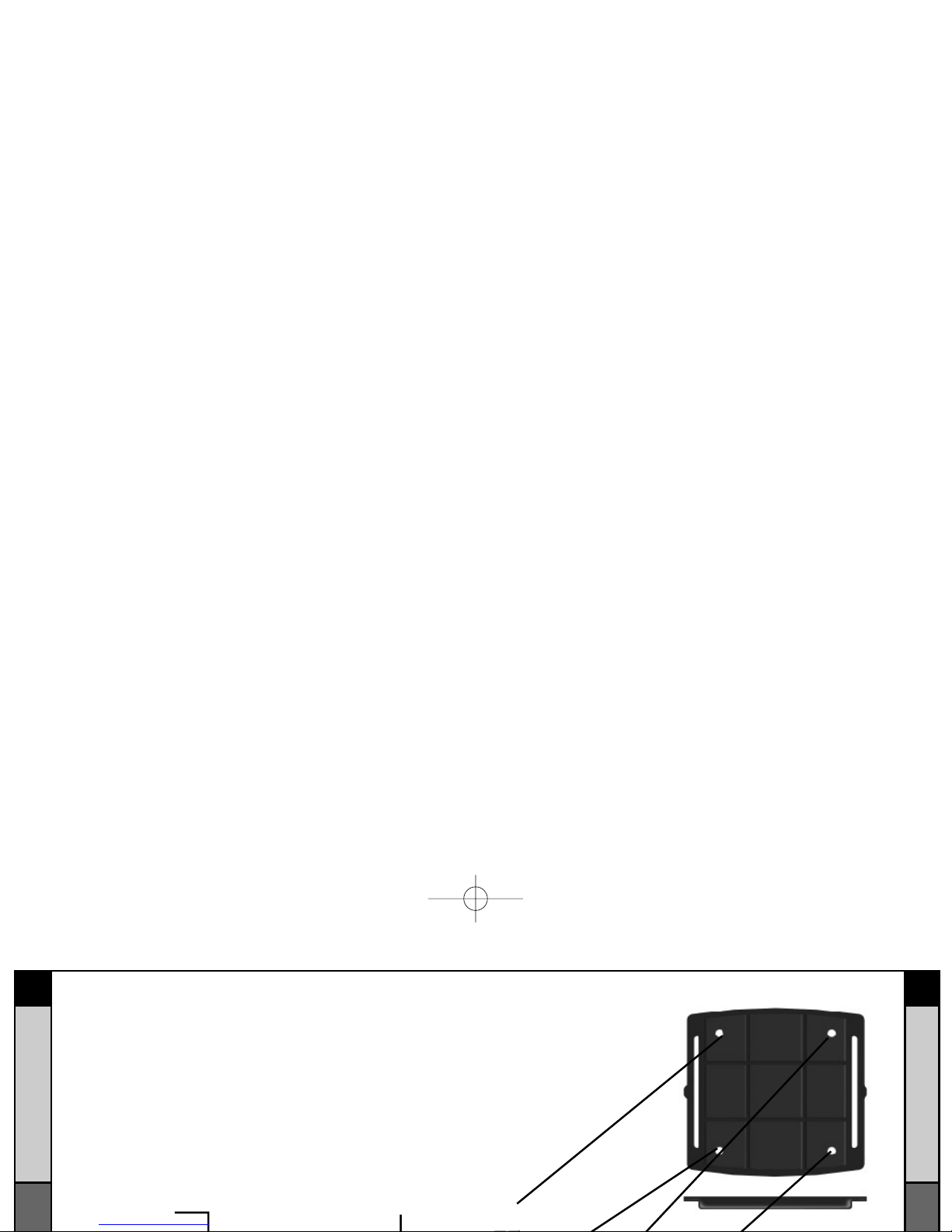
Parts Guide
Quantity Description
1 PowerBlaster™ Receiver with integrated antenna
1 Mounting Plate for wall mounting PowerBlaster™
4 Screws for wall mounting the mounting plate
1 9V-300mA Power Supply
6 Flashers with 10 foot plug-in cables.
Red Status LED lights
when PowerBlaster
™
receives an RF signal
from an RF series
remote control.
Red Power LED
lights to indicate when
PowerBlaster is
plugged into an active
AC outlet.
The Mounting Plate
™
Page 5
PowerBlaster
™
87
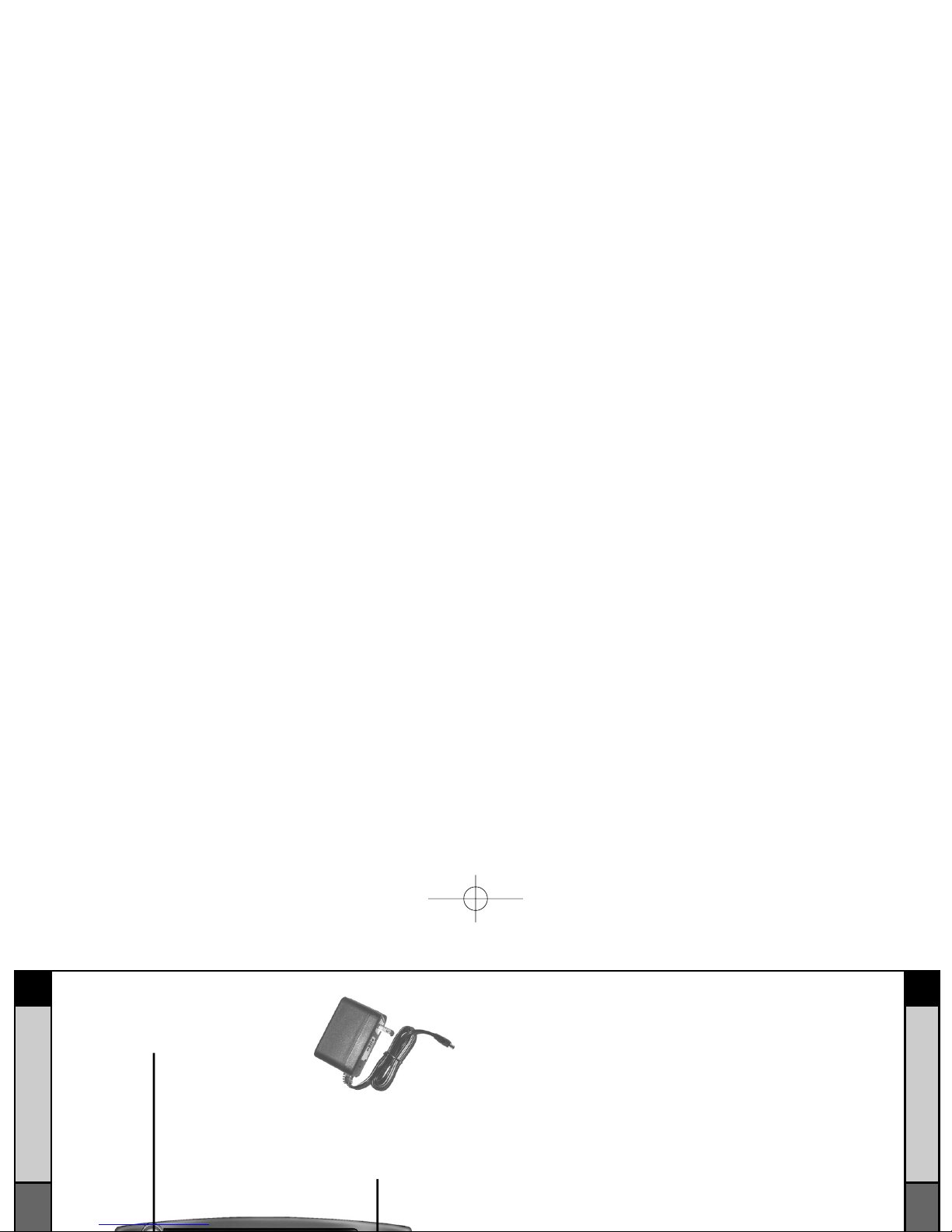
Integrated antenna swings
in any direction to optimize
RF reception and range.
Included 9V power supply
plugs into the MRF-100
power connector.
PowerBlaster
™
Program and Test Remote Control First
Don’t connect power to PowerBlaster™until you have programmed and tested the remote control line of sight.
PowerBlaster™ can interfere with testing and programming.
STEP 1:
Turn ON all of your components.
Audio /Video components sometimes create RF interference.
Therefore, perform all testing
with all of your components
powered ON (as they will be
when you operate the system).
as the button is released. If there
is any flickering, move
PowerBlaster™ farther away
from the A/V components.
STEP 4:
Orient the Antenna for Optimum
Page 6

PowerBlaster
™
10
PowerBlaster
™
9
STEP 6
Test Operation Without Flashers.
With the remote controls
line-of-sight output blocked by
your hand, a book or a pillow;
test the control of your
components using just the front
blaster. In most cabinets, the
PowerBlaster’s
™
front blaster will
control any A/V components in
the same cabinet space by
reflections from the cabinet
walls and doors. Make sure that
the components operate with the
STEP 7:
Connect Flashers to Out-of-Sight
A/V Components.
Note:Test the operation
BEFORE sticking the flasher
in place.
Use a flashlight to identify the
correct location of the
component’s IR sensor, then try
a few commands while moving
the flasher around the face plate
of the component. The most
Warranty
PowerBlaster™is covered against any manufacturers defects or
workmanship for a period of one year from the date of purchase if
purchased from an authorized Universal Remote Control dealer. Units
purchased from online auction sites or other unauthorized resellers
have no warranty. This warranty does not cover the following items:
- Damage from misuse, neglect, or acts of nature.
- Products that have been modified or incorporated into
other products.
- Products purchased more than 12 months ago.
- Units purchased from unauthorized dealers or companies.
 Loading...