

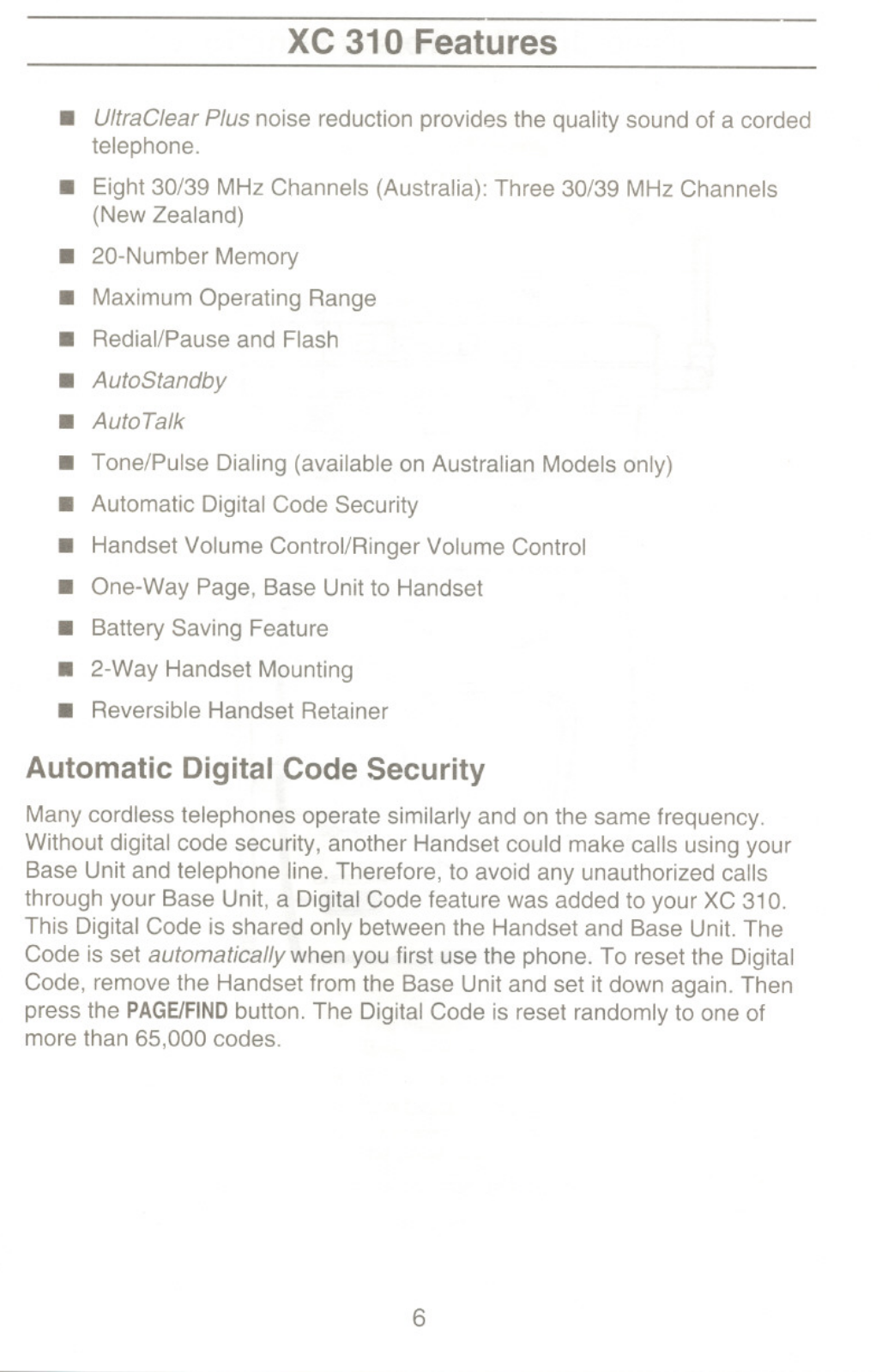
- Noise filtering enhancement technique called UltraClear Plus.
- S Australia: 8 channels in 30/39 MHz; NZ: 3 channels in 30/39 MHz.
- Memory of up to 20 digits.
- Max Distance For Use.
- Functions for redial, pause and flash.
- The auto Stand-by option.
- The autoTalk feature.
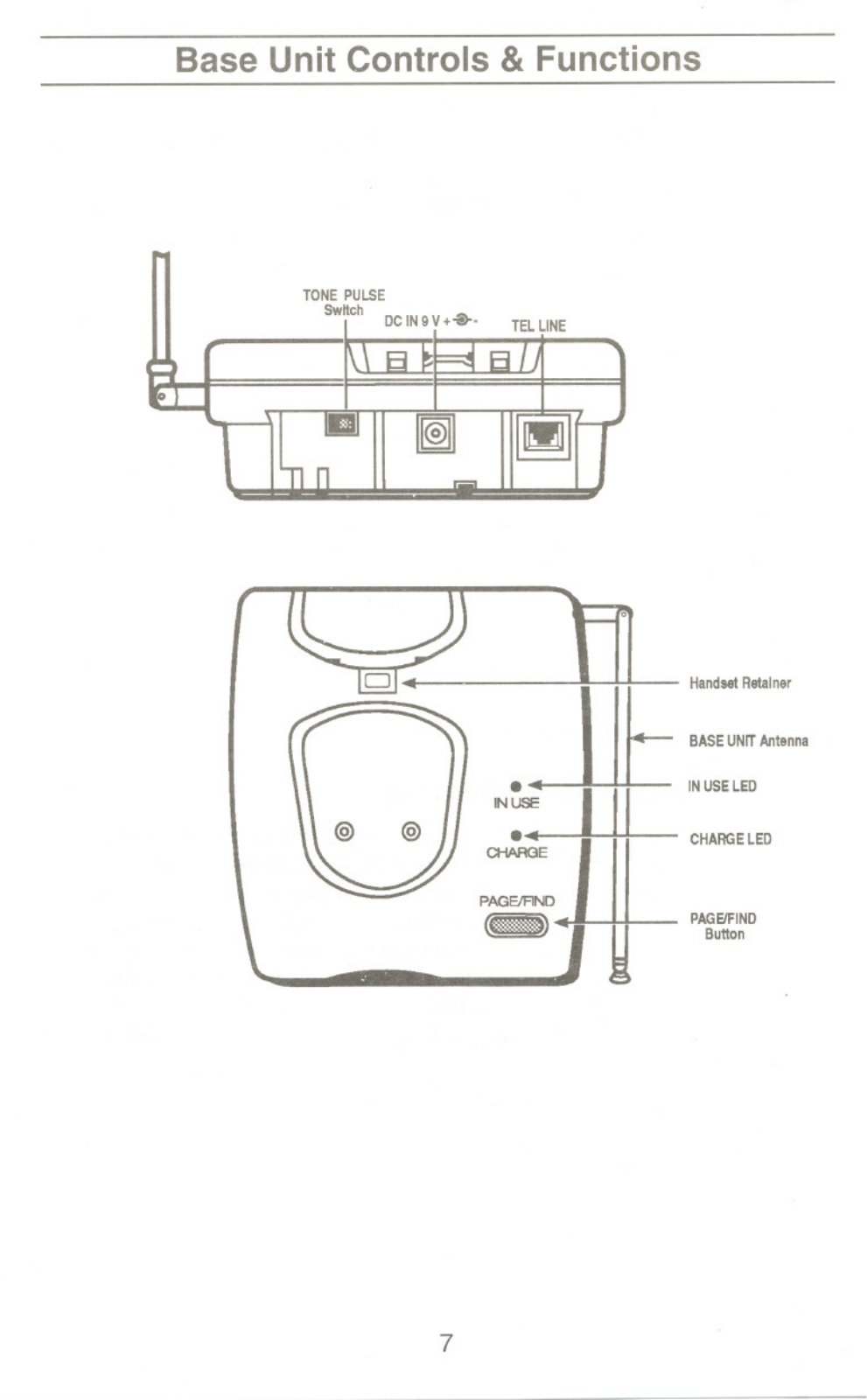
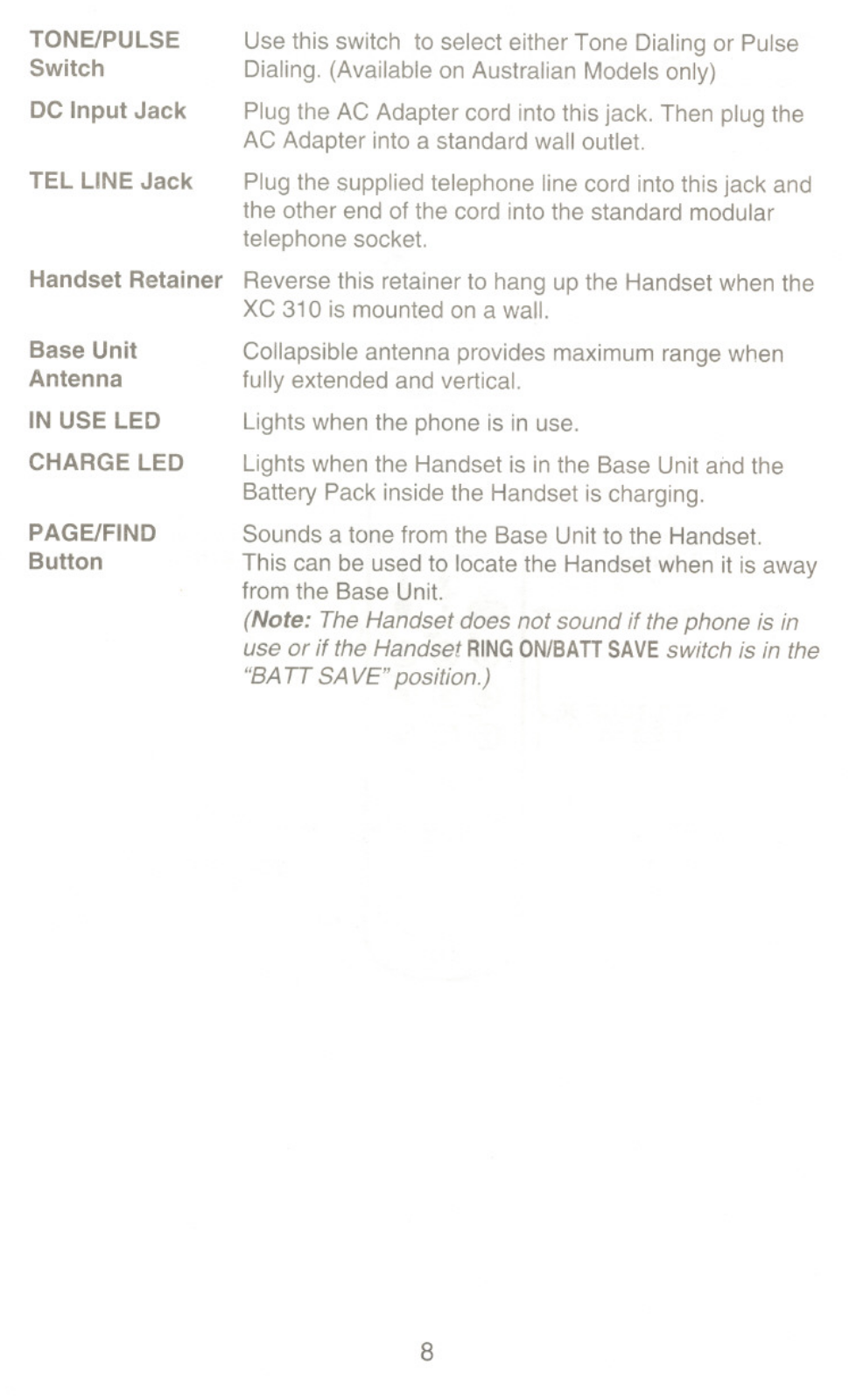
- Pulse tone dialling switches (As Strings in Australian models).
- Built-in digital security codes.
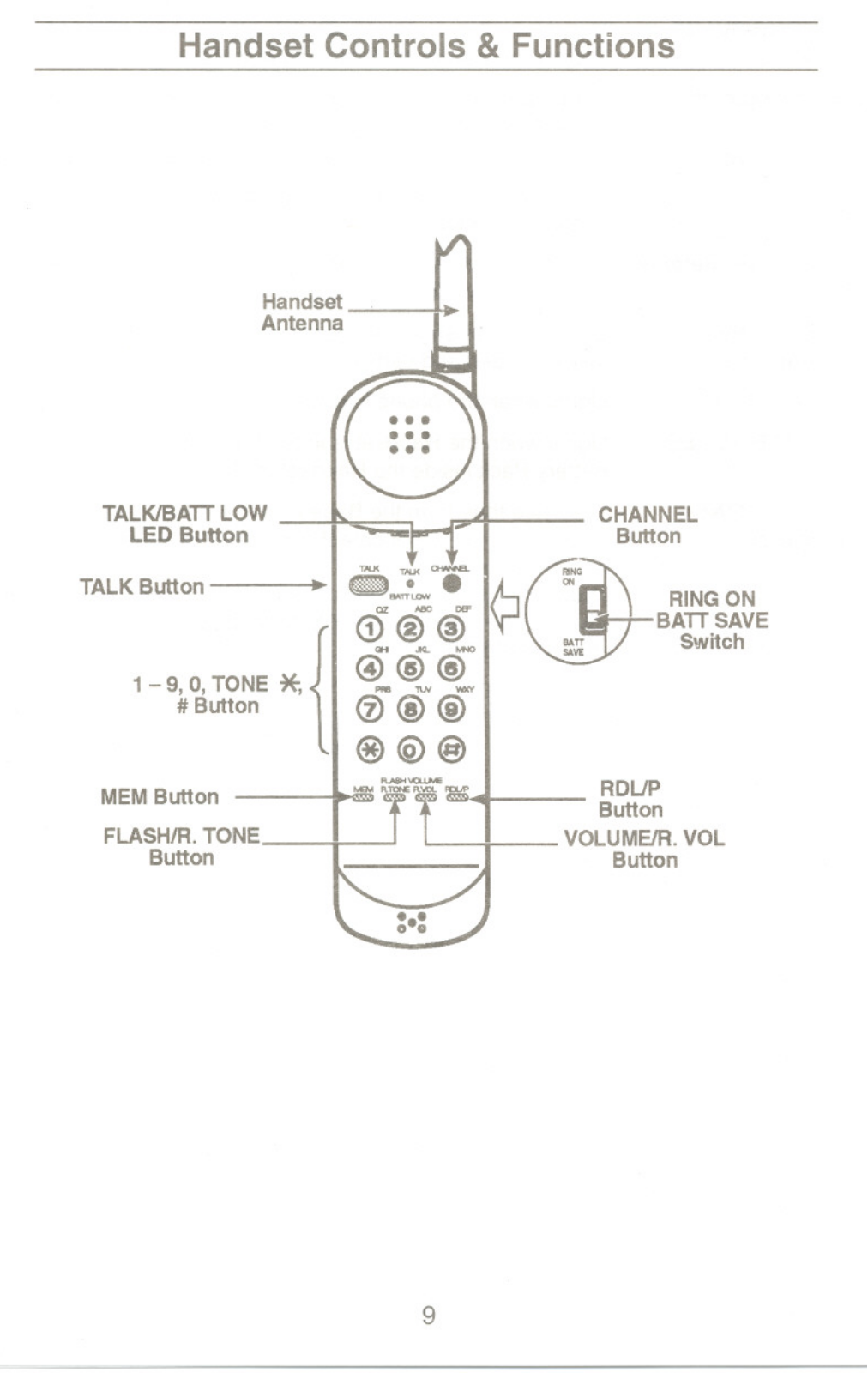
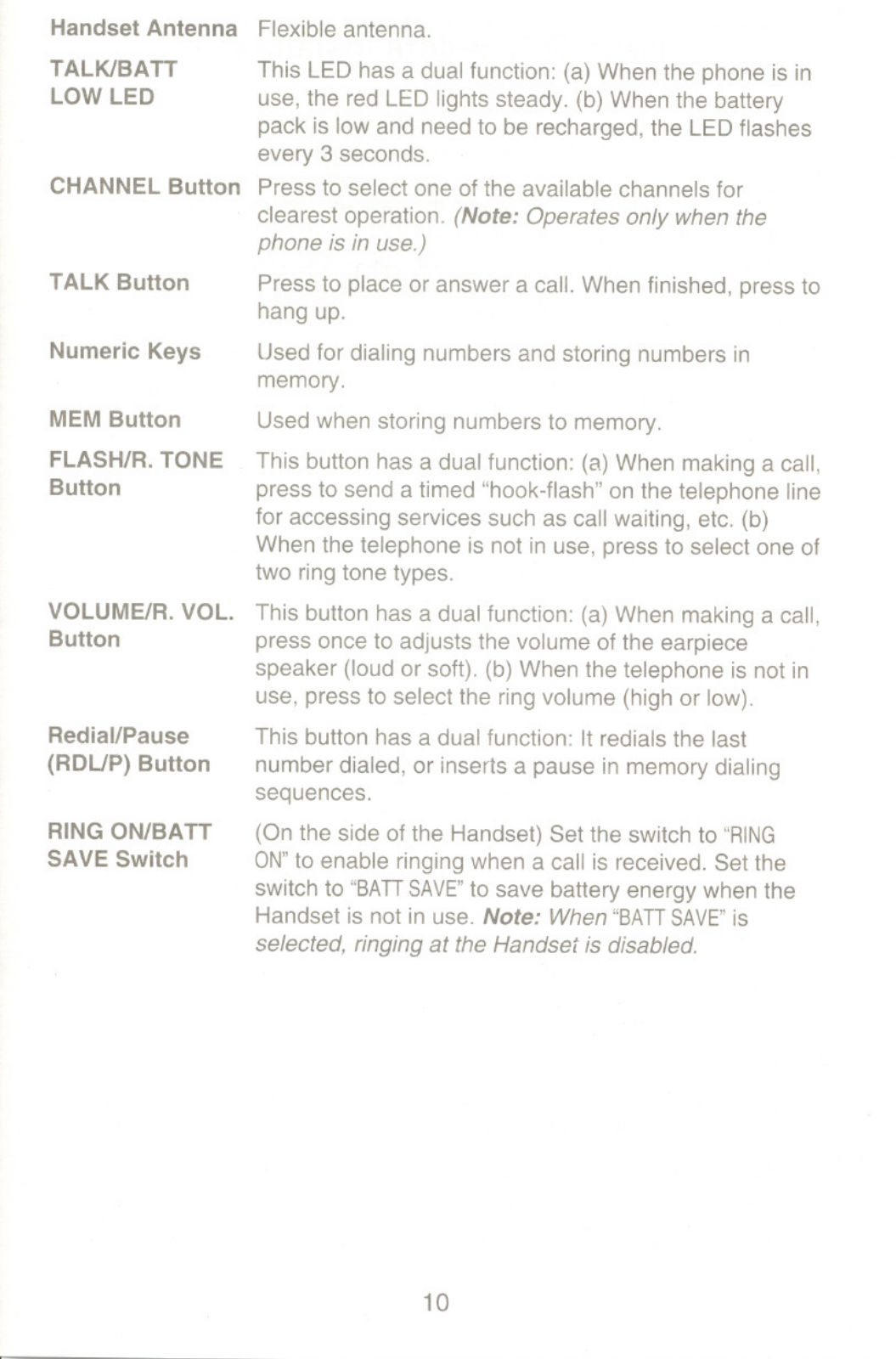
- Volume Control for Ringer and Handset and many functional control buttons.
- Paging from the base unit to the handset (1-way).
- Power Saver Function.
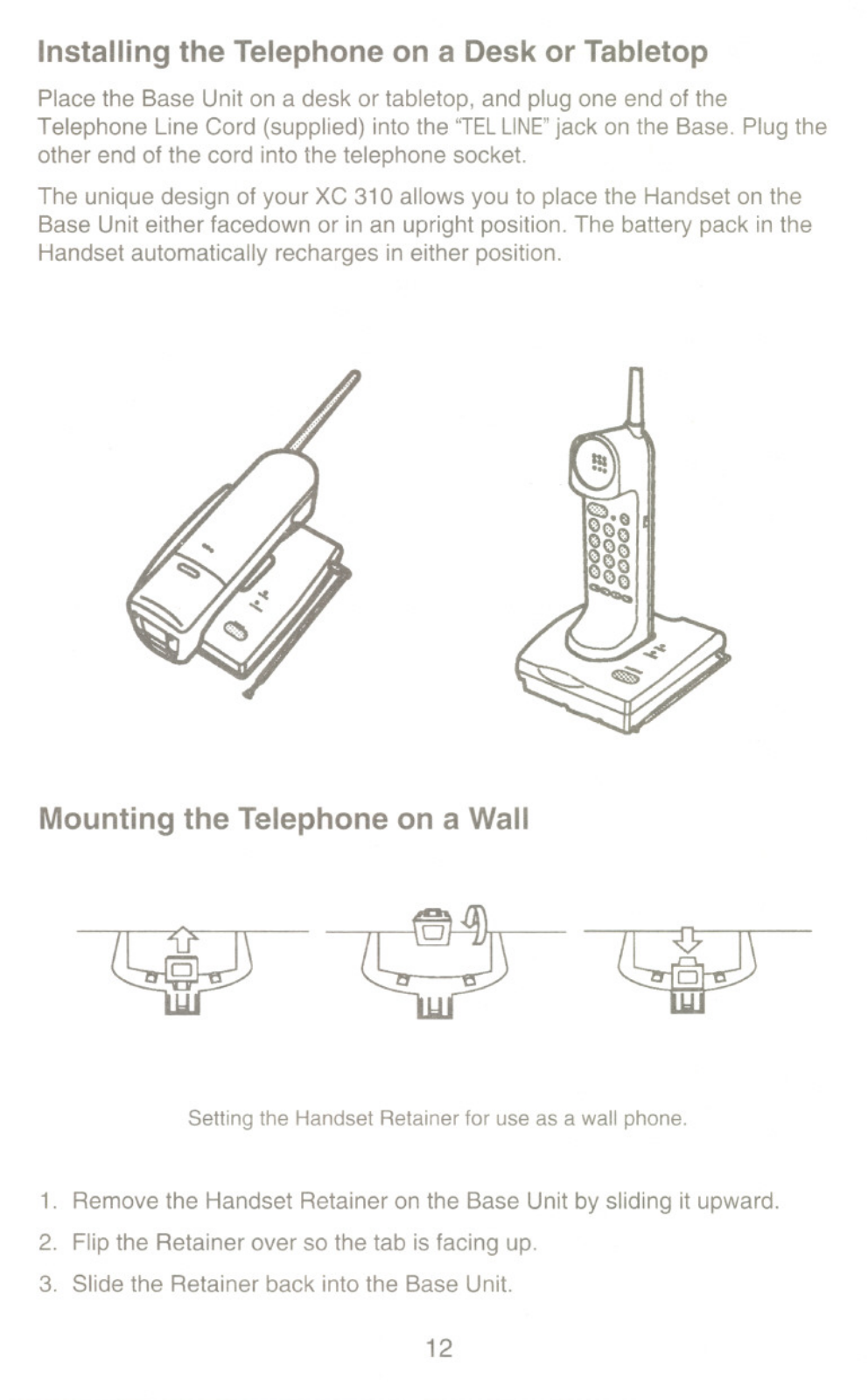
- Base and Handset Mounting option.
- Handset Retainer can be reversed.
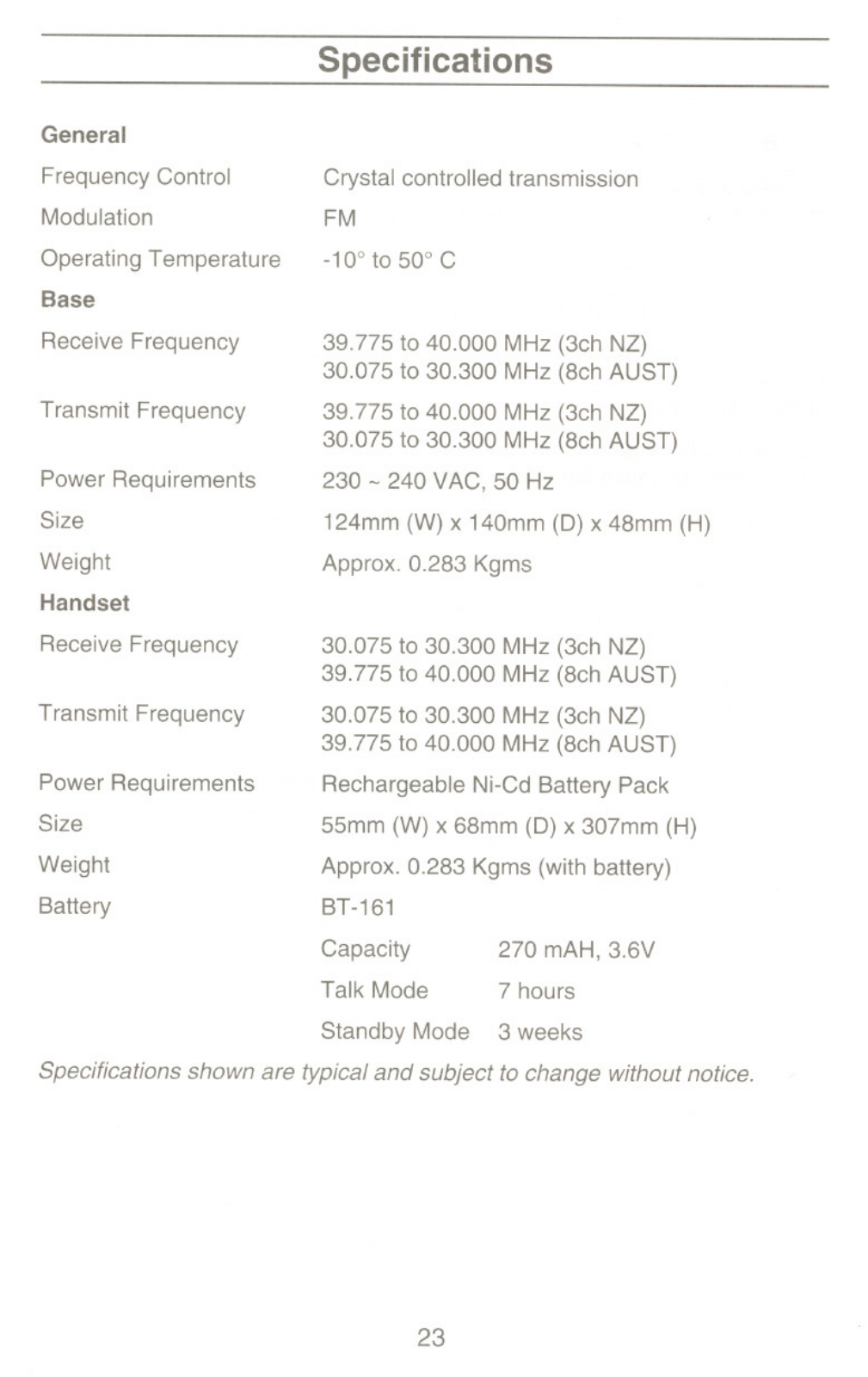
- Frequency Control operates on Crystal control.
- Frequency Modulation.
- Temperature during use - between -10° and 50° C.
- Frequency range for base unit reception – 39.775 to 40.000.
- Channel characteristics for base unit transmission 30.075 - 30.300 MHz.
- Make use of 230~240V AC at a frequency of 50Hz.
- Physical Dimension are 124mm x 140mm x 48mm for W,D,H in base unit size.
- Physical weight are 0.283 Kgms in base unit.
- Frequency range for handheld receiver: 30.075 - 30.300 MHz (3ch NZ); 39.775 - 40.000 MHz (8ch AUST).
- Channel characteristics for hand held transmitter 30.075 - 30.300 MHz for 3ch NZ; 39.775 - 40.000 MHz for 8ch AUST.
- Channel Characteristics Portable Handset Power Supply : Rechargeable Ni-Cd Battery Pack
- The average size of a handset is: 55mm x 68mm x 307mm in width, depth and height respectively.
- Handset weight is approximately.
0.283 Kgms (with battery)
- Battery Type: BT-161
- Battery Capacity: 270 MAH, 3.6V
- Talk Mode Duration: 7 hours
- Standby Mode Duration: 3 weeks
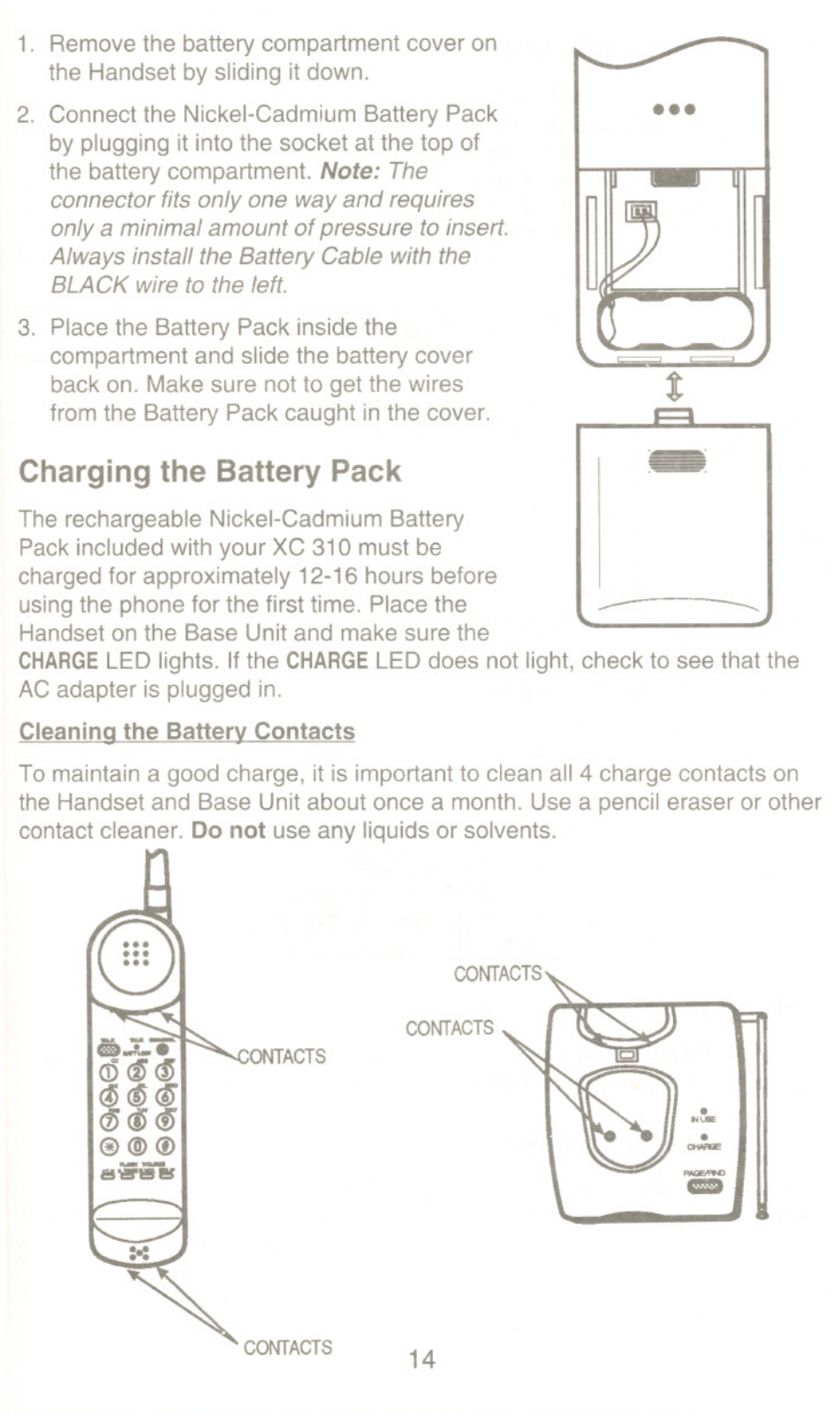
Q: How do I charge the battery in the XC 310?
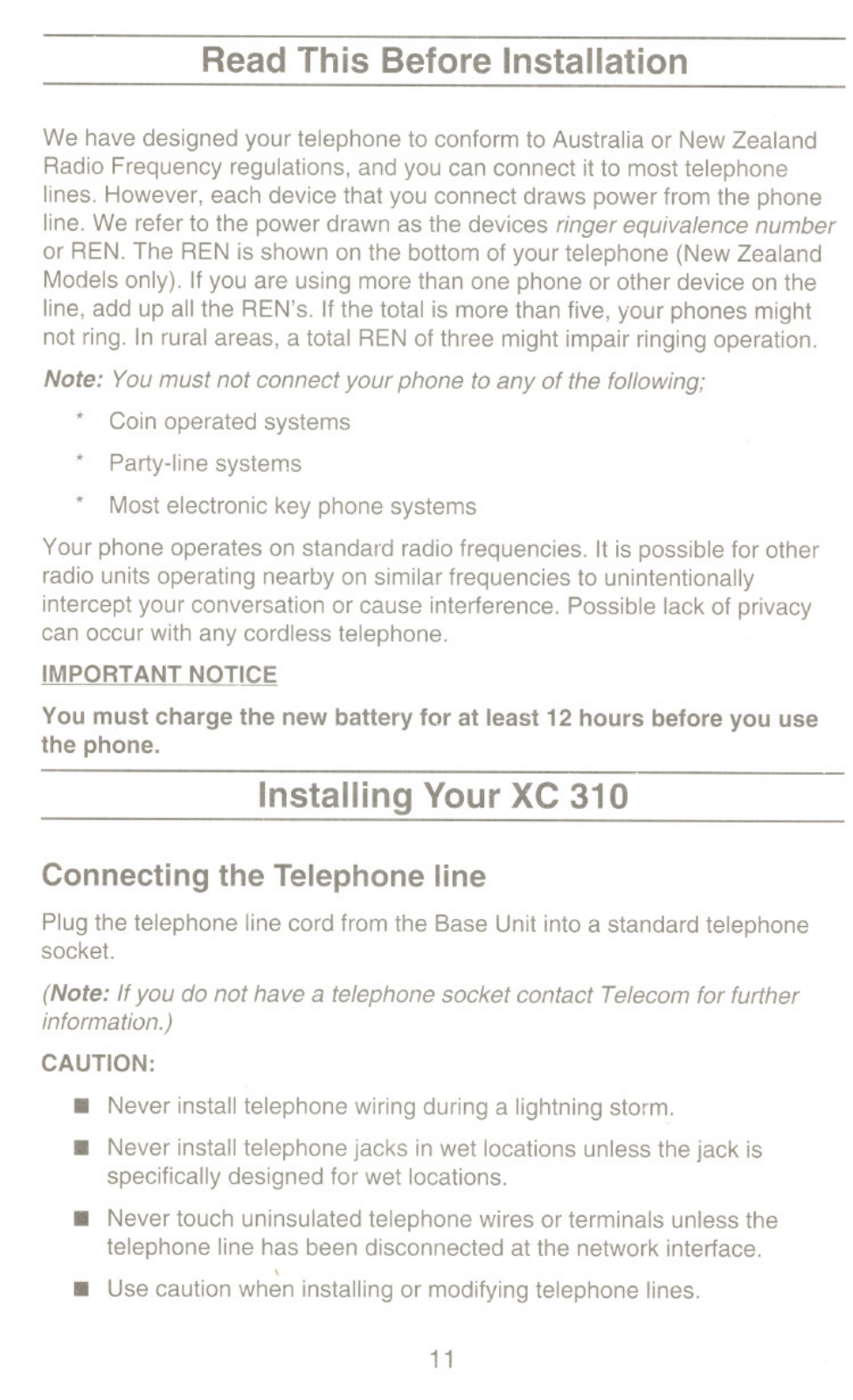
A: Set the Handset on the Base Unit and check if the CHARGE LED switches on. It is advisable to charge the battery for around 12-16 hours before using the phone for the first time.
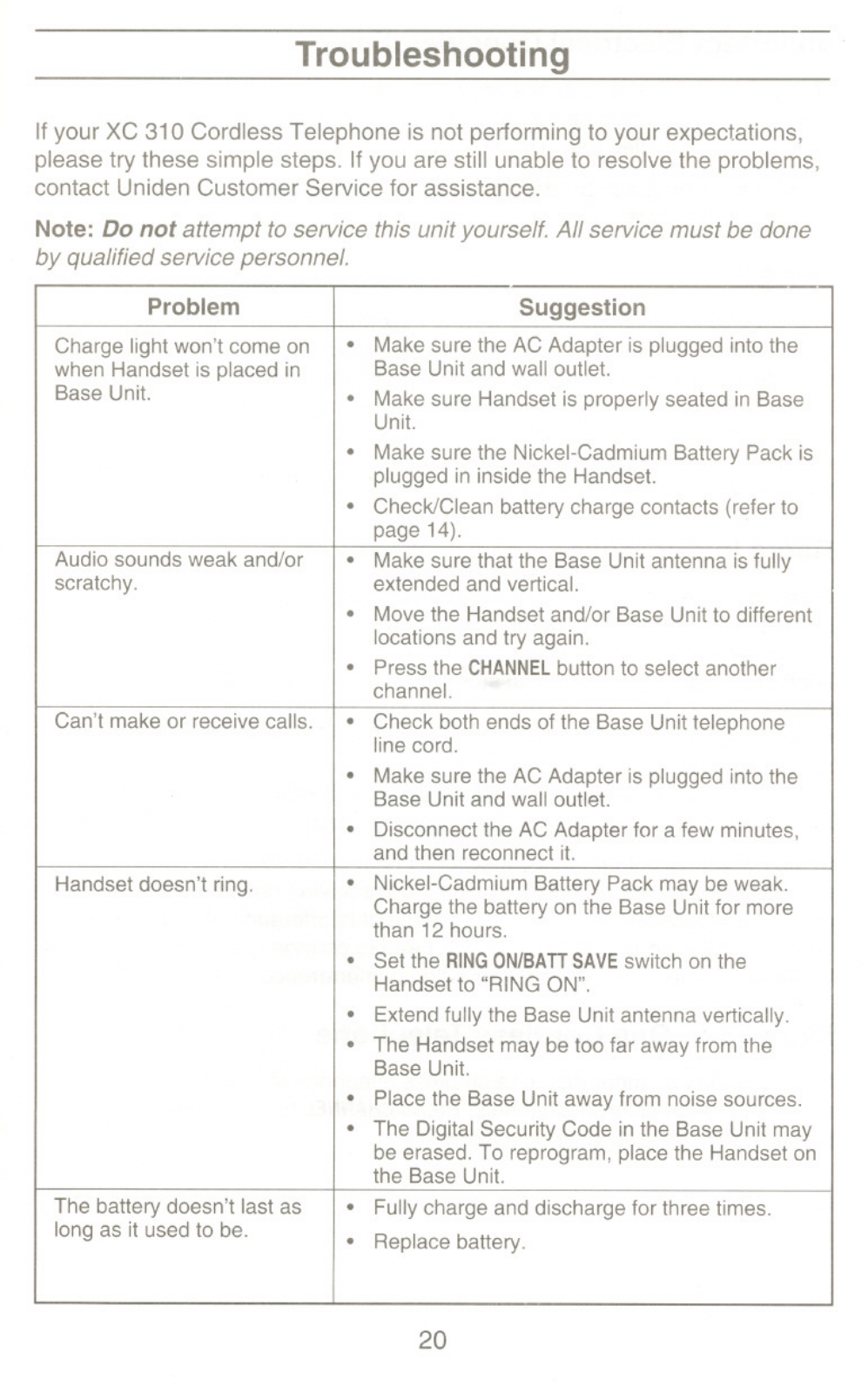
Q: What should I do if the charge light won’t come on when the Handset is placed in the Base Unit?
A: Ensure that the AC Adapter has been connected to a wall power socket, check that the Handset is correctly positioned in the Base Unit, and make certain the Nickel-Cadmium Battery Pack is connected.
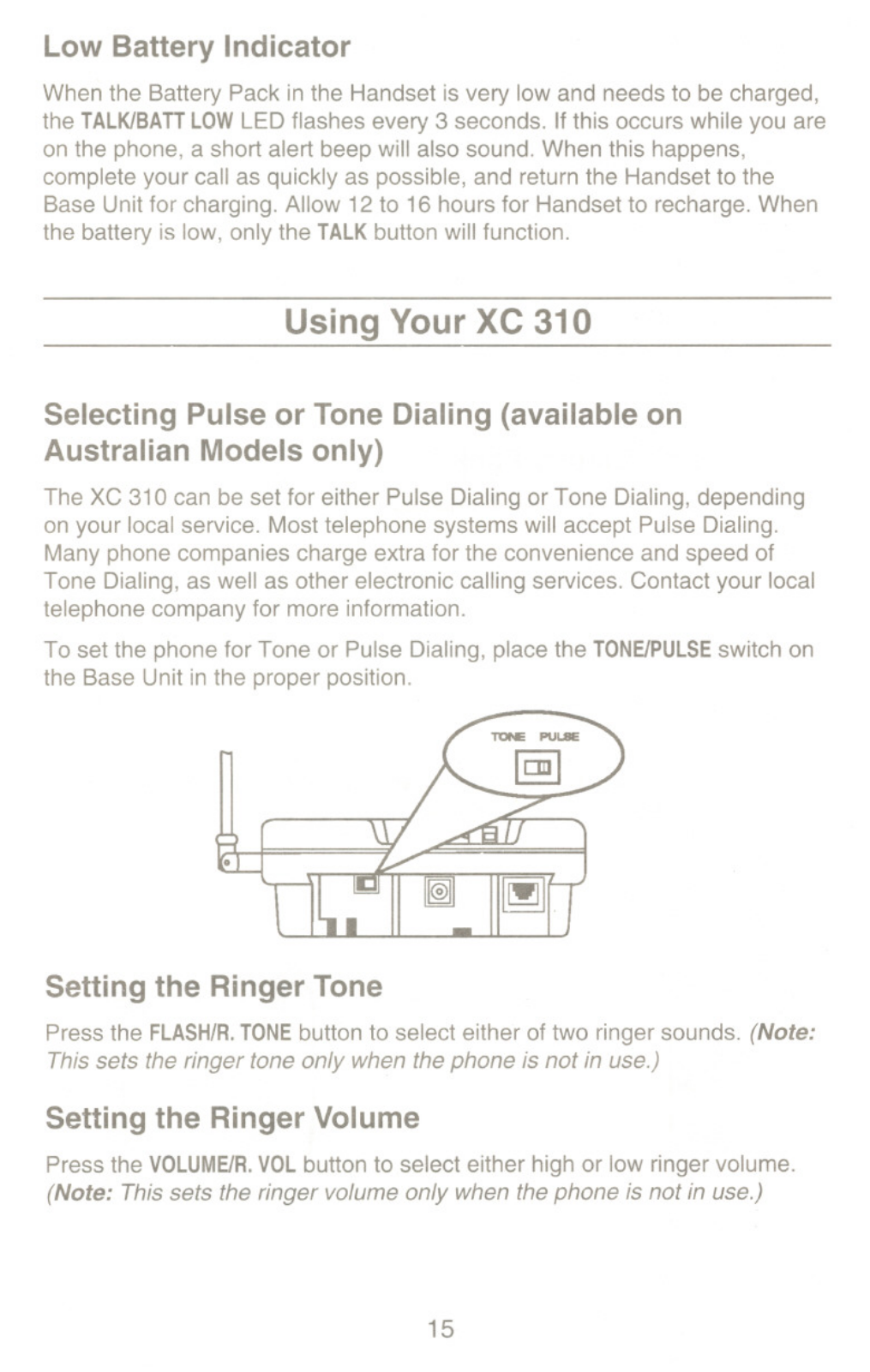
Q: Can I use Tone Dialing with the aid of this device?
A: Yes, it is possible to set the XC 310 for Tone Dialing, but this is only applicable to Australian models.
Q: What is the maximum number of memory numbers that I can enter?
A: Memory of the XC 310 allows you to save up to 20 numbers.
Q: What should I do to respond towards an incoming audio call automatically, using the AutoTalk?
A: When your phone rings and you want to use the AutoTalk feature, pick the Handset off the Base Unit and start speaking without pressing a single button.
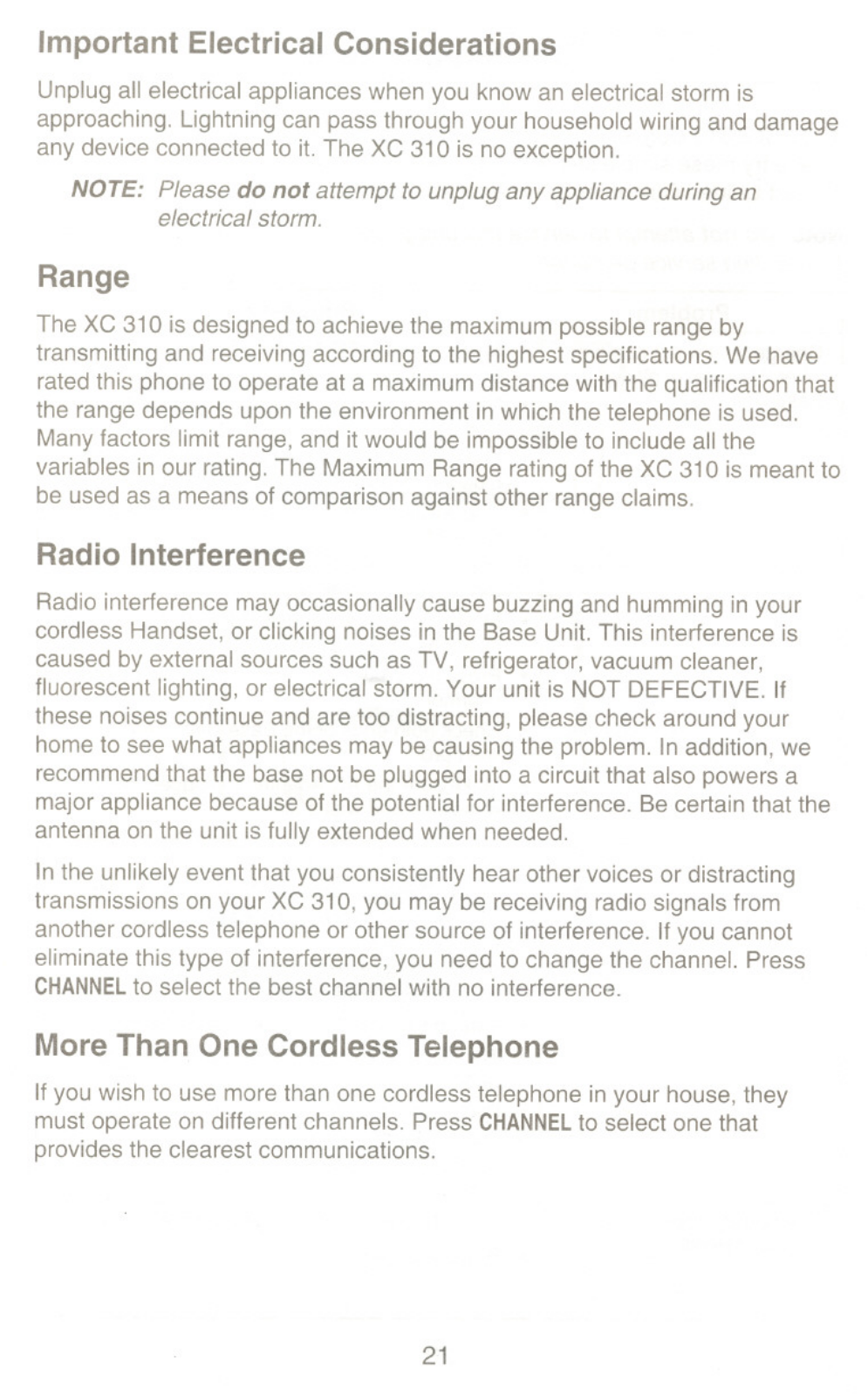
Q: What if I face drum interference, how do I change the channel?
A: To resolve interference issues, please press the CHANNEL button on the Handset and choose one of the relevant channels available for clearer use.
Q: The Handset ring is not audible, what actions can I take?
A: Check the range of the Handset in relation to the Base Unit. Ensure also that the Nickel-Cadmium Battery Pack is charged and the switch labeled RING ON/BATT SAVE is set to the RING ON position.
Q: During thunderstorm a person will ask ‘is it ok to use the phone?’ What’s the response?
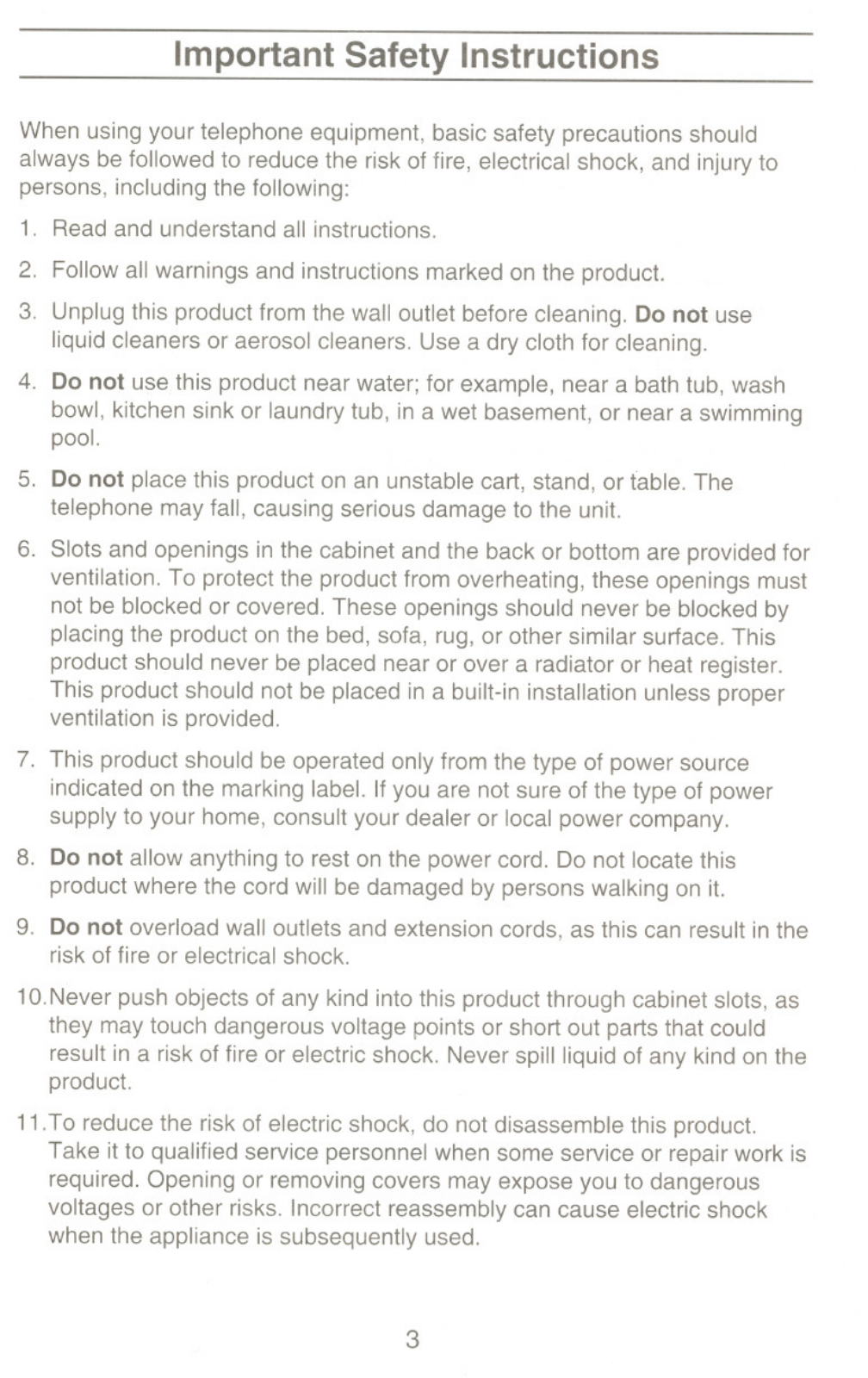
A: All electrical equipment, including this phone, should be switched off before a thunderstorm as it can cause damage.

 Loading...