

Page 1
Datasheet
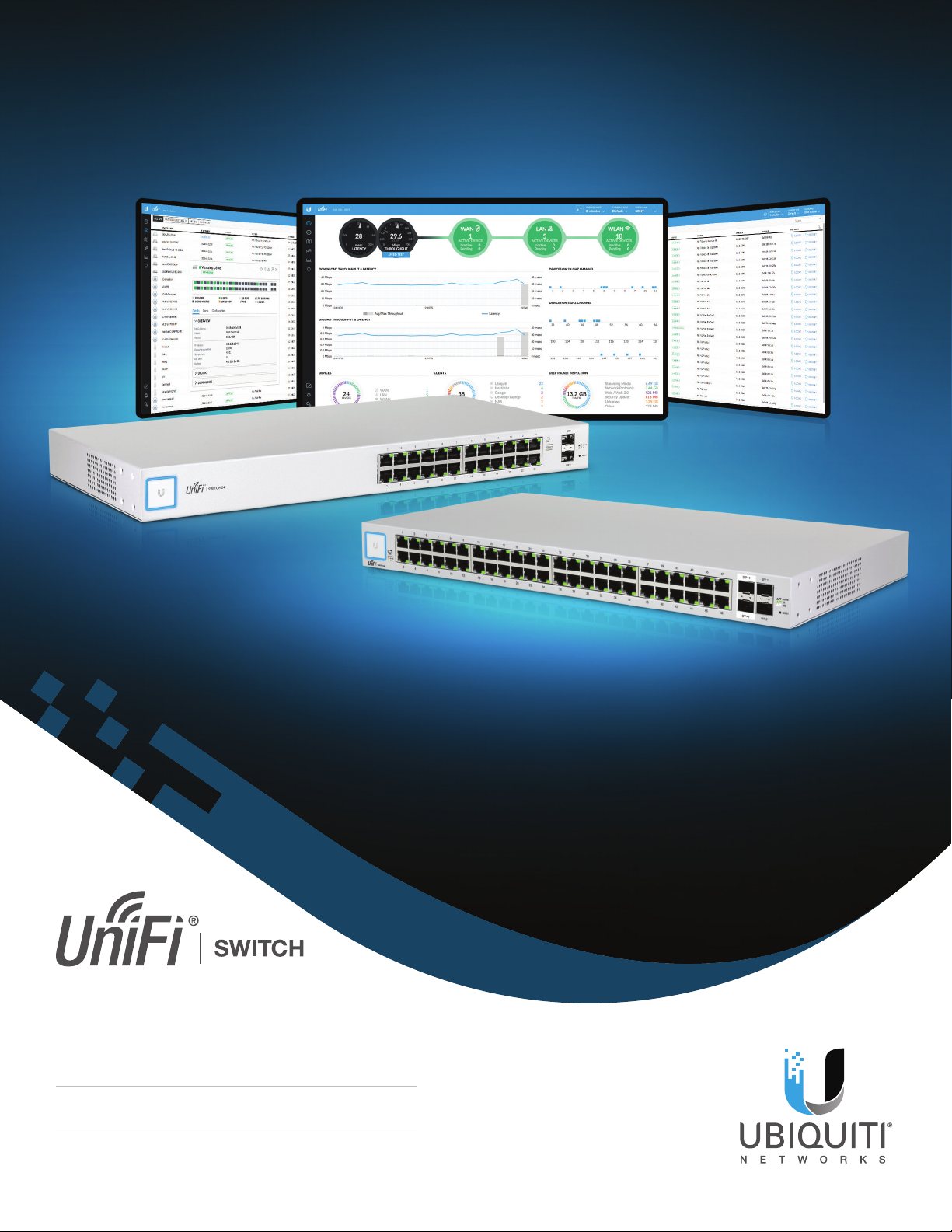
Managed Gigabit Switches with SFP
Models: US-24, US-48
Non-Blocking Throughput Switching Performance
Gigabit Ethernet RJ45 Ports
SFP+/SFP Fiber Connectivity Options
Page 2

Wireless Clients
UniFi Controller
Datasheet
Overview
Build and expand your network with
Ubiquiti Networks® UniFi® Switch, part
of the UniFi line of products.
Available with 24 or 48 RJ45 Gigabit
ports, the UniFi Switch is a fully
managed Gigabit switch, delivering
robust performance and intelligent
switching for your growing networks.
Switching Performance
The UniFi Switch offers the forwarding
capacity to simultaneously process
trafc on all ports at line rate without
any packet loss.
For its total, non‑blocking throughput,
the 24‑port model supports up to
26Gbps, while the 48-port model
supports up to 70Gbps.
Wired Clients
Fiber Connectivity
Each model includes two SFP ports for
uplinks of up to 1 Gbps.
The 48‑port model adds two SFP+
ports for high‑capacity uplinks of up to
10 Gbps, so you can directly connect
to a high‑performance storage server
or deploy a long‑distance uplink to
another switch.
UniFi PoE Switch
UniFi Security
Gateway PRO
UniFi Switch (LAN Devices)
Internet
Server
UniFi AP
UniFi PoE Switch (Access Points)
2
Page 3
UniFi Controller
Designed for convenient
management, the UniFi Controller
software allows admins to congure
and monitor the UniFi Switch and
other UniFi devices using a graphical
user interface. You can download
it from www.ubnt.com at no extra
charge – there is no separate software,
licensing, or support fee.
Multi-Site Management
A single instance of the UniFi
Controller running in the cloud can
manage multiple UniFi sites within
a centralized interface. Each site is
logically separated and has its own
network monitoring, conguration,
maps, statistics, and admin accounts.
Datasheet
Switch Conguration
You can access any managed UniFi
Switch through the UniFi Controller to
congure a variety of features:
• Operation mode (switching,
mirroring, or aggregate) per port
• Network/VLAN conguration
• Jumbo frame and ow control
services
• Network settings
• Storm control setting per port
• Spanning tree conguration
• 802.1x control and RADIUS VLAN
• Debug terminal option for
command‑line interface
Switch Port Status
You can also view status information
for each port:
• Connection speed and duplexmode
• TX/RX data rates
• Network/VLAN setting
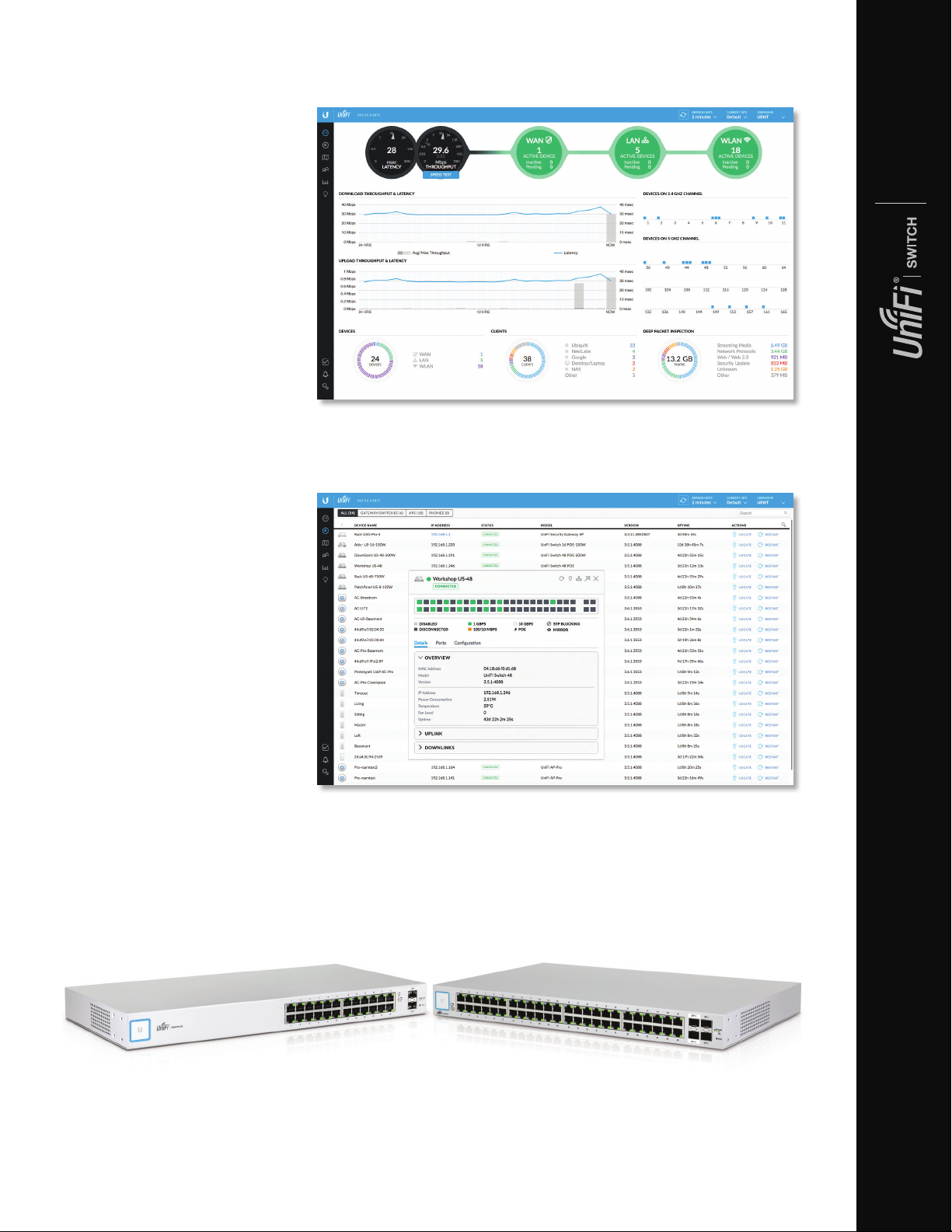
Dashboard
The Dashboard tab provides a visual representation of your network’s status. Basic
information is provided for each network segment.
Device Conguration
The Devices screen displays the UniFi devices discovered by the UniFi Controller.
You can access each managed device for device details and conguration.
3
Page 4
Models
Datasheet
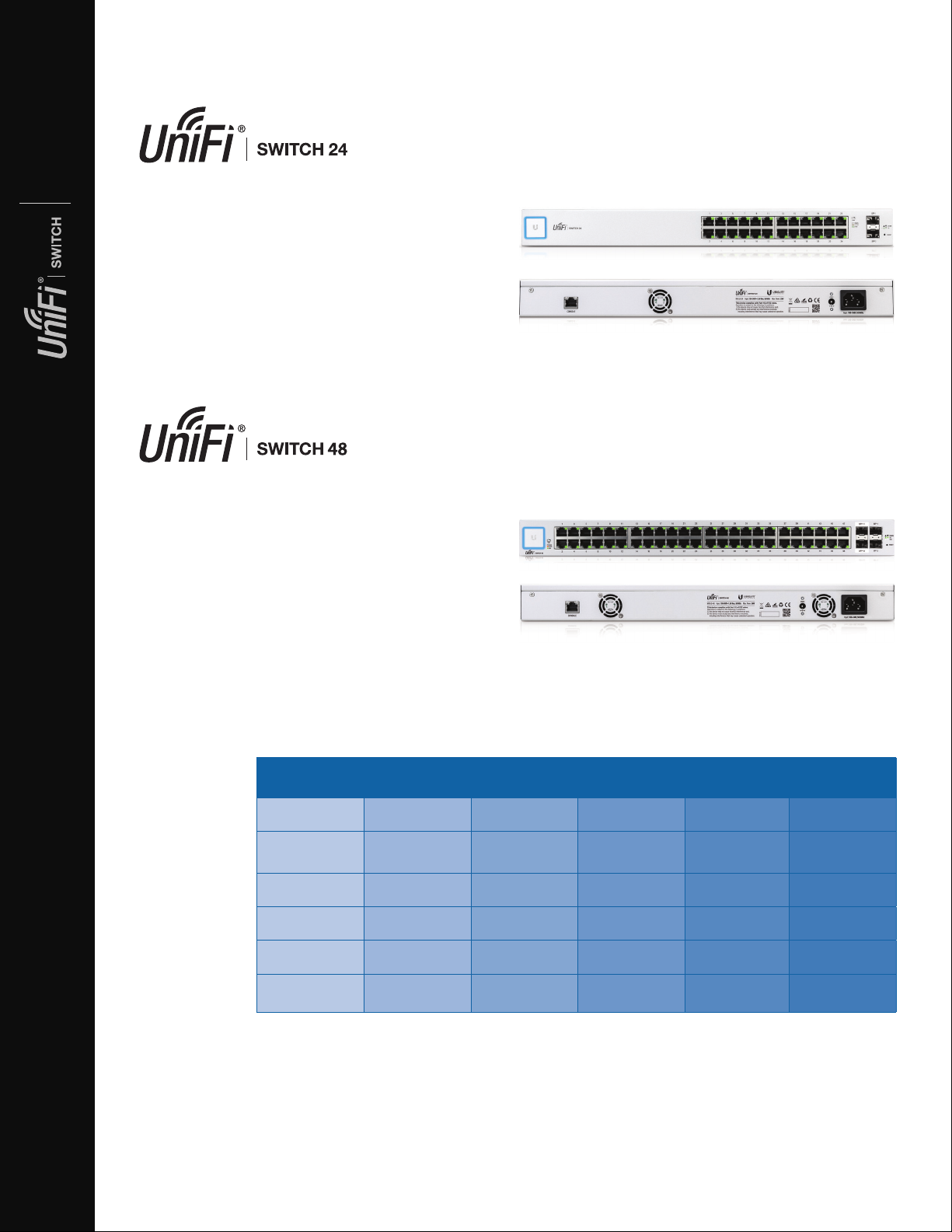
Model: US-24
• (24) Gigabit RJ45 Ports
• (2) SFP Ports
• (1) Serial Console Port
• Non-Blocking Throughput: 26 Gbps
• Switching Capacity: 52 Gbps
• Forwarding Rate: 38.69 Mpps
• Maximum Power Consumption: 25W
• Rack-Mountable
Model: US-48
• (48) Gigabit RJ45 Ports
• (2) SFP+ Ports
• (2) SFP Ports
• (1) Serial Console Port
• Non-Blocking Throughput: 70 Gbps
• Switching Capacity: 140 Gbps
• Forwarding Rate: 104.16 Mpps
• Maximum Power Consumption: 56W
• Rack-Mountable
Model Comparison Chart
US-8-150W US-16-150W US‑24
Gigabit RJ45 Ports 8 16 24 24 48 48
SFP Ports 2 2 2 2 2 2
SFP+ Ports 2 2
802.3af/at PoE+
24V Passive PoE
Sound Level*
(dBr)
✓ ✓ ✓ ✓
✓ ✓ ✓ ✓
0.5 (fanless) 1.7 ‑ 10.8 1.6 - 9.2
US-24-250W
US-24-500W
9.1 - 21.2
9.3 - 21.6
US‑48
0.7 ‑ 13.5
* Background noise level: 27.5 dBa
US-48-500W
US-48-750W
10.7 ‑ 23.6
12.1 ‑ 24.7
4
Page 5
Hardware Specications
US‑24
Dimensions 443 x 43 x 221 mm (17.44 x 1.69 x 8.70")
Weight Rack-Mount Brackets Excluded Rack-Mount Brackets Included
2.51 kg (5.53 lb) 2.60 kg (5.70 lb)
Networking Interfaces (24) 10/100/1000 Mbps RJ45 Ethernet Ports
(2) 1 Gbps SFP Ethernet Ports
Management Interface (1) RJ45 Serial Port Out‑of‑Band, Ethernet In‑Band
Total Non‑Blocking Throughput 26 Gbps
Switching Capacity 52 Gbps
Forwarding Rate 38.69 Mpps
Power Method 100‑240VAC/50‑60 Hz, Universal Input
Power Supply AC/DC, Internal, 25W DC
Max. Power Consumption 25W
LEDs per Port Speed/Link/Activity
Datasheet
Sound Level* Fan Level: 0 Fan Level: 1
1.6 dBr 9.2 dBr
ESD/EMP Protection Air: ± 24 kV, Contact: ± 24 kV
Rack Mount Yes, 1U High
Shock and Vibration ETSI300-019-1.4 Standard
Operating Temperature ‑5 to 40° C (23 to 104° F)
Operating Humidity 5 to 95% Noncondensing
Certications CE, FCC, IC
* Background noise level: 27.5 dBa
5
Page 6
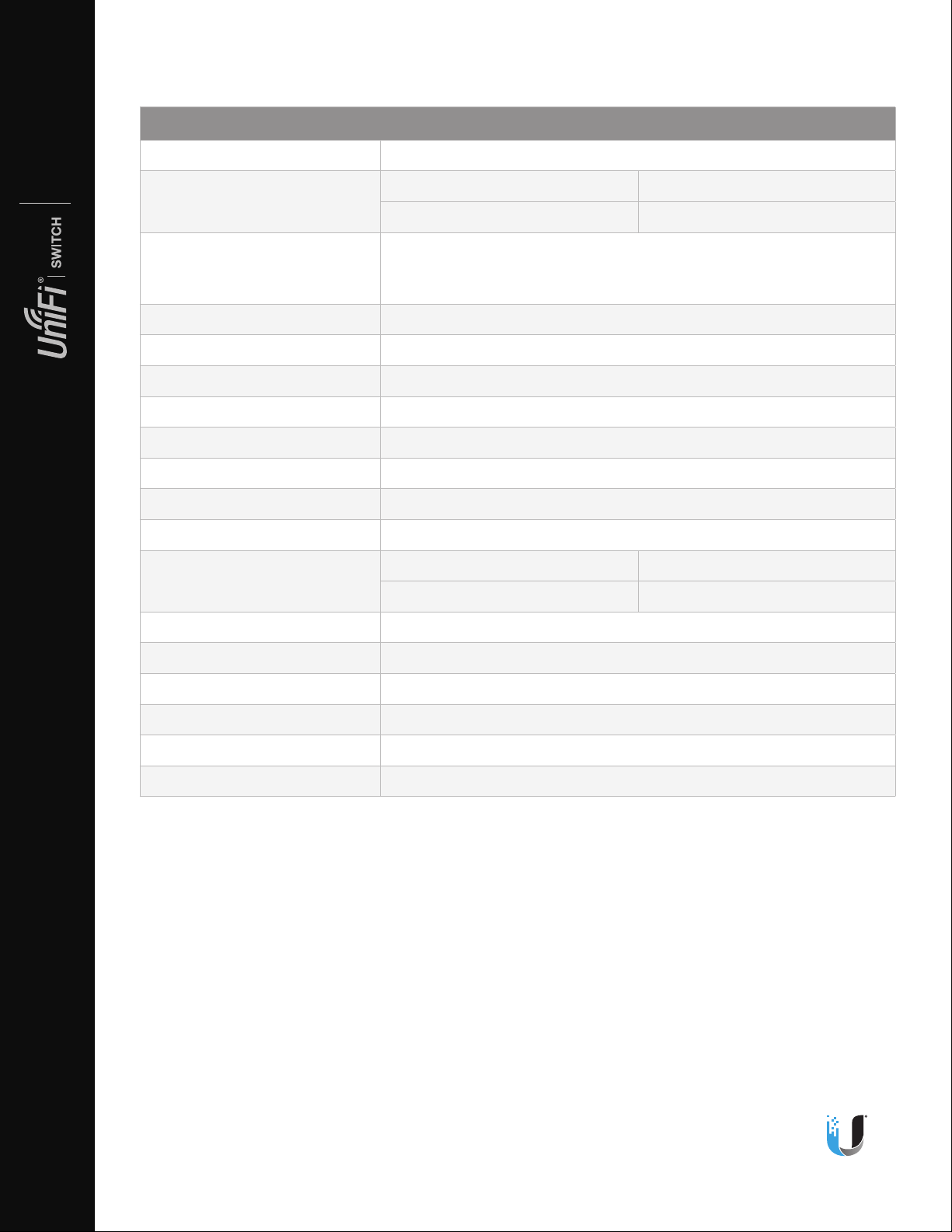
Hardware Specications
US‑48
Dimensions 443 x 43 x 286 mm (17.44 x 1.69 x 11.26")
Datasheet
Weight Rack-Mount Brackets Excluded Rack-Mount Brackets Included
3.56 kg (7.85 lb) 3.65 kg (8.06 lb)
Datasheet
Switch
Networking Interfaces (48) 10/100/1000 Mbps RJ45 Ethernet Ports
(2) 1/10 Gbps SFP+ Ethernet Ports
(2) 1 Gbps SFP Ethernet Ports
Management Interface (1) RJ45 Serial Port Out‑of‑Band, Ethernet In‑Band
Total Non‑Blocking Throughput 70 Gbps
Switching Capacity 140 Gbps
Forwarding Rate 104.16 Mpps
Power Method 100‑240VAC/50‑60 Hz, Universal Input
Power Supply AC/DC, Internal, 56W DC
Max. Power Consumption 56W
LEDs per Port Speed/Link/Activity
Sound Level* Fan Level: 0 Fan Level: 1
0.7 dBr 13.5 dBr
ESD/EMP Protection Air: ± 24 kV, Contact: ± 24 kV
Rack Mount Yes, 1U High
Shock and Vibration ETSI300-019-1.4 Standard
JL030818
Operating Temperature ‑5 to 40° C (23 to 104° F)
Operating Humidity 5 to 95% Noncondensing
Certications CE, FCC, IC
* Background noise level: 27.5 dBa
Specications are subject to change. Ubiquiti products are sold with a limited warranty described at: www.ubnt.com/support/warranty
©2018 Ubiquiti Networks, Inc. All rights reserved. Ubiquiti, UbiquitiNetworks, the Ubiquiti U logo, the Ubiquiti beam logo, and UniFi are trademarks
or registered trademarks of Ubiquiti Networks, Inc. in the United States and in other countries. All other trademarks are the property of their
respectiveowners.
www.ubnt.com
6
 Loading...