

Page 1
‘’
M501/M303
Medical Scale
Page 2

M501/M303 series scale operation manual REV: Y1, July 2, 2013 M501/M303 series scale operation manual
Contents
1. Introduction………………………………………..………………………1
2. Key descriptions……………………………………………………….…1
3. Operation………………………….………………………………..……….2
3.1 Power on/off…… …… …..…………………………………………2
3.2 Zero…………………………….…..…………………………………….2
3.3 Tare……………….…………….……………..……….………………. 2
3.4 Hold function……………………….……………………………………3
3. 5 BMI function …………………….……………………………………..3
3. 6 Set backlight …………………….……………………………………..3
4. Calibration………………………. ………………………………..4
5. Precision*10……………………….………………………………………..4
6. Battery operation……………………….…………………………………..5
6. Battery operation
The Medical Scales can be operated from the battery if desired. The
battery life is about 20 hours.
When the battery symbol become empty, the battery should be
charged. The scale will still operate for about several minutes after which
it will automatically switch off to protect the battery.
To charge the battery insert the adaptor pin to jack, jack is locating
rear side of the scale. Adaptor simply plug into the mains power. The
scale no needs to be turned on.
The battery should be charged for 12 hours for full capacity.
Just under the display is an LED to indicate the status of battery charging.
If the LED is green the battery has a full charge. Blue indicates the
battery is being charged..
Do not use any other type of power adaptor than the one supplied
with the scale.
Verify that the AC power socket outlet is properly protected.
Please charge the battery before using the scale for the first time
useless battery should be recycled, don’t throw it as household refuse.
As the battery is used it may fail to hold a full charge. If the battery
life becomes unacceptable then contact your distributor.
-5-
Page 3
M501/M303 series scale operation manual REV: Y1, July 2, 2013 M501/M303 series scale operation manual
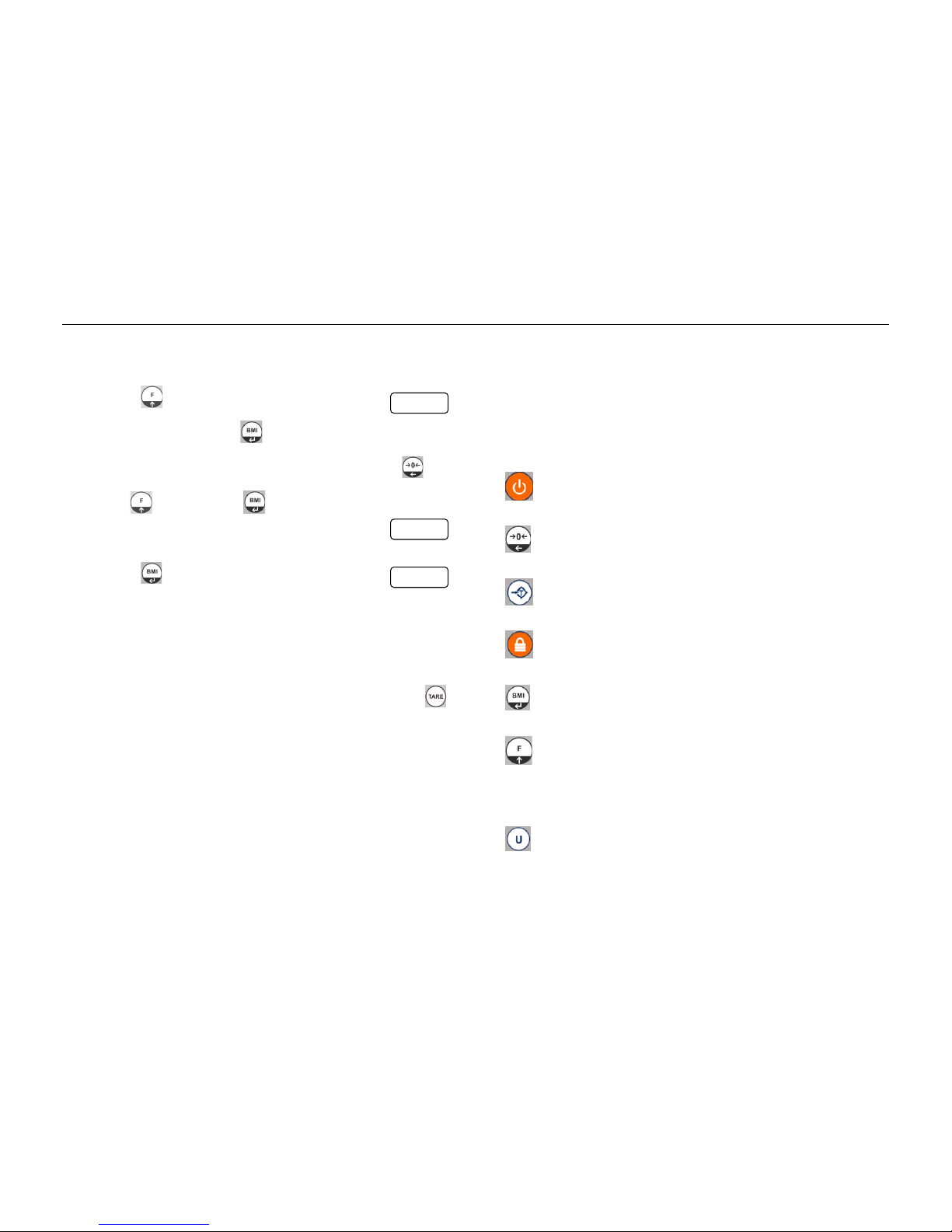
4. Calibration
Turn on the scale.
Press key during self checking, display will show
Clear the platform, press key, display will show the
calibration value, you can change the value by pressing
and key, then press key to confirm.
display will show
Place the test weight on the platform. When scale get stable,
Press key, display will show
Then will start self-test and will come to normal display
5. Precision*10
If you want to see more accurate weight value, press and hold
for 2 seconds, display will show one more decimal place, the last digit will
twink for 5 seconds, then it will go back to normal weighing value
automatically.
-4-
1. INTRODUCTION
The M501/M303 scale is accurate, fast and versatile series of chair
scales with tare, BMI functions, all models with ECTAC(Class III) and
conform 93/42/EC directive, materials used according to RoHS directive.
The display is 25 mm LCD with white LED back light display.
The capacity is up to 250kg.
2. KEY DESCRIPTIONS
Turns the scale power On / Off.
Set the zero point for all subsequent weighing / Move digit left.
Tares the scale / Escape from the menu.
Set to hold mode
Set to BMI mode / Enter into the menu
1. Enter parameter settings
2. Choose menu block or options one by one
3. Increase the digital number
Change unit: kg / lb
-1-
unload
pass
load
Page 4
M501/M303 series scale operation manual REV: Y1, July 2, 2013 M501/M303 series scale operation manual
3. OPERATION
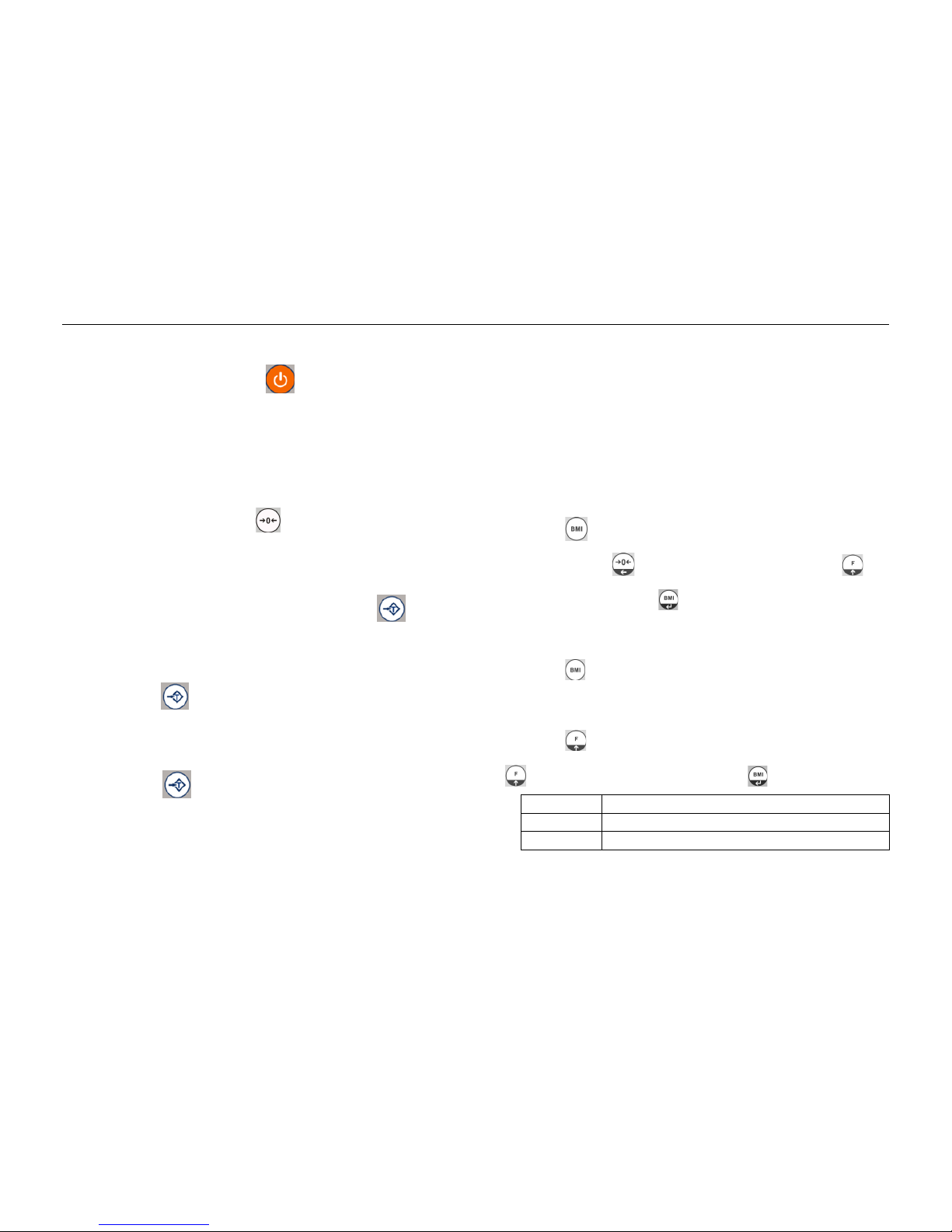
3. 1 Power ON/OFF
Switch on the scale by pressing . The display is switched on
and the self test is started.
If you want to switch off press the key again.
3. 2 ZERO
Environmental conditions can lead to the scale exactly zero in spite
of the pan not taking any strain. However, you can set the display of your
scale to zero any time by pressing key and therefore ensure that
the weighing starts at zero.
3. 3 TARE
The weight of any container can be tared by pressing key so
that with subsequent weighing the net weight of the object being weighed
is always displayed.
Load weight on the pan.
Press key. Zero is displayed, and tare is subtracted.
Remove weight from the platform. Tared weight is displayed.
It can set only one tare value. It can display with a minus
value
Press key. Zero is displayed, tare weight is cleared.
-2-
3. 4 Hold function
Press "Hold" before load at the pan, so HOLD is active now. "Hold
" and "-----" appeared at the display.
After put load at the pan no indication until a stable non-zero
weights is detected. During this period "----" is indicated. (no indication
of unstable value).You will hear a beep, when stable weight is detected.
Indication of calculated HOLD-value with small "HOLD" in display
as current version. After unloading the pan the value is indicated for 10
Seconds. After that normal weight displaying is resumed.
Pressing “Hold”, while the HOLD-function is active, will cancel the
HOLD-function.
3. 5 BMI function
Press key on the weighing mode, display will show the last
height “xxxxx”, use key to shift twinkling digit, and press key
to increase the value, press key to confirm it, display will enter into
the BMI mode, “BMI” indicator will be shown, people stand on the
platform, display will show the weight value and the BMI bar graph.
Press key will turn back to normal weighing mode.
3. 6 Set Back light
Press at normal weighing model, display show F1 off , press
twice, display show F3 bk, then press key to enter it:
Bl au
Set the backlight automatic on.
Bl on
Set the backlight always on.
Bl off
Set the backlight always off.
-3-
 Loading...