

Page 1
SSAATTEELLLLIITTE
CCOOMMMMUUNNIICCAATTIIOONN mmaaddee eeaassy
E
y
Using Your Iridium Pager
3 OPTIMUM PAGER USE
¾ Do not turn your pager off. Pager batteries will last 30 days. The pager is designed to be switched on at all times.
¾ To give yourself maximum opportunity to receive messages, wear the pager on your belt in its holster when travelling.
When in a building, try to position the pager close to a window.
¾ Pagers will not receive messages through double glazing
3 T
URNING THE PAGER ON
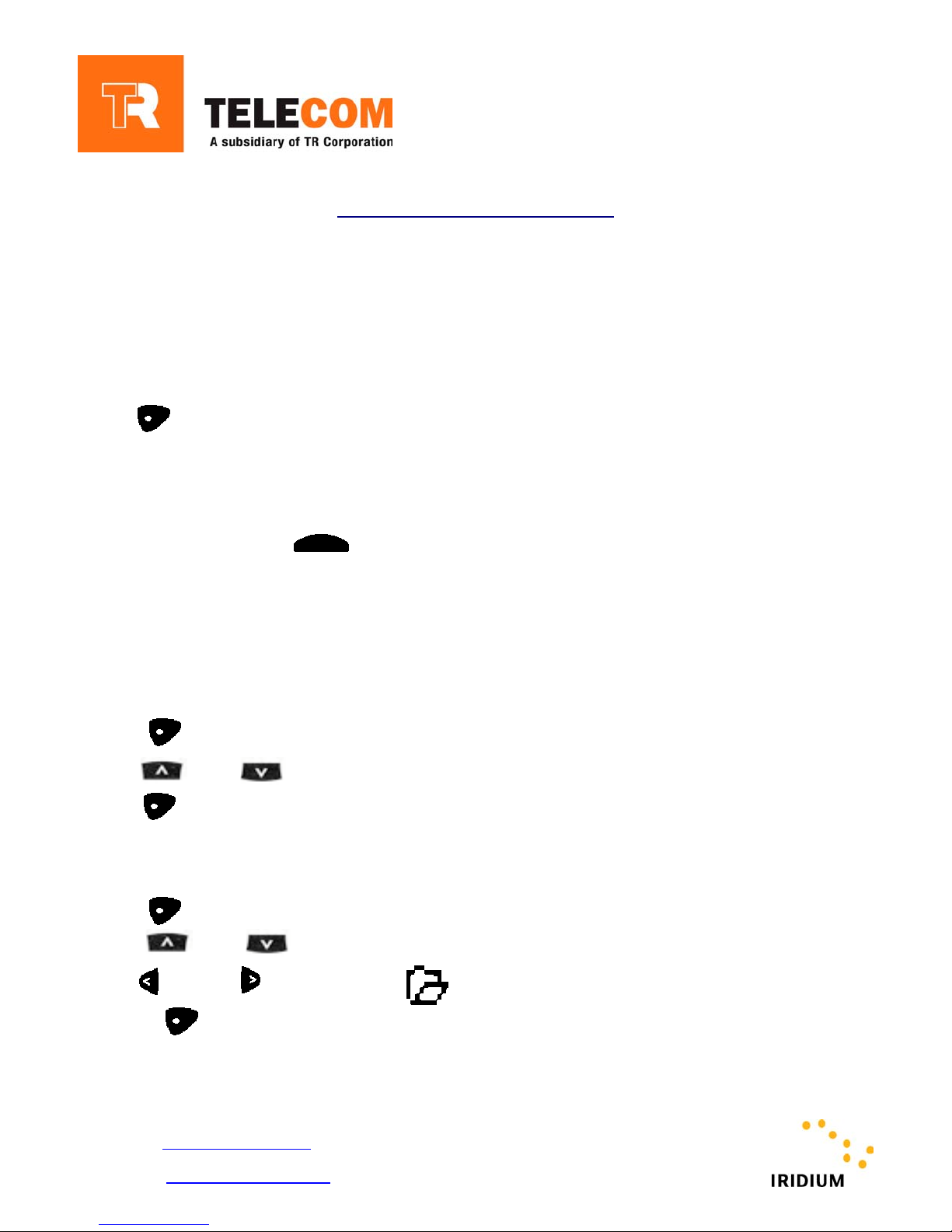
Press
T
HE PAGER WILL BEEP OR VIBRATE AND DISPLAY THE IRIDIUM LOGO
3 PERFORMING AN IN RANGE CHECK
THE IN-RANGE CHECK ENSURES THE PAGER IS REGISTERED WITH THE SATELLITE NETWORK
Press and hold down the button located on the top of the pager
The light on the top of the pager will appear orange until the in-range check is complete
• Green light indicates service
• Red light indicates no service
EADING A MESSAGE
3 R
The pager will beep or vibrate to alert the user of an incoming page
1. Press to display the message screen
2. Press or to move to the message you want to read
3. Press to display the highlighted message
M
OVING A MESSAGE TO A FOLDER
1. Press to display the message screen
2. Press or to move to the message you want to move into the folder
3. Use or until the icon flashes
4. Press
For more details please contact:
TR Telecom Pty. Ltd.
ABN:15 098 733 638
Email: [email protected]
Phone: 1300 550 014
Internet: http://www.trtelecom.com
SSeerrvviiccee PPaarrttnneerr ffoorr tthhee IIRRIIDDIIUUMM SSaatteelllliittee NNeettwwoorrk
k
Page 2
SSAATTEELLLLIITTE
E
CCOOMMMMUUNNIICCAATTIIOONN mmaaddee eeaassy
3 TO DELETE A MESSAGE
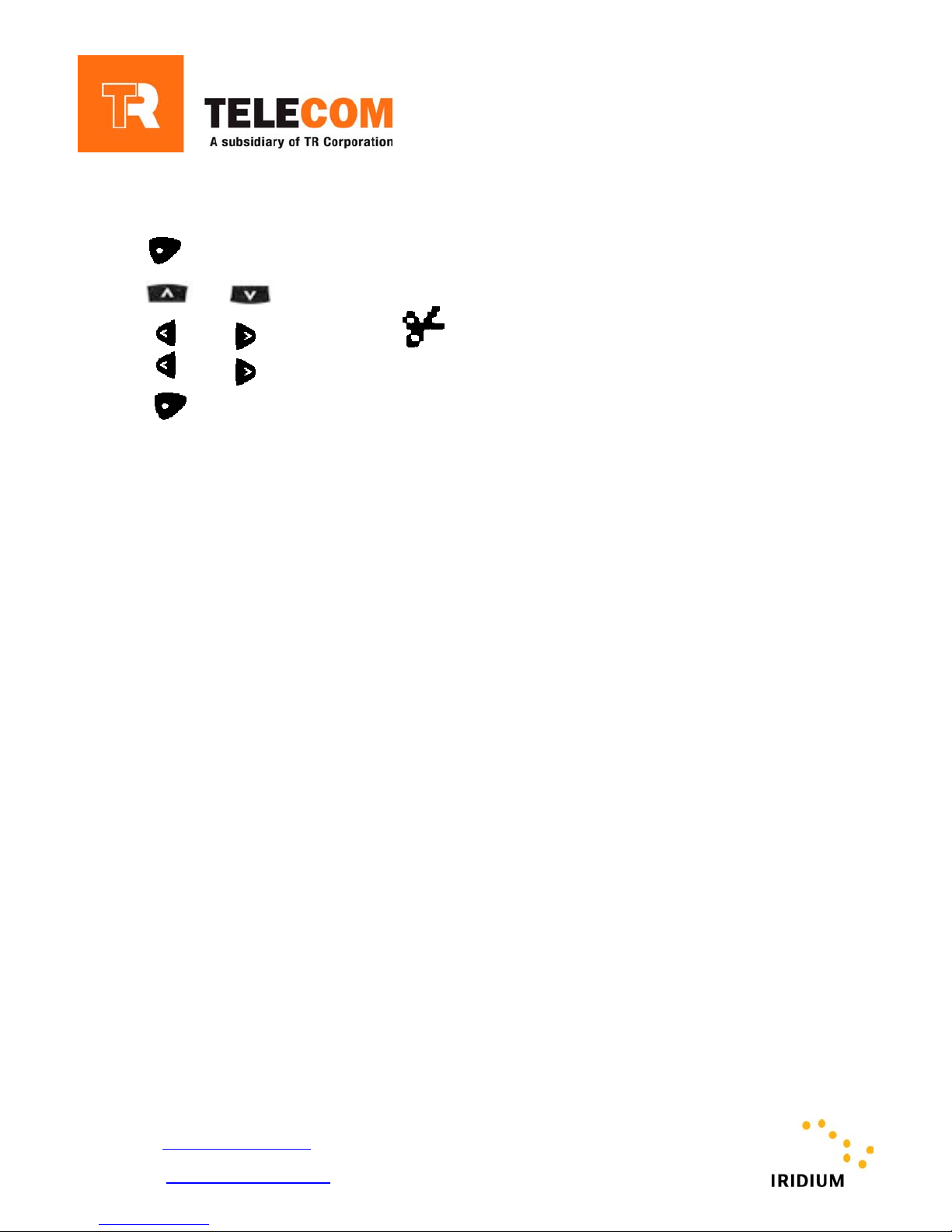
1. Press to display the message screen
2. Press or to move to the message you want to delete
3. Use or until the icon flashes
4. Use or until the YES icon flashes
5. Press
y
For more details please contact:
TR Telecom Pty. Ltd.
ABN:15 098 733 638
Email: [email protected]
Phone: 1300 550 014
Internet: http://www.trtelecom.com
SSeerrvviiccee PPaarrttnneerr ffoorr tthhee IIRRIIDDIIUUMM SSaatteelllliittee NNeettwwoorrk
k
 Loading...