

Page 1

Sensors & Controls
DALI TOUCHPANEL 02
Manual
Page 2

Manual DALI TOUCHPANEL 02 | 04.2019 | 1.0 | en
Table of Contents
c
2 / 8
...
1. General information 3
2. Default layout 4
3. Tunable White layout 5
4. User defined configuration 6
5. Reference list 8
Page 3
Manual DALI TOUCHPANEL 02 | 04.2019 | 1.0 | en
General information
c
3 / 8
The DALI-TOUCHPANEL 02 is a multi-functional device for a DALI circuit.
It combines the functions for groups and scenes in a single module and has six freely definable buttons.
The following configurations are possible:
The DALI TOUCHPANEL 02 is multi-master-compatible which means that several control modules can be installed in parallel in a
DALI system.
The DALI TOUCHPANEL 02 is connected directly to the DALI circuit, which also powers the TOUCHPANEL 02. (current consumption
= 6 mA).
It can be connected to the DALI circuit with either polarity.
The addressing is done via the masterCONFIGURATOR - option "control units" (Physical Selection method).
The DALI TOUCHPANEL 02 offers a high degree of design flexibility.
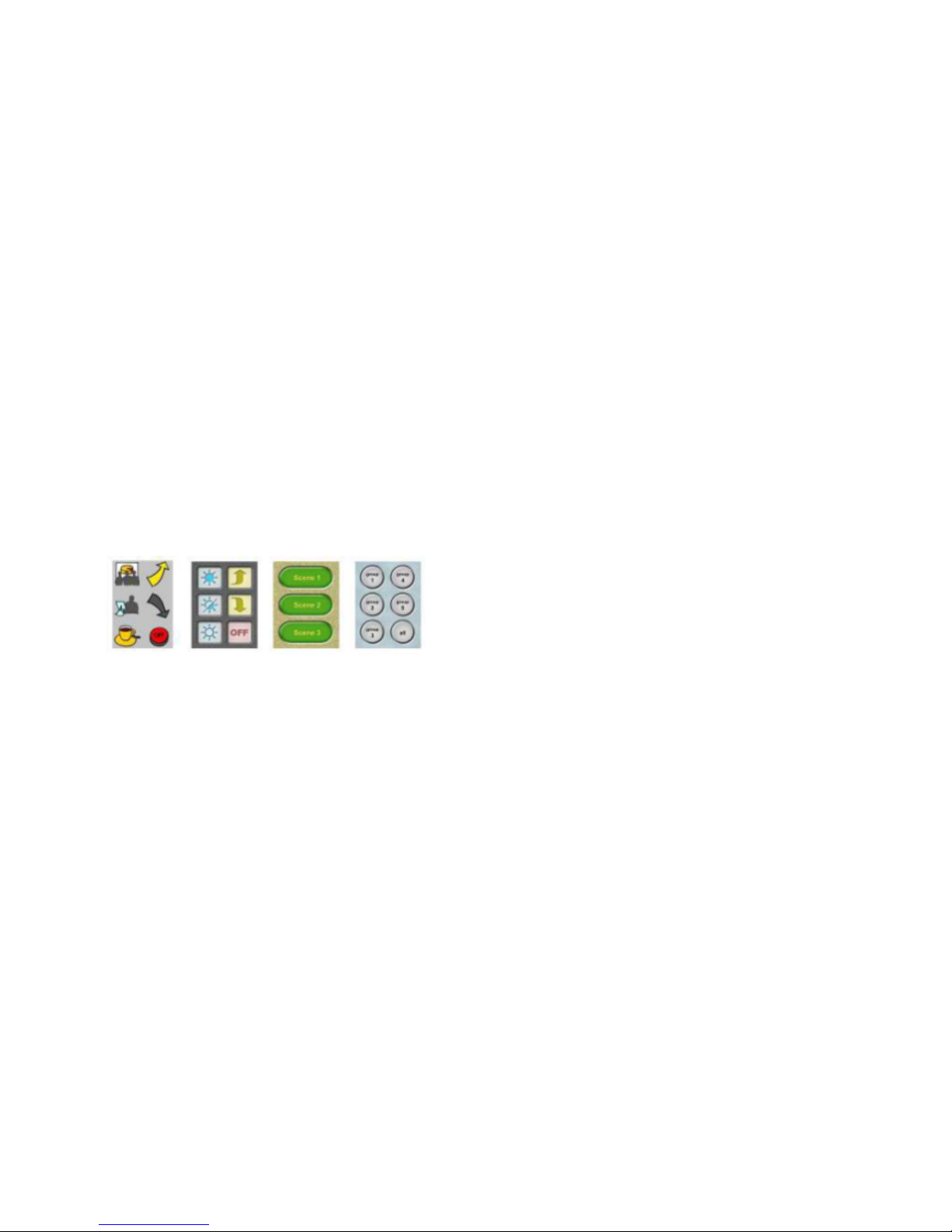
The user interface can be customized with interchangeable layout cards.
...
Standard Layout_
Tunable White Layout_
User defined configuration_
Page 4
Manual DALI TOUCHPANEL 02 | 04.2019 | 1.0 | en
Default layout
c
4 / 8
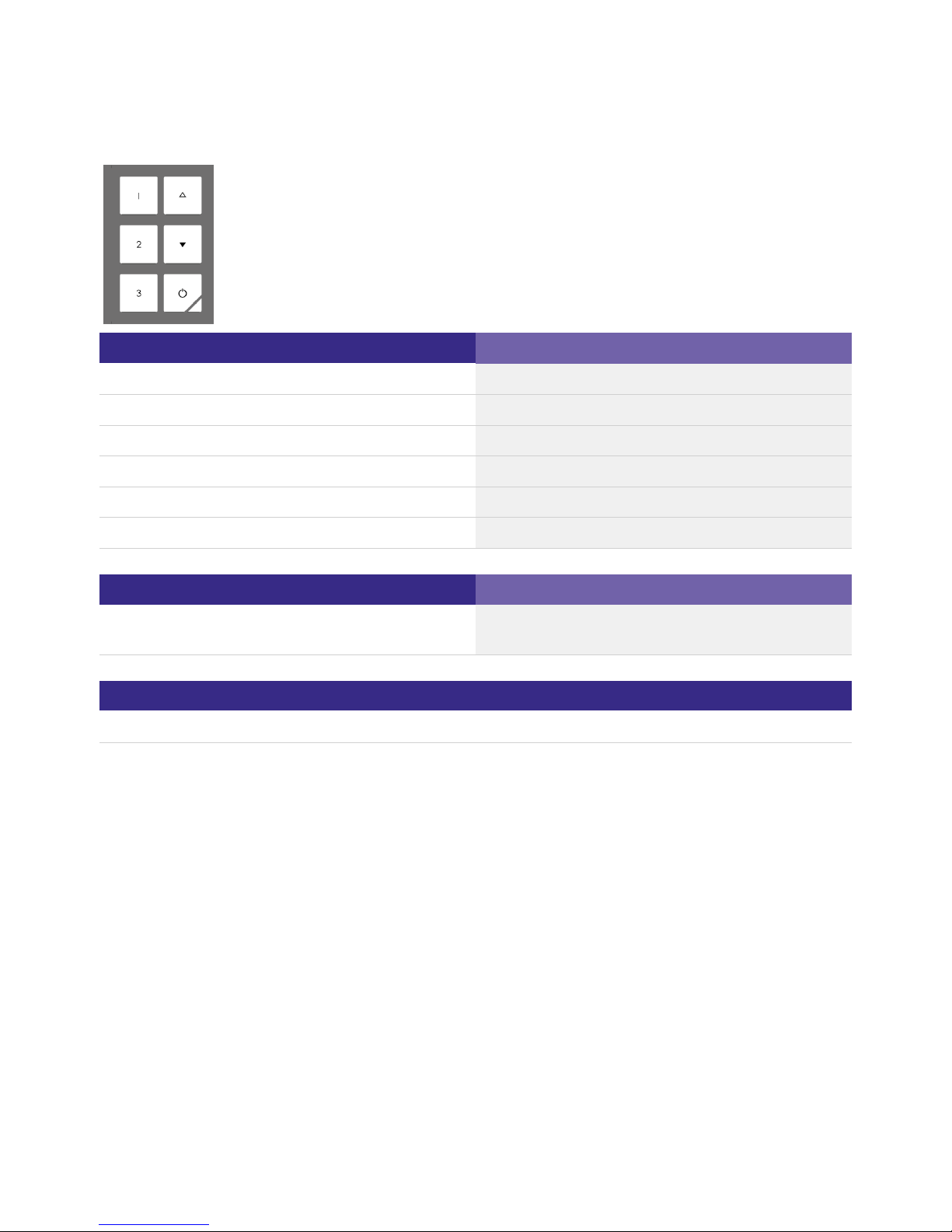
Button
Description
1
Calling up scenes (GO TO SCENE 0)
2 Calling up scenes (GO TO SCENE 1)
3 Calling up scenes (GO TO SCENE 2)
Arrow up Brighten (UP)
Arrow down Dim (DOWN)
Off Switch Off (OFF)
Affactive range
Description
Broadcast
This setting is applied to the entire layout.
This setting can not be changed.
Finder LED
Red LED to find the panel in the night (lower right corner)
...
Page 5
Manual DALI TOUCHPANEL 02 | 04.2019 | 1.0 | en
Tunable White layout
c
5 / 8
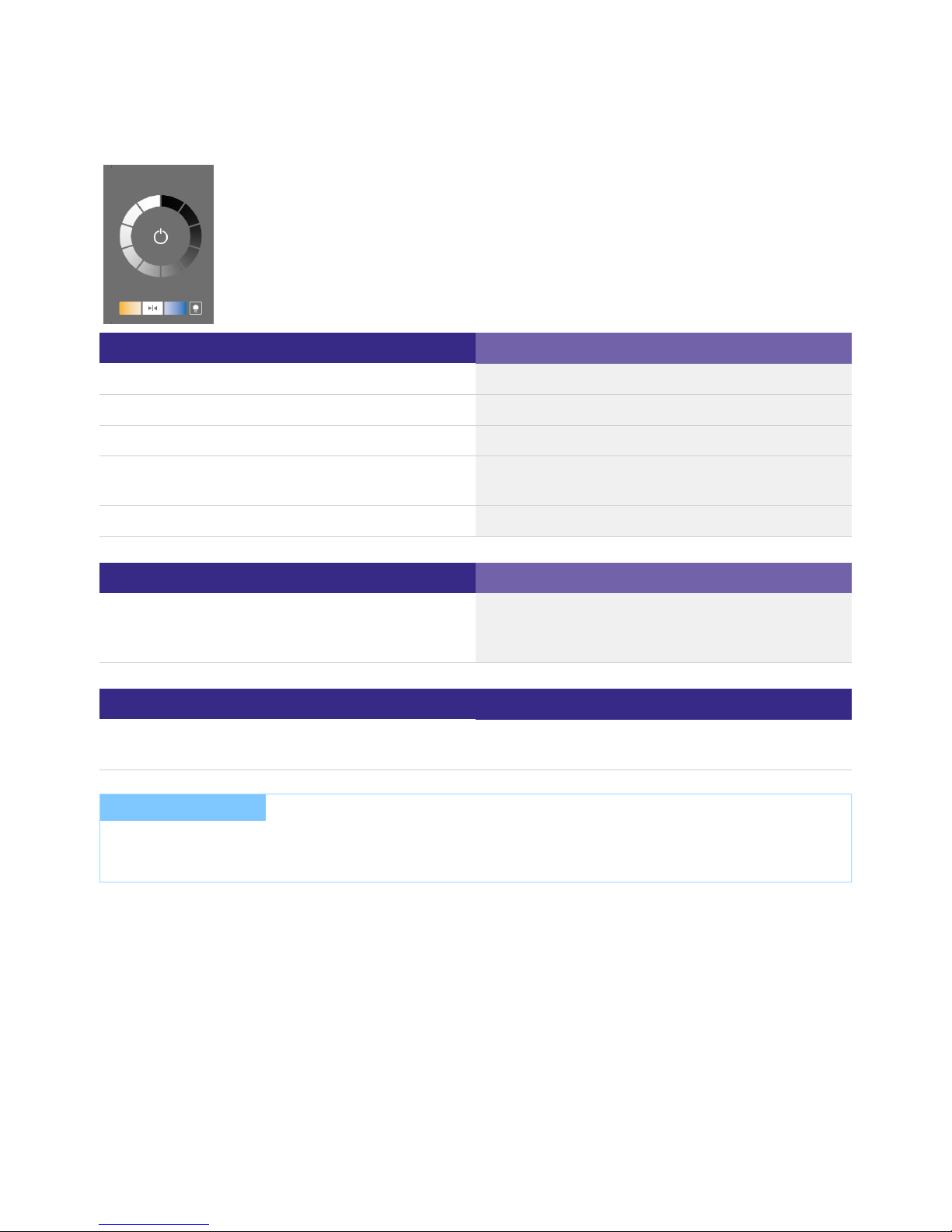
Button
Beschreibung
On / Off Key (middle)
On / Off switching (DAP 100% / DAP 0%)
Dim wheel Recall of several discrete dim values (DAP xxx%)
Tunable Whilte button (orange) Step warmer (COLOUR TEMPERATURE Tc STEP WARMER)
Tunable White button (middle) Recall of 4000 K (SET TEMPORARY COLOUR TEMPERATURE
Tc)
Tunable White button (blue) Step cooler (COLOUR TEMPERATURE Tc STEP COOLER)
Affactive range
Description
Broadcast (Defalult setting)
Group 0 - 15
Single address 0 - 63
This setting is applied to the entire layout.
Finder LED
Description
Red LED to find the panel in the night
(Lower right corner)
Long press in the corner: switch LED on/off
...
I NOTICE
The masterCONFIGURATOR can be used to set the effective range and the fade time for switching on and off.
Details can be found in the masterCONFIGURATOR manual (see ).Helpful links, S.
Page 6
Manual DALI TOUCHPANEL 02 | 04.2019 | 1.0 | en
User defined configuration
c
6 / 8
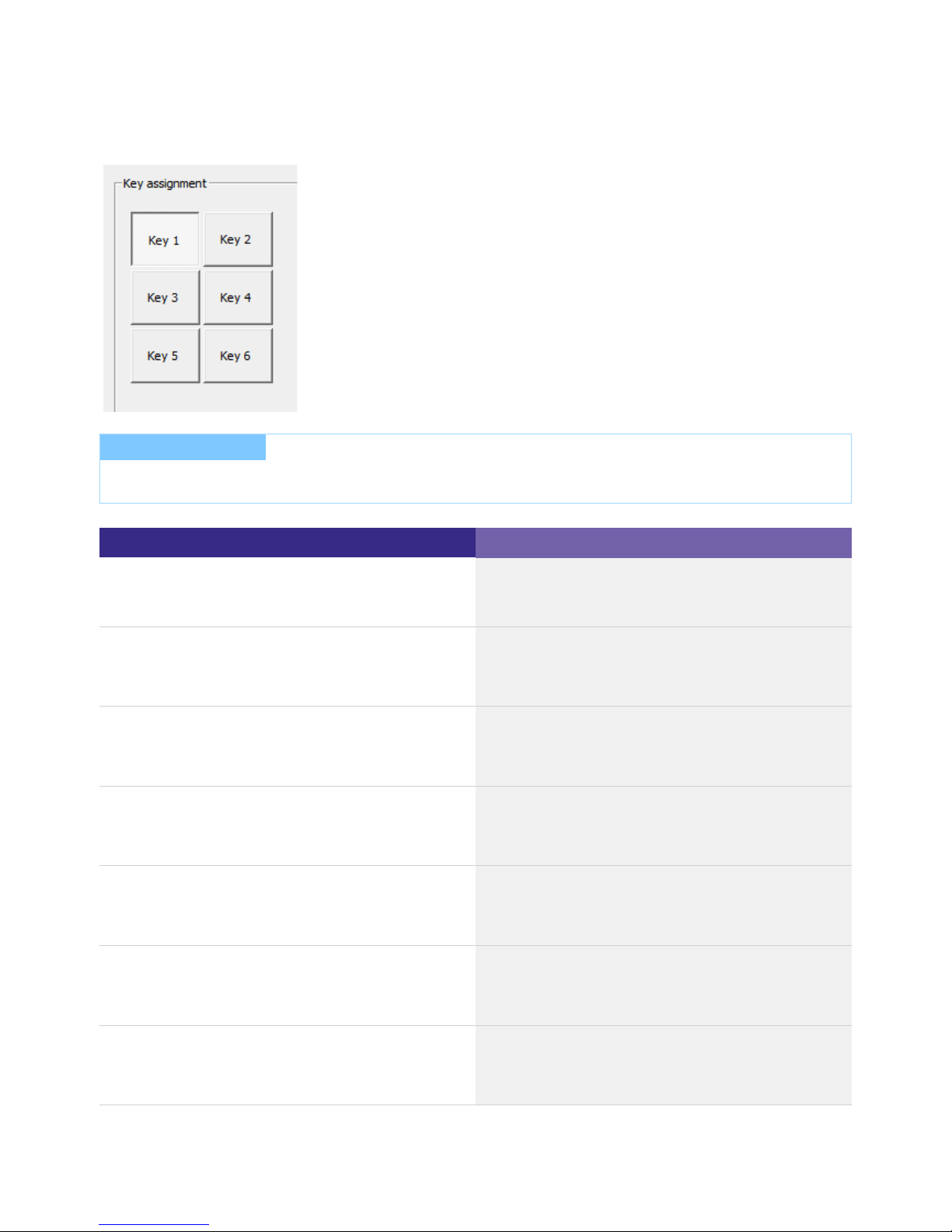
Adjustable basic reaction of the keys
Effective range
Short press = toggle between command X and command Y
Long press = is ignored
Broadcast
Group 0 -15
Single address 0 - 63
Short press = is ignored
Long press = brighten
Broadcast
Group 0 -15
Single address 0 - 63
Short press = command X
Long press = brighten
Broadcast
Group 0 -15
Single address 0 - 63
Short press = is ignored
Long press = dim
Broadcast
Group 0 -15
Single address 0 - 63
Short press = command Y
Long press = dim
Broadcast
Group 0 -15
Single address 0 - 63
Short press = is ignored
Long press = toggle between brighten and dim
Broadcast
Group 0 -15
Single address 0 - 63
Short press = toggle between command X and command Y
Long press = toggle between brighten and dim
Broadcast
Group 0 -15
Single address 0 - 63
I NOTICE
The masterCONFIGURATOR (since V2.6) software can be used to assign each of the 6 buttons on the DALI TOUCHPANEL 02.
Page 7

Manual DALI TOUCHPANEL 02 | 04.2019 | 1.0 | en
User defined configuration
c
7 / 8
List of possible DALI commands:
OFF, UP, DOWN, STEP UP, STEP DOWN, RECALL MAX, RECALL MIN, STEP DOWN AND OFF, ON AND STEP UP, GO TO SCENE 0 15, DAP 0 - 100 %
...
I NOTICE
For the DALI commands "DAP 0-100%" or "GO TO SCENE 0-15", a corresponding Fade Time can also be set.
Details about the configuraton options are available in the masterCONFIGURATOR manual (see ).Helpful links, S.
Page 8

Manual DALI TOUCHPANEL 02 | 04.2019 | 1.0 | en
Helpful links
c
8 / 8
5.1. Additional information
Homepage TOUCHPANEL 02_
Homepage masterCONFIGURATOR_
 Loading...