

Page 1
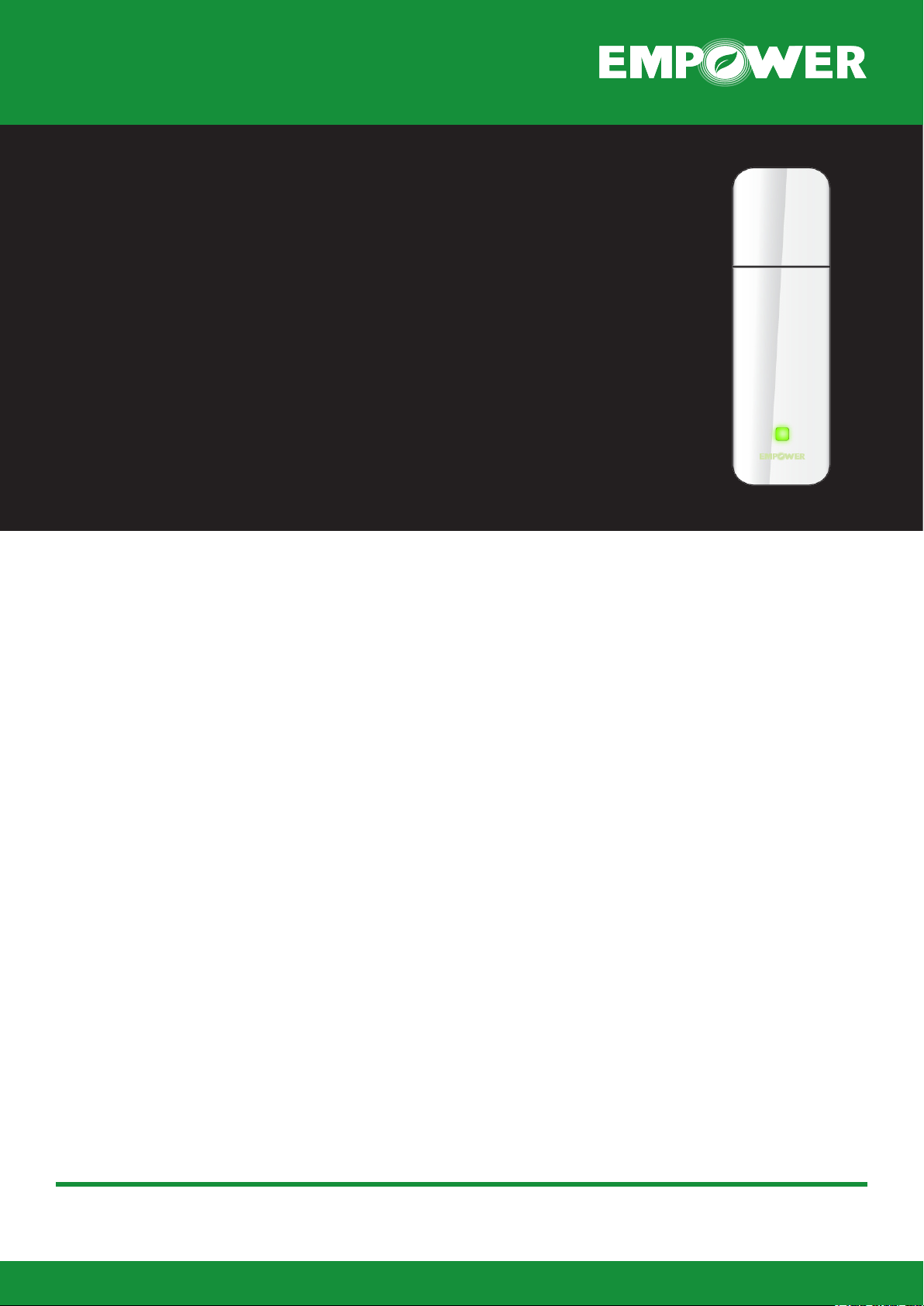
Z-Wave USB Interface
Overview
The Z-Wave USB Interface allows control and monitoring of Z-Wave enabled products from a USB port
device such as a gateway, set top box, handheld device or a PC.
Key Features:
• Z-Wave Protocol (Portable Controller)
• RF support for: Europe (868MHz), US
(908MHz) and Australia (921MHz)
• Supports USB V1.1 protocol, full-speed,
USB V2.0 compatible
• USB connection LED Indicator
USB Standard Descriptors
The product supports four string descriptors:
• Language ID (default English)
• Manufacturer
• Product
• Serial Number
All Descriptors except the Serial Number are stored
in an internal Mask ROM, i.e. their contents are
xed. The Serial Number is stored in an internal OTPROM.
• MacOS 10.1/10.5 or above.
• Linux RedHat 7.3/8.0/9.0
Z-Wave
The product uses Z-Wave Technology as the communication Protocol.
Product Warranty
The product is supplied with a 1 year product warranty against defective manufacturing and components.
Private Label Customers
The product is available in a range of customisable
mechanical housings and colours - kindly contact
Empower Controls for further details.
Software Drivers
The product is supplied with the following drivers:
• Windows 98/SE/ME,
• Windows 2003/XP, Vista
www.empower-controls.com
Page 2

FCC ID: V8MTS300ZW
FCC Compliance and Advisory Statement
This device complies with Part 15 of the FCC rules. Operation is subject to the following two
conditions:(1) this device may not cause harmful interference, and (2) this device must accept
any interference received, including interference that may cause undesired operation.
This equipment has been tested and found to comply with the limits for a Class B digital device,
according to Part 15 of the FCC rules. These limits are designed to provide reasonable
protection against harmful interference in a residential inst allatio n. This equipment generates,
uses and can radiate radio frequency energy and if not installed and used in accordance with
the instructions, may cause harmful interference to radio communications. However, there is
no guarantee that interference will not occur in a particular installation. If this equipment does
cause harmful interference to radio or television reception, which can be determined by turning
the equipment off and on, the user is encouraged to try correct the interference b y one or more
of the following measures:
1.Reorient the receiving antenna.
2.Increase the separation between the equipment and receiver.
3.Connect the equipment into and outlet on a circuit different from that to which the receiver is
connected.
4.Consult the dealer or an experienced radio/TV technician for help.
Any special accessories needed for compliance must be specified in the instruction manual.
Warning: A shielded-type power cord is required in order to meet FCC emission limits and
also to prevent interference to the nearby radio and television reception. It is essential that
only the supplied power cord be used. Use only shielded cables to connect I/O devices to this
equipment.
CAUSION: Any changes or modifications not expressly approved by the party re sponsible for
compliance could void your authority to operate the equipment.
 Loading...