

Page 1
TROUBLESHOOTING
LI-SMPQSG
All LED’s flashing when unit is powered up.
•
Battery is low and will soon need to be
•
replaced with an Alkaline battery.
Single LED flashing and meter frozen.
•
•
Skipper Plus is in HOLD mode.
•
Press HOLD button to release.
USER GUIDE ONLINE
Please use the following link or QR code to
access the complete User Guide online:
http://l.ead.me/baxO6y
SKIPPER Plus
QUICK ST
Tel: +1 (281) 516-9292 / (888) 275-5772
Web: https://www.abqindustrial.net E-mail: [email protected]
Distributed by:
ART GUIDE
ABQ Industrial LP USA
eFax: +1 (866) 234-0451
Page 2
OPERATION
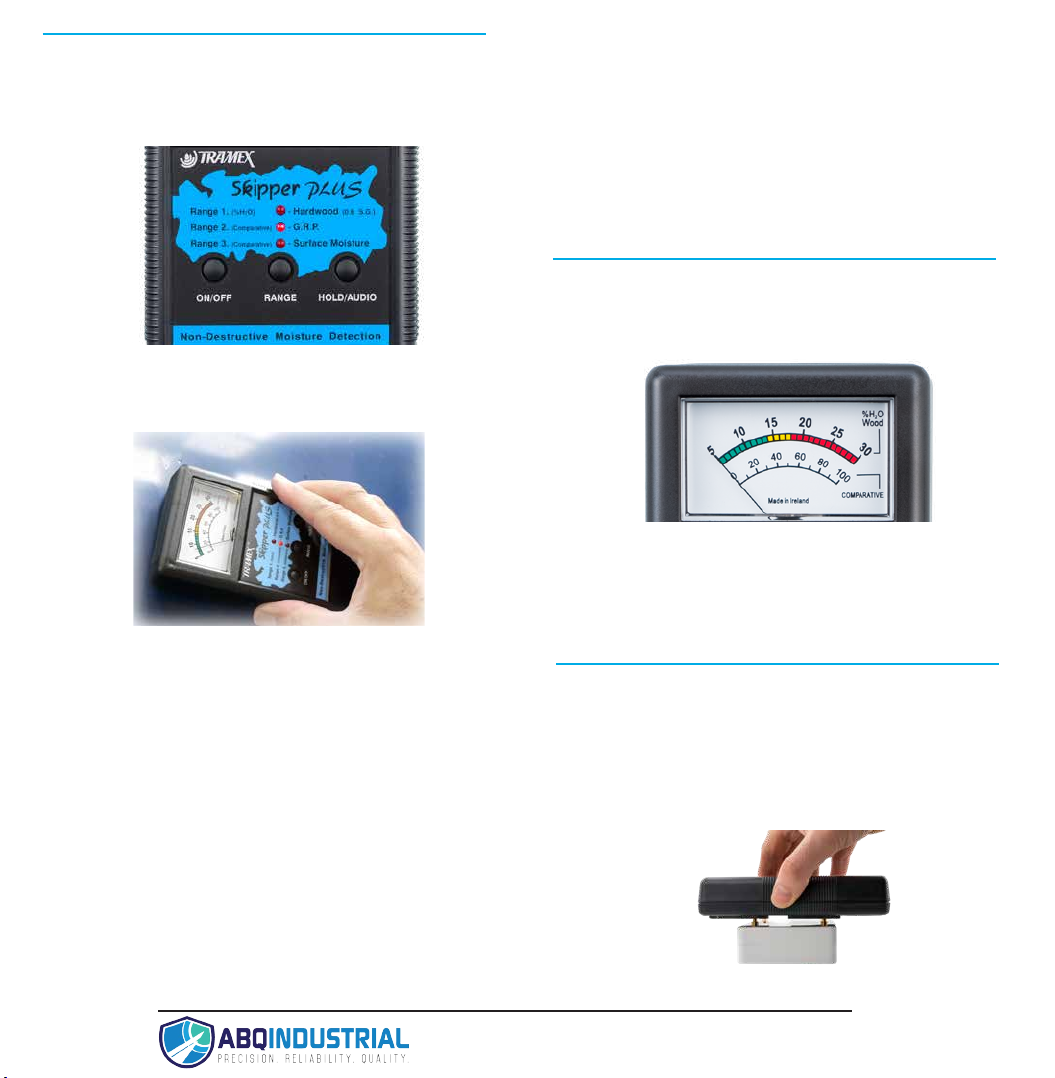
Press the ON/OFF button.
•
Press Range button to select the required
•
mode.
Press Skipper Plus fully against the surface
•
of the material.
If Skipper Plus is shut down in HOLD mode it will
•
retain the stored reading when powered up next
and remain in HOLD mode with the LED for the
selected range flashing.
Automatic power timeout (10 mins) conserves
•
battery life.
SCALE USE
Upper scale (5-30) indicates moisture
•
content (MC%) of wood when used on wood
products.
•
Lower scale (0-100) is a comparative scale and
may be used for recording and comparing
moisture condition in GRP and other materials.
Readings are instant and displayed on the
•
analog screen.
•
Last range used is memorized when power is
shut down and automatically selected next
time unit is powered up.
Turn Audio signal on or off by pressing
•
HOLD/AUDIO twice in quick succession.
To freeze the readings press the HOLD/AUDIO
•
button once, LED for selected range will flash
slowly.
CALIBRATION & WARRANTY
•
Obtain Warranty online:
tramexmeters.com/register
Annual calibrations are recommended as
•
best practice. Calibration Check Boxes can
be purchased for regular checks:
Product code: CALBOXSMP
Tel: +1 (281) 516-9292 / (888) 275-5772
Web: https://www.abqindustrial.net E-mail: [email protected]
Distributed by:
ABQ Industrial LP USA
eFax: +1 (866) 234-0451
 Loading...