

Page 1
!
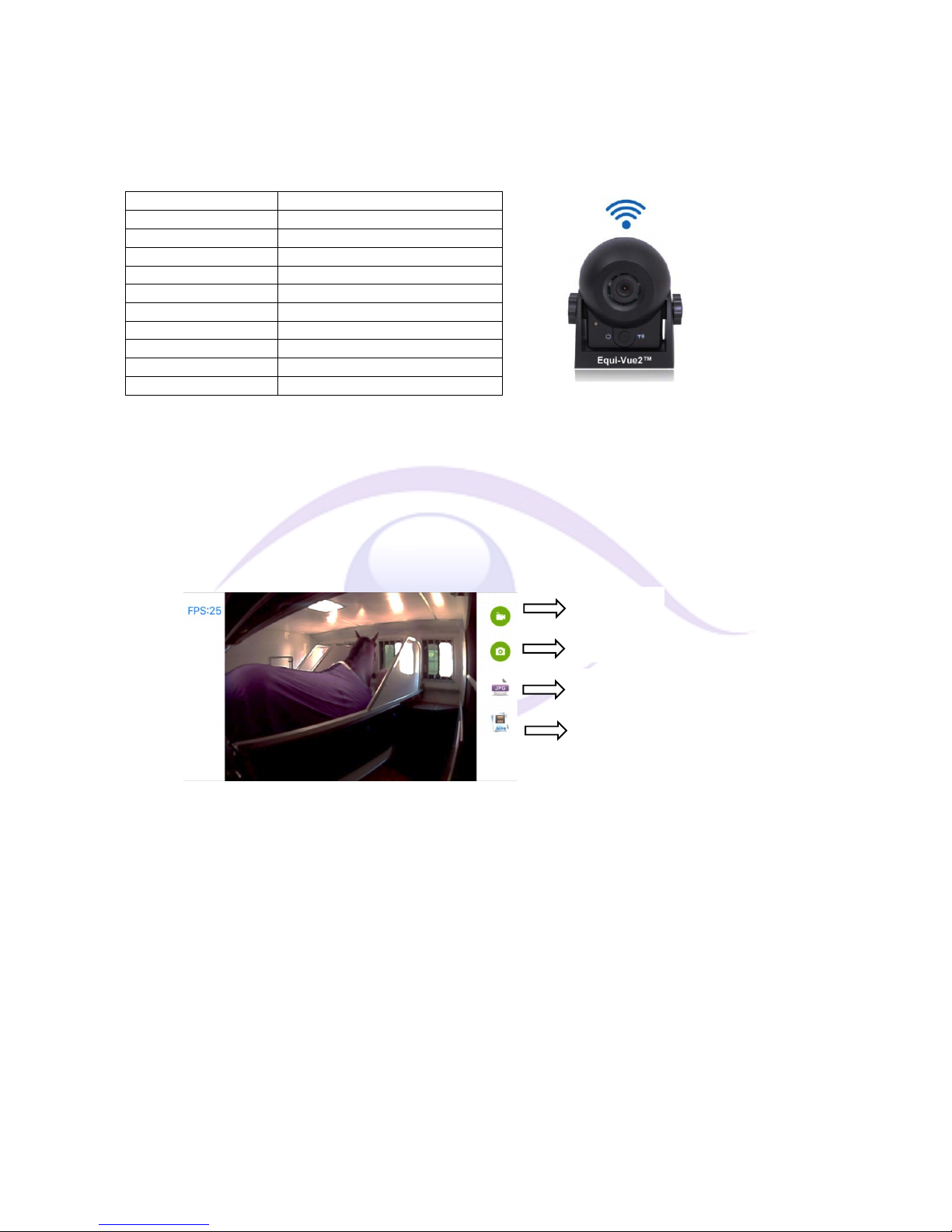
Video!Recording!
Photo! !
Photo!Footage!(view)!
Video!Footage!(view)!
Equi%Vue2™*USER*MANUAL*
INTRODUCTION:*
Thank!you!for!purchasing!our!Equi>Vue2™!wi>fi!camera.!This!User!Manual!includes!information!about!how!to!correctly!use!the!
camera!and!product!information,!including!operation,!installation!and!technical!specifications.!Please!read!the!User!Manual!
carefully!before!using/installing!the!camera.!
SPECIFICATIONS:! *
Battery!capacity!
2100mAh!
Battery!voltage!
3.7V!
Recharge!time!
Approx!4.5!h!
Recharge!voltage!/!current!
5V!/!480mA!(Max)!
Operating!current!
260mA!
Wireless! communication!
Wi>Fi!/!2.4Ghz!
Wireless!transfer!distance!
15m!line!of!sight!
Water!Resistance!
IP68!
Night!Vision!
IR!(6)!
Lens!Angle!/!Resolution!
120˚!/!700TV!Lines!(Non!Mirror!Image)!
Operating!Temperature!
>20˚C!to!+70˚C!
*
CHARGING*THE*CAMERA:*
1.!Remove!the!orange!cover!by!gently!pulling!it!from!the!rear!of!the!camera.!
2.!Insert!the!charging!lead!and!connect!to!a!USB!adapter!(the!LED!will!illuminate!Red!when!charging)!
3.!The!camera!will!fully!charge!in!approx.!4.5!hours!&!then!LED!will!be!off.!
!
ICON*DESCRIPTIONS:*
!
!
*
*
*
*
*
*
*
*
*
INSTALLATION:*
1.!Choose!a!suitable!location!for!the!camera,!high!up!on!a!wall,!as!far!from!the!horse(s)!as!possible,!usually!provides!the!best!view!
(hold!the!camera!in!the!chosen!location!&!check!the!view,!before !fixing).! !
2.!The!camera!includes!a!magnet!and!ca n !be !easily!‘fixed’!to!any!metal!work!(be!careful!to!check!that!the!fixing!location!is!
magnetic,!before!letting!go!of!the!camera).!
3.!A!velcro!fixing!square!is!also!provided,!please!u tilise !o n!a !w all!(n o t!ro of)!a n d!e ns u re!th e!c ho s en !loc at ion !is!c lea n /d ry!(so!that!
the!glue!can!achieve!a!good!bond).!
*
*
*
*
*
*
!
!
Page 2
!
OPERATION*(Android):*
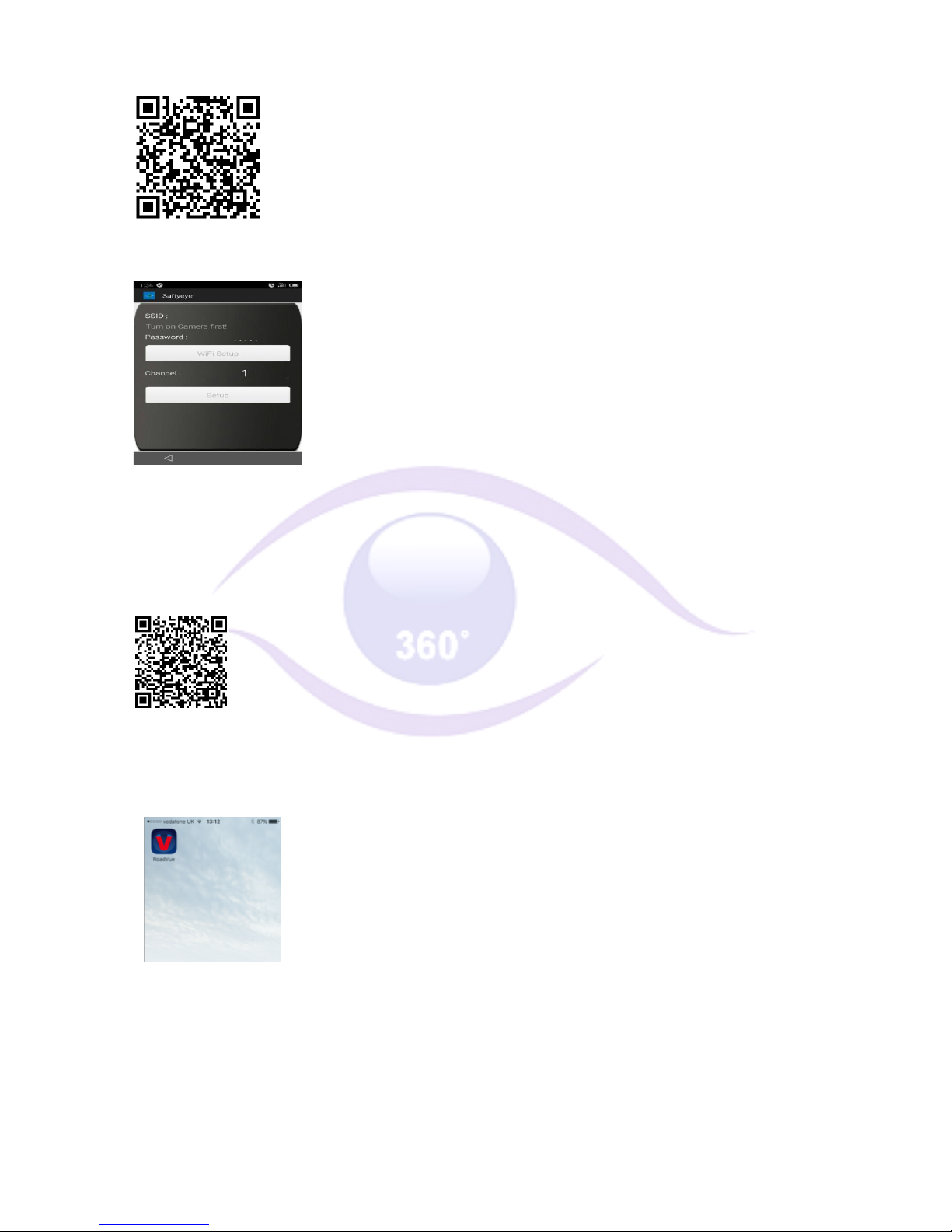
1. Download/install!the!App!from!www.trailervision.co.uk!or!use!the!following!QR!code:!
!
2.!Turn!the!camera!on,!by!pressing!the!button!on!the!front!(the!blue!LED!will!illuminate).!
3.!Open!the!App:!
!!!!!
Click!‘WIFI!Setup’!and!the!device!will!connect!to!the!camera!&!display!the!image!(the!LED!will!turn!off).! !
*
OPERATION*(Apple/iOS):*
1. Download/install!the!‘RoadVue’!App!from!the!App!Store!or!use!the!following!QR!code:!
!
2.!Turn!the!camera!on,!by!pressing!the!button!on!the!front!(the!blue!LED!will!illuminate).!
3.!Open!‘Settings’!/!‘Wi>Fi’!and!select!‘SONIX_’!
4.!Open!the!RoadVue!App!and!the!camera!image!will!be!displayed.!
!
For!Technical!Support!please!email:!
Or,!during!office!hours!please!call:!01733*246473!
 Loading...