

Page 1
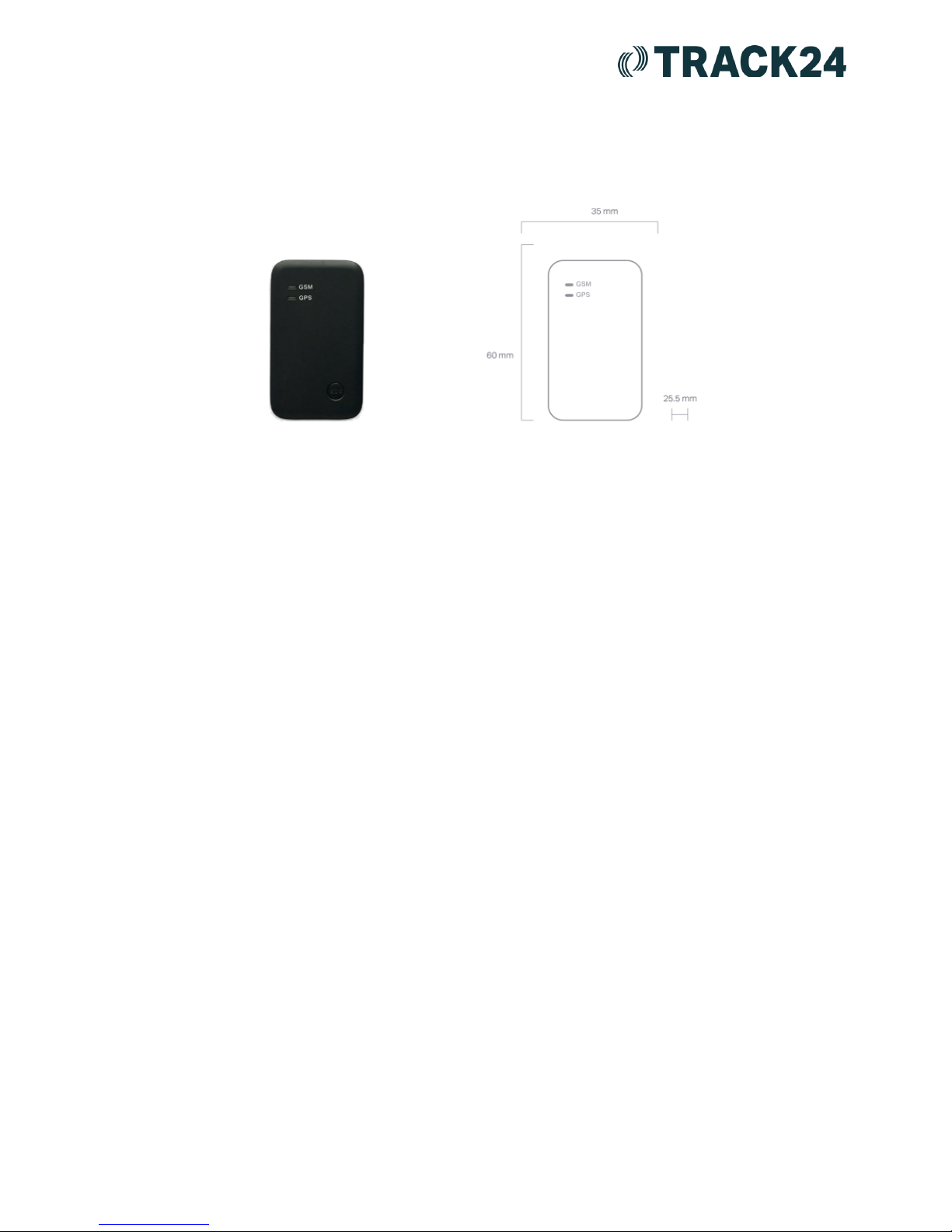
Pocket Buddy Quick Start Guide
When a Pocket Buddy is indoors, the device is unable to obtain sufficient GPS (location)
'fix', and so the location sent to the platform may be inaccurate. Although the device will
have a strong GPRS (mobile data) fix, it needs to have a valid GPS fix to send accurate
reports, which can only be acquired when the unit is outside. This is because when indoors,
walls attenuate the signal from GPS satellites. A full charge for the Pocket Buddy takes up
to 3 hours.
● The top LED (light) shows whether the device has a GSM fix and has a red light. The
bottom LED shows if the unit has a GPS fix and has a blue light.
● The LEDs will flash every two seconds to signify that they are trying to acquire a
GSM/GPS fix. If the Pocket Buddy is unable to get GSM then it will not report to the
platform. If the Pocket Buddy is unable to get GPS then it will report to the platform
with the most recent location held.
● The LEDs will flash every five seconds to signify that they have a GSM/GPS fix.
● If the LEDs are constantly on, it means it can not acquire an accurate GPS fix and
that the device may be faulty.
Public 1
Version 1.0
Page 2
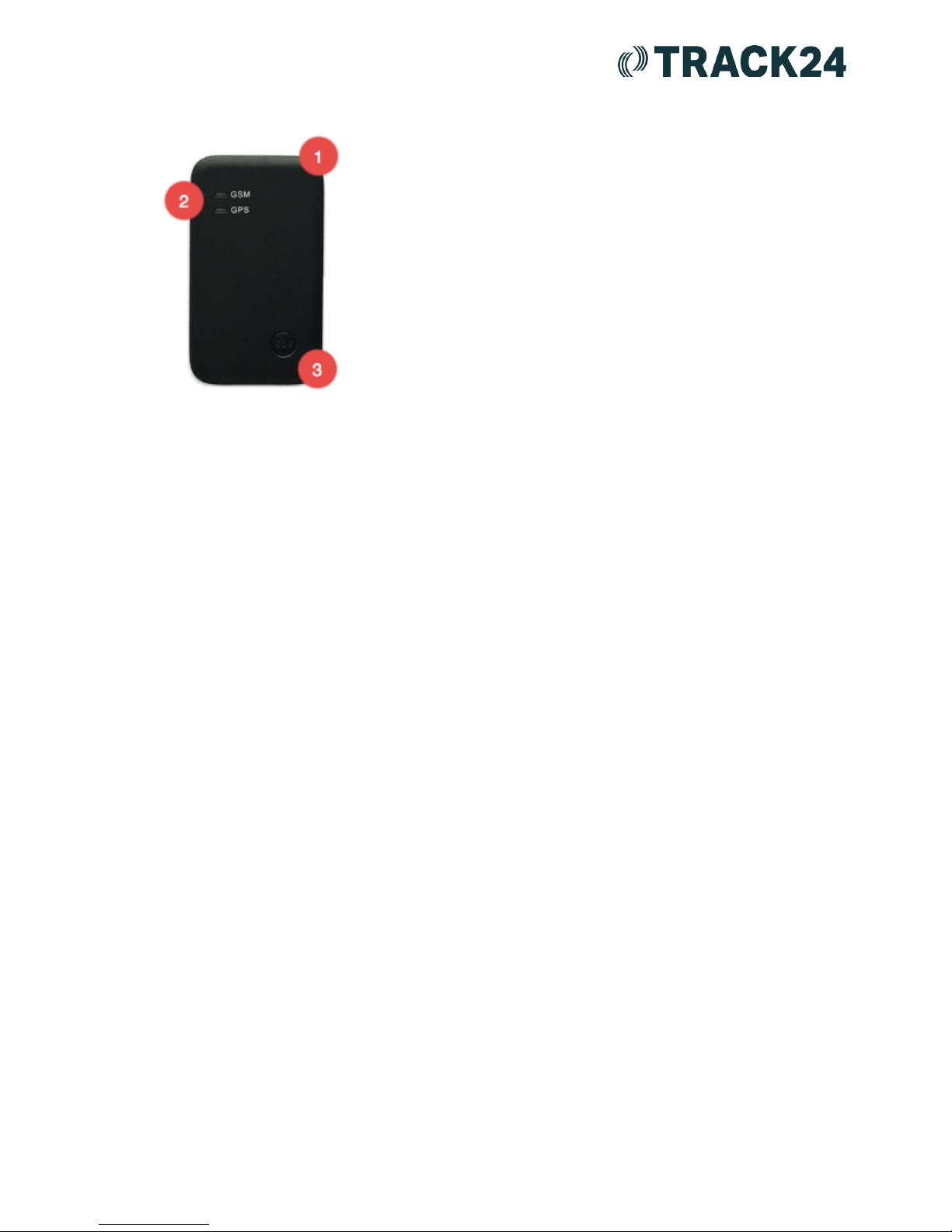
Key Areas
1. Power: The power button can be found at the top
of the pocket buddy
2. LEDs: The GSM and GPS LED indicate whether
the device has a connection to the GSM network, and the
GPS network.
3. Panic: To trigger a panic alarm, this button has to
be held down for 5 seconds. This may also initiate a 1 way
phone call from the device allowing for administrators to
listen in to the emergency. This is an opt-in feature.
If your Pocket Buddy is not reporting, we'd suggest checking the following:
● Is the Blue LED flashing every 2 seconds? If so, it is trying to connect to the GPS
network.
● Is the Red LED flashing every 2 seconds? If so, it is trying to connect to the GSM
network.
● Is the SIM card inserted into the device correctly, and not loose?
● Has the Pocket Buddy had a full charge? A full charge takes up to 3 hours.
● Are both LEDs constantly on? This could indicate a fault with the unit.
● Track24 recommends testing outdoors with a clear line of sight to the sky.
Checklist for the SIM cards:
● The SIM should have sufficient credit.
● The SIM should be capable of sending and receiving local and international SMS.
● The SIM should also be capable of making and receiving local and international
calls.
● The SIM should be GPRS-enabled. Once GPRS is active, please insert the SIM
into a mobile phone and check if you are able to access external websites on
GPRS using your phone’s web browser.
● The SIM card should be free of any locks or pin codes
Public 2
Version 1.0
 Loading...