

Page 1
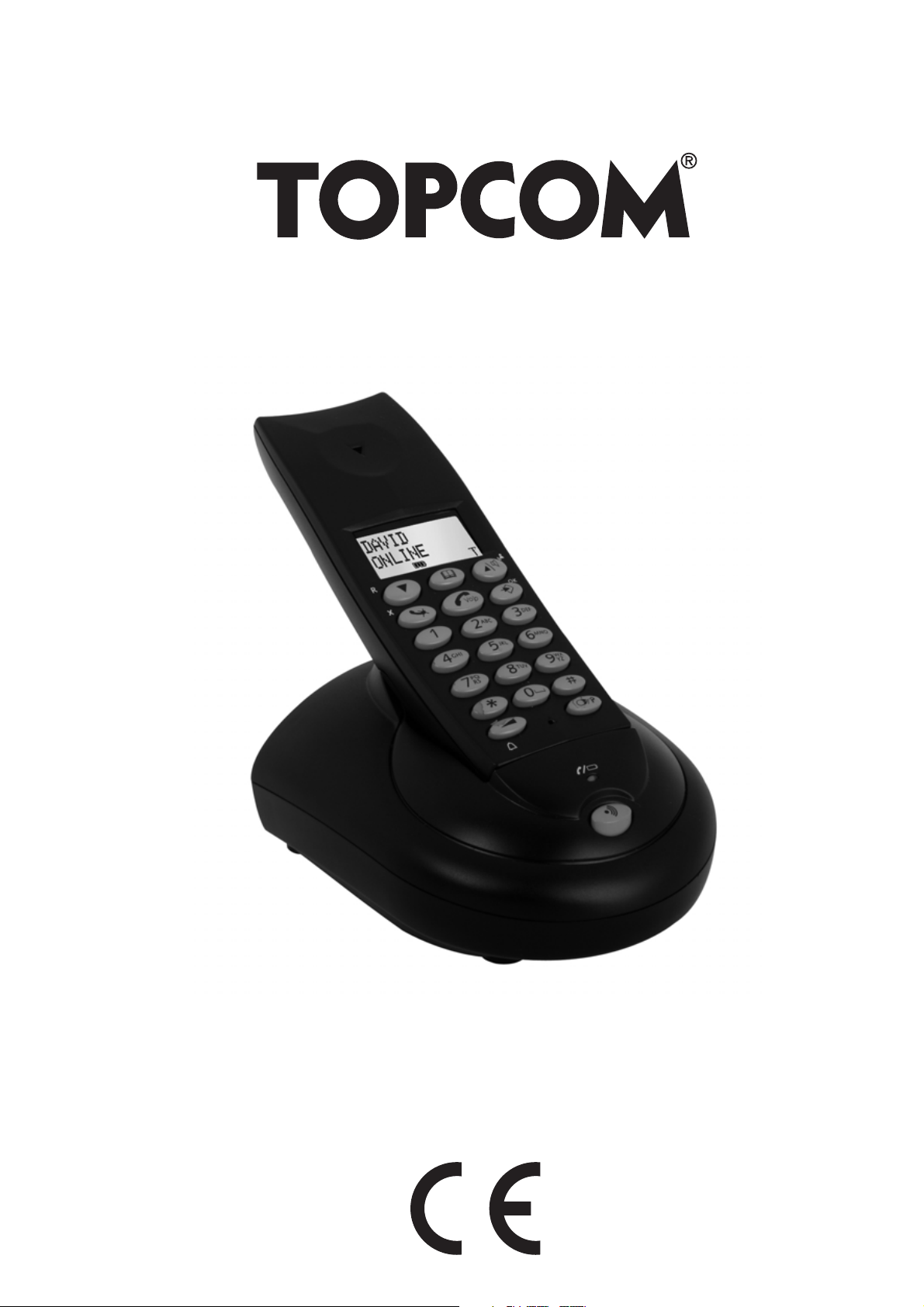
BUTLER 4112
QUICK INSTALLATION GUIDE
1.0
Page 2
Topcom Butler 4112
1 USB PC interface operation
1.1 Installing the software
You can only make or receive calls over internet when you have a internet connection and
one of the following programs installed:
– Skype: downloadable from http//:www.skype.net/go/getskype
– MSN Messenger
– SJ-Phone or Net2Phone
Minimum system requirements:
• PC Running under Windows XP or 2000
• 32 MB free memory
• 20 MB Free hard disk space
• Internet connection with 56Kbps or higher
– Install the software from the CD included with the phone:
For the latest version of the software please look at our website:
http://www.topcom.net/support/downloads.php
– Insert the CD when the PC is on. If the program doesn’t run automatically, click
on the Start icon and select Run. Enter D:\CD_Start.exe (if D in not your CD-
ROM drive, enter the appropriate letter)
– The installation wizard will guide you through the process
– Reboot the PC after installation
2 Topcom Butler 4112
Page 3

Topcom Butler 4112
.
– Plug the USB plug of the phone to the PC after your PC has been started up
again.
ENGLISH
– Windows will install the proper USB driver for the phone
– Select the appropriate interface for Skype, MSN Messenger, SJ-phone or
Net2Phone at the Butler 4112 software program
– Open the corresponding internet phone program
This product is in compliance with the essential requirements and other relevant provisions of the R&TTE directive 1999/5/EC
The Declaration of conformity can be found on :
http://www.topcom.net/support/cedeclarations.php
The CE symbol indicates that the unit complies with the essential
requirements of the R&TTE directive.
To be connected to the public analogue telephone network.
The features described in this manual are published with reservation to modifications.
Topcom Butler 4112 3
Page 4

U8006608
visit our website
www.topcom.net
 Loading...