

Page 1
Ko
oKC0
geek
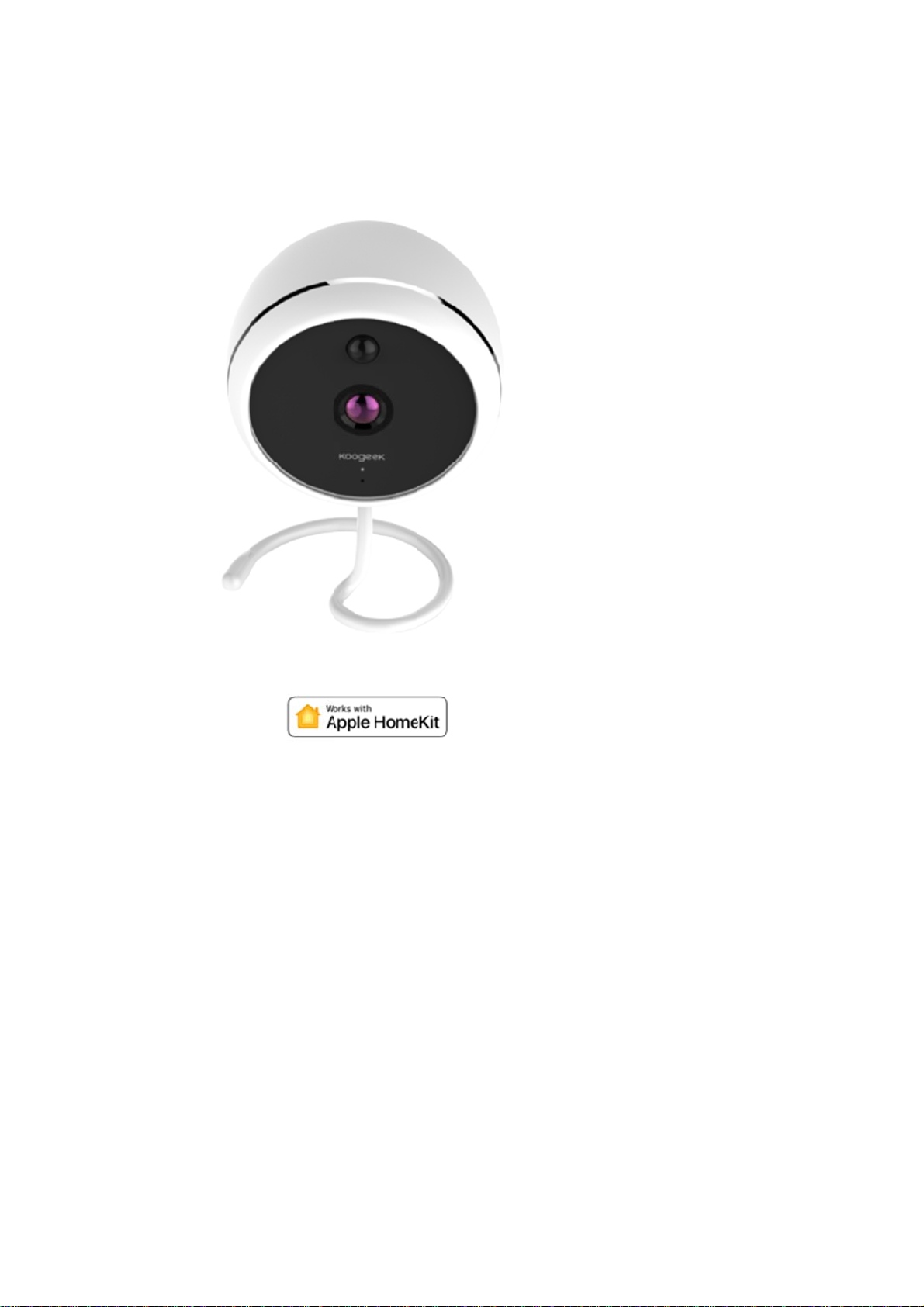
1 Smart Camera
Page 2
Ho
w
C
k
M
w
D
a
TaHomNoToop
C
n
o
e
h
e
c
m
X
e
o
n
s
o
e
p
X
e
(
n
w
H
w
t
d
p
a
i
h
e
e
h
o
c
r
m
e
o
r
f
t
M
t
m
b
e
t
s
e
w
D
W
o
o
to control
1.
onnect this
blin
ing blue to i
2.
ake sure t
net
ork.
3.
ownload th
4. T
p “+” and s
Smart Cam
product to
ndicate it is
at your iPh
free Koog
an the setu
era using
a USB po
eady for ne
one or iPa
ek Home a
code. Ple
omeKit tec
er adapter
work setup.
(iOS 9.0
p from
se keep the
nology?
with a Mic
r later) is c
the App Sto
setup code
o-USB ca
nnected to
e and log in
or future us
le. The LE
a 2.4GHz
.
.
will
i-Fi
5.
p Koogeek
e and Roo
ote: XXXXX
add mor
erations.
6. N
ame this pr
reate a sce
7.
it o
or off, or ju
8. F
or troublesh
:
Not
-KC01-XXX
.
is consist
products
duct to help
e which co
t ask Siri.
oting, visit
XX and pa
nt with the l
or repeat t
you identify
trols multipl
ww.kooge
ir, and then
ast 6 chara
e setup p
it in the Ho
accessori
k.com
follow the s
ters of the
ocess), tap
e app and
s at the sa
eps to add
AC addres
“+” and r
o control it
e time. Tap
he device t
on this pro
peat the a
ith Siri.
the scene t
the
duct.
bove
turn
Page 3

The
t
t
t
e
c
rTwoLED
i
h
e
d
FPow
uPowOpeOpe
s
n
1
c
i
D
c
e
s
m
t
e
d
d
c
g
n
g
A
p
e
d
y
v
u
w
d
a
g
O
e
D
n
K
w
a
9
w
e
e
g
h
c
e
s
y
O
k
h
d
n
a
o
t
n
o
e
e
e
s
d
o
o
use of a Ho
ings > iClou
Set
Set
ings > iClou
Set
ings > Priva
rview
Ov
TF
ard slot
Mic
o-USB port
-Way Audio
indicator li
Mot
on Detectio
Nig
t Vision
cifications
Sp
Mo
el: KC01
Wi-
i: 802.11b/
er supply: 1
Inp
t: DC 5V / 2
er consum
rating temp
rating humi
tore factor
Re
Co
nect the de
for
0 seconds
indi
ator light
sett
ngs.
indicator (
LE
LED
indi
ator light
Status
d
scription
tomer Serv
Cu
12-
onth limite
Life
ime technic
ty Warnin
Saf
meKit-enabl
> iCloud
> Keychai
y > Home
ht
/n, 2.4 GHz
0W USB po
(Max.)
tion: 4W (d
rature: 0°C
ity: 10% ~
settings
ice to a po
ntil the blu
ill flash blu
after settin
Flas
Wait
network
Disconn
network
ice
warranty
l support
s
d accessor
rive > Turn
> Turn On
it > Koogee
ONLY
er adapter
y) / 5W (nig
~ 40°C
0%
er source. I
LED indica
quickly, in
up)
ing blue qu
ing for a
onfiguratio
cted from
y need the f
n
Home > T u
t)
nsert a shar
tor light will
icating that
ickly
Wi-Fi
or
Wi-Fi
de
llow permis
rn On
p-pointed pi
turn off. Ab
you have r
Flashing r
Motion
ection trigg
ions:
into the re
ut 10 secon
stored the
d S
P
r
et hole and
ds later, the
device to fa
lid blue
wer on
hold
LED
ctory
Light off
Power off
1. D
NOT disa
semble.
Page 4

i
i
o
n
A
C
s
d
e
T
t
s
e
o
w
i
e
r
n
o
T
p
2.
D
O
O
r
n
d
v
O
m
T
f
e
p
e
s
h
i
s
u
o
s
e
e
c
c
x
p
s
o
p
c
o
a
a
e
a
P
s
a
c
m
e
e
c
e
m
d
e
a
s
P
a
e
h
t
c
r
e
f
e
e
o
r
e
u
s
o
c
f
a
.
n
n
e
n
e
f
e
e
n
d
h
n
h
e
u
a
r
c
y
m
a
c
m
e
e
r
e
l
o
d
t
m
s
n
l
i
c
v
l
e
g
t
a
o
e
t
I
a
c
v
3. D
O NOT dro
NOT expo
.
e to liquids.
al
Leg
of the Wo
Use
gned to co
des
cert
fied by the
the
peration of
trolling this
Co
pp
le TV with t
FC
ID:2AJ
FCC
Notice
Thi
device co
con
itions: (1)
acc
pt any inter
E 1: This
NO
digi
al device,
rea
onable prot
gen
rates, use
acc
rdance wit
Ho
ever, there
equ
pment doe
det
rmined by t
inte
ference by
---R
eorient or re
crease the
---I
---C
onnect the
nnected.
c
---C
onsult the d
E 2: Any
NO
res
onsible for
FCC
RadiationE
4. D
NOT exp
ks with Ap
nect specifi
eveloper to
this device
HomeKit-en
OS 10.1 or l
U-KC01
plies with p
his device
erence rec
quipment h
ursuant to
ction again
and can r
the instru
s no guaran
cause har
rning the e
ne or more
locate the r
eparation b
quipment in
aler or an e
hanges or
ompliance
posureStat
se to extre
le HomeKit
ally to iPo
meet Appl
r its compli
bled acces
ater or an i
rt 15 of the
may not c
ived, includi
s been test
art 15 of t
t harmful in
diate radio
tions, may
tee that inte
ful interfer
uipment of
of the follow
ceiving ant
tween the
o an outlet
perienced
modification
ould void th
ment:
e temperat
logo mean
touch, iPh
performan
nce with sa
sory autom
ad with iOS
FCC Rules
use harmfu
ng interfere
ed and fou
e FCC Rul
erference i
frequency
ause harm
ference will
ence to rad
and on, th
ing measur
nna.
quipment a
n a circuit
adio/TV tec
s to this u
user's aut
res.
that an el
ne, or iPad
e standards
ety and reg
tically and
10.1 or late
Operation i
l interferen
ce that ma
d to comply
s. These li
a residenti
nergy and,
ul interferen
not occur in
io or televis
user is en
s:
d receiver.
ifferent fro
nician for h
it not expr
ority to ope
ctronic acc
, respective
. Apple is n
latory stan
way from h
set up as a
subject to
e, and (2)
cause unde
with the li
its are de
l installatio
if not insta
ce to radio
a particular
ion receptio
ouraged to
that to whi
lp.
ssly appro
ate the equi
ssory has
y, and has
t responsib
ards.
ome requir
home hub.
the followin
his device
sired opera
its for a Cl
igned to pr
. This equip
lled and us
communica
nstallation.
n, which c
try to corre
h the recei
ed by the
pment.
een
been
e for
s an
two
must
ion.
ss B
vide
ment
d in
ions.
f this
n be
t the
er is
arty
Page 5

This equipment complies with FCC radiation exposure limits set forth for an uncontrolled
environment. This equipment should be installed and operated with minimum distance 20cm
between the radiator & your body.
 Loading...