

Page 1
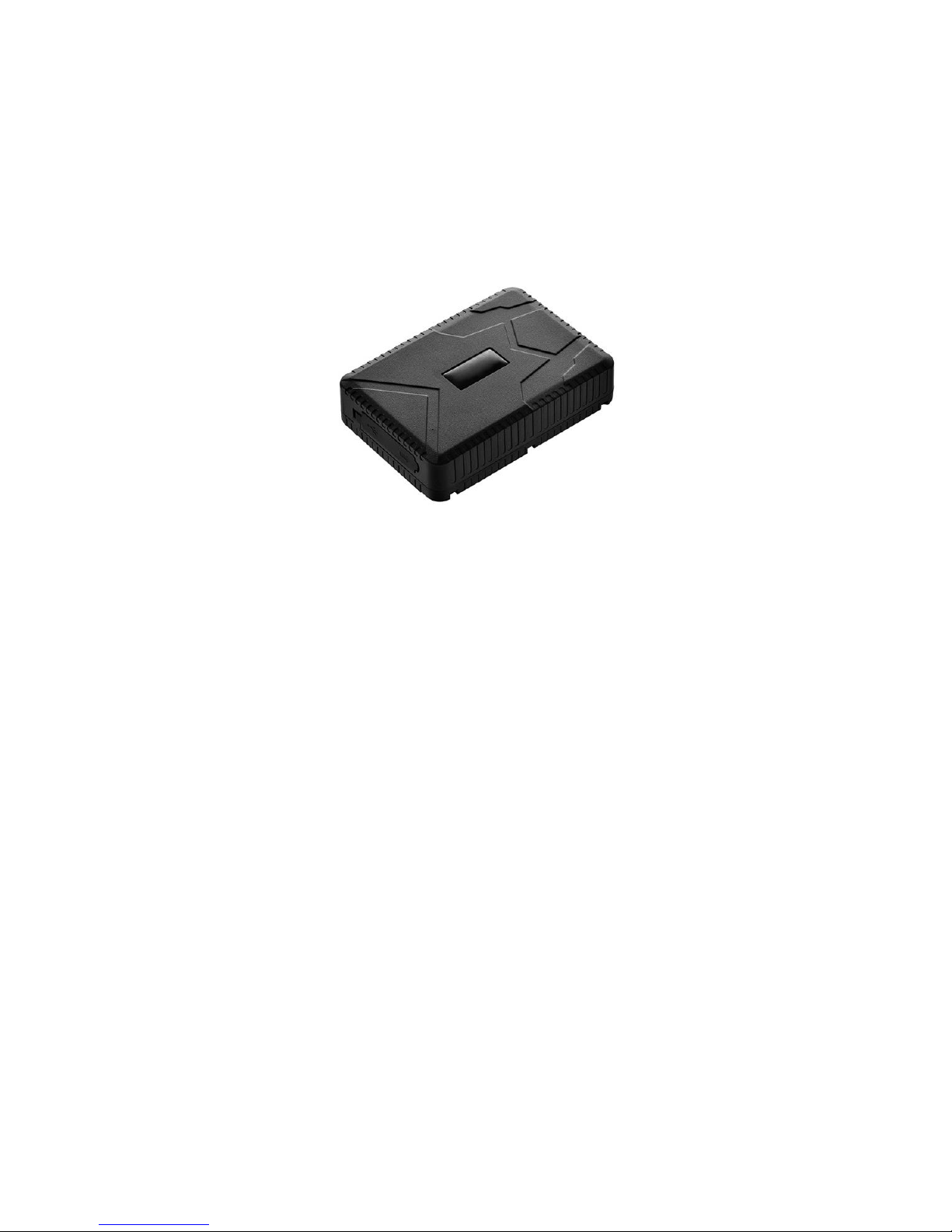
WP915 GPS Tracker
User Manual
Version 10/01/2017
This manual shows you how to use the GPS Tracker. The Manufacturer and the Service provider won’t
assume any legal responsibility for an error or omission made from this manual. Observe all State,
Federal, and local regulations regarding use of GPS Trackers.
Page 2

Summary of GPS Device
Locate and monitor any remote targets by APP and Web application. It adopts the most
advanced technology of GSM/GPRS network and GPS satellites. It adopts the most
advanced technology of GPS and AGPS dual positioning.
Built In Magnet (No additional case needed)
Weather Resistant
10000mAh Li-ion battery Long Life
180 Day Stand by Time
Average Operating Time Tracking
10-12 Weeks on Average Use.
View Google Maps, Bing
Movement alert; Over speed alert; Geo fence; Auto Reports
Movement mode
Deep Sleep mode
Easy On/Off
Specs.
Dim.
112*78*28mm (4.4”*3.1”*0.9”)
Weight
300g
Page 3

Network
GSM/GPRS
Band
850/900/1800/1900Mhz
GPS sensitivity
-159dBm
GPS accuracy
5m
Wall charger
110-220V input
5V-1A output
Battery
Chargeable 3.7V 10000mAh Li-ion battery
Stand by life
180 Days
Operating Time Tracking
10-12 Weeks
Time To First Fix
Cold status 45s
Warm status 35s
Hot status 1s
Storage Temp.
-40°C to +85°C
Operation Temp
-20°C to +55°C
Humidity
5%--95% non-condensing
Box Contents:
GPS Tracker Model 905
USB Charging Wire
Instructions
Protective Storage bag
Page 4

Device Operation
1. Open the rubber cover on the side.
2. The indicator light is on when SIM card is engaged.
3. To turn off disengage the SIM card. Use a dime to push gentle on the SIM card then release. The
SIM will pop out slightly. (Do not completely remove the SIM card from the device.)
4. To turn off. Use a dime to push gentle on the SIM card into the device. (You may feel a click, and
the light will start to blink.) Replace the rubber cover.
FAQ
Fail to Turn on Check if battery is charged
No Signal Check if SIM card is engaged
No GPS Make sure you are outdoors
Web Access
www.waypointportal.com
Page 5
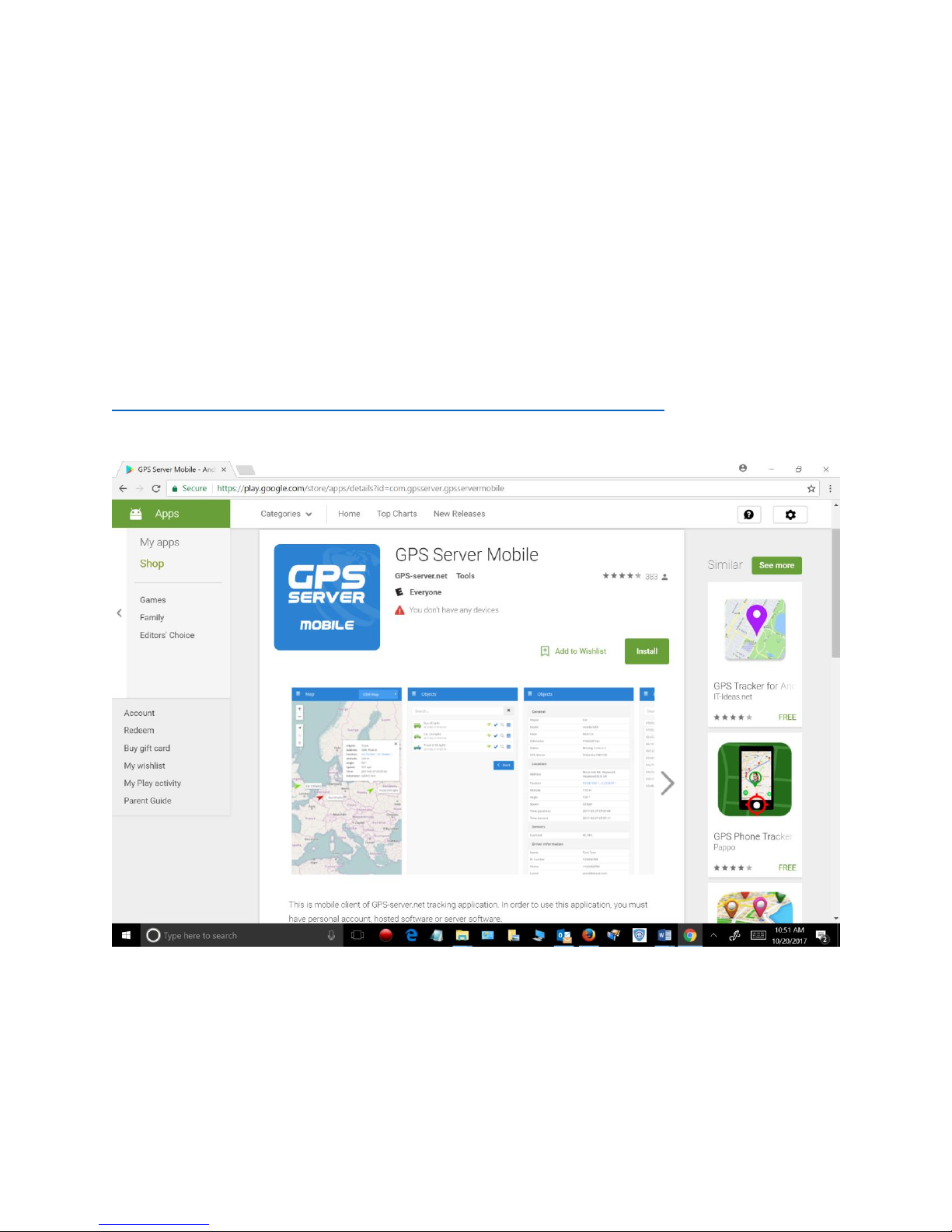
APP for Mobile Devices
Android Search GPS Server Mobile
https://play.google.com/store/apps/details?id=com.gpsserver.gpsservermobile
Page 6
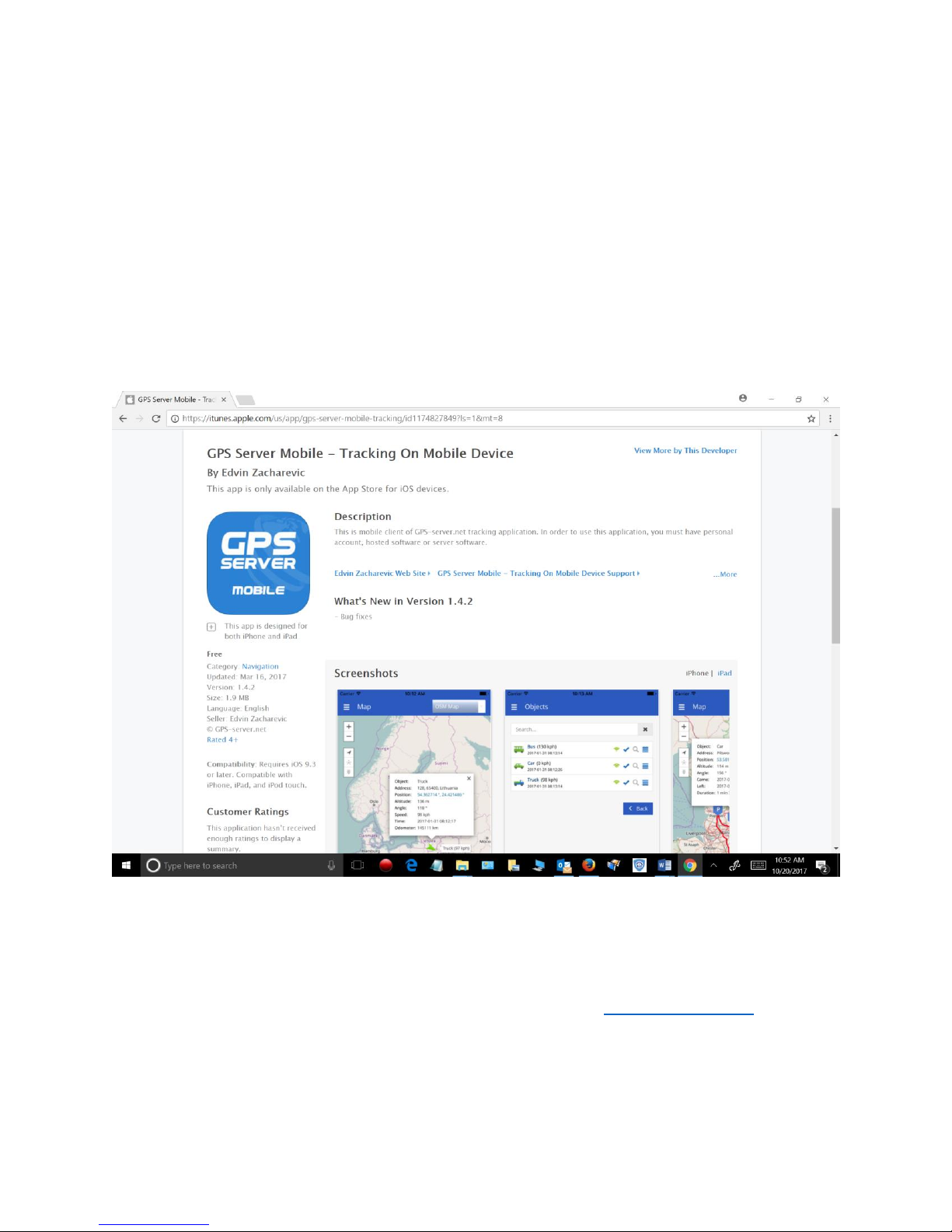
IPhone
IMPORTANT INFORAMTION ON SET UP OF APP
When setting up the APP follow instructions below:
When you open the APP click the gear and select custom server. Enter https://gsh7.net/id12
Then enter your user and password. Then check off box to save info.
Page 7

Video on APP Set Up
https://youtu.be/h9BlbgrSMjE
 Loading...