

Page 1
TKB_TZ67-F
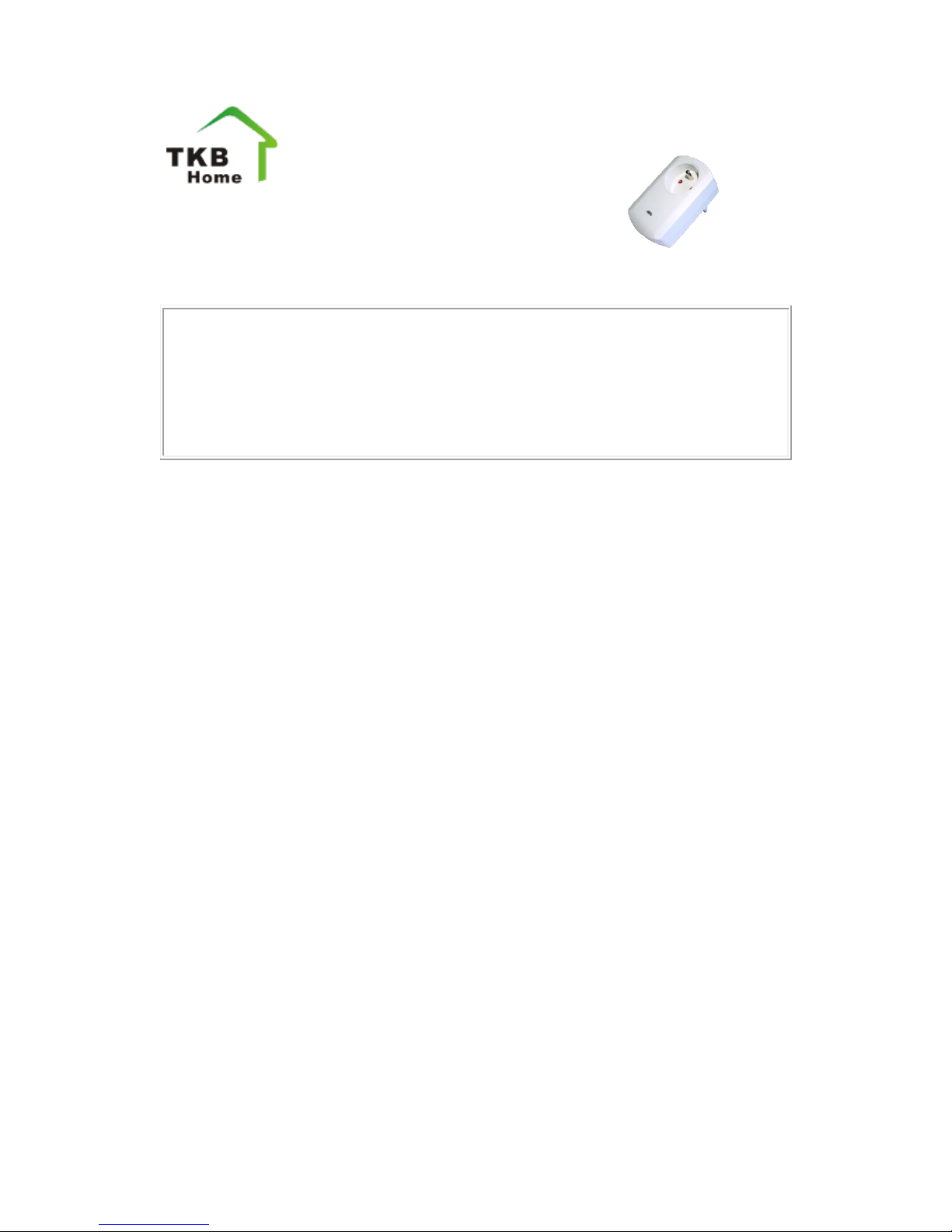
Z-Wave Wall Plug Dimmer for Typ F
Firmware Version : 1.4
Quick Start
A This is a Z-Wave actuator. Inclusion and Exklusion are confirmed by hitting the
button one time.
Please refer to the chapters below for detailed information about all aspects of the
products usage.
Product description
The TKB TZ67 is a dimmer plug that can be placed between a wall outlet for Typ F
Plug and electric devices, plugged in by cord. It can dim resistive loads up to 300 W.
The device is IP 20 rated and can therefore only be used in dry environments. For
dimming the devices apply leading edge phase cutting. It is therefore only possible to
dim incandescent lamps and high voltage halogen lights. Low voltage halogen lights,
LEDs and CFLs must not be attached. Dimming is controlled wirelessly using Z-Wave
or locally applying a button. A blue LED indicates the dimming status.
Installation Guidelines
The Dimmer Plug can be plugged into every wall outlet for Plug-Type F (France,
Poland, ...). It is IP20 rated and can therefore only be used in dry environments. Do not
locate the device facing direct sunlight, humid or dusty place. The suitable ambient
temperature for the device is 0°C ~ 40°C.
Behavior within the Z-Wave network
I On factory default the device does not belong to any Z-Wave network. The device
needs to join an existing wireless network to communicate with the devices of this
network. This process is called Inclusion. Devices can also leave a network. This
process is called Exclusion. Both processes are initiated by the primary controller of the
Z-Wave network. This controller will be turned into exclusion respective inclusion
mode. Please refer to your primary controllers manual on how to turn your controller
into inclusion or exclusion mode. Only if the primary controller is in inclusion or
exclusion mode, this device can join or leave the network. Leaving the network - i.e.
being excluded - sets the device back to factory default.
Page 2
If the device already belongs to a network, follow the exclusion process before
including it in your network. Otherwise inclusion of this device will fail. If the
controller being included was a primary controller, it has to be reset first.
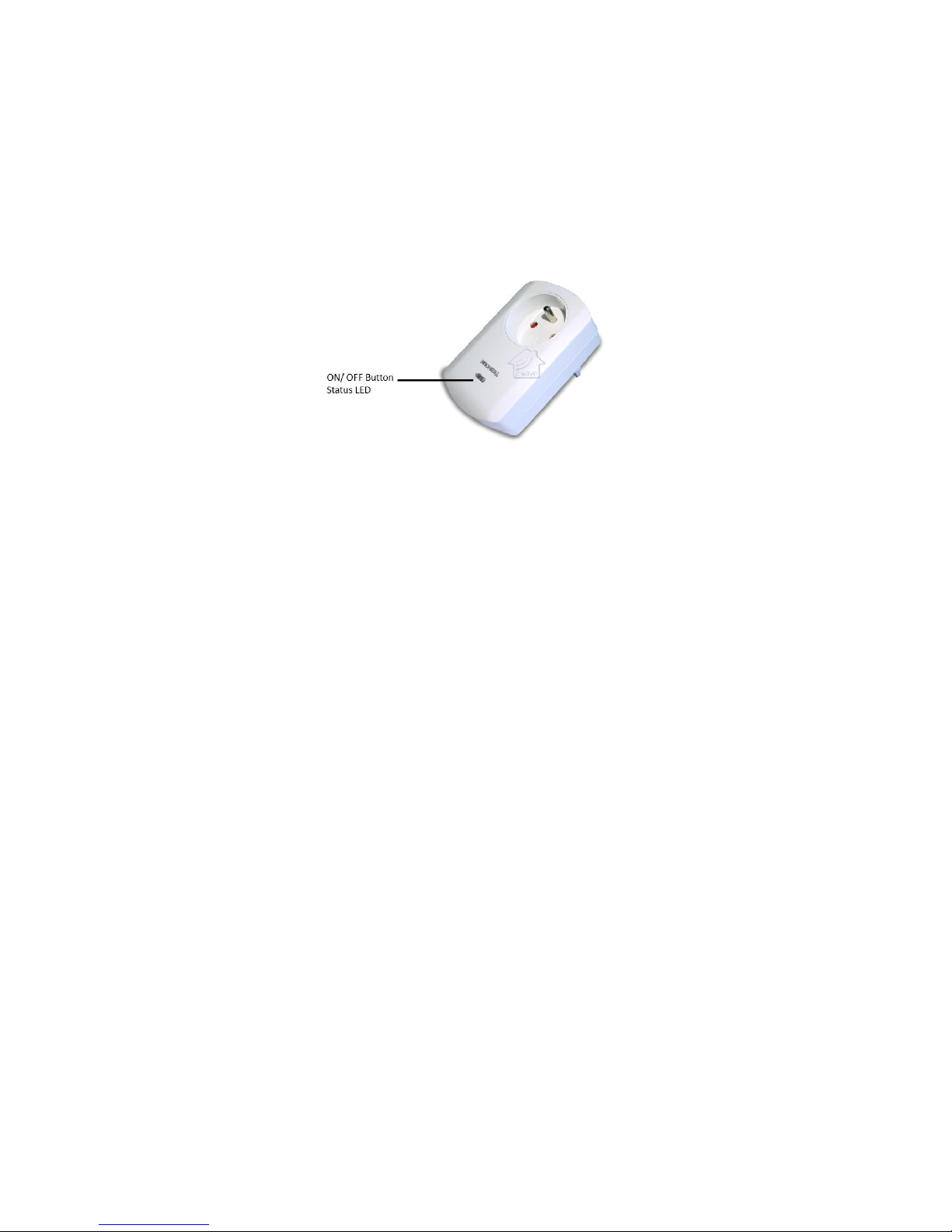
To confirm Inclusion or Exclusion hit the button on the device.
Operating the device
The device is able to dim electric load up to 300 W. Short press of the button will
toggle. This means that the power will be turned on if it was off and turned off when it
was on. When switching the lamp on or off the light will dim for about 2 seconds until
the final level is reached.
The the button is constantly pressed the light will be dimmed. The dimming function
will also toggle. Constantly pressing the the button will either dim up or dim down the
light until it reaches the final level.
Configuration Parameters
Z-Wave products are supposed to work out of the box after inclusion, however certain
configuration can adapt the function better to user needs or unlock further enhanced
features.
IMPORTANT: Controllers may only allow to configure signed values. In order to set
values in the range 128 … 255 the value sent in the application shall be the desired
value minus 256. For example: to set a parameter to 200 it may be needed to set a value
of 200 minus 256 = minus 56. In case of two byte value the same logic applies: Values
greater than 32768 may needed to be given as negative values too.
LED- Behavior (Parameter Number 1, Parameter Size 1) defines the behavior of the
blue LED
Value
Description
0
blue indicates off (Default)
1
blue indicates on
Technical Data
Power Supply
230V ~50-60 Hz
Page 3

Attachable Loads
resistive loads up to 300 W
IP Rating
20
Explorer Frame Support
Yes
SDK
4.54.00
Device Type
Slave with routing capabilities
Generic Device Class
Binary Switch
Specific Device Class
Binary Power Switch
Routing
Yes
FLiRS
No
Firmware Version
1.4
 Loading...