

Page 1
SD Card RGB Animation Laser Light
Instructions for use
●Power:R:650nm); G: (532nm); B: (450nm)
●Play Mode:Auto/Sound/DMX/Master-slave
●Power:220V,50-60HZ
●Gross Weight:3 kg
SD laser control system
The key operation:
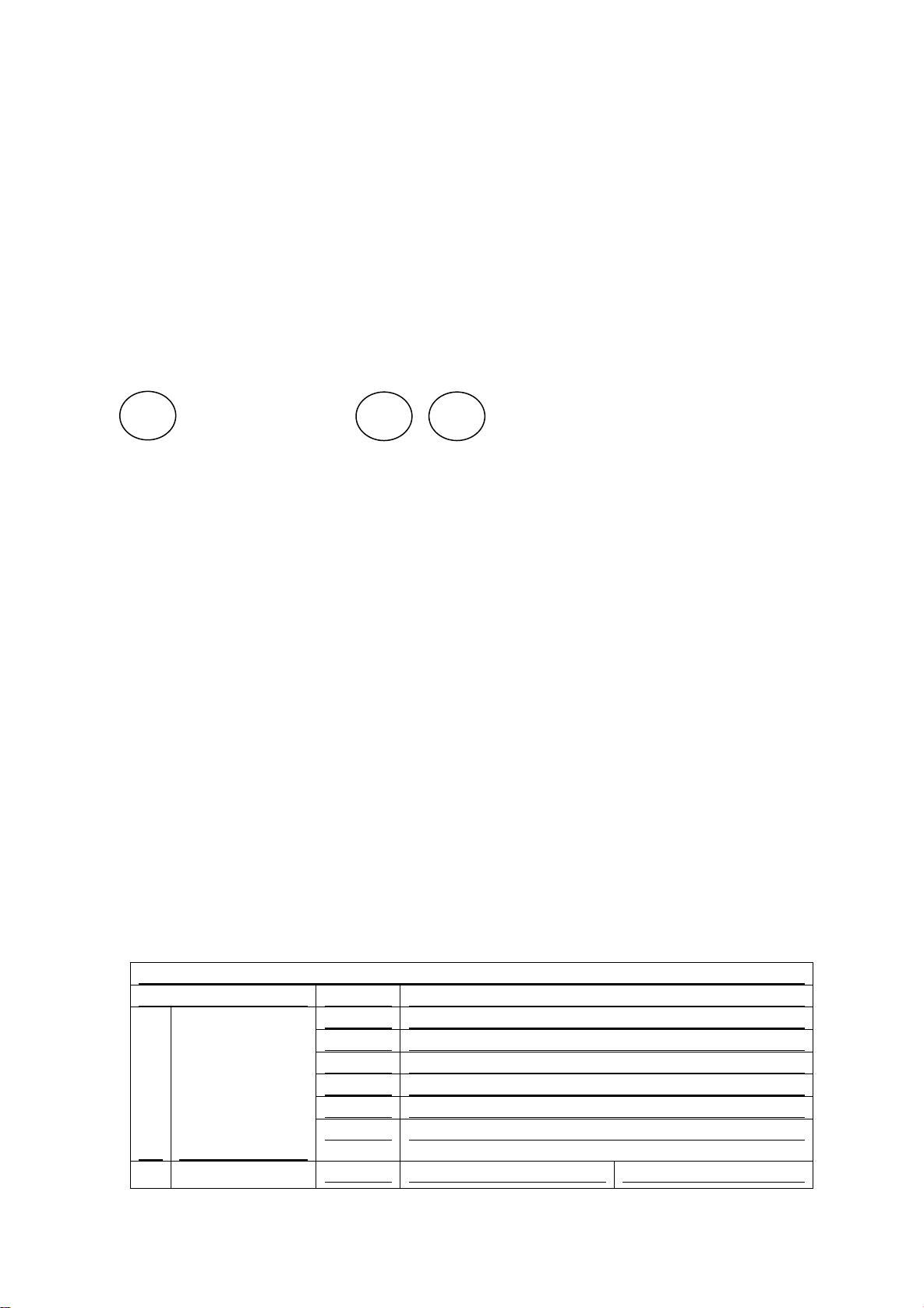
Model UP DOWN
As shown in FIG,
MODE key: mode key, press to switch a mode.
UP, DOWN keys: Short press to switch the working file in PRG and ILD mode. Press to change the
working folder. In voice mode, change the voice sensitivity.
Operating mode:
Prg Mode: PRG list mode (sequential playback function), according to the order of PRG file editing,
short press "UP" and "DOWN" to change the PRG list, long press "UP" and "DOWN" to change the
working folder.
ILDA Mode: ILDA play mode, loop through a single ILDA file (extension ILD file, not case
sensitive), short press "UP" and "DOWN" to change the ILDA file, long press to change the working
folder.
Audio Mode: Voice mode, play the internal voice program, press UP and DOWN to change the
voice sensitivity.
Auto Mode: Auto mode. Play the internal auto program.
Dmx Mode: DMX mode, press UP and DOWN to change the DMX address.
Phasic seet: Phase setting, press "UP" and "DOWN" to change the phase.
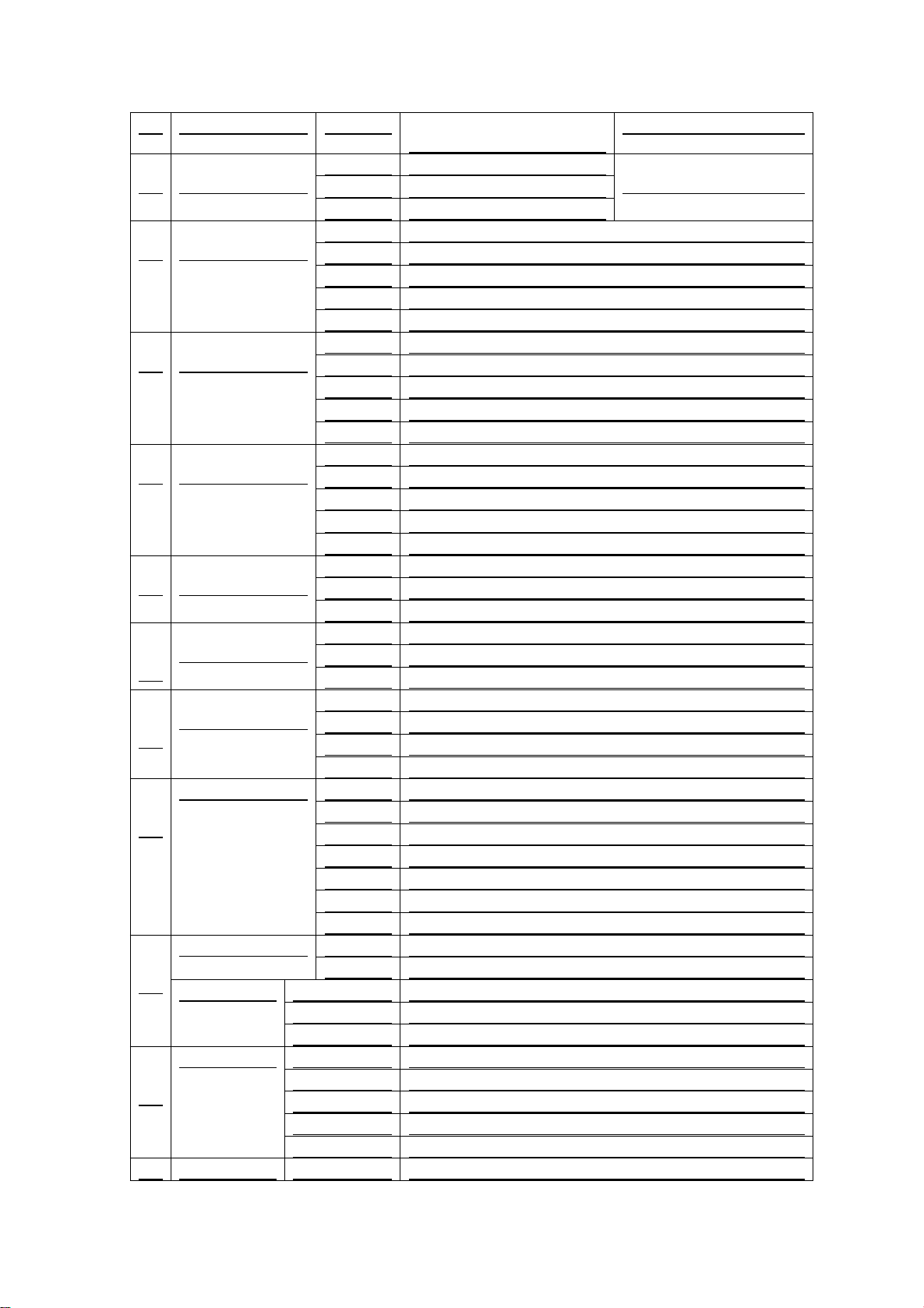
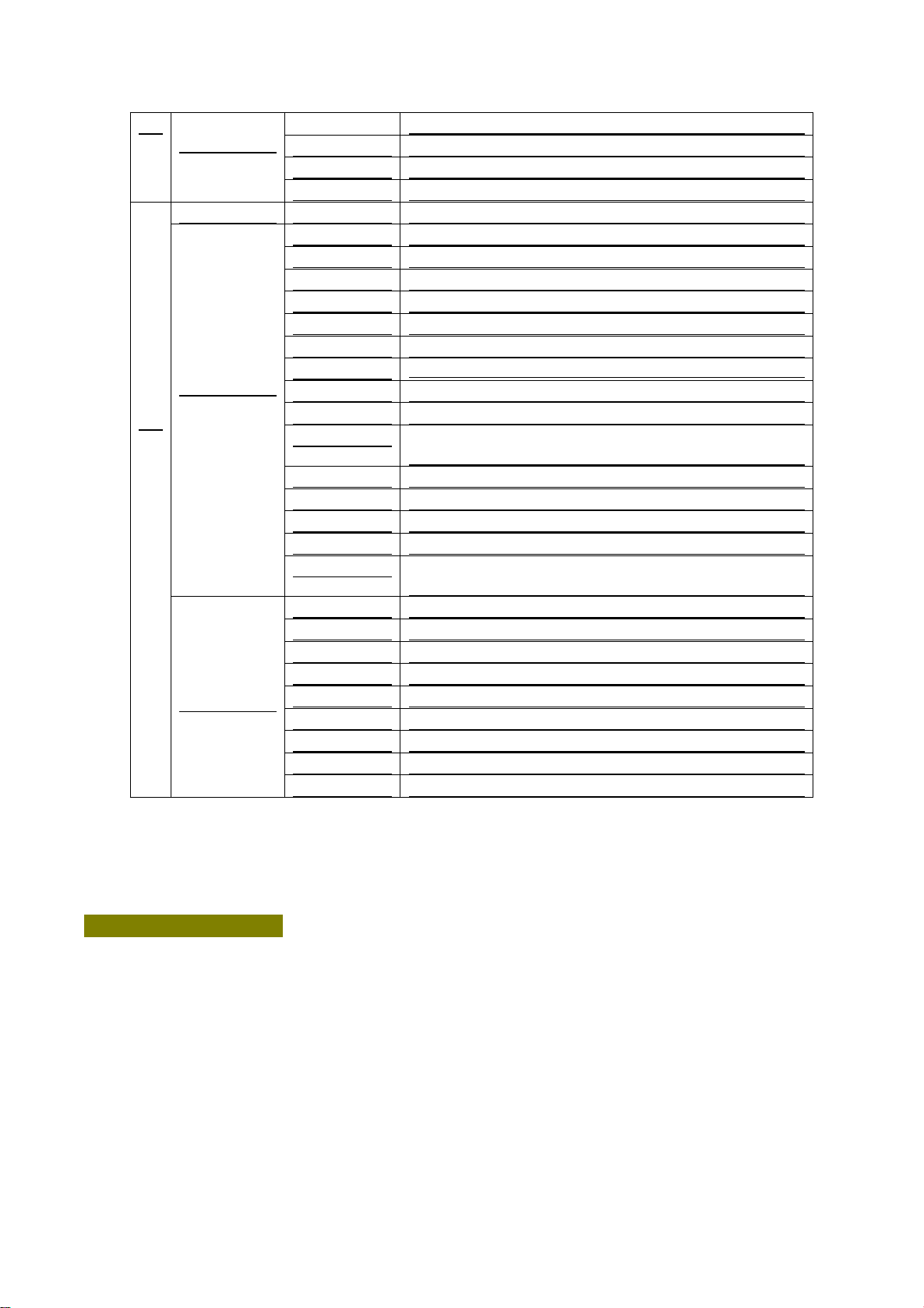
DMX 512
Channel
Value
Channel description
1
Mode
selection
0-9
Laser off
10-49
PRG model
50-99
ILD model
100-149
Sound control
150-199
Auto running model
200-255
Manual mode
Graphics / folder
Manual mode
PRG/ILD model
Page 2
2
selection
0-255
Graphic transformation,
every 3 values a graphic.
Folder selection
3
Strobe / file
selection
0-10
No Strobe
Play the file selection
11-199
Auto Strobe
200-255
Sound Strobe
4
X axis
movement
0-125
Manually adjust the position
126-185
Automatically left and right circular motion
186-225
Automatic jump left and right to move
226-245
Automatic irregular jump
246-255
Voice without jumping
5
Y-axis direction
0-125
Manually adjust the position
126-185
Automatic up and down circular motion
186-225
Automatic jump up and down the cycle of movement
226-245
Automatic irregular jump
246-255
Voice without jumping
6
Zoom
movement
0-10
No zoom
11-100
Manually resize it
101-150
enlarge
151-200
Shrink down
201-255
Loop scaling
7
Rotate around
the X axis
0-10
No rotation
11-110
Manual adjustment
111-255
Automatic rotation
8
Rotate around
the Y axis
0-10
No rotation
11-110
Manual adjustment
111-255
Automatic rotation
9
Rotate around
the center
0
No rotation
1-180
Manual adjustment
181-217
Automatically rotate clockwise
218-255
Automatic reverse clockwise rotation
10
Drawing
0-10
constant
10-74
Adjust the gradient manually
75-104
Automatic drawing (by)
105-144
Automatic drawing (minus)
145-184
Automatic looping
185-224
End-to-end rotation
225-255
End-to-end rotation
11
X-axis wave
0-9
No waves
10-69
Small wave
70-129
In the range of waves
130-189
Significant waves
190-255
The most significant wave
12
Y-axis wave
0-9
No waves
10-69
Small wave
70-129
In the range of waves
130-189
Significant waves
190-255
The most significant wave
0-63
normal display
Page 3
Pay attention to matters:
1. The system only supports short file name, file name (including folder name) up to 8-bit file name and
3-bit extension, file name and extension by the letters, numbers and underscore and other components. File
name not more than 8, can not have Chinese characters, otherwise the file system can not identify.
2. SD card to be dedicated card, do not mix with other files storage, up to 100 folders can be supported, each
folder can store up to 255 files.
13
Display
mode
64-127
Highlight display
128-191
Segment display
192-255
Point display
14
Color
Color choose
RGBWP
0-16
White
17-33
Red
34-50
Green
51-67
Blue
68-84
Yellow
85-101
Purple
102-118
blue-green
119-135
White, red, green and blue four-color segment
136-152
Blue and blue purple four-color segment
153-169
White red green and blue and purple purple seven
color segment
170-186
White red, green and blue four flow
187-203
Blue and yellow purple green four flow
204-220
Blue and yellow purple green four flow
221-237
According to the breakpoint segment display
238-255
Sound control for color
RGYW
0-27
White
28-55
Red
56-83
Green
84-111
Yellow
112-139
White, red, green and blue four-color segment
140-167
Blue and blue purple four-color segment
168-195
Red and green flow
196-223
White red green and yellow four flow
224-255
Sound control for color
 Loading...