

Page 1
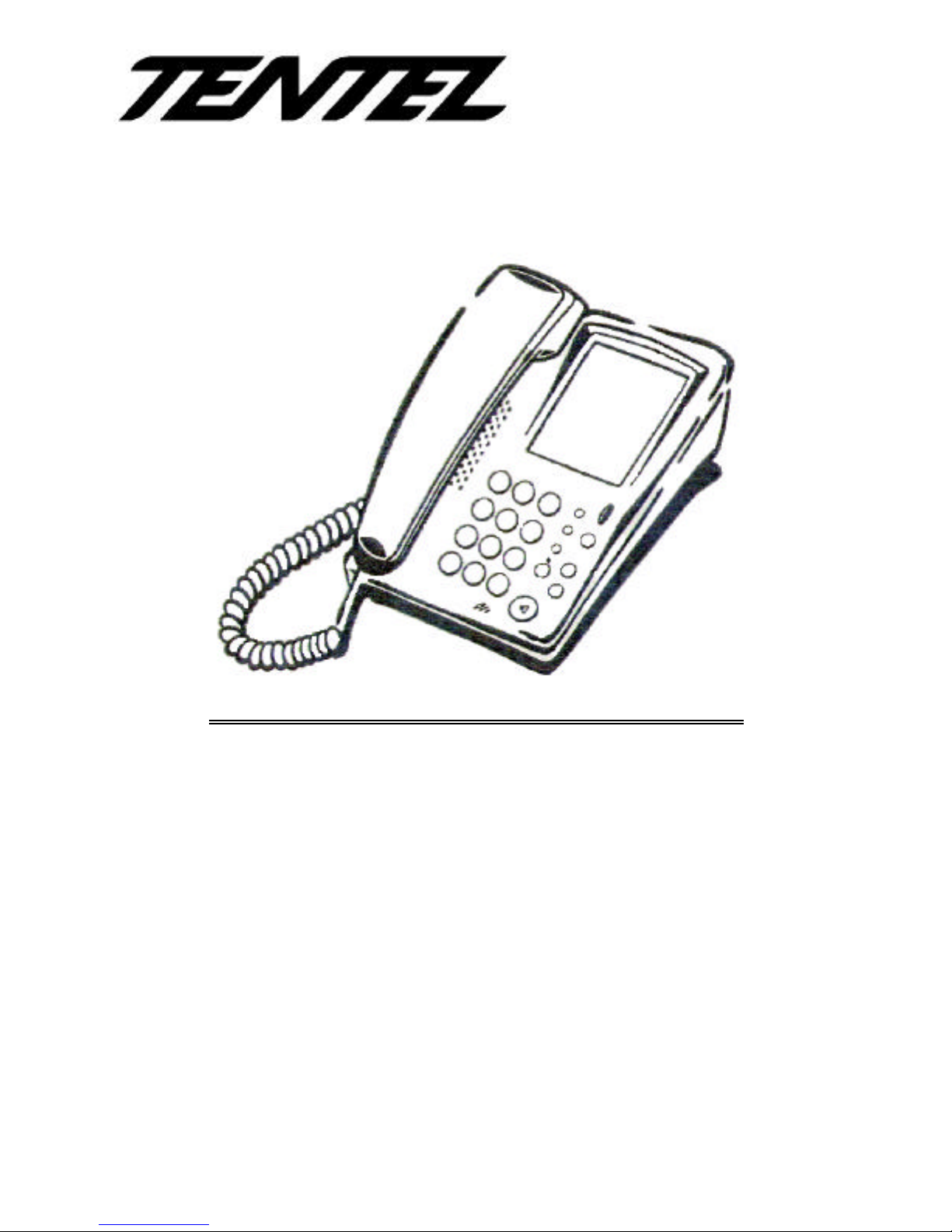
K-322 USER MANUAL
F E A T U R E S
n HANDS-FREE DIALING WITH
INDICATOR
n MULTIPLE LAST NUMBER REDIAL
n BUSY LINE AUTO RELEASE
n INTELLIGENT DIALING MODE
n MUTE
n MUSIC-ON-HOLD
n 20 PROGRAMMABLE MEMORY
KEYS
n DESK/WALL MOUNTABLE
n MESSAGE LAMP
n HANDSET VOLUME
ADJUSTABLE (RECEIVER)
n SPEAKER VOLUME
ADJUSTABLE
n RINGER TONE ADJUSTABLE
n RINGER VOLUME ADJUSTABLE
n RINGING INDICATOR
n FLASH TIME ADJUSTABLE
n AUTO HOOK DELAY
n NO MEMORY LOSS
Page 2

1
TABLE OF CONTENTS PAGES
INTRODUCTION
SYMBOLS..........................................................................................................................................2
INSTALLATION.................................................................................................................................2
PARTS LIST.......................................................................................................................................2
INSTALLATION PROCEDURE......................................................................................................2
OPERATION
TO ANSWER A CALL.......................................................................................................................3
TO MAKE A CALL.............................................................................................................................3
TO REDIAL THE LAST NUMBER..................................................................................................3
TO PLACE A CALL ON HOLD........................................................................................................3
TO MUTE ............................................................................................................................................3
HANDSET VOLUME CONTROL....................................................................................................3
TO ADJUST RINGER VOLUME .....................................................................................................4
TO ADJUST SPEAKER VOLUME.................................................................................................4
TO ADJUST RINGER TONE..........................................................................................................4
THE SPEAKER KEY .........................................................................................................................4
MESSAGE WAITING INDICATION ..............................................................................................4
TO TRANSFER A CALL ..................................................................................................................4
MAIL BOX...........................................................................................................................................4
TO PICK UP CALLS FOR OTHER EXTENSIONS.....................................................................4
TO STORE A MEMORY KEY..........................................................................................................4
FLASH TIME......................................................................................................................................5
MESSAGE LAMP TYPE......................................................................................5
Page 3
2
INTRODUCTION
Thank you for choosing Tentel K-322. To get the full benefit of features of the phone,
please read and follow all instructions and store it in a safe place for further
reference.
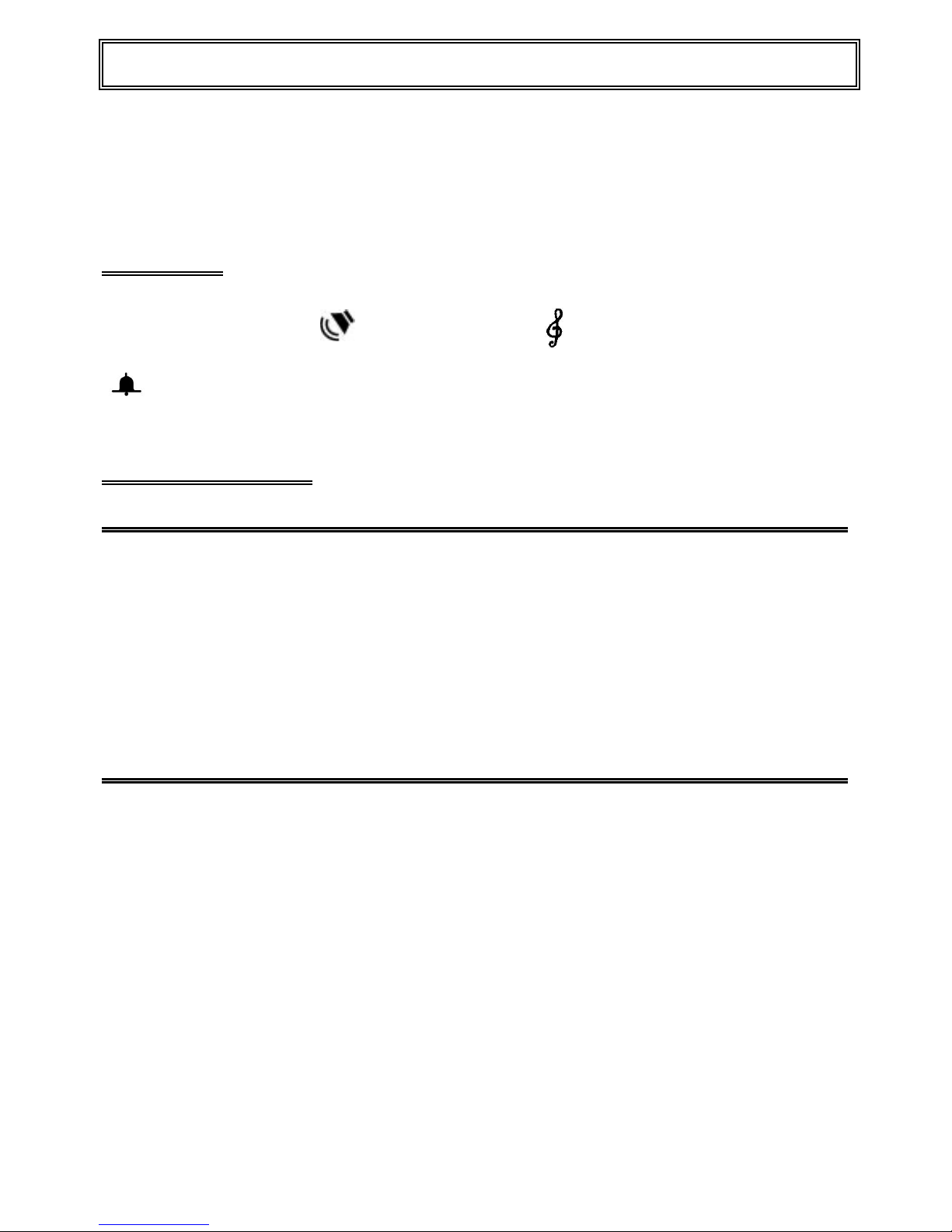
Symbols
M
Memory key
Speaker (speaker
volume control)
Ringer tone
Ringer volume
INSTALLATION
Parts List
Each phone is equipped with the following parts:
1. Handset
2. Coiled cord
3. Flat telephone line cord
4. User manual
5. Jack box
Installation Procedure
1. Plug one end of the "coiled cord" into the handset and the other end into the
handset jack of the telephone.
2. Plug one end of the flat telephone line cord into the telephone and the other end
into the wall-socket. Use the enclosed wall-socket if the existing wall-socket in
your office/home is not compatible with the telephone line cord.
3. If you wish to mount your phone on the wall, make sure that you remove the
wall-mounting clip by sliding it out of the slot, rotate it 180 degrees, and re-insert it
back into the slot. This will hold the handset in place when the phone is mounted
on the wall. (An optional wall-mounting bracket is required.)
Page 4

3
Operation
TO ANSWER A CALL
When the phone rings:
Ø Lift the handset to talk.
TO MAKE A CALL
1. Lift handset or use the number pad to activate the dialing mode.
2. Enter the number you wish to call.
Note: This is not a speakerphone, to talk, you must lift the handset.
TO REDIAL THE LAST NUMBER
To redial once:
1. Lift the handset and press Redial key.
To activate multiple redial
2. Press the Redial key directly.
TO PLACE A CALL ON HOLD
1. During a conversation, press the Hold key ( the other party hears a music
tone )
2. Replace the handset .
3. You can retrieve a call on hold by just lifting the handset .
TO MUTE
Press Mute to mute.
Switch off the microphone to prevent the called party from overhearing.
HANDSET VOLUME CONTROL
The handset receiver volume may be adjusted by setting the switch to one of the 2
positions: High (big dot); Low (small dot).
Page 5
4
Operation
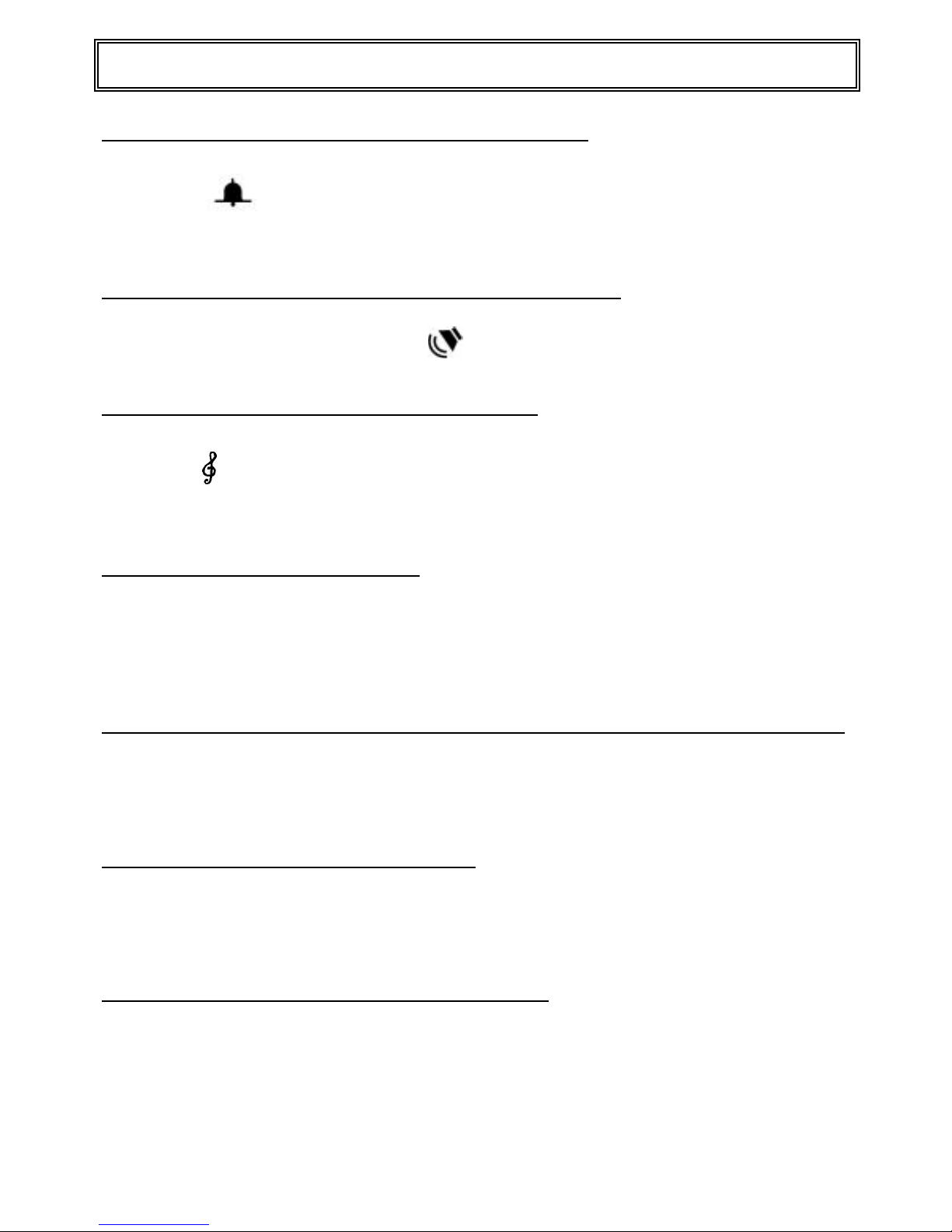
TO ADJUST RINGER VOLUME
The switch is on the right side middle part of the phone. Adjust the ringer
volume to a comfortable level.
TO ADJUST SPEAKER VOLUME
Used to adjust the speaker volume to a comfortable level.
TO ADJUST RINGER TONE
The switch is on the right side upper part of the phone. Adjust the ringer tone to
a comfortable level.
THE SPEAKER KEY
When works on handset mode:
The LED will light on in Red color when you make a call, and will go OFF
immediately when the handset is lifted up to talk.
MESSAGE WAITING INDICATION (OPTIONAL)
Can supply the message waiting indicator for Polarity Reverse signal and Soft Ring
signal.
TO TRANSFER A CALL
Press Recall
Press the extension number you want the call transferred to.
TO STORE A MEMORY KEY
Press Prg.
Use the number pad to enter the number you wish to store.
Press M~M20 to store the number.
Note: PAUSE, RECALL and SPEAKER KEY can be stored in the sequence of
the desired stored number.
Page 6

5
. .
PR SR
Operation
FLASH TIME
F1: 100 mm
F2: 300 mm
F3: 600 mm
MESSAGE LAMP TYPE
P: Polarity reverse
S: Soft ring & High voltage
 Loading...