

Page 1

TEMPbadge® BP4 Direct Thermal Printer
– Quick Start Guide –
Page 2
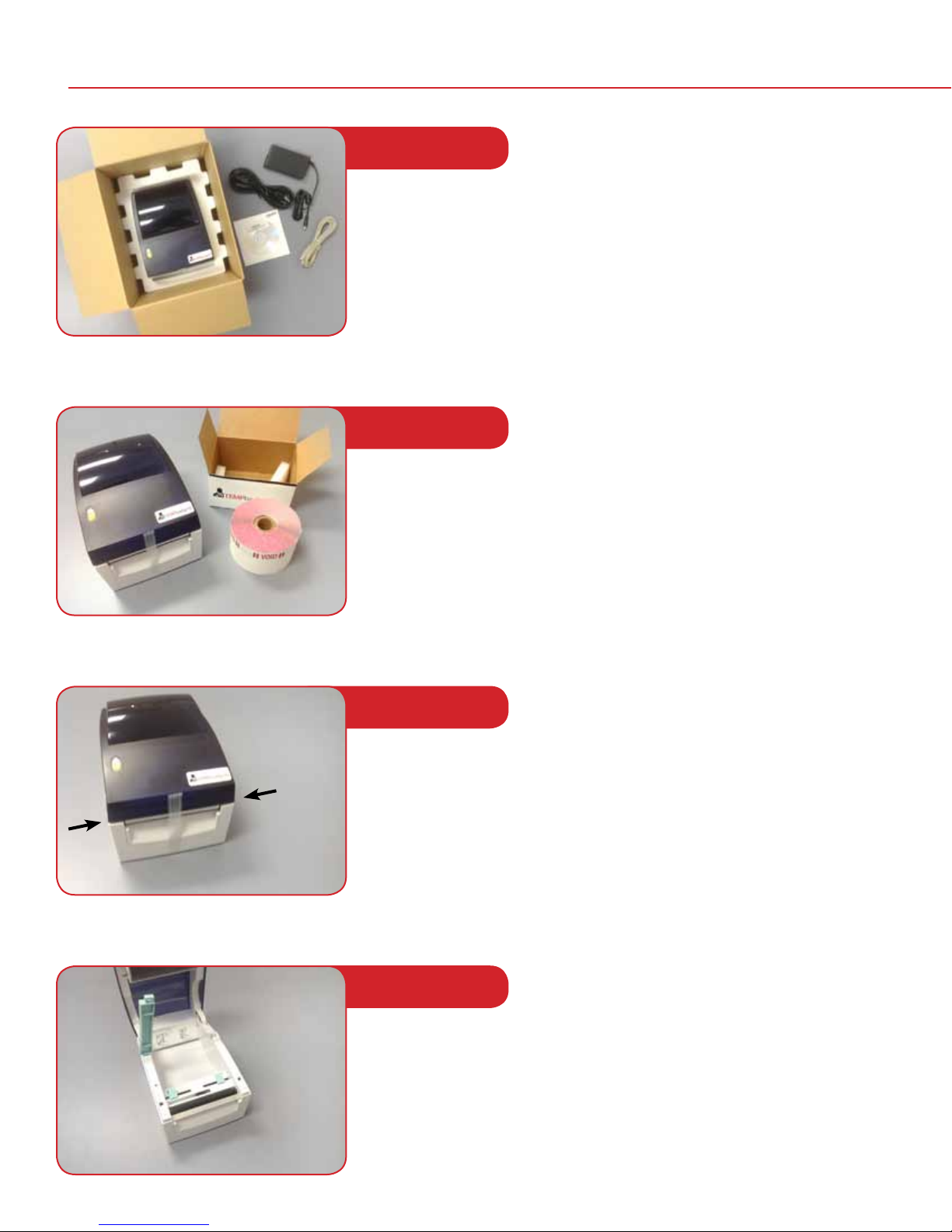
Setting up the printer
STEP 1
Open the box and unpack the printer. The box will include the following:
• BP4 Printer
• Black Power cord (2 pieces)
• Beige USB Cable
• Installation CD
STEP 2
Open the box containing the labels and remove one roll
STEP 3
Release
latches
for lid
Remove the tape from the front of the printer and lift the lid by
pulling forward on the two green release latches on either side
of the printer.
STEP 4
Lift the spindle.
Note: It releases on the right side. The top of the spindle should read
1.5" CORE. If it reads 1" CORE, then pull the left side of the
spindle up, ip it over, and push it back down.
2
Page 3
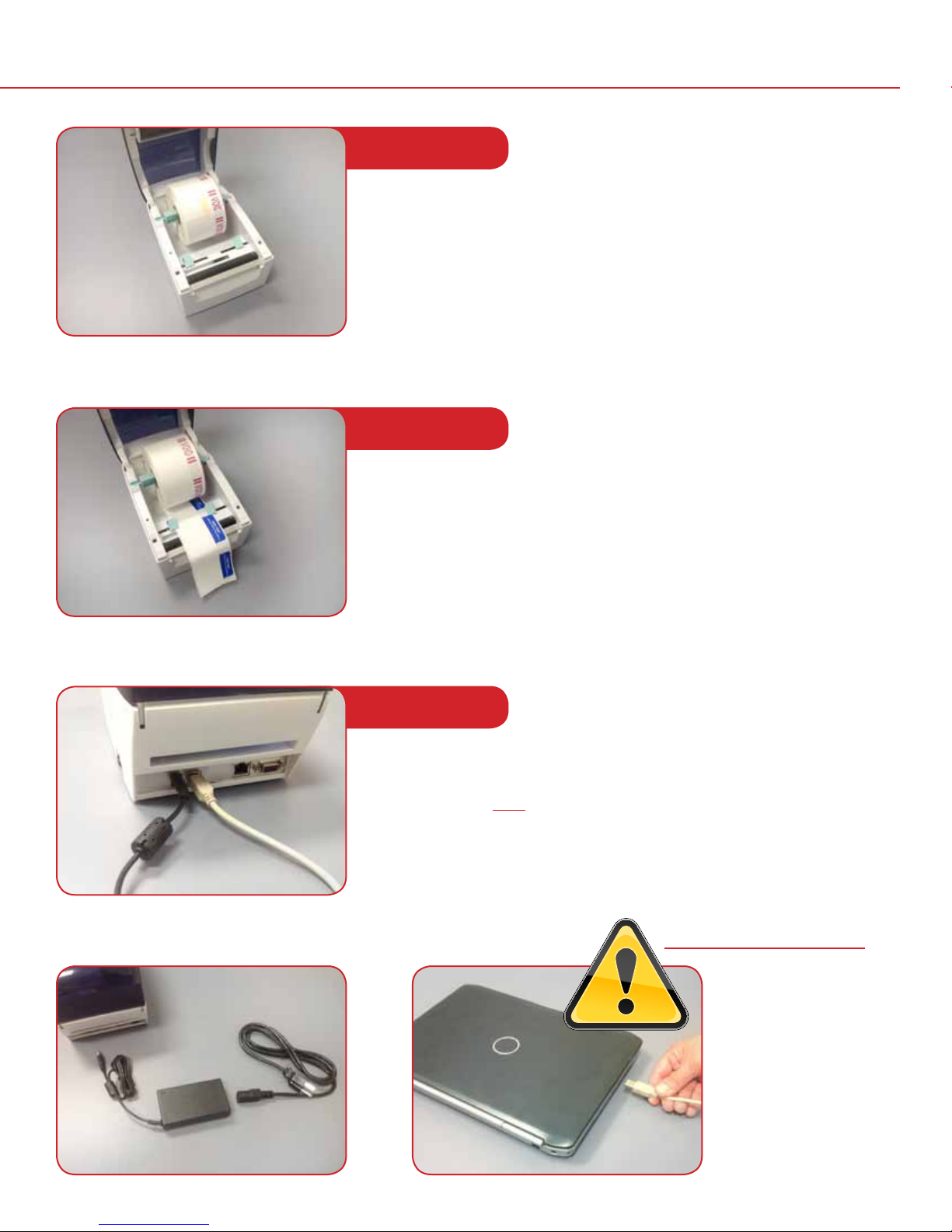
STEP 5
Load the roll of badges onto the spindle with the word “VOID”
on the right side. The roll should be centered left to right on
the spindle.
STEP 6
Remove the tape at the end of the roll and feed the labels through
the two blue guides at the front of the printer. Then pull a couple of
labels through the guides and out of the printer and close the top of
the printer.
Note: The guides should just touch the sides of the badge…
but should not push into them causing a dent.
STEP 7
Connect both the power cord (black) and the USB Cable (Beige) to the
back of the printer. Then connect the other end of the power cable to
a wall outlet. Do NOT connect the other end of the USB cable to your
computer until told to do so by the installation CD (see Page 4).
IMPORTANT!
Do NOT connect
the other end of
the USB cable to
your computer
until told to
do so by the
installation CD.
3
Page 4
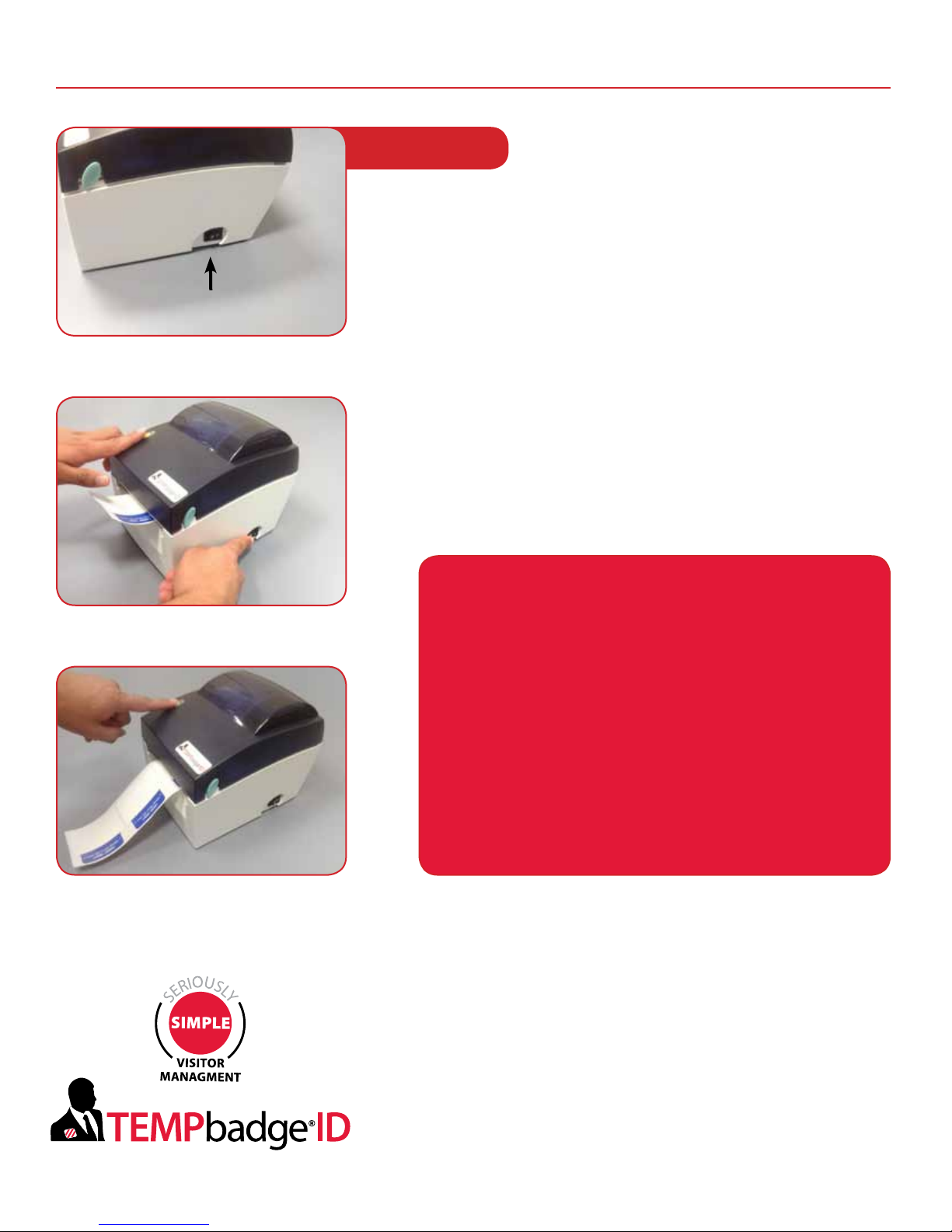
Calibrating the printer for your badges
STEP 8
Hold down the yellow button on the top of the printer while
you turn the printer on. Keep holding down the yellow button
for approximately 5 seconds (until the light in the yellow button
ashes red steadily).
Printer ON/OFF Switch
Release the yellow button, and then push it back down once.
A badge with printing on it should be ejected from the printer.
Push down on the yellow button two more times to eject two
more badges.
The printer is now calibrated for the badges you have loaded…
and will stop at the end of each badge so that it can be torn o
the roll.
You have now completed
the set-up procedure for
your printer. Please turn your
printer o and insert the
0913-057BP
Printer Driver CD into your
computer and follow
the instructions.
If you have problems installing your printer, please contact:
TEMPbadge VMS Tech Support
866.422.3437
or send an email describing your question/issue to:
4
 Loading...