

Page 1
conference
Description
Cocon is a software suite for conference
management and assistance. It is connected
to a central conference unit that controls a
number of microphones and other conference
equipmen. ( e.g. voting panels, camera control
…).
CoCon interacts with the central conference
unit to enable various functionalities and views
on the conference.
The CoCon Discussion Module serves as the
base of the suite and is needed to run other
plugin modules.
Data Sheet
CoCon software
Cocon Signage
Art. 71.98.1103
Functionality
CoCon Signage is the display application
within the CoCon Control suite. It is a plugin
for CoCon Discussion. (This is required to run
CoCon signage).
CoCon signage can be used to display
information to the delegates in the room
using large screens or projector.
The license of the CoCon Signage determines
the number of signage screens that can be
active simultaneously.
Leo Bekaertlaan 1 • 8870 Izegem • Belgium • Tel. +32 51 30 30 45 • Fax +32 51 31 06 70
Cocon Signage
E-mail: [email protected] • Web: http://www.televic-conference.com
Televic reserves the right to change specifications without notice
Features
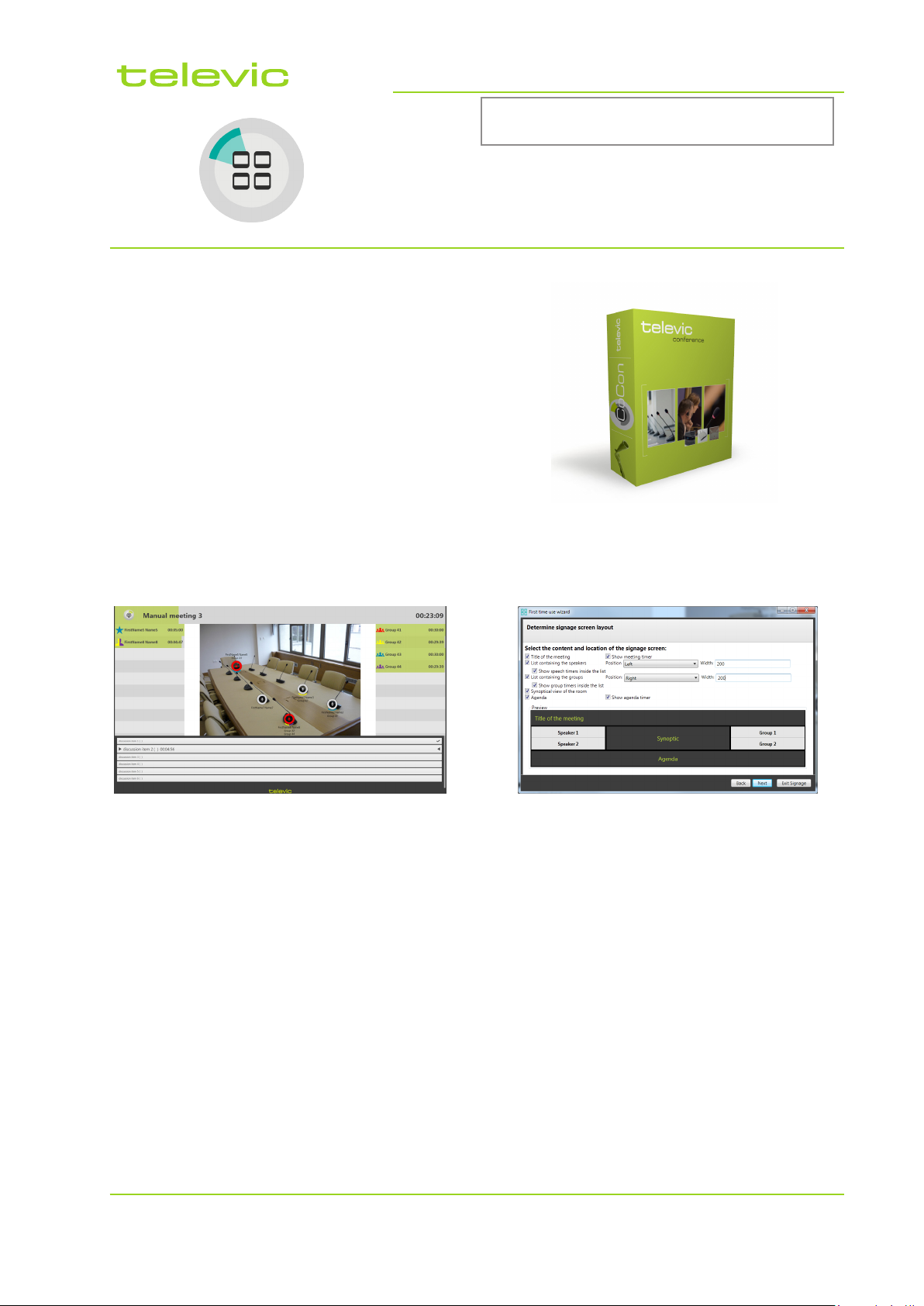
CoCon Signage displays:
• Title of the meeting.
• Meeting timer.
• Speaker list.
• Delegate speech timers.
• Group list.
• Group speech timers.
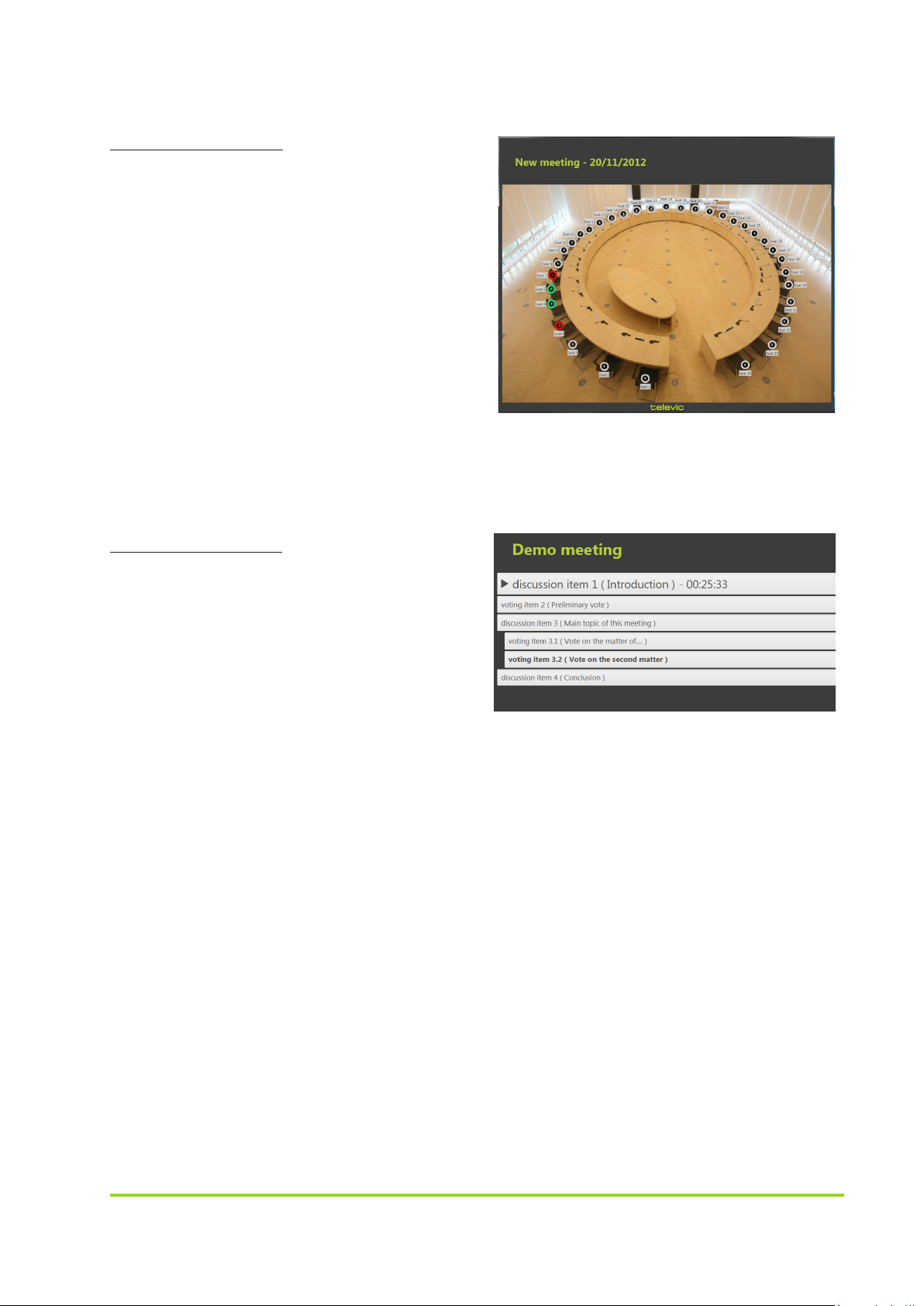
• Synoptic view of the room with
microphone activity.
• Agenda with current agenda item.
1
Page 2
System requirements
Hardware requirements
Server application:
• Processor: 2GHz or higher
• RAM: minimum 4GB
• Free disk space: minimum 10GB
• Network connectivity
Client applications:
• Processer: Intel dual-core 2GHz or higher
• RAM: Minimum 2 GB
• Recommended graphical hardware
supporting DirectX9.0 or better
• Free disk space: Minimum 10 GB
• Network connectivity
Software requirements
• Windows XP SP3
• Windows Server 2003 SP2
• Windows Vista SP1 or later
• Windows Server 2008 ( not supported on
Server Core Role)
• Windows 7
Televic reserves the right to change specifications without notice
2
 Loading...