

Page 1
深 圳 市 盈 峰 电 子 科 技 有 限 公
Shenzhen Y
efo Electronics Technology Co.Lt
User Manual
A. Preparing the PCBA socket which providing 3~5VDC power to RX
module as blow red noted
Herein Pin1 and Pin2 along left starting
socket which proving the DC power t to
RX module
B. Inserting the bottom layer connector of RX module into this
socket as below photo, the red line Noted is connector
Page 2
The status is as left photo
The status is as left photo
after this operation finished
after this operation finished
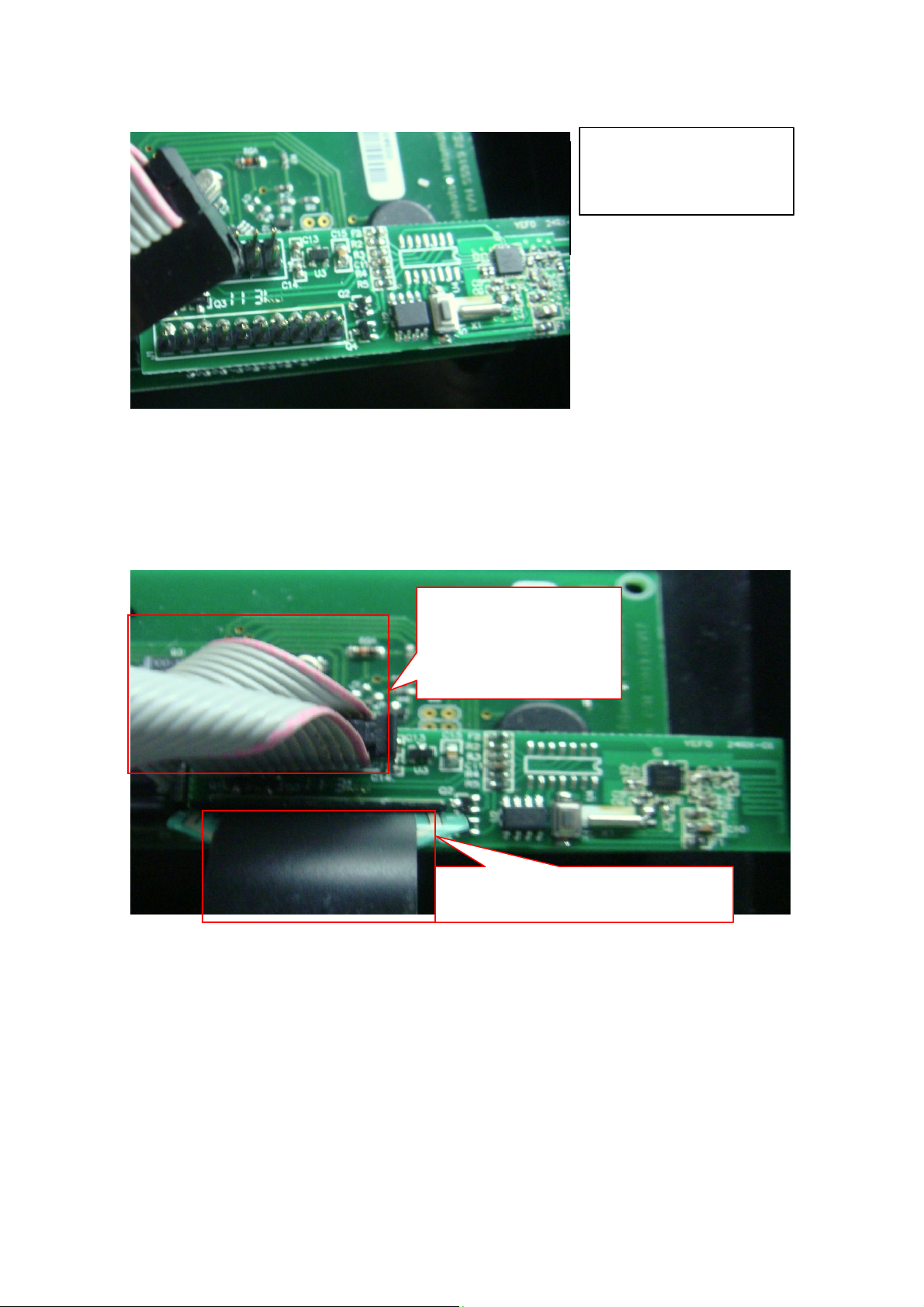
C. Connecting the Top layer two connectors of RX module as
below photo.
This connector transmit
signal to MCU of other
controlling module
This connector transmit signal to LCD
Panel module
Above steps finish hard installation.
D. the program will be loaded to MCU of RX module before SMT
production
Pressing the RX module switch, then pressing power switch of
E.
TX watch, this operation means building handshaking relation
between RX and TX while the LED be lighted from red color to
green color, the verifying method is to up/down the speed switch,
the LCD display will show changed data.
Page 3

When RX module receives the TX data bag, the Transceiver IC
will demodulate it and transmit it to MCU,MCU also release
controlling instruction to related loading which including LCD
controlling panel MCU and other module MCU. At the same time,
this IC modulates these signals into data bag and wireless
transmits to TX by Antenna.
F. This device complies with part 15 of the FCC Rules.
Operation is subject to the following two conditions:
(1) The device may not cause harmful interference, and
(2)This device must accept any interference received, including
interference that may cause undesired operation
G. Changes or modifications not expressly approved by the party
responsible for compliance could void the user’s authority to operate the
equipment
For a host using a certified modular with a standard fixed label, if (1) the
module’s FCC ID is not visible when installed in the host, or (2) if the host
is marketed so that end users do not have straightforward commonly used
methods for access to remove the module so that the FCC ID of the module
is visible; then an additional permanent label referring to the enclosed
module: “Contains Transmitter Module FCC ID: ZSG-55518RX” or
“Contains FCC ID: ZSG-55518RX” must be used. The host OEM user
manual must also contain clear instructions on how end users can find
and/or access the module and the FCC ID.
 Loading...