

Page 1
Page 2

8eqf
USER MANUAL
Copyright.
8eqf © 2011 Tek'it Audio.
No part of this documentation may be reproduced or transmitted in any form by
any means, electronic or mechanical, including photocopying, recording, or any
information storage and retrieval system, without written permission from Tek'it
Audio.
VST is a trademark of Steinberg Media Technologies GmbH.
Microsoft, Windows, and the Windows logo are registered trademarks or
trademarks of Microsoft Corporation in the United States and/or other countries.
All other trademarks and logos from these or other manufacturers written or shown
on this documentation are property of their respective holders.
Page 3

Page 4

Table of contents
User License Agreement............................................................................5
Overview....................................................................................................7
Feature highlights..................................................................................7
Requirements........................................................................................ 8
System requirements:.................................................................8
Installation..................................................................................................9
Using........................................................................................................10
Control Types......................................................................................10
In Depth............................................................................................... 11
Eq parameters................................................................................11
Gain................................................................................................11
Function Switches..........................................................................12
MIDI.................................................................................................... 13
Integrated MIDI learn.....................................................................13
Learn......................................................................................... 13
Unlearn.....................................................................................13
Edit............................................................................................ 14
Automation..................................................................................... 14
Overview of MIDI CC Assignment..................................................15
Patch...................................................................................................17
Copy Patch....................................................................................17
Load Inst........................................................................................17
Save Inst........................................................................................17
Load Bank......................................................................................17
Save Bank......................................................................................17
Updates and Support...............................................................................19
Other Products.........................................................................................21
Credits...................................................................................................... 23
Page 5

User License Agreement
This User Licence Agreement is a legal agreement between you (either as
an individual or a single entity) and Tek'it Audio for the product
accompanying this document, wich includes software and all associated
media ("Software").
All copyrights to the Software are exclusively owned by the Author, Tek'it
Audio. All rights not expressly granted here are reserved by Tek'it Audio.
Installing, copying, or using the Software signifies acceptance of the terms
and conditions of this License Agreement.
If you do not agree with the terms of this License Agreement you must
remove the Software files from your storage devices and cease to use the
Software.
You have the right to use this Software for free, provided the Software is
not used for profit, including but not limited to creating patch libraries and
sounds for any pieces you are profiting from (except music composition).
You should not continue use the Software for any profit without written or
emailed permission of the copyright holder.
The Software may be freely distributed, with exceptions noted below,
provided the distribution package is not modified in any way. No person or
company may charge a fee for the distribution of the Software without
written permission from the copyright holder. The Software may not be
bundled or distributed with any other product without written or emailed
permission of the copyright holder.
You may not use, copy, emulate, clone, rent, lease, sell, modify,
decompile, disassemble, otherwise reverse engineer or transfer the
licensed Software, or any subset of the licensed Software, except as
provided for in this License Agreement.
5
Page 6

Any such unauthorized use shall result in immediate and automatic
termination of this license and may result in criminal and/or civil
prosecution.
THIS SOFTWARE IS PROVIDED "AS IS" WITHOUT WARRANTY OF
ANY KIND, EITHER EXPRESS OR IMPLIED, INCLUDING BUT NOT
LIMITED TO, THE IMPLIED WARRANTIES OF MERCHANTABILITY,
FITNESS FOR A PARTICULAR PURPOSE, NON-INFRINGEMENT OR
ARISING FROM A COURSE OF DEALING, USAGE, TRADE OR
PRACTICE.
Some jurisdictions do not allow the exclusion of implied warranties, so the
above disclaimer may not apply to you.
IN NO EVENT SHALL THE AUTHOR BE LIABLE FOR ANY SPECIAL,
DIRECT, INDIRECT, OR CONSEQUENTIAL DAMAGES OR ANY
DAMAGES WHATSOEVER RESULTING FROM LOSS OF USE, DATA
OR PROFITS, WHETHER IN AN ACTION OF CONTRACT,
NEGLIGENCE OR OTHER TORTIOUS ACTION, ARISING OUT OF OR
IN CONNECTION WITH THE USE OR PERFORMANCE OF THIS
SOFTWARE.
All questions concerning this License Agreement shall be directed to:
e-mail: [email protected]
web: http://audio.tekit-studio.eu
6
Page 7

Overview
Thank you for choosing 8eqf, Tek'it Audio semi-parametric 8 band
equalizer. 8eqf offers selectable bandwidth between narrow and wide,
center frequency, gain and bypass parameters on each band.
8eqf comes with MIDI automation support, easy MIDI learn, a preset
manager, the possibility to undo your changes and oversampling for
clearer sound.
We hope you enjoy this software. Please, take the time to read this
manual and learn how to exploit all the feature of 8eqf.
Feature highlights
➔ Equalize on 8 band from 20Hz to 20KHz
➔ Control the gain, bandwidth and bypass on each band
➔ Oversampling x2 for clearer sound
➔ Input and output gain control from -∞ to +6dB
➔ Full MIDI automation support
➔ Easy MIDI learn on all parameters
➔ Phase inverter and Effect bypass
➔ Works in mono or strereo
➔ Support any sample rate
➔ Undo your changes to initial patch value
➔ Up to 128 user presets per bank
➔ No latency
7
Page 8

Requirements
This software is a "Virtual Studio Technologies"
plug-in (VST), he work only with VST 2
compatible host software or on other host
through the use of a VST adapter.
System requirements:
Operating System
• Microsoft® Windows® 7, XP (SP2 or later), or Vista™
CPU
• 1,2GHz or higher with SSE
Memory
• 512 Mb RAM or higher
Graphics
• 800x600 32 bit
Audio
• High quality audio interface with minimum 44kHz samples rates
MIDI
• To use the automation a Host with automation features and for MIDI
learn a MIDI interface and an external MIDI control device is required.
8
Page 9
Installation
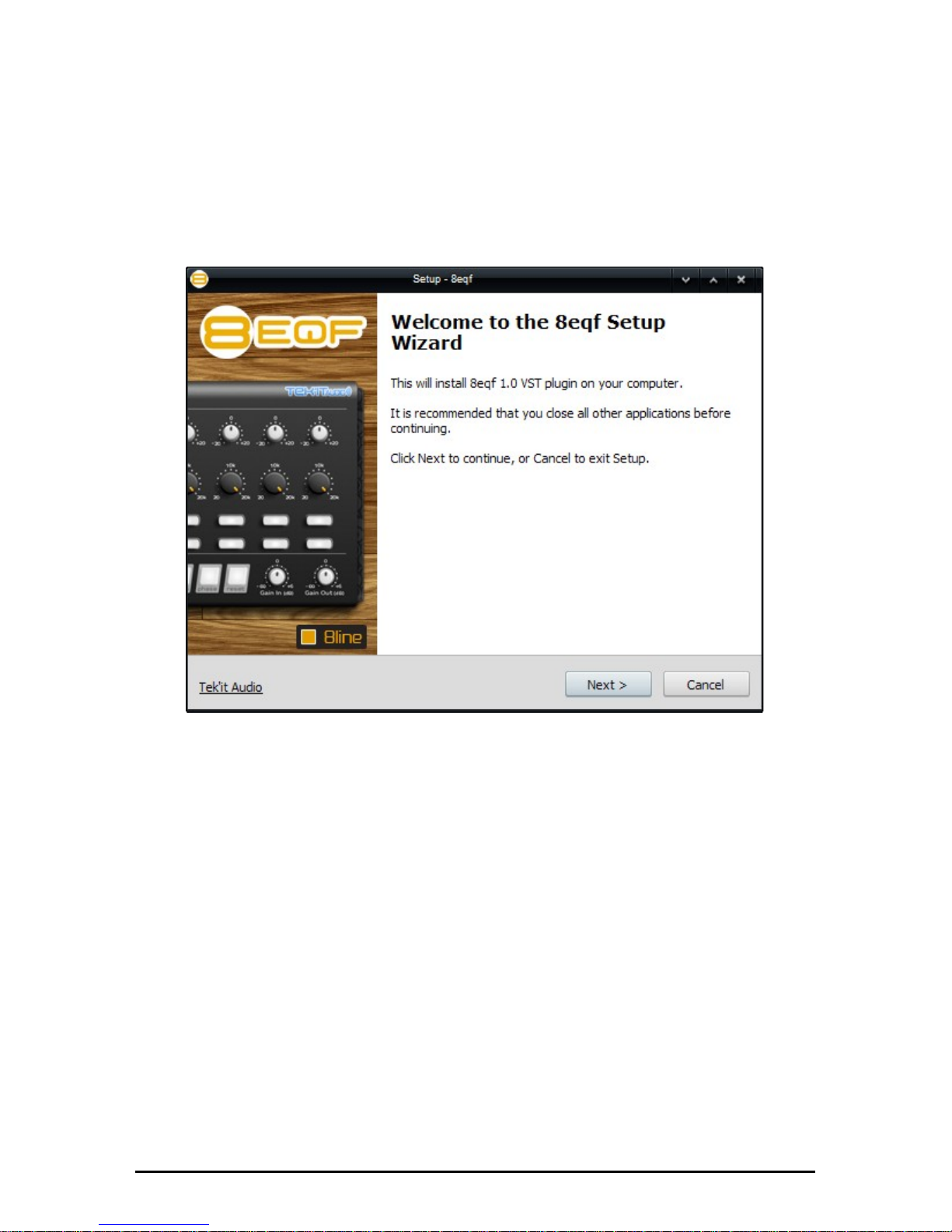
1. Simply run the installer program by double-clicking it, and follow
the on-screen instructions.
2. Run your host software and load TKA - 8eqf. Consult your host
documentation for information on how to do this.
9
Page 10
Using
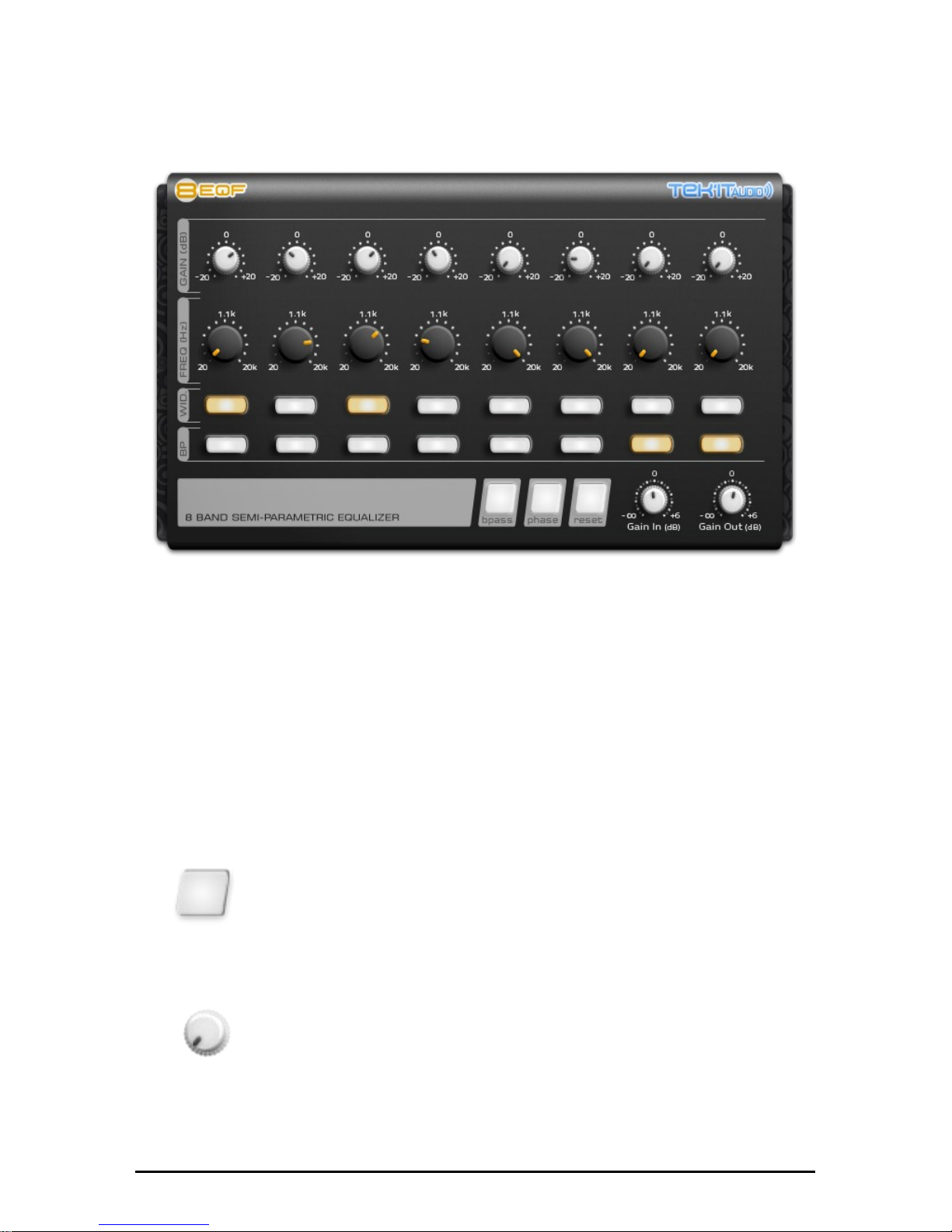
8eqf can be used in stereo or mono as an insert effect or as send/return
effect.
Control Types
While using 8eqf you will find that many parameters have similar controls.
Hovering your mouse over controls will bring up a tooltip with its name or
description.
Switch
A two position switch, click on it to change the position.
Knobs
To Turn a knob, click it and when dragging upwards to
move the knob to the right, dragging downwards to move
the knob to the left. You can use hight precision control
by using Ctrl+Mouse. Double-click on it, reset it to the
initial value of the patch.
10
Page 11

In Depth
Eq parameters
Each band have 4 parameters.
Gain
Change the gain of the band from -20 to +20dB.
Frequency
Change the center frequency on each band.
Width
Modifiy the bandwidth from narrow then off to wide then on.
Bypass
Bypass the processing of the band.
Gain
Control the input and output gain within a range of -∞ to +6dB.
11
Page 12

Function Switches
Bypass
Bypass all the internal processing. The sound out is the same as the
sound in, leaving the sound unaltered.
Phase
Invert the phase of the sound before the amplification stage. Can be very
usefull when 8eqp is used on a send/return channel.
Reset
Reset all parameters to their inital patch value. If you change the patch
before it does not work, because your changes are automatically saved
on “Patch Change”.
12
Page 13
MIDI
8eqf have intregrated MIDI learn and full automation on all parameters.
Integrated MIDI learn
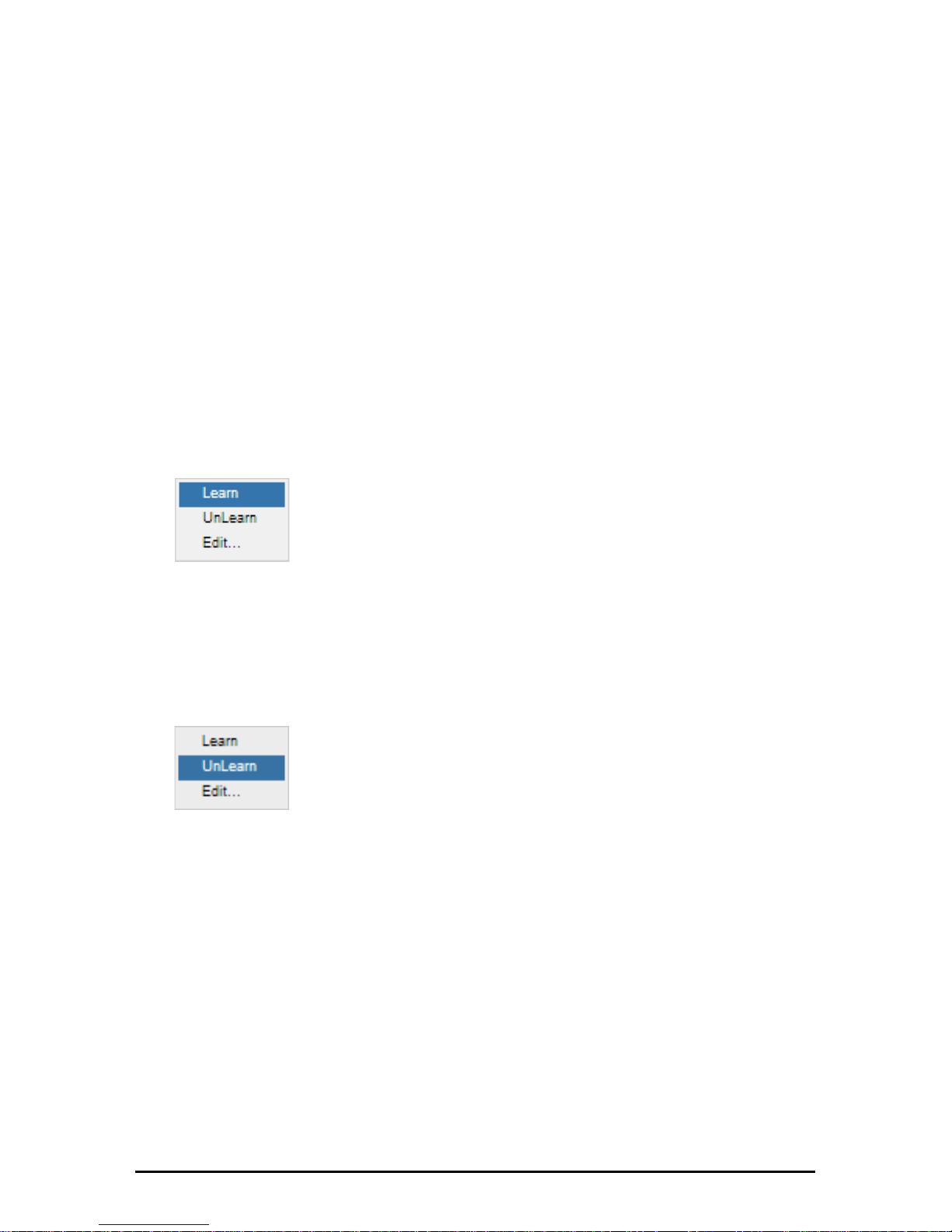
All controls can be controlled by an external MIDI controller easily, simply
right click on the parameters you want to control and the Learn popup
menu appear.
Learn
Click on Learn, move a control on your MIDI device
and it will automatically assigned.
Unlearn
Click on UnLearn will clear the controller.
13
Page 14
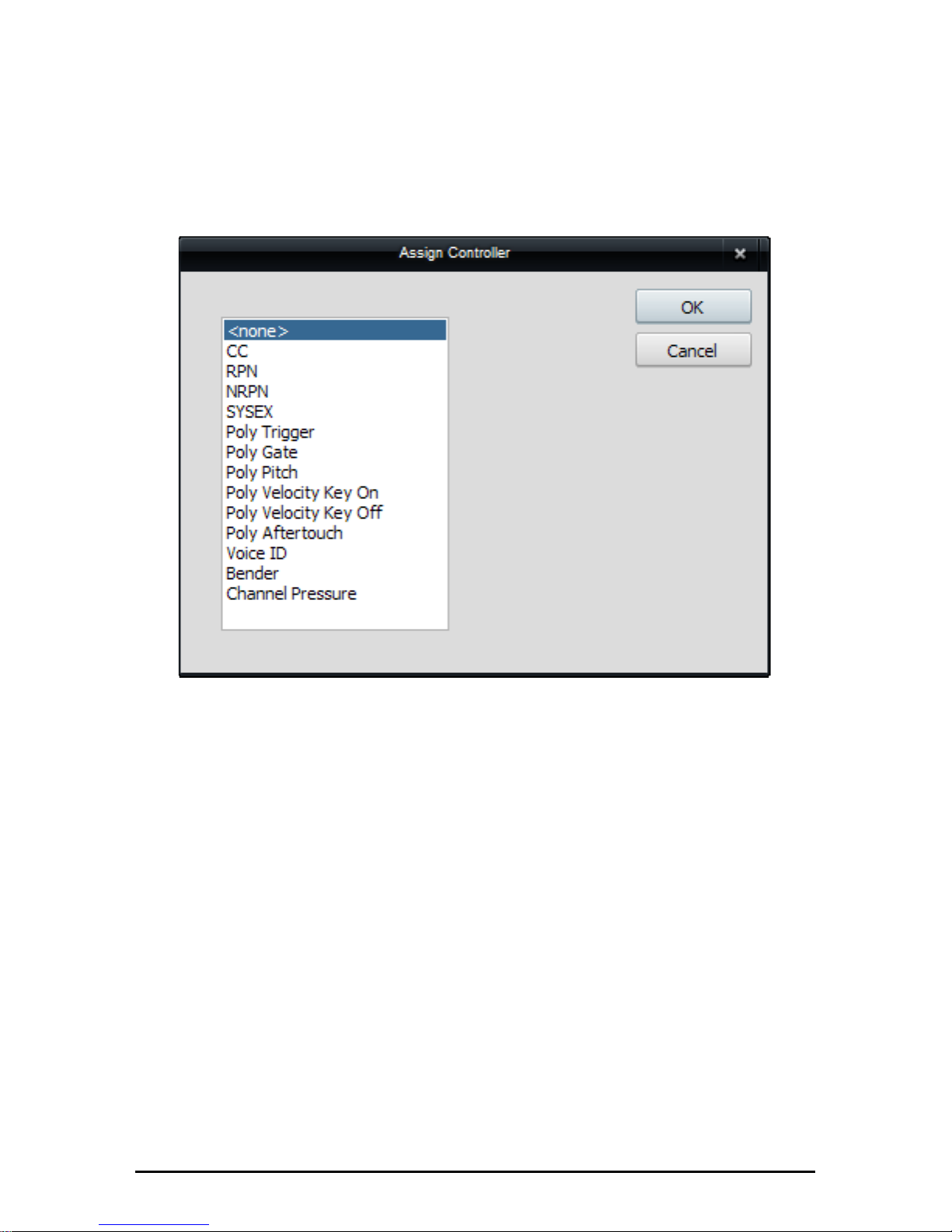
Edit...
Cilc on Edit will open the Assign Controller dialog. You can change
manualy the MIDI controllers.
Automation
Each controls can be automated using your host automation features.
Consult your host documentation for information on how to do this.
14
Page 15

Overview of MIDI CC Assignment
MIDI CC Name Target Ignore
PC
52 Band 1 - Freq
53 Band 1 - Gain
54 Band 1 - Width
80 Band 1 - Bypass
55 Band 2 - Freq
56 Band 2 - Gain
57 Band 2 - Width
84 Band 2- Bypass
58 Band 3 - Freq
59 Band 3 - Gain
60 Band 3 - Width
85 Band 3 - Bypass
102 Band 4 - Freq
103 Band 4 - Gain
104 Band 4 - Width
86 Band 4- Bypass
105 Band 5 - Freq
106 Band 5 - Gain
107 Band 5 - Width
87 Band 5 - Bypass
108 Band 6 - Freq
109 Band 6 - Gain
110 Band 6 - Width
88 Band 6 - Bypass
111 Band 7 - Freq
15
Page 16

112 Band 7 - Gain
113 Band 7 - Width
89 Band 7- Bypass
114 Band 8 - Freq
115 Band 8 - Gain
116 Band 8 - Width
90 Band 8 - Bypass
9 Gain - Input
7 Volume Gain - Output
81 Effect - Bypass Yes
83 Effect - Phase
82 Effect - Reset Yes
16
Page 17
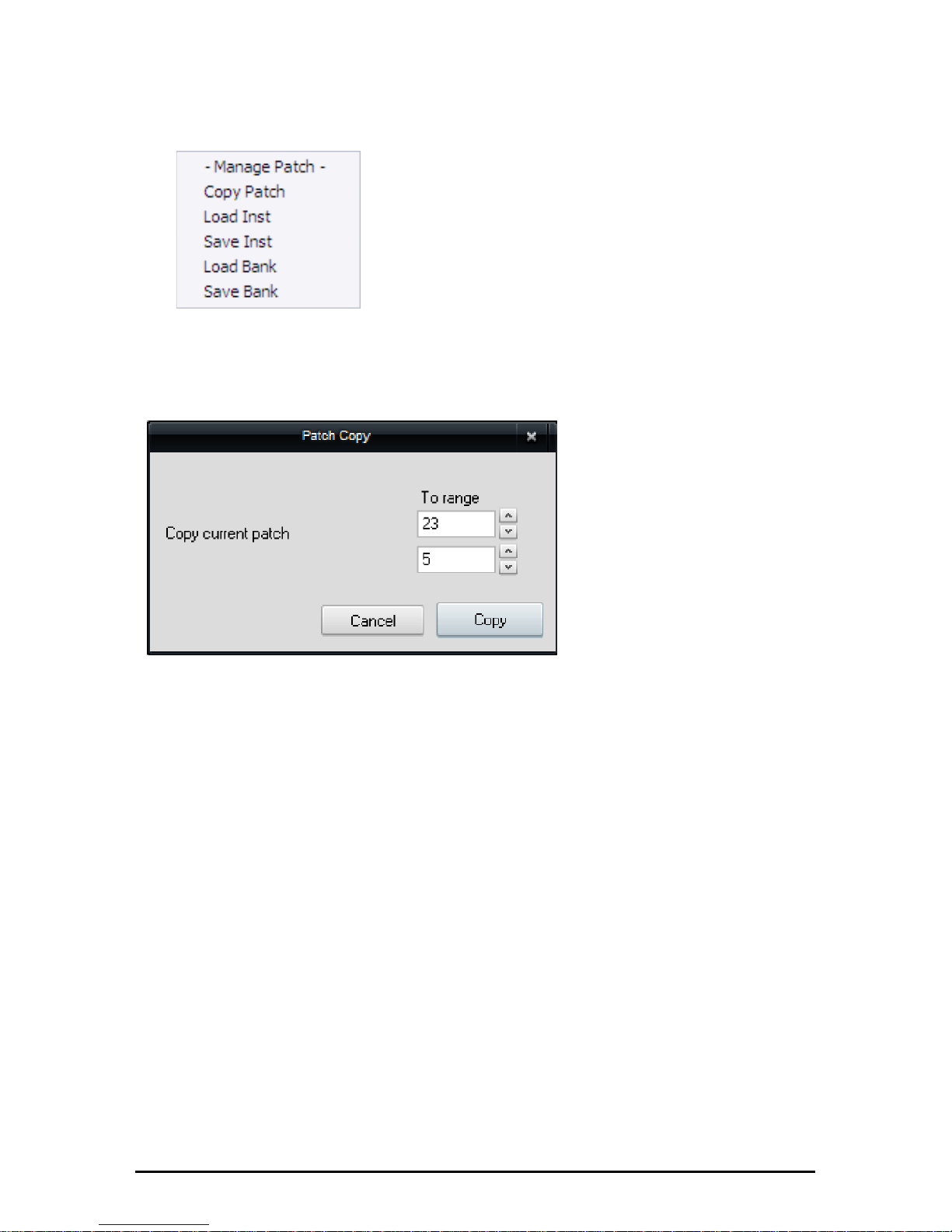
Patch
8eqf have an integrated patch manager.
Click on the folder icon to open the Patch
manager popup menu.
Copy Patch
Copy the current patch
to another patch or a
range of patchs.
Load Inst
Load an instrument (*.fxp) on the current patch
Save Inst
Save the current patch in (*.fxp) file format.
Load Bank
Load an bank (*.fxb).
Save Bank
Save the bank of patchs in a file (*.fxb).
17
Page 18

18
Page 19

Updates And Support
Updates will be made available at
http://audio.tekit-studio.eu/8eqf/
Check the related pages for more information on the
updates.
Additionaly you can follow us on Twitter for instant
updates and news at
http://twitter.com/TekitAudio
For product support, ideas, complaints, testimonials,
sound demo, patchs and anything you feel is worth
sharing, please use our contact form at
http://audio.tekit-studio.eu/contact-us/ .
If you prefer, you can contact our team directly by
email at
19
Page 20

20
Page 21
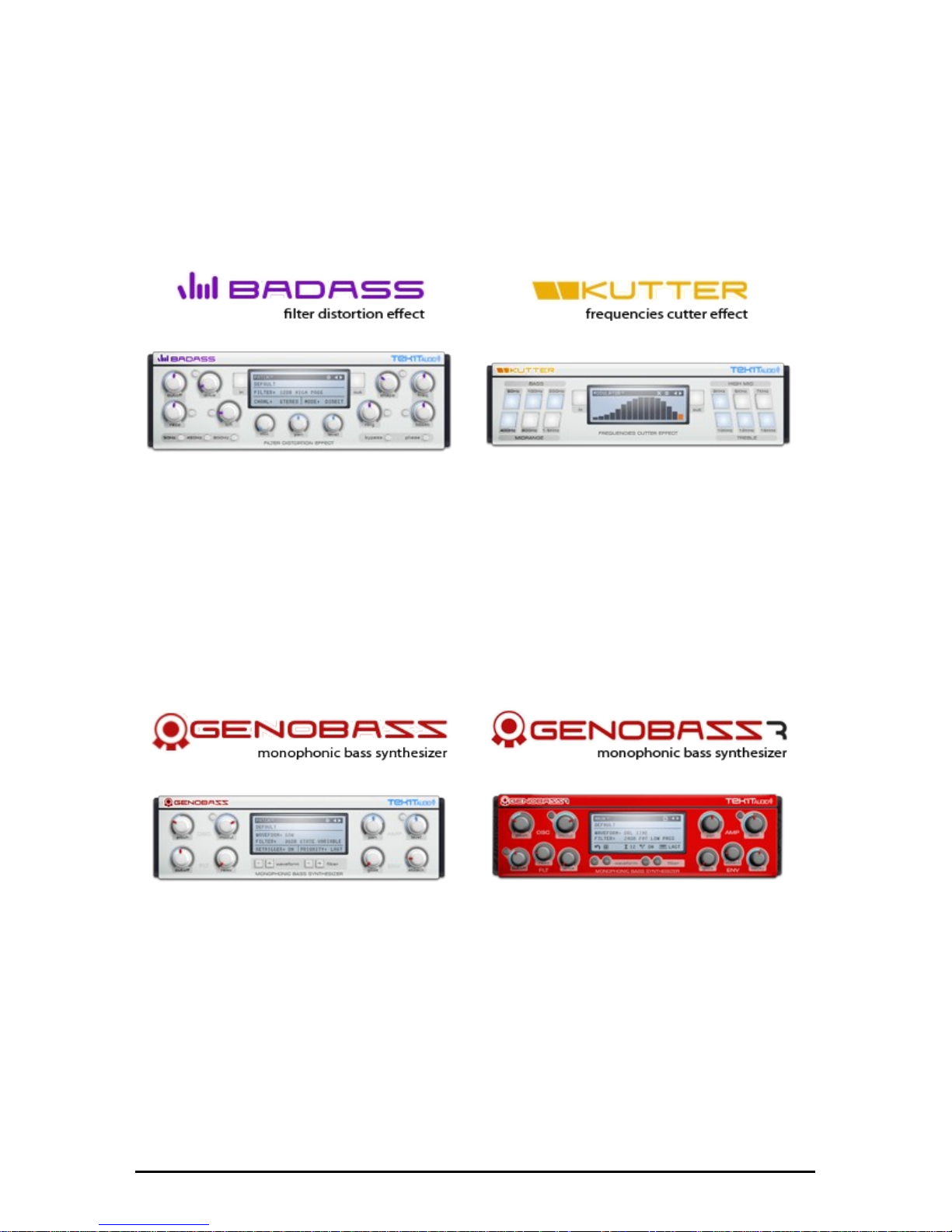
Other Products
Some products to come or already available.
Badass filter and distortion, give to
your sounds a little bad grain or
destroy them completely with the
help of distortion effects, filters, lofi effect and ring modulator.
Kutter is a frequency cutter effect.
Cuts frequencies on the 12 bands
easily and synchronizes the effect
on the beat with the 16 steps
modulation sequencer.
Genobazz is a free monophonic
bass synthesizer plugin, designed
to be simple to use, for all your
bass need, from simple bass to
acid bassline.
Genobazz R is the anniversary
edition of our free monophonic
bass synthesizer plugin, with more
bass, more acid, more fat sound,
inside.
21
Page 22
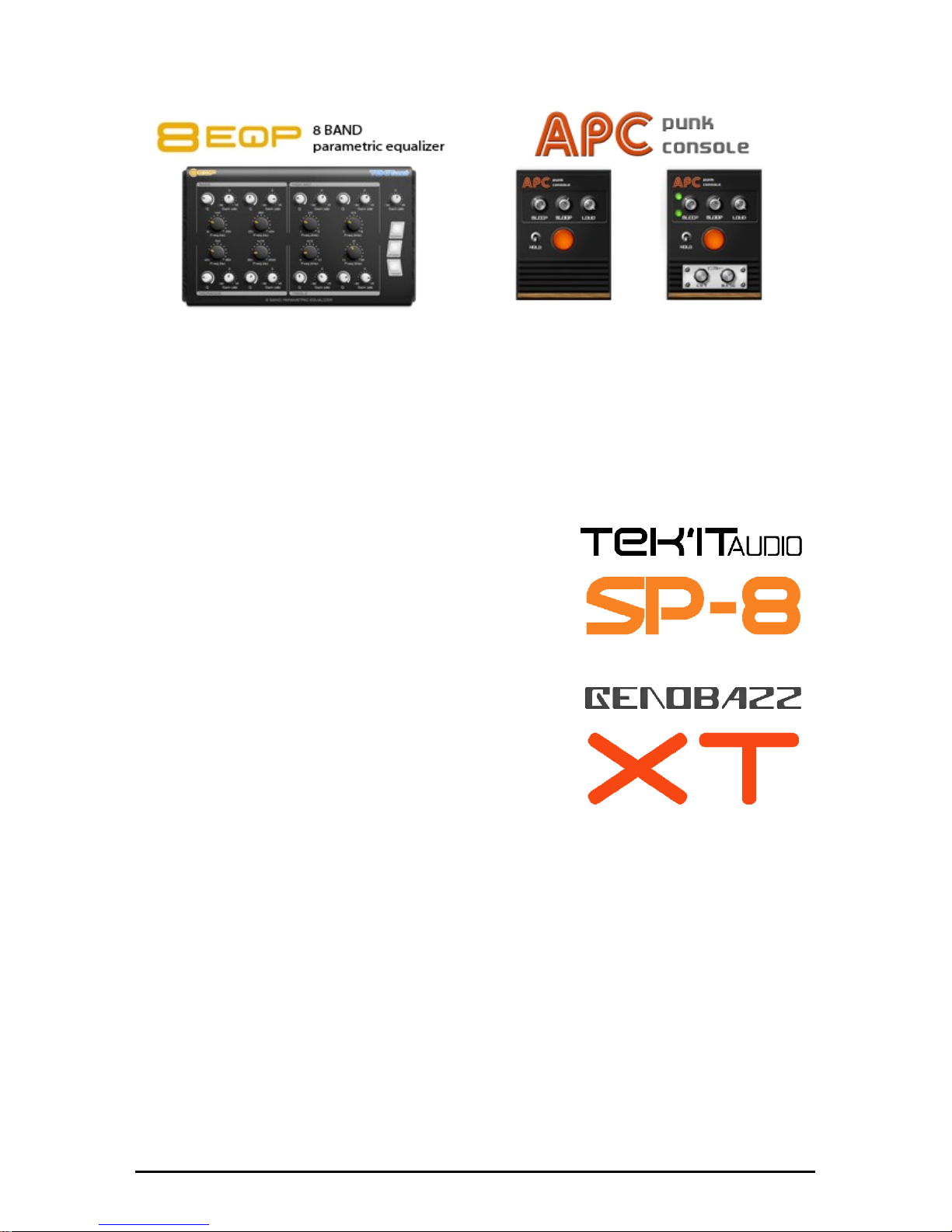
8eqp is a fully parametric 8 band
equalizer with a particularity, a
fixed center frequency range.
Each band offers Q-factor, gain
and center frequency controls.
Virtual re-creation of a popular
DIY circuit the Atari Punk Console.
APC is a square wave synthesizer
that creates fun "low-fi" sound,
and comes with users MODs.
Polyphonic superwave synthesizer from tek'it
audio.
http://audio.tekit-studio.eu/sp-8/
Genobazz eXTended, more bass, more fun !
Integrated sequencer, distortions and a lot
more to discover...
http://audio.tekit-studio.eu/genobazz-xt/
Visit audio.tekit-studio.eu for more information !
22
Page 23

Credits
Produced By Tek'it Studio
Code, design and conception:
Michaël Dubois
Additional Softwares:
Chris Kerry
David Haupt
Daz Disley
Jeff McClintock
GUI Design:
Michaël Dubois
Software Test:
Michaël Dubois
Manual:
Michaël Dubois
Special Thanks to:
Dutch Stylez (@DutchStylezMusc)
Everyone else who has contributed to the '8eqf' development in any way.
23
Page 24

Page 25
 Loading...