

Page 1
FASTNET
TED’S ‘GET TO THE POINT’ GUIDE
FOR THE EAGER & IMPATIENT
Page 2
IN TED WE TRUST
If you have any questions or problems,
please do not panic! Ted’s audio experts are
on hand to provide the very best service, as
you would expect, at tedbakeraudio.com.
aptX © 2013 CSR plc and its group
companies. The aptX® mark and the aptX logo are
trade marks of CSR plc or one of its group companies
and may be registered in one or more jurisdictions.
Bluetooth The Bluetooth® word mark and
logos are registered trademarks owned by Bluetooth
SIG, Inc. and any use of such marks is under license.
Other trademarks and trade names are those of their
respective owners.
Page 3
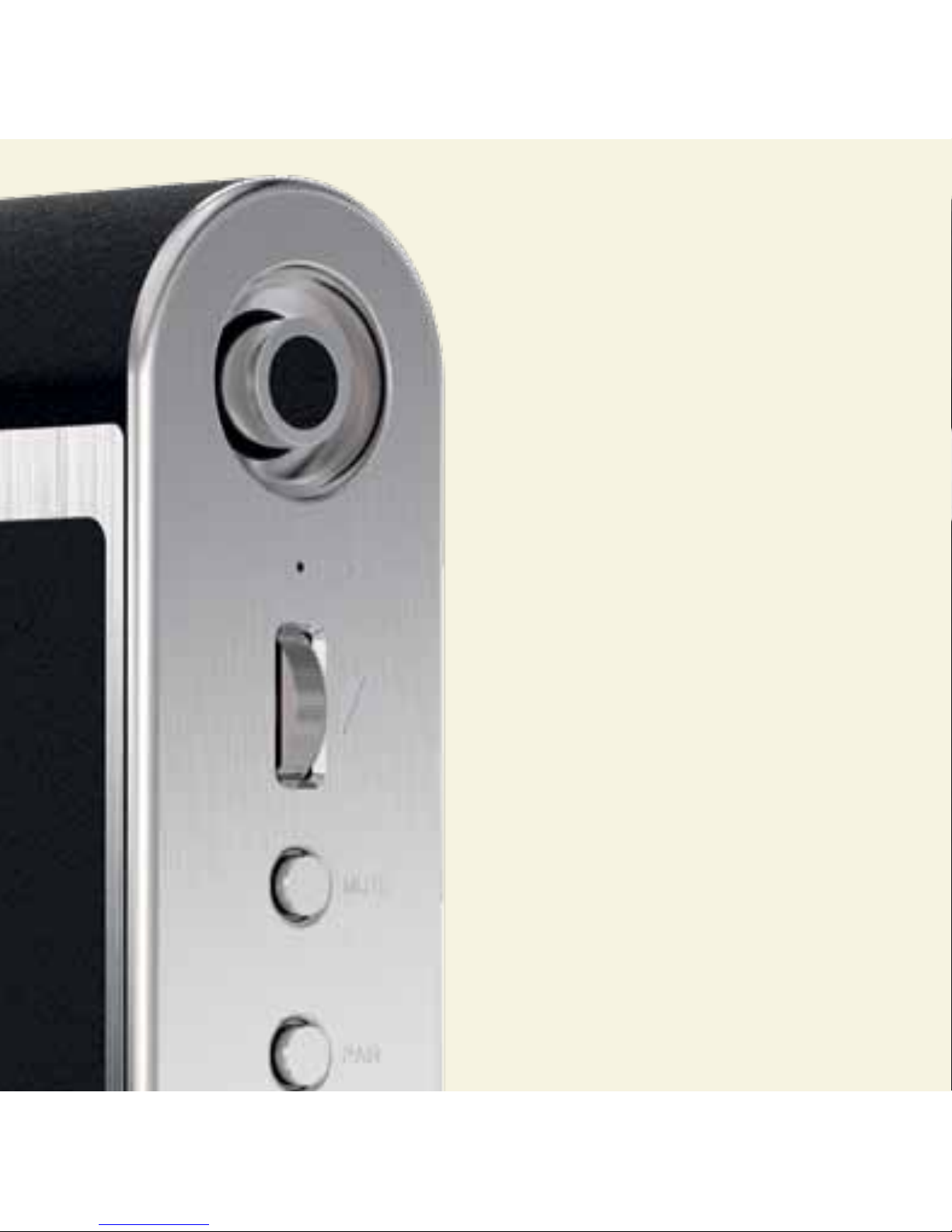
QUALITY SOUND
Fastnet uses aptX® technology to deliver
exceptional sound quality, as you would
expect, over Bluetooth® and features an
integrated mic to use as a speakerphone.
FINELY SELECTED MATERIALS
Beautiful and rugged brushed aluminium and
deluxe, genuine leather.
SMART DESIGN
Fastnet’s sealed enclosure design provides
tighter, more accurate sound reproduction,
and its clever folding door protects when
travelling, and acts as a convenient stand.
SIMPLE TO USE
Simply pair with a Bluetooth®-enabled
device to control, plus built-in rechargeable
Li-ion battery (lasts around six hours) makes
Fastnet the perfect travel companion.
Page 4
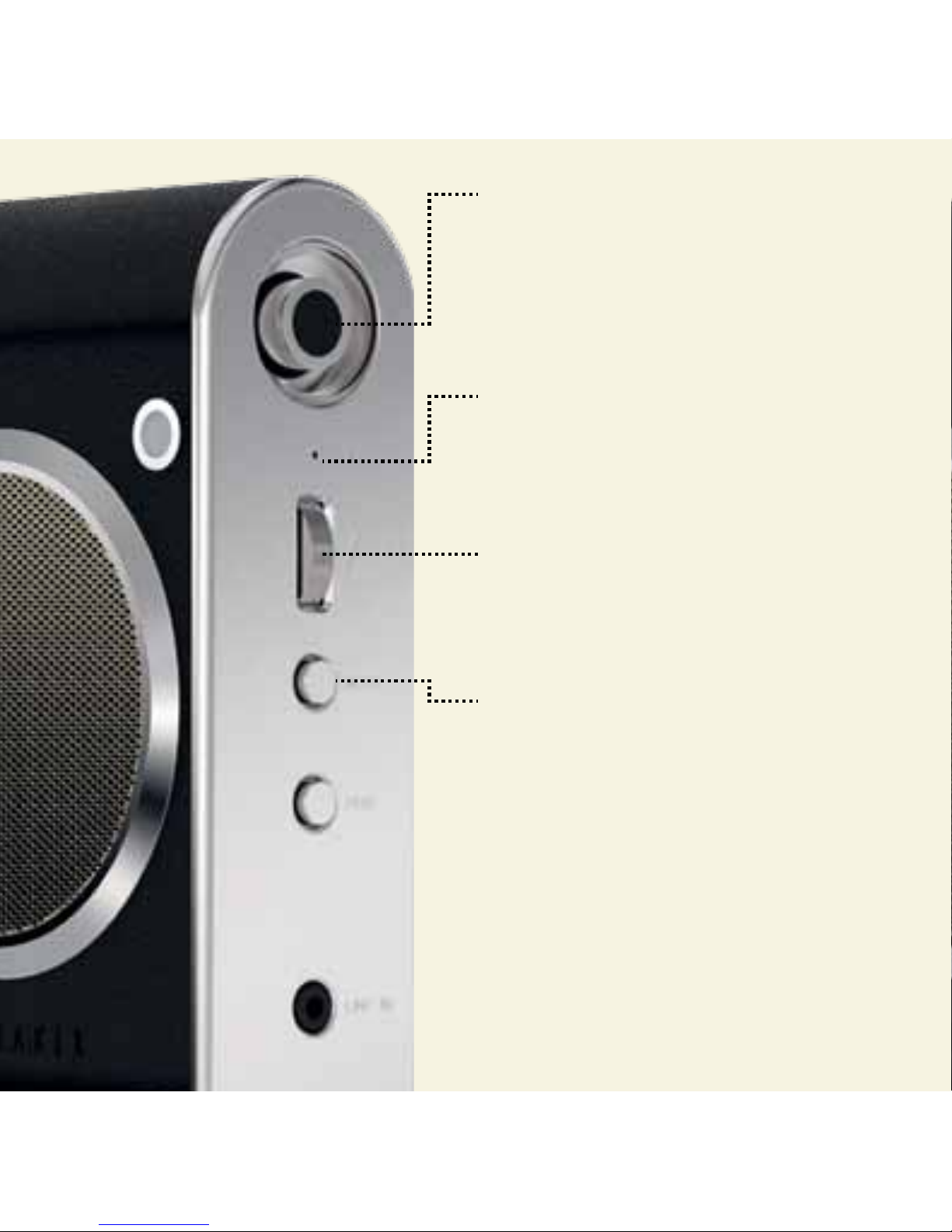
POWER BUTTON
On: Push x1 & wait for LED to light up.
O: Push again, to switch o.
Ted’s top tip: Fastnet will either connect to a
device in memory if available for connection,
or will wait to be paired .
MIC
When connected to a mobile phone via
Bluetooth®, calls will be directed to
Fastnet’s in-built mic.
VOLUME
Scroll upwards/downwards to control.
Ted’s top tip: Set volume on your device to
maximum, then control sound from Fastnet.
MUTE
Short press to mute/unmute voice during calls.
Page 5
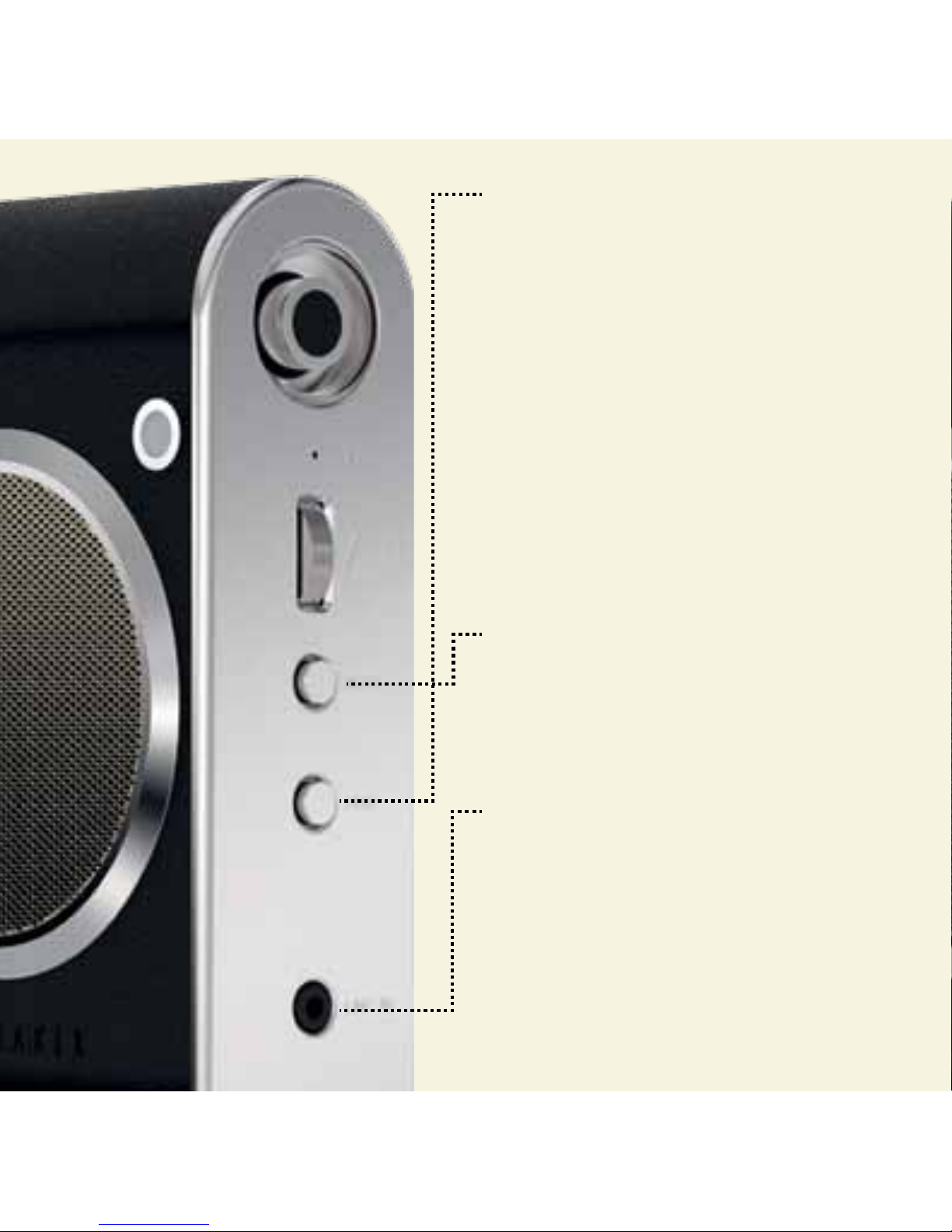
PAIR
Press for 2-3 seconds, then turn on
Bluetooth® on your digital device.
Whilst pairing, LED flashes blue twice every 2
seconds, then solid blue when paired.
Ted’s top tip: You cannot pair devices when
playing music.
To re-enter pairing mode, wait until LED
flashes blue twice every two seconds, then
long press until LED flashes blue on/o.
Ted’s top tip: Short press Pair to answer, and
again to end, a call. Long press (2-3 seconds)
to reject an incoming call.
PAIR + MUTE
Press together to clear paired devices memory.
AUX LINE IN
If you prefer wires, connect a 3.5mm line-in
stereo cable here to your music player.
MICRO USB
Connect the micro usb into socket on back.
Plug other end into power source.
Page 6
Page 7
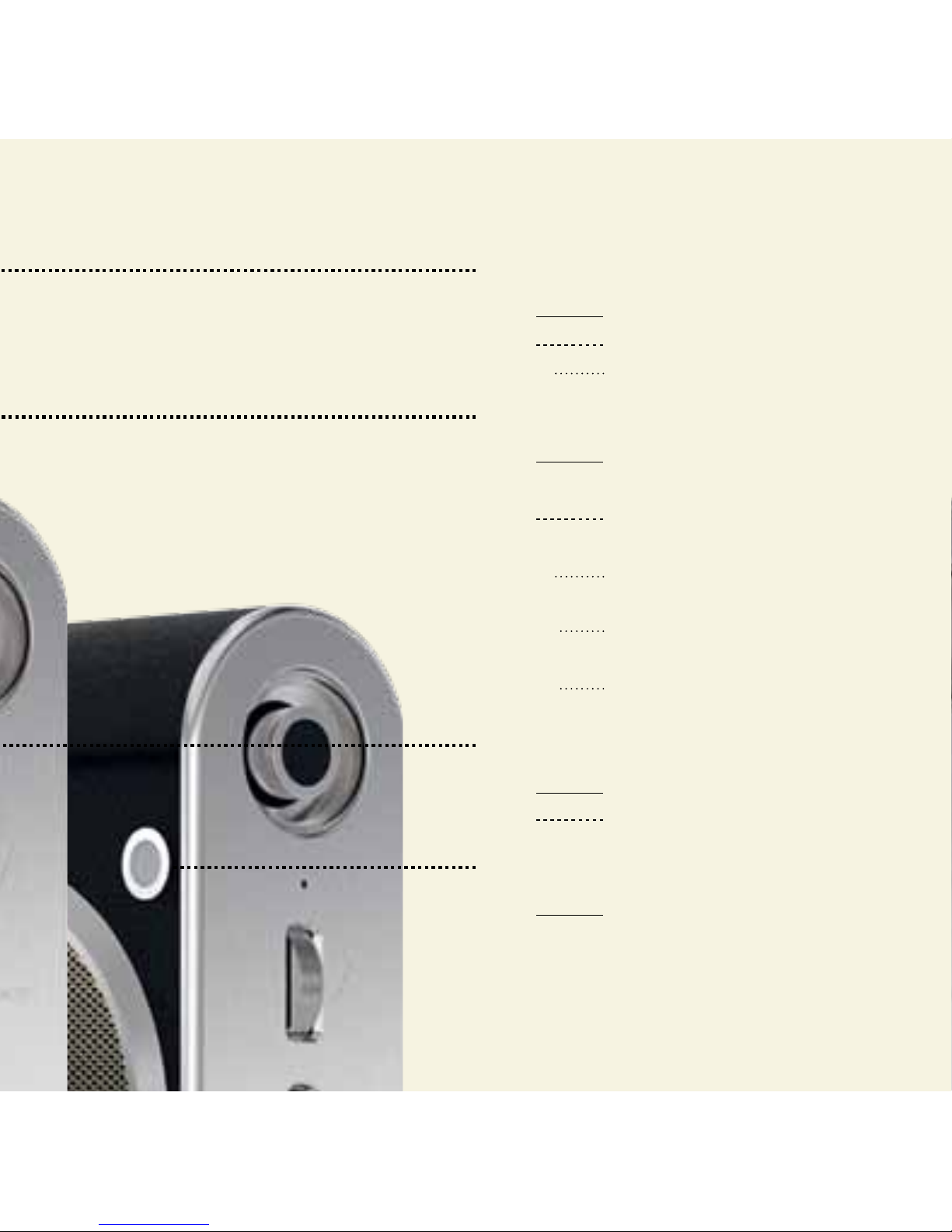
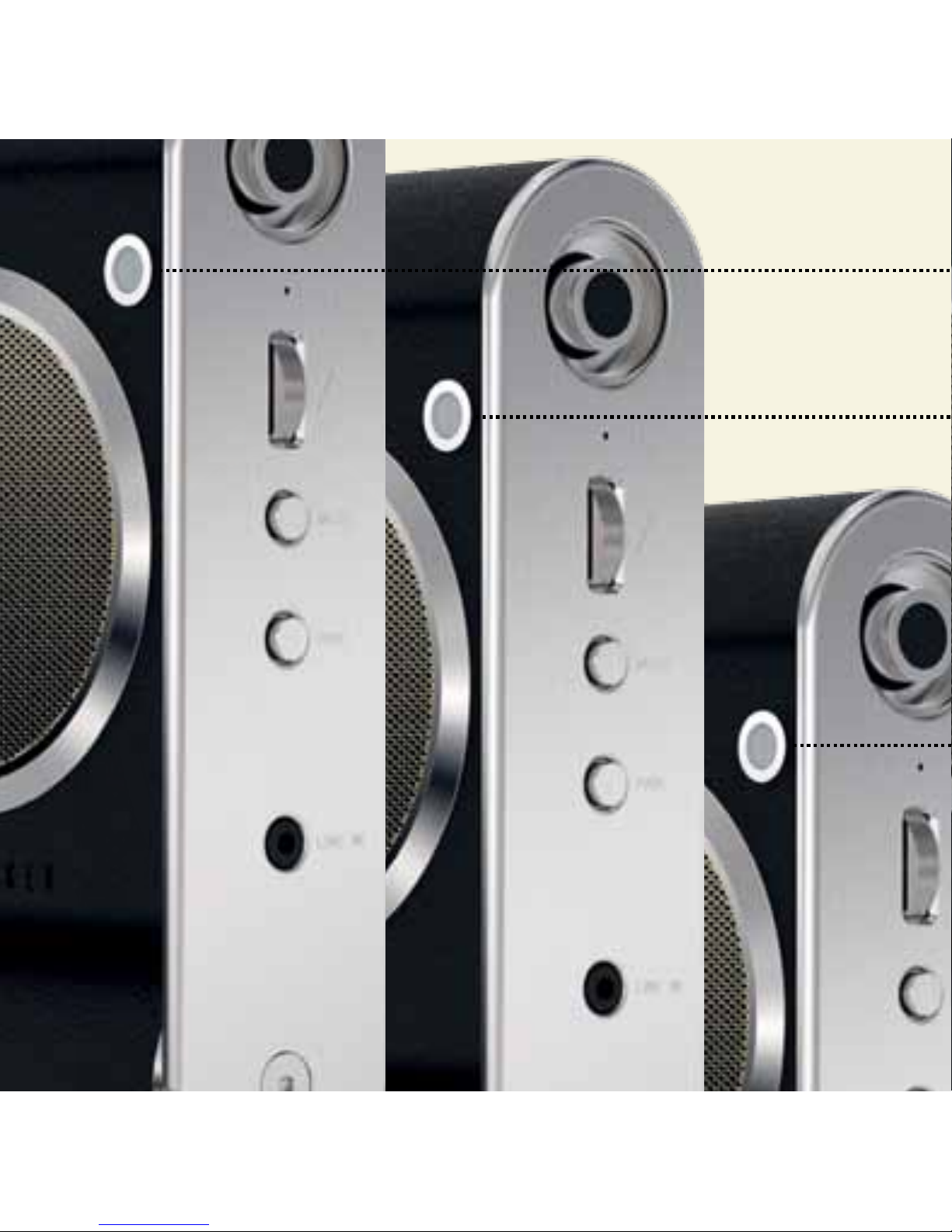
LED DISPLAY
GREEN
Solid mic muted
Flash every 2 seconds = incoming call
x1 Flash unmuted
BLUE
Solid Bluetooth® connected
+ music streaming
Flash Equal on / o:
ready to pair (discoverable)
x1 Flash Every 2 sec:
device on + not paired
x2 Flash Every 2 sec: Bluetooth®
paired + not streaming music
Flashing Music streaming
RED
Solid Power connected / charging
Flash + Audible tone (every 10
seconds): low battery
AMBER
Solid Power connected / fully charged
Page 8
 Loading...