

Page 1
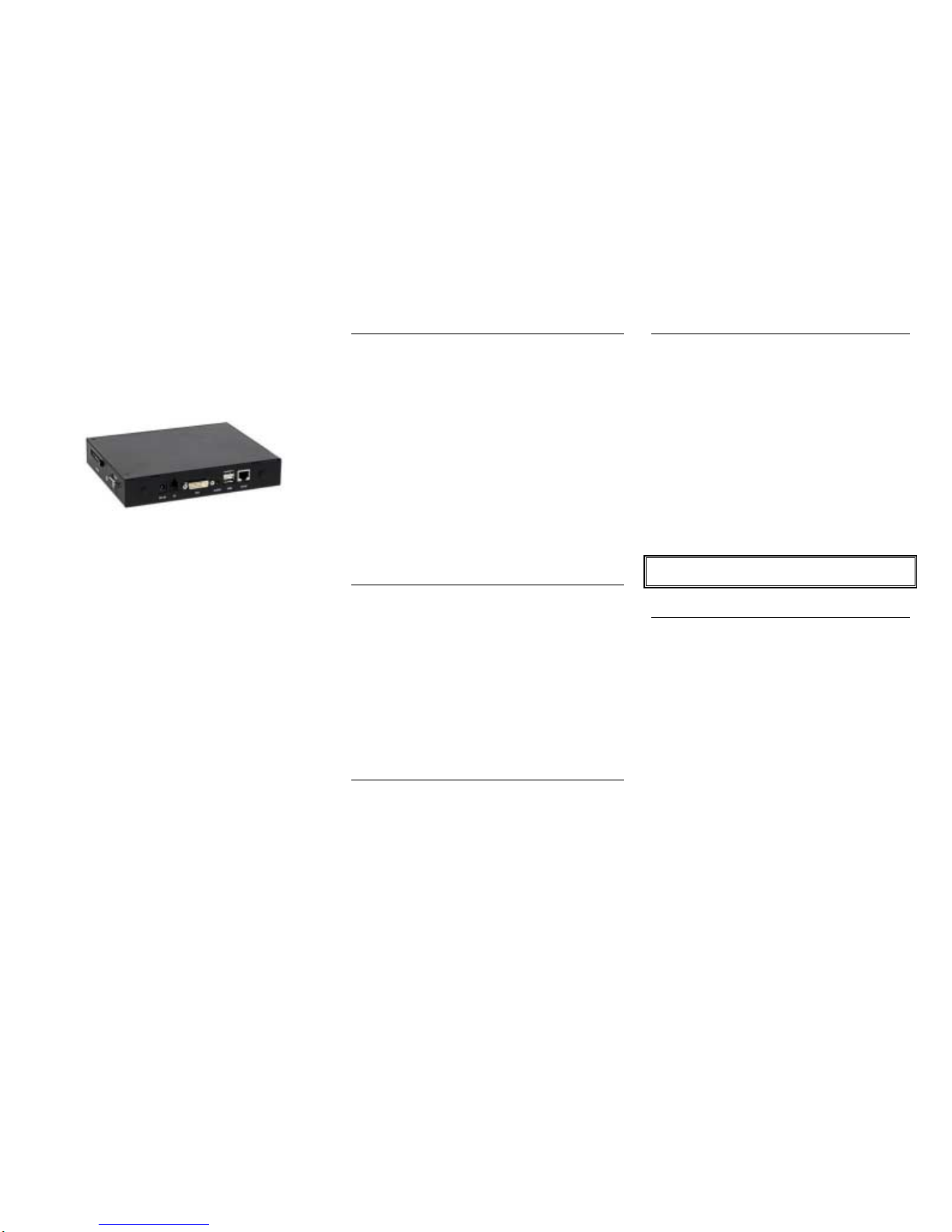
!
1 2
Technovision
DV75
Quick Reference Guide
Firmware 2.42
Revision 06/2009
DV75 plays:
MPEG-1 (.mpg VCD)
MPEG-2 (.mpg with MPEG1-
layer 2 audio)
MPEG-4 (.divx DIVX)
**1
WMV9
(720P format)
Windows JPEG ( .jpg)
MP3 (.mp3),
Technovision
1845 Sandstone Manor, #2
Pickering, Ontario
L1W 3X9
P:(905) 420-5153
F:(905) 420-0753
www.technovision.com
Operation
The DV75 high definition digital signage player is
capable of playing back full-motion audio & video clips
from standard, high speed Compact FLASH cards,
USB 2.0 drive or optional hard drive. Small and
compact, with no moving parts, it will store and
playback full-motion audio/video clips from standard,
high-speed (66X or greater) Compact FLASH memory
cards (FAT32 format). Transfer MPEG-1, MPEG-2,
.WMV9 or JPEG files to the DV75 easily by simply
using your PC (or Virtual PC on a Mac) and a
standard FLASH memory card reader. With DSP
MODE set to MENU, the DV75 can be set up to repeat
the first file on the system with button access to the
other files using the optional TV66K. The DV75 can
also be set up in REPEAT mode to cycle through all the
files on the FLASH card.
Initial Start-up
Upon start-up, the player will be set to 640x480 VGA
output and will display the words “Loading Now..” on
the screen. Once initialized it will switch to it’s default
output (DVI, composite, or VGA as chosen on the
SETUP/VIDEO-AUDIO menu) and begin playing the
content based on the DSP MODE. To switch the output
back to VGA, press the DISPLAY button on the
remote until the video is switched to VGA. The default
output on the DV75 is VGA (1280x1024), but can be
changed by pressing the DISPLAY button on the
remote. This will toggle through the available outputs
on the player (some available at board level only).
DSP (Digital Signage Playback) Mode
The playback mode (STANDARD, STANDBY,
REPEAT, MENU or CONTINUE) is set on the
ADVANCED/DSP MODE menu (see page 3). The
default is STANDARD (stand-alone mode).
Content Integration
To set up your content to work with the DV75, you
must have a high-speed Compact FLASH media
card capable of data transfer rates fast enough for
playing back your content. You will also need to use
a Compact FLASH reader/writer with your
computer to copy the appropriate files to the
memory card. The only files on the card should be
the media files - if there are any other files or
directories on the card (i.e. Mac .dsstore files),
the DV75 will still try to play them.
Connect your card reader to your PC (note: be sure
that the card reader driver is installed) and insert the
Compact FLASH card (we recommend 2GB
minimum) into the reader.
DO NOT POWER UP THE DV75 WITHOUT THE
FLASH CARD BEING INSTALLED.
Filenames
The DV75, sorts its files alphabetically for playback.
Even though it is not necessary, we recommend that
(with DSP mode set to MENU) the “menu file” be
named, for example, “000.mpg” and that the other
files be named “001.mpg”, ”002.mp3”, “003.jpg”
etc. This makes it easy to remember what file is to
be played on the button press.
more…
Page 2

!
3 4 5
MAIN MENU
You can always go to this menu by pressing the
MENU
button on the remote.
There are four choices on the MAIN MENU:
PHOTO: list of JPG images
MUSIC: list of MP3 files.
MOVIE: list of all the video files.
SETUP MENU: see below…
SETUP MENU
You can always go directly to this menu by pressing
the SETUP button on the remote.
There are (7) sub-menus under the SETUP menu:
(1) VIDEO/AUDIO.. available outputs are..
SD:
SVIDEO
HD:
YpbPr
VGA:
640x480, 800x600, 1024x768, 1280x768,
1280x1024, 1366x768 , 1440x900 and 1920x1080
DVI:
480p, 720p, 1080i, 1080p + VGA
(2) SERVER..sets the server IP address of the
server/directory where the content resides (if not
using internal CF or HDD)
(3) LAN.. IP/DNS settings for network.
(4) WLAN.. IP/DNS for wireless network.
(5) SCREEN..sets the file and JPG playback mode,
caption (ticker tape) text, auto scaling and start-up
mode.
(6) TIME..sets the parameters for setting the time
on the DV75 (manual or NTP) as well as the
ON/OFF timer.
(7) ADVANCED.. sets the screen saver mode, how
the files are sorted on the media, OSD message,
language, font size, reset settings, CF Management,
set DSP MODE or upgrade the firmware.
DSP sets the DV75 operating mode:
STANDARD (DEFAULT) stand-alone mode
that plays the files based on a
PLAYLIST.TXT file.
STANDBY uses a TV66K - plays file (button
press) and then goes into standby mode.
REPEAT uses a TV66K - continues to repeat all
the files and will play file (button press).
MENU uses a TV66K - repeats file 1 and will
then plays file (button press) once.
CONTINUE uses a TV66K - continues to repeat
file (button press).
To EXIT from the SETUP menu you can press the
AUTO RUN
button
Additional Information
Additional documentation can be found at:
www.technovision.com/manuals.html#dv75
or by emailing:
[email protected]
 Loading...