

Page 1
User Manual
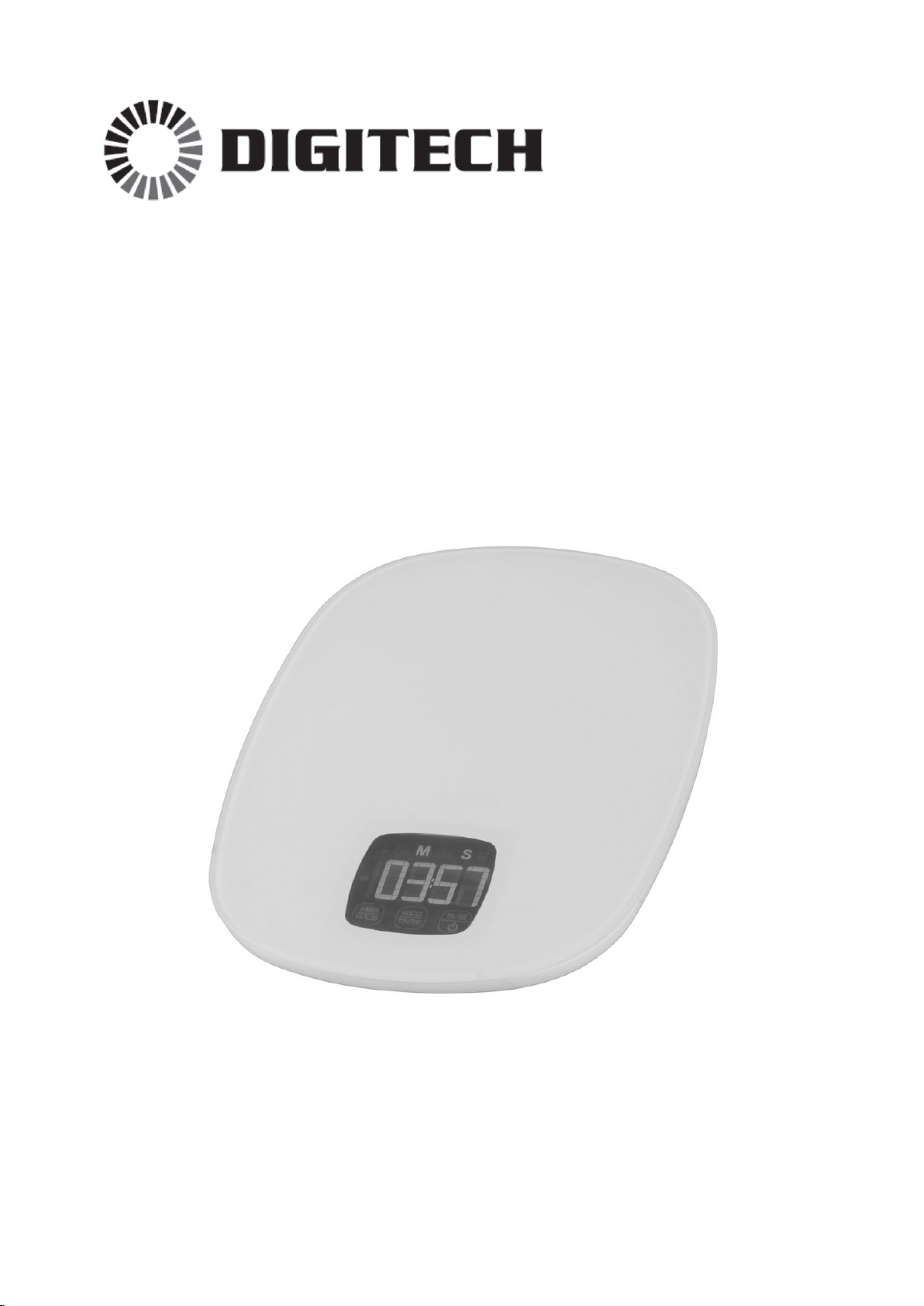
5KG Kitchen Scales
With Touch Button LCD
QM-7288
Distributed by:
TechBrands by Electus Distribution Pty. Ltd.
320 Victoria Rd, Rydalmere
NSW 2116 Australia
Ph: 1300 738 555
Int’l: +61 2 8832 3200
Fax: 1300 738 500
www.techbrands.com
Page 2

Specifications:
Capacity: 5KG
Units: g/lb/oz
Resolution: 1g/0.1oz
Batteries: 2 x 1.5V AAA batteries (not included)
Dimensions: 220(L) x 165(W) x 19(H)mm
Product Diagram:
1. Minute / Unit change
2. Second / TARE
3. Power / Timer (S/S)
Page 3

Instructions:
- Open the battery compartment and place 2 x AAA batteries in the correct
polarity as marked.
- Touch the POWER button to turn on the unit. It will display “8888”, then
show “0” g/lb/oz.
- The scales are now ready to use.
- Use the UNIT CHANGE button to change between g/lb/oz.
- The unit will turn off automatically after 3 minutes of inactivity.
How to use TARE function:
- To calculate the net weight, touch the TARE button to set back to 0g/lb/oz
between each mass added to the scales.
How to use the Timer:
- Under the normal scales mode, touch the TIMER (S/S) button to change to
timer mode. On the first time it will be defaulted to 1:00 countdown timer.
- To set the countdown time, use the MINUTE buttons to add minutes, and
the SECOND button to add seconds. The maximum countdown/count up
time is 99 minutes 59 seconds (99:59).
- When the countdown time has expired (when it reaches 0:00), the alarm
will sound. Press any button to stop the alarm.
- To change to a count up timer, press the MINUTE and SECOND buttons at
the same time, and the screen will show 0:00. Start and stop the count up
timer using the TIMER (S/S) button.
NOTE:
- When the LCD display becomes dimmer, please replace the batteries.
- Only use AAA batteries in these scales.
- Ensure not to mix old and new batteries.
- Please dispose of used batteries in a responsible manner.
- Never attempt to open, modify or repair the scales in any way.
- Do not drop heavy things onto the scales, or drop items from a height onto
the scales as it may damage the unit.
 Loading...