

Page 1
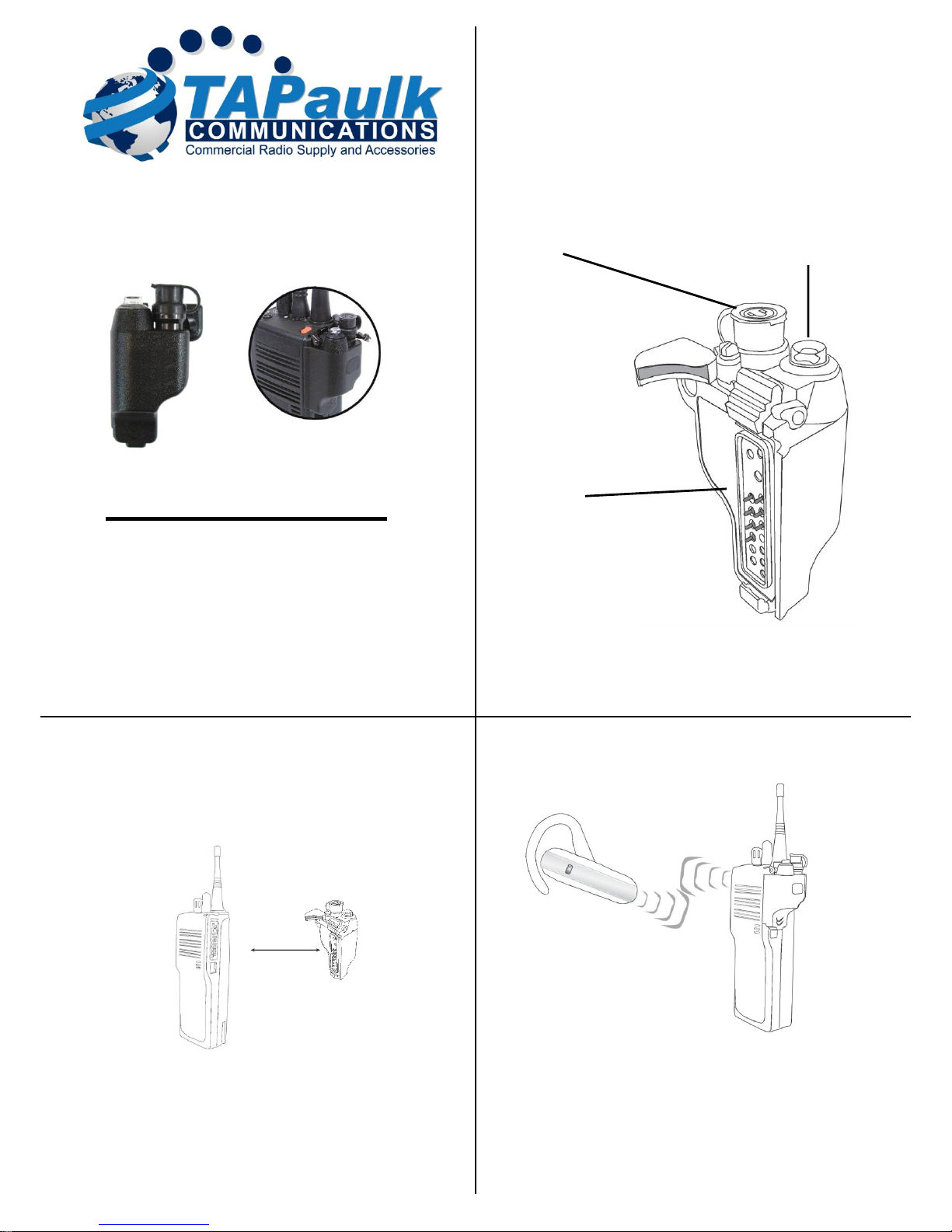
The TAPaulk Bluetooth adaptor BT-M3 allows you
to use a compatible wireless headset or other audio
accessory with your two-way radio.
Version 1.0 August 2013
Bluetooth Adaptor
Model No.: BT-M3
Made in Taiwan
FCC ID: XTS-BTD-1M3
BT-M3 Bluetooth Adaptor
QUICK START
1. Connect the TAPaulk Bluetooth adaptor BT-M3 to a compatible two-way radio.
2. Pair the Bluetooth adaptor with a compatible wireless audio accessory.
3. Connect a wired audio or PTT accessory to the Quick-Disconnect accessory port
on the Bluetooth dongle (optional).
4. Test and use.
C
onnecting
the Adaptor to Radio
STEP ONE: Connecting to Two-Way Radio
To connect your Bluetooth adaptor to a two-way radio, follow these steps:
* Always turn off your two-way radio before connecting the Bluetooth adaptor.
* Plug the Bluetooth adaptor BT-M3 into the speaker-microphone / audio accessory
jack of your two-way radio.
* On some models of two-way radios, you may need to tighten a retaining screw to
ensure that the Bluetooth adaptor remains attached to the radio
* Turn on your two-way radio and verify that the radio transmits and receives with
the adaptor attached.
* Because no wireless audio accessory will yet be paired to the Bluetooth adaptor,
received signals should be heard over the radio’s internal speaker and transmitted
signals will be sent using the radio’s internal microphone.
* The Talk button on the Bluetooth adaptor will not function as a Push-to-Talk
button for your two-way radio until a wireless audio accessory is successfully
paired to the adaptor, or a wired audio accessory is plugged into the
Quick-Disconnect port.
3
Controls and Connection
Radio Connector
This port connects the Bluetooth adaptor
to a compatible two-way radio.
2
Pairing With an Audio Accessory
STEP TWO: Pairing with an Audio Accessory
* Turn off the radio that the Bluetooth adaptor is connected to. Wait at least three
seconds.
* Turn the radio on while holding down the Talk button on the Bluetooth adaptor.
* Continue to hold the Talk button down for approximately three seconds.
Release the Talk button when the status LED begins to flash two times per second.
* The Bluetooth dongle is now in audio accessory pairing mode. Activate the
pairing mode on your compatible wireless audio accessory.
* Once the wireless audio accessory and Bluetooth dongle are paired with each
other, the status LED on the dongle will show a constant blue light for three
seconds.
BLUETOOTH ADAPTOR USER’S GUIDE
For Compatible Wireless Audio Accessories
Multi-Function Talk Switch / Status LED
Used to place the Bluetooth adaptor in
pairing mode. The LED flashes messages
that let the user know the current status of
the Bluetooth adaptor. Once paired with an
audio accessory, this switch is used to
activate the Push-To-Talk function of the
two-way radio.
Quick Disconnect Accessory Port
Allows the connection of a
TAPaulk QD series wired
audio accessory, such as a
Push-to-Talk, earphone,
or speaker microphone.
Page 2
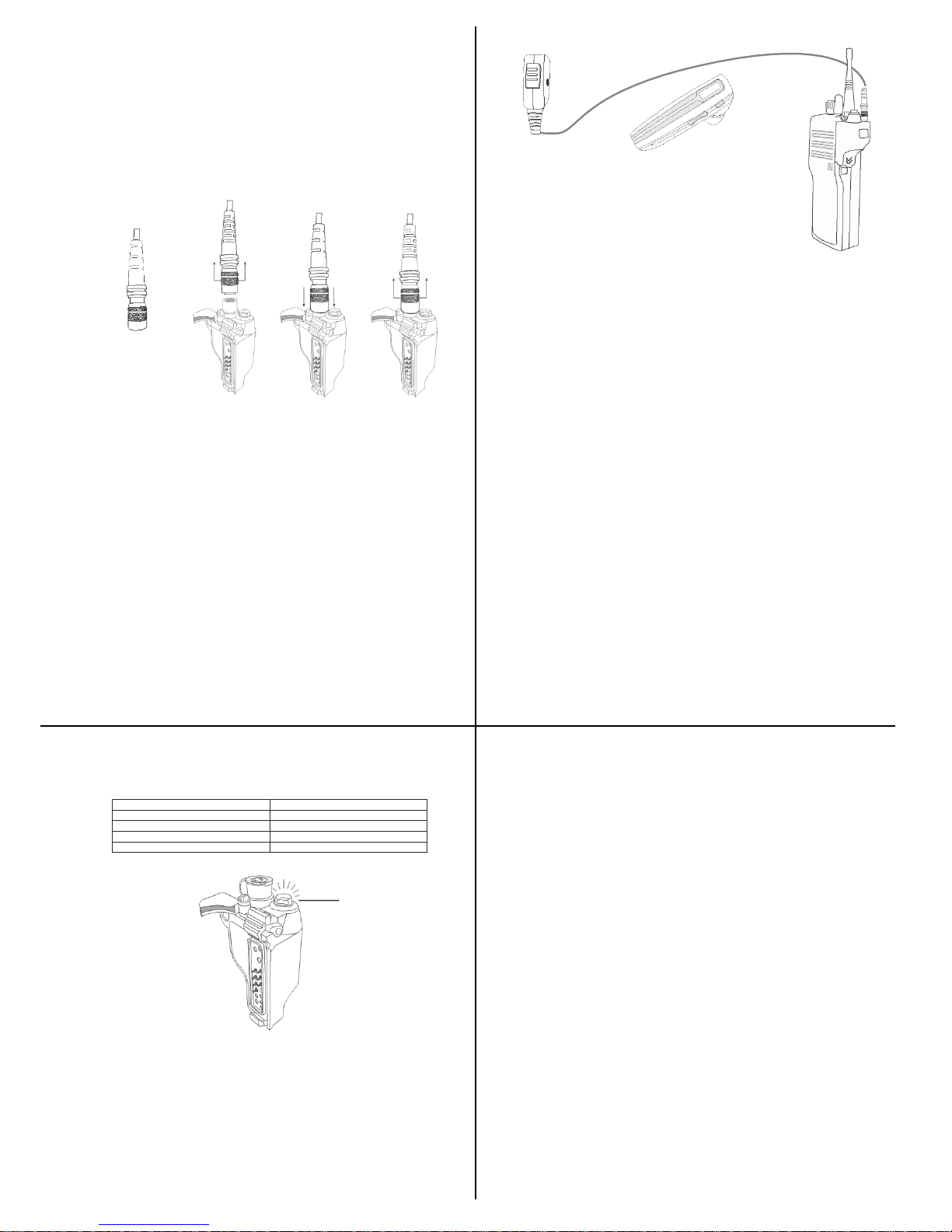
Audio accessory
connected to Quick
Disconnect Port
Wireless
Accessory
Internal
Speaker of the
two-way
radio
Status
LED
* If the Bluetooth adaptor does not detect a compatible wireless accessory within
60 seconds of being put into pairing mode, the adaptor will exit the pairing mode
and resume normal operation.
* Once successfully paired, you will be able to operate your two-way radio using
your compatible wireless accessory.
4
C
onnecting
a
Wired
Audio Acc
essor
y
to the
Bluetooth adaptor
STEP THREE: Using a TAPaulk Quick-Disconnect Wired Audio Accessory
(Optional)
The Quick-Disconnect port on the Bluetooth adaptor allows the connection of a
compatible wired TAPaulk QD series accessory. This includes compatible
earphones, surveillance kits, remote microphones, and Push-To-Talk accessories.
* To connect a wired accessory, first turn off the two-way radio that the Bluetooth
adaptor is connected to.
* Lift up and remove the protective jacket covering the Quick-Disconnect port on
the Bluetooth adaptor to expose the connector.
* Align the Quick-Disconnect connector of the audio adapter with the
Quick-Disconnect port on the Bluetooth adaptor and push the connectors together
gently until they click into place.
NOTE: the male and female ends of the quick release connectors are keyed so they
must be properly aligned before the two halves can be pushed together.
* To remove a wired accessory that has been installed, gently lift up on the outer
cover of the Quick-Disconnect connector until the accessory is released and then
pull up to remove the accessory.
5
STATUS LED
MESSAGES
The meanings of the various status LED messages shown by the Bluetooth adaptor
are shown on the following table:
LED INDICATION
MEANING
One flash per minute
Normal operation
Two flashes per minute
Audio accessory pairing mode active
One long flash for three seconds
Successfully paired or re-paired
No indication
Radio is turned off
TROUBLESHOOTING
My wireless audio accessory will not pair with the
Bluetooth adaptor.
Follow the instructions to place the Bluetooth adaptor into the correct pairing mode
and then activate the pairing mode on the accessory. Make sure that the Bluetooth
adaptor and accessory being paired are within one meter of each other.
My wireless audio accessory or worked before, but is not working
now.
Make sure that the Bluetooth adaptor is properly connected to the two-way radio
and that the radio is turned on. Ensure that your wireless audio accessory has a fully
charged battery and is turned on. If the devices will still not work, re-pair the
Bluetooth adaptor to the wireless accessories.
DISCLAIMER: The wireless link used by TAPaulk products is an open standard,
unsecured technology. As such, it is not recommended for first-responder or other
mission critical users.
7
C
ommunica
tions
Priority
#1 #2
#3
STEP FOUR: Transmit and Receive Operation
The Bluetooth adaptor will automatically route radio calls based on the following
priority:
* If an audio accessory is connected to the Quick-Disconnect Port of the Bluetooth
adaptor, radio calls will be routed to this accessory.
* If no wired accessory is connected, calls will be routed to a wireless accessory, if
one is paired with the Bluetooth adaptor.
* If no wireless headset or audio accessory is paired to the Bluetooth adaptor or the
wireless accessory is turned off, calls will be routed to the internal speaker of the
two-way radio.
NOTE: When a new accessory is connected, paired, disconnected, or powered off, it may take
several seconds for the audio from received radio calls to be routed appropriately.
Push-to-Talk can be activated by any of the following methods:
* Pressing and holding the Talk button of the Bluetooth adaptor.
* Using the PTT button on a wired TAPaulk Quick-Disconnect accessory (if one is
connected to the Bluetooth adaptor).
When transmitting, the operator’s voice is picked-up by:
* The microphone in the wired-audio accessory connected to the Quick-Disconnect
port on the Bluetooth adaptor.
* If no wired audio accessory with a microphone is connected, the microphone in
the paired wireless audio accessory will be used.
* If no audio accessory is paired with the Bluetooth adaptor, or the paired wireless
audio accessory is turned off, the internal microphone in the attached two-way
radio will be used.
6
Support and Warranty
This product is covered by a one-year manufacturer’s limited warranty. For support
or warranty service on your TAPaulk product, contact us or visit us on the web at
www.TAPaulkCommunications.com.
Federal Communication Commission Interference Statement
This equipment has been tested and found to comply with the limits for a Class B
digital device, pursuant to Part 15 of the FCC Rules. These limits are designed to
provide reasonable protection against harmful interference in a residential
installation. This equipment generates uses and can radiate radio frequency
energy and, if not installed and used in accordance with the instructions, may cause
harmful interference to radio communications. However, there is no guarantee
that interference will not occur in a particular installation. If this equipment does
cause harmful interference to radio or television reception, which can be
determined by turning the equipment off and on, the user is encouraged to try to
correct the interference by one of the following measures:
-Reorient or relocate the receiving antenna.
-Increase the separation between the equipment and receiver.
-Connect the equipment into an outlet on a circuit different from that
to which the receiver is connected.
-Consult the dealer or an experienced radio/TV technician for help.
FCC Caution: Any changes or modifications not expressly approved by the party
responsible for compliance could void the user's authority to operate this
equipment.
This device complies with Part 15 of the FCC Rules. Operation is subject to the
following two conditions: (1) This device may not cause harmful interference, and
(2) this device must accept any interference received, including interference that
may cause undesired operation.
This equipment complies with FCC RF radiation exposure limits set forth for an
uncontrolled environment. To maintain compliance with FCC RF exposure
compliance requirements, please avoid direct contact to the transmitting antenna
Page 3

during transmitting.
RF Exposure Warning!
Please keep product 20cm away from your body or bystander during the radio
operation. The typical handheld two-way radios were certified under mobile usage
condition (i.e. keep 20cm away from the user body) and use of such radio closer
than 20cm may exceed the US RF exposure limit and shall be avoided.
8
 Loading...