

Page 1
1
GPS tracker
Tail it User Guide
Page 2
2
1. Tracker introduction
TAIL IT GPS tracker support location function in the App. When send an command to the
tracker via SMS or App, the App will update new location within 2 minutes if receive the
command. The battery lasts 7-8 days.
2. Sim card
Please pay attention that a 2G Micro SIM card or 3G/4G SIM Card having 2G GSM
feature with GPRS and messages Identification is required to use Tail it GPS tracker.
Please open the back cover of the tracker with a proper screw driver and insert the micro
SIM card into the SIM card slot.
3. Charging
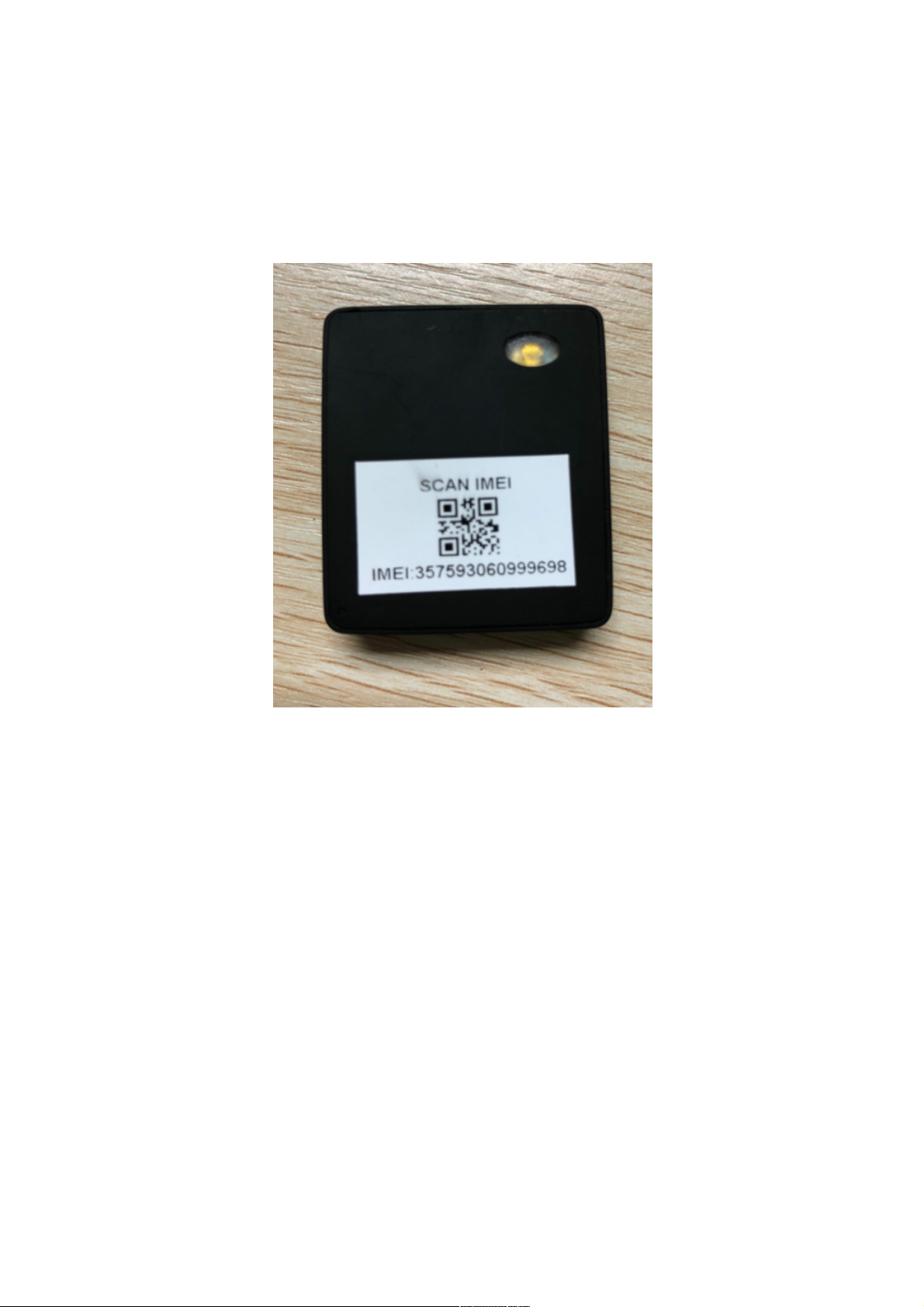
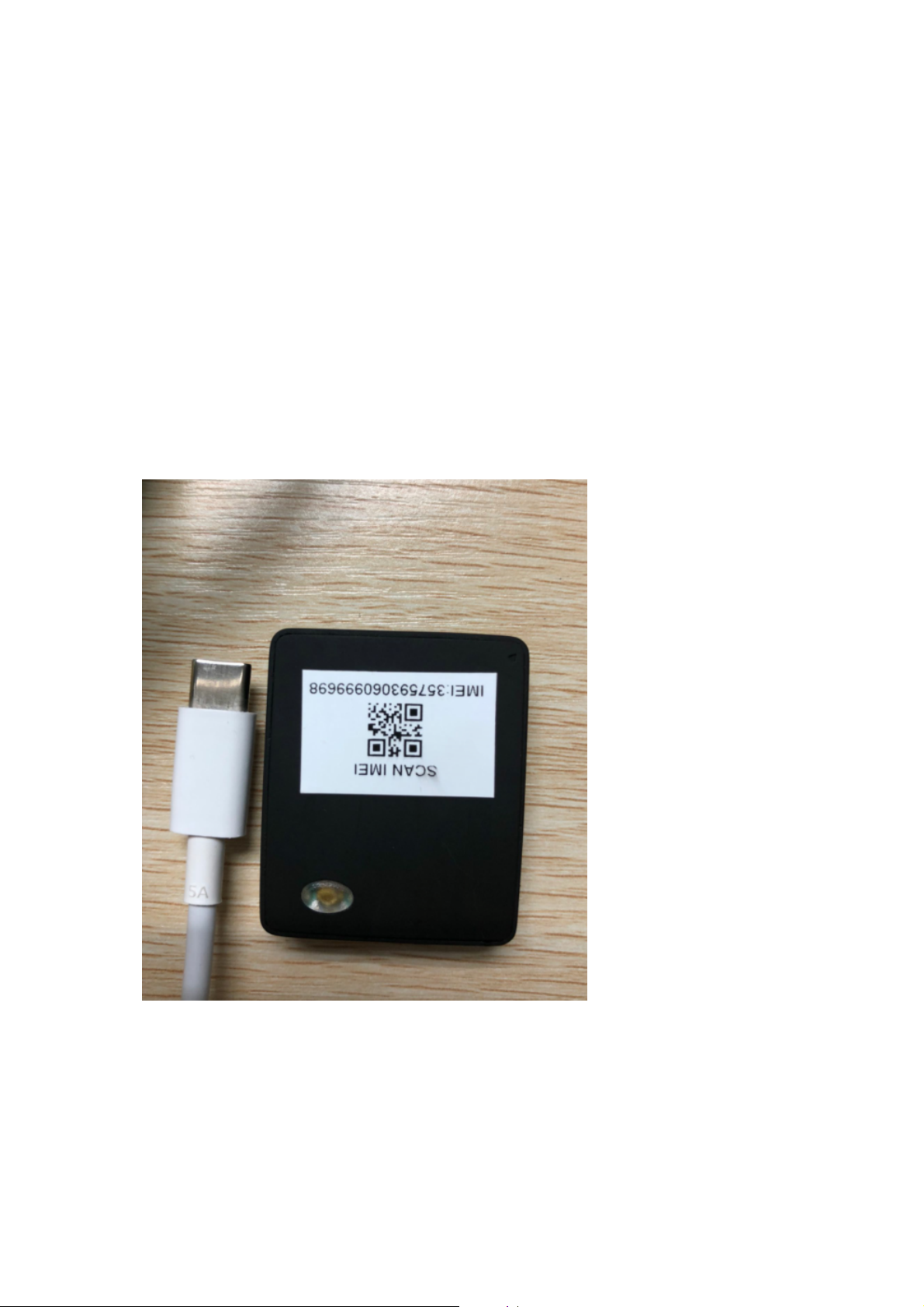
Please use the proper charger and charging wire to charge. Tail it GPS tracker is using
the magnetic attraction port to charge. Please see below photos.
↑
Charging wire& Charging port
Page 3

3
↑
Charging
It needs around 3 hours to fully charge the tracker until the indicator light flickers which
means the battery is full .The indicator light is on all the time when charging.
4. Interface Description
4.1 right side of the tracker
Page 4

4
POWER KEY
(1): POWER KEY
■long press the button to turn on the tracker
5. Indicator light and the button’s functions
5.1 The light is on all the time when charging
5.2 The light flickers when the battery is full.
5.3 When the tracker is working,press the Power button and the light flickers
twice
5.4 Turn on the tracker.Long press the Power button for 3 seconds and the
light lasts 3 seconds.Then press the Power button once and The light flickers
once.
5.5 Turn off the tracker. Long press the Power button for 3 seconds and the
light go out.
6 . Location
Send #LOCATION#TAIL IT# to the tracker ,there is no reply from the tracker and the App
update new location within 2 minutes .
Page 5

5
7 . FCC Statement
This device complies with Part 15 of the FCC rules. Operation is subject to the
following two conditions: 1) this device may not cause harmful interference,
and 2) this device must accept any interference received, including
interference that may cause undesired operation.
Note: This equipment has been tested and found to comply with the limits for
a Class B digital device, pursuant to part 15 of the FCC Rules. These limits
are designed to provide reasonable protection against harmful interference in
a residential installation.
This equipment generates uses and can radiate radio frequency energy and,
if not installed and used in accordance with the instructions, may cause
harmful interference to radio communications. However, there is no guarantee
that
interference will not occur in particular installation. If this equipment does
cause harmful interference to radio or television reception, which can be
determined by turning the equipment off and on, the user is encouraged to try
to correct the interference by one or more of the following measures:
--Reorient or relocate the receiving antenna.
--Increase the separation between the equipment and receiver.
--Connect the equipment into an outlet on a circuit different from that to which
the receiver is connected.
--Consult the dealer or an experienced radio/TV technician for help.
Changes or modifications not expressly approved by the party responsible for
compliance could void the user’s authority to operate the equipment.
RF Exposure Statement
SAR tests are conducted using standard operating positions According FCC
standards with the device transmitting at its highest certified power level in all
tested frequency bands, although the SAR is determined at the highest
certified power level, the actual SAR level of the device while operating can
be well below the maximum value.
This model product has been tested and meets the FCC RF exposure
guidelines with the test distance 0mm for body worn. The use of belt clips,
holsters and similar accessories should not contain metallic components in its
assembly. The use of accessories that do not satisfy these requirements may
not comply with FCC exposure requirements, and should be avoided
 Loading...