

Page 1
T-08
8
At TAGG our goal is to provide our customer with the best products
and customer service possible. Technology is not only imperative
in today’s fast pace world, its also fun. We stand behind our products,
if you don’t like it. our one and only goal is to make your shopping
experience as easy as possible.
Customer Support: [email protected]
Website : www.taggdigital.com
Call us : 011-41012060
Customer Service: 10-day replacement warranty against defect,
our return and exchange service is limited to all purchases made
from 4Com. If you purchased through a different retailer, please
contact them directly. (Unauthorized reselling of TAGG product is
prohibited.)
We are Social, Follow us on:-
https://www.facebook.com/TAGGDigital/
https://twitter.com/TAGGOfficial
https://www.instagram.com/tagg_digital/
https://www.youtube.com/channel/UCjLX5UcN_tHFaMeFBpIqJhg
Page 2
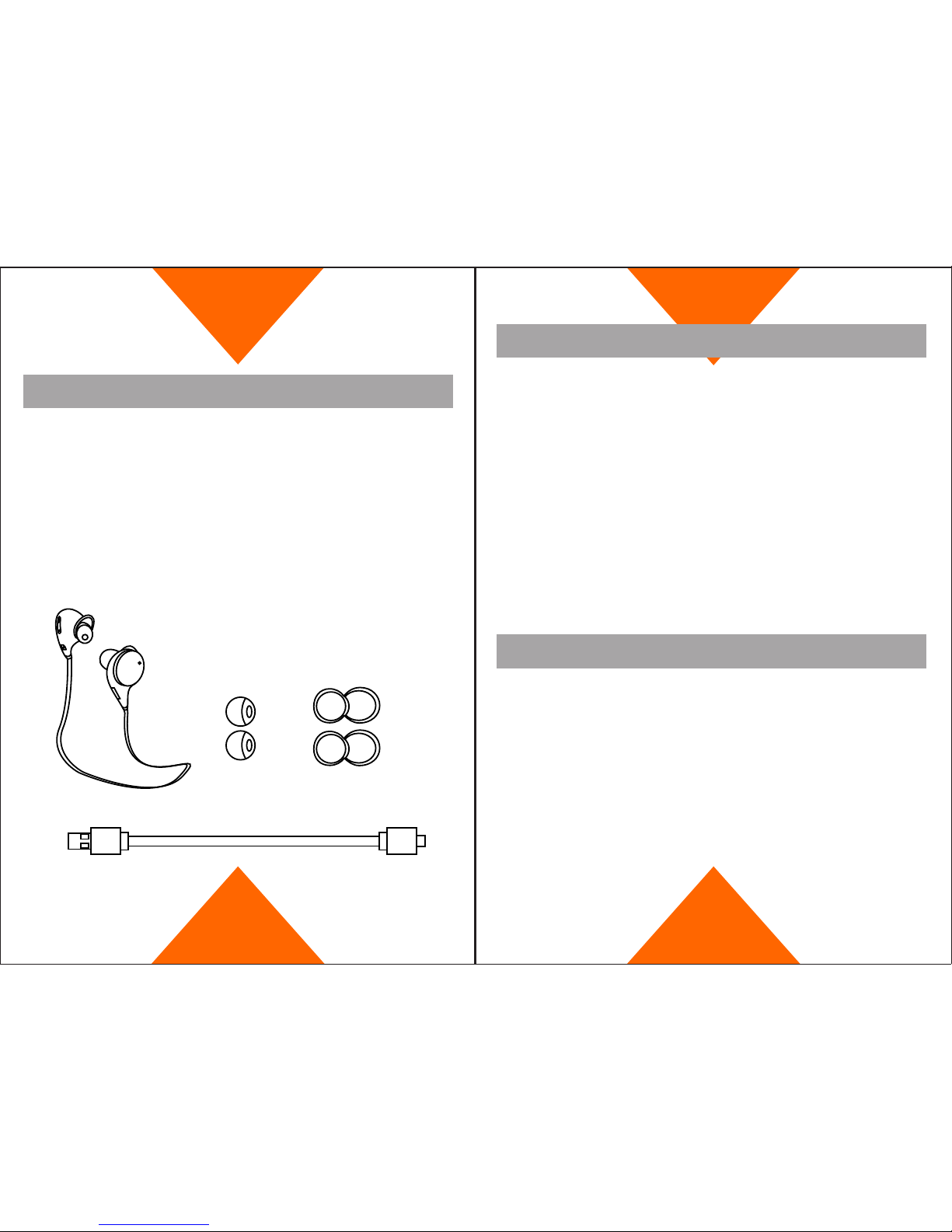
Accesories List
- 1 T-08 Sport Bluetooth Stereo Headset.
- 1 USB Charging Cable.
- A pair of Ear Rubbers.
- A pair of Ear Hooks.
Pairing your Device
1. Press the power button of this headset for 6 seconds (blue and
red LED flashes with “pairing” voice). Now the headset is in Pairing
Mode.
*Note- Blue LED will FLASH after 3 secs and this will only ON the
Headset. To Make the headset in pairing mode., press the Power
button for 6 seconds.
2. Switch on the Bluetooth of your Smartphone/ Tablet and Search for
the available Bluetooth Devices.
3. You will find this Headset. Connect the devices and Enjoy the
Hassle free Music.
1. Play and Pause: Press power button for Play and Pause.
2. Volume up: press “+” for volume up.
3. Volume down: press “-” for volume down.
4. Playback/Previous: Press “-” for 1 sec for previous music, press “+”
for 1 sec for next music.
5. Power off: Press the power button 3 seconds when the devices is
off(all led lights get off).
6. Transfer voice call: Press the power button for 2 seconds to
transfer the voice call between devices and mobile phones.
7. Reject Call: Double press the power button to reject call when the
call is ringing or say no to reject the call.
How to Operate
 Loading...