

Page 1
English version
4
English version
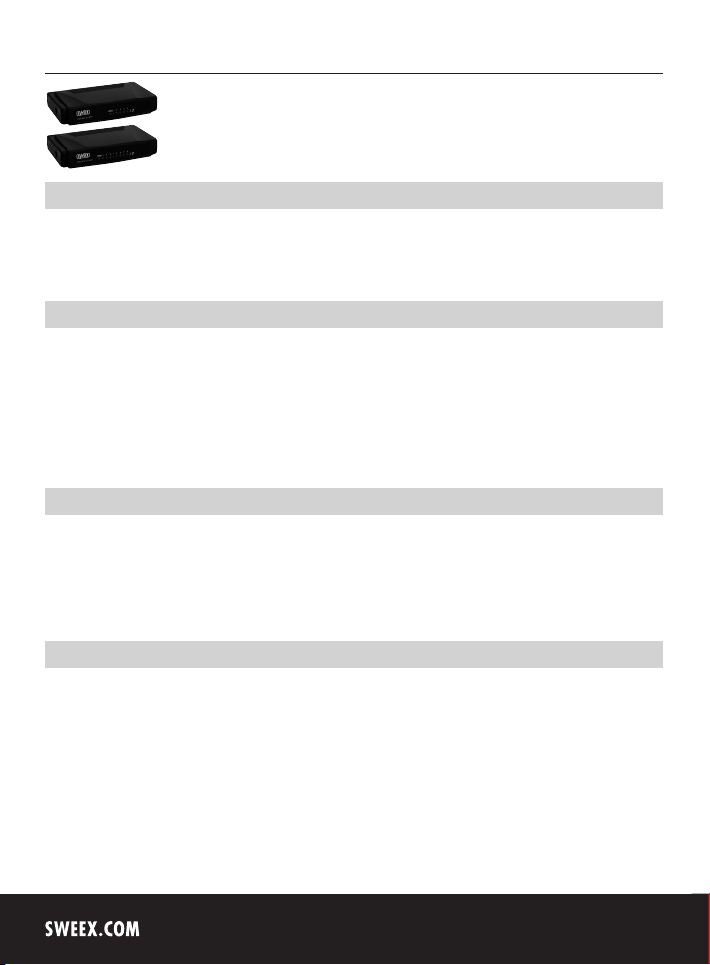
SW005 Sweex 5 Port Switch 10/100 Mbps
SW008 Sweex 8 Port Switch 10/100 Mbps
Introduction
First of all, many thanks for purchasing the Sweex 5/8 Port Switch 10/100 Mbps. To ensure this product operates correctly, we advise you to
carefully read this manual first. If despite this manual you still experience problems during installation or operation of this product, go to www.sweex.
com and look under the heading service & support.
Contents of the box
Prior to installation, check if all required parts are present. The following parts must be present in the box:
• Sweex 5/8 Port Switch 10/100 Mbps
• Power supply adaptor
• CD-ROM with manual
If one of the above parts is missing, please contact the shop or supplier.
Specifications
• Number of ports SW005: 5 x 10/100 Mbps UTP/RJ45 port
• Number of ports SW008: 8 x 10/100 Mbps UTP/RJ45 port
• Supports: IEEE 802.3 10BASE-T, IEEE 802.3U 100BASE-TX
• Supports: Full and half duplex (Auto-Negotiation)
• Not operating system dependent
Additional specifications
• Uplink facility for each port
• Network protocol: CSMA/CD
• External power supply SW005: AC12V, 0.35A
• External power supply SW008: AC 9V, 0.8A
• Operating temperature: 0 -50 °C
• Humidity: 10 - 90%
Page 2
English version
English version
Installation of hardware
Connect the power supply adaptor to the side of the switch. Connect PCs or other network equipment that you wish to incorporate in the network to
a free port at the back of the switch. Use a UTP/RJ45 network cable for this.
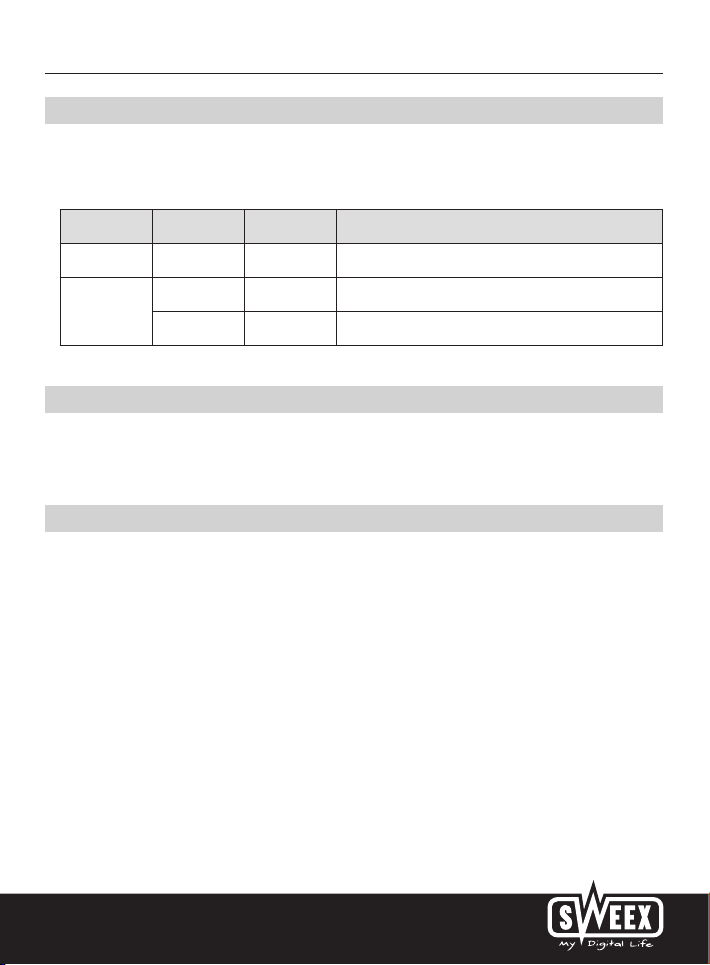
The front or top of the switch has a number of LEDs which indicate the status of the switch. These LEDs have the following functions:
LED Colour Status Explanation
POWER Red Lit up This LED is lit up when the device is switched on
1,2,3…
LINK/ACT
Green Lit up The port is connected to a PC or other network device
Green Blinking The port is sending or receiving data
Basic network setup
On its website, Sweex has published a comprehensive description, detailing the basic setup of a network. In this setup, various situations are
described. Go to www.sweex.com, look under the product you have purchased and then select “manual”. Then click on the link ending in
man_all_network.
Warranty
All products under the Sweex brand are warranted for a period of three years. We do not grant support or warranties for any software and/or
(rechargeable) batteries included. Warranty claims are only settled via the dealer where the product concerned was purchased.
The rightful owner has and retains title to all brand names and related rights mentioned in this manual.
5
 Loading...