

Page 1
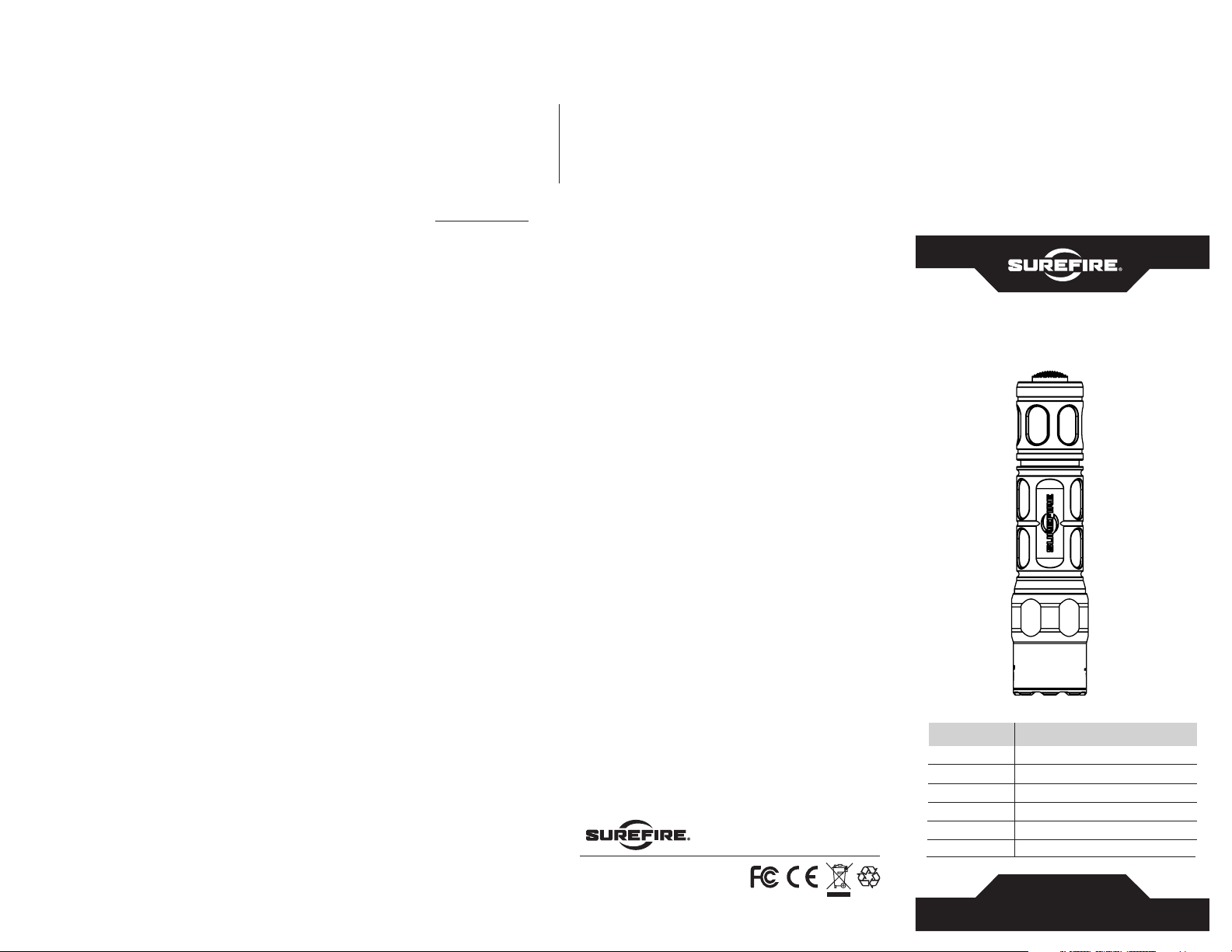
4.87
4.71
1.00
THE SUREFIRE NO-HASSLE GUARANTEE
We’ll do what it takes to keep your SureFire gear running smoothly.
SureFire warrants that if you—our customer—purchase one of our products,
and we determine that it is defective in material and/or workmanship during
your lifetime, we will repair or replace it—no hassle! Rechargeable batteries
and chargers are warranted for two years from the date of purchase. SureFire
hearing-protection products are warranted for 90 days from the date of
purchase. Our warranty does not cover consumables or normal wear-andtear, or damage resulting from abuse, alterations, unauthorized repairs, or use
contrary to SureFire’s user manuals. To help protect your investment SureFire
offers reasonable rates to repair damage to our products not covered by
our warranty, such as a core rebuild for a suppressor damaged by improper
use. You will be provided with a quote for approval before work begins.
STANDARD DISCLAIMER
Except as specified above or prohibited by applicable law: all express or
implied conditions and warranties, including, without limitation, any implied
warranty or condition of merchantability or fitness for a particular purpose,
or accuracy of any informational content, are hereby excluded and disclaimed
by SureFire; and in no event will SureFire be liable for any special, direct,
indirect, consequential, incidental or punitive damages howsoever arising and
regardless or the theory of liability, even if advised of the possibility of such
damages. Products, prices, availability, specifications, and offers are subject
to change or cancellation at any time without notice.
WARRANTY CLAIMS
For claims, contact Customer Service at 714-545-9444 to obtain a
Return Merchandise Authorization number (RMA#). Then package the
unit carefully and send to (no CODs):
SureFire, LLC.
Repairs Department, RMA#___
17680 Newhope, Suite B
Fountain Valley, CA 92708
SureFire will pay reasonable shipping costs to return the unit to you.
Revision A 8-2017
71-01-1039
G2X-MV
18300 MT. BALDY CIRCLE
FOUNTAIN VALLEY, CA 92708-6122
SUREFIRE.COM
G2X MAXVISION™
DUAL-OUTPUT ULTRA HIGH LED
G2X-MV
Specifications
Output
Intensity
Runtime
Weight
Length
Bezel Diameter
All performance claims tested to ANSI/NEMA FL1-2009 Standard.
High: 800 Low: 15 lumens
3,307 candela
High: 1.5 Low: 52 hours
3.9 oz (110 g)
4.87 in (12.3 cm)
1.1 in (2.8 cm)
G2X-MV
USER MANUAL
Page 2

G2X-MV
GET THE BEST FROM THE BEST
Your SureFire illumination tool has been designed and manufactured
to provide years of reliable service. Please review this manual to
ensure optimal performance.
LOCKOUT TAILCAP (US PAT. RE40125)
Most SureFire illumination tools feature a lockout tailcap, which prevents
accidental activation during storage or transport. The tailcap may
need to be enabled prior to light operation.
To enable, rotate tailcap clockwise until it stops turning. Press pushbutton
to activate light.
To lock out tailcap, rotate counterclockwise until light will not
activate when pressed.
LIGHT OPERATION
Press or click pushbutton tailcap switch once for low output. Return
to off and press or click on again, within two seconds, for high output.
ENABLE
PRESS
OR CLICK
TO ACTIVATE
DISABLE
BATTERY REPLACEMENT
Most SureFire illumination tools ship preloaded with
batteries. To load or replace batteries:
1. Unscrew tailcap counterclockwise and remove.
2. Remove old batteries and dispose of properly.
BATTERY INFORMATION & WARNINGS
For complete battery information and warnings, reference the enclosed
BATTERY INFORMATION / WARNING insert in your illumination tool’s
original packaging or visit www.surefire.com/batteries.
MAINTENANCE
Wipe with a clean, dry cloth. For tips on maintaining your SureFire
illumination tool, visit www.surefire.com/faqs-maintenance.
ACCESSORIES
SureFire makes a full line of accessories for most of its illumination tools.
For a complete listing, visit www.surefire.com/partsaccessories.
3. Insert new 123A lithium batteries with positive (+) terminals oriented
forward.
4. Replace tailcap by screwing on clockwise. Press pushbutton (with
tailcap enabled) to test.
Note: Never mix old and new batteries; always replace all batteries at same time.
 Loading...