

Page 1
Related Hardware Documents
This section contains descriptions of hardware documentation for products
related to the Sun StorEdge A5000 Disk Array.
Part
Number Document Title
802-7572
Sun StorEdge SBus FC-100 Host Adapter Installation and
Service Manual
Contains installation and service information for the SunStorEdge
SBus FC-100 host adapter, including generic installation
instructions and remove and replace procedures for gigabit
interface converters (GBICs).
805-3682
Sun StorEdge PCI FC-100 Host Adapter Installation and
Service Manual
Contains installation for the PCI FC-100 host adapter.
805-0315
Sun StorEdge FC-100 Hub Installation and Service Manual
Contains installation and service information for the Sun StorEdge
FC-100 Hub.
805-2704
Sun Enterprise 6x00/5x00/4x00/3x00 Systems SBus+ I/O Boards
Installation Guide
Provides instructions for the installation or replacement of the Sun
Enterprise SBus+ I/O boards. The SBus+ board supports three SBus
cards. These boards can be installed in Sun Enterprise 6
x00, 5x00,
4
x00, and 3x00 systems.
802-5034
Sun Enterprise Caster Base Installation Guide
Describes how to stack a Sun StorEdge A5000 Disk Array on a Sun
Enterprise 4
x00 system and caster base.
805-1990
Sun StorEdge FC-100 Hub Rackmounting Installation Card
This 2x3-inch card refers users to 805-0315 for instructions on
installing hubs in a rack. It also refers users to 802-6945 for rack
placement information.
802-7571
GBIC Installation Card
This 2x3-inch card refers users to 802-7572 and 802-7573 for
instructions on installing gigabit interface converters (GBICs).
805-0070
Sun StorEdge A5000 Rackmounting Card
This 2x3-inch card refers users to 802-7573 for instructions on
installing the disk array in a rack. It also refers users to 802-6945 for
rack placement information.
805-0071
X-Option Installation Card
This 2x3-inch card refers users to 802-7573 for instructions on
installing x-options in the disk array.
Sun Documentation on the Web
The docs.sun.com web site enables you to access Sun technical
documentation on the Web. You can browse the docs.sun.com archive or
search for a specific book title or subject at:
http://docs.sun.com
Sun Welcomes Your Comments
We are interested in improving our documentation and welcome your
comments and suggestions. You can email your comments to us at:
Please include the part number of your document in the subject line of your
email.
Sun StorEdge™ A5000
Installation and
Documentation Guide
Includes the Entire Series of StorEdge
A5000 Disk Arrays (Formerly the Sun
Enterprise Network Array
™)
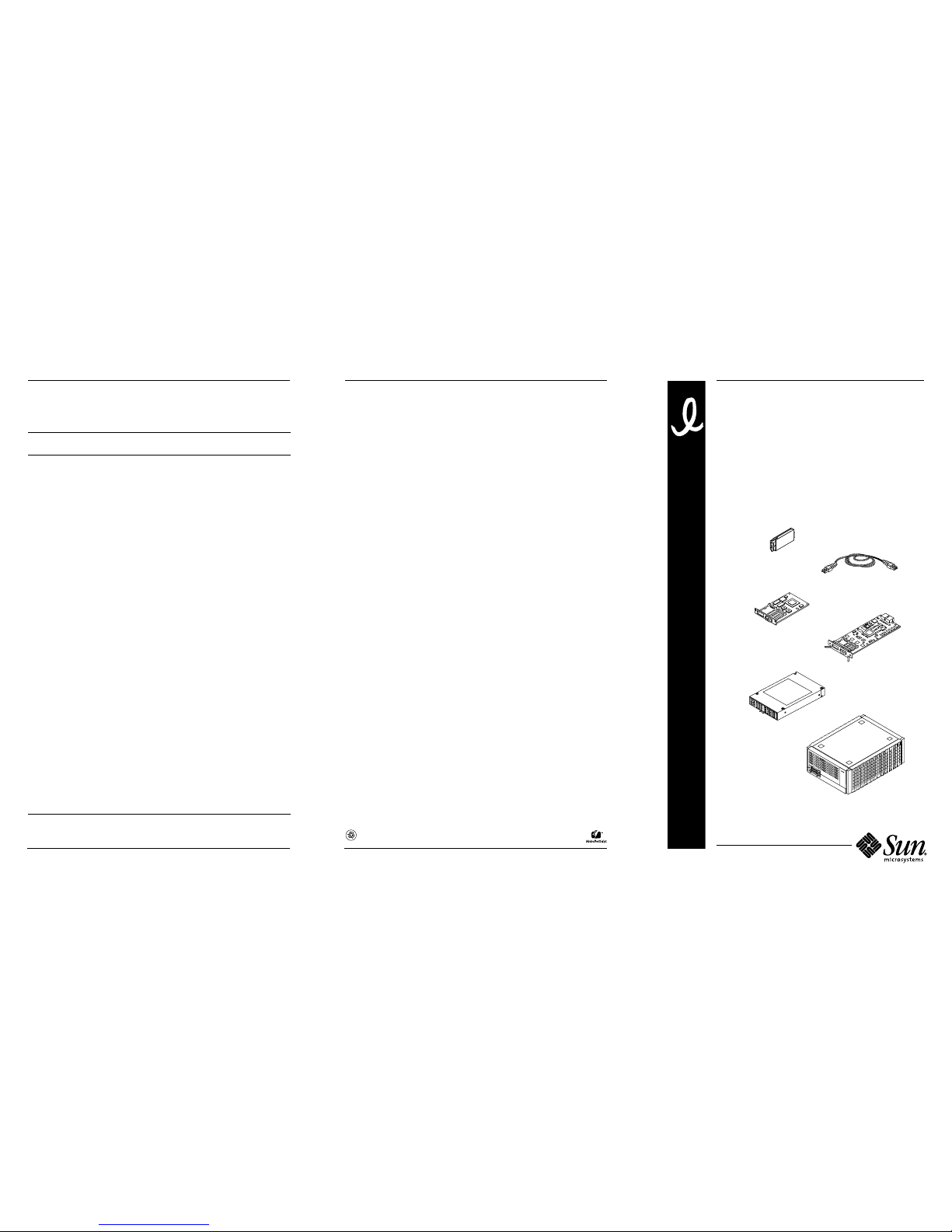
Gigabit interface converter
Fiber optic cable
Sun StorEdge
Interface board
Sun StorEdge
FC-100 Hub
SBus FC-100 Host Adapter
Sun StorEdge A5000 Disk Array
Part Number: 805-1903-15
Revision A of February 1999
SunMicrosystems, Inc. • 901 San Antonio Road• Palo Alto, CA 94303-4900 USA •
650-960-1300• Fax 650 969-9131
Copyright 1999 Sun Microsystems, Inc. All rights reserved. Use is subject to license terms. Third-party
software, including font technology,is copyrighted and licensed from Sun suppliers. Sun, Sun Microsystems,
the Sun Logo, Sun StorEdge, Sun Enterprise Network Array, Sun Enterprise Volume Manager, Sun StorEdge
VolumeManager, Sun Enterprise, and Solaris are trademarks or registered trademarks of Sun Microsystems,
Inc. in the U.S. and other countries. All SPARC trademarks are used under license and are trademarks or
registered trademarks of SPARC International, Inc. in the U. S. and other countries. RESTRICTED RIGHTS:
Use, duplication, or disclosure by the U.S. Government is subject to restrictions of FAR 52.227-14(g)(2)(6/87)
and FAR 52.227-19(6/87), or DFAR 252.227-7015(b)(6/95) and DFAR 227.7202-3(a).
Copyright 1999 Sun Microsystems, Inc. Tous droits réservés. Distribué par des licences qui en restreignent
l’utilization. Le logiciel détenu par des tiers, et qui comprend la technologie relative aux polices de caractères,
est protégé par un copyright et licencié par des fournisseurs de Sun. Sun, Sun Microsystems, le logo Sun, Sun
StorEdge, Sun Enterprise Network Array, Sun Enterprise Volume Manager, Sun StorEdge Volume Manager,
Sun Enterprise, et Solaris sont des marques de fabrique ou des marques déposées de Sun Microsystems, Inc.
aux Etats-Unit et dans d’autres pays.Toutes les marques SPARC sont utilisées sous licence et sont des
marques de fabrique ou des marques déposées de SPARC International, Inc. aux Etats-Unis et dans d’autres
pays.
Page 2

Installing the Hardware
This following is an overview of the hardware tasks to install Sun™
StorEdge™ A5000 series disk arrays or preconfigured rack systems.
1. Read the Sun StorEdge A5000 Product Notes and the online Sun StorEdge
A5000 Installation Supplement.
Contact your service provider if you do not have access to the web.
2. Plan the configuration.
Refer to the Sun StorEdge A5000 Hardware Configuration Guide.
Note – For preconfigured expansion cabinet systems, go to Step 6.
3. Install the disk array(s).
Refer to the Sun StorEdge A5000 Installation and Service Manual.
4. Install additional interface boards and/or gigabit interface converters
(GBICs) in the disk array(s), if needed.
Refer to the Sun StorEdge A5000 Installation and Service Manual.
5. If the installation will use hub(s), install the hub(s) in the cabinet.
Refer to the Sun StorEdge FC-100 Hub Installation and Service Manual.
6. Install the host adapter(s) in the host(s).
Refer to the manual that was shipped with your host adapter.
Note – For Sun Enterprise™ 6x00, 5x00, 4x00, and 3x00 systems, you may not
need to install additional host adapters. The SBus+ I/O boards available for
these systems have two built-in GBIC ports.
7. Ensure that the disk drives and GBICs are properly seated in the disk
array(s). For preconfigured expansion cabinet systems, also ensure that
the fiber optic cables are properly connected.
8. If you will have more than one disk array connected to a loop, make
sure the Box ID for each disk array is set to a unique value (0–3).
Refer to the FPM section of the Sun StorEdge A5000 Installation and Service
Manual.
9. If you are going to access the disk array(s) using the luxadm command,
enter a Box Name for each disk array.
Refer to the FPM section of the Sun StorEdge A5000 Installation and Service
Manual.
10. Connect the fiber optic cables.
Refer to the Sun StorEdge A5000 Hardware Configuration Guide and the
documentation that came with the devices that you are connecting.
11. Use the front panel module to check the hardware installation.
Refer to the Sun StorEdge A5000 Installation and Service Manual.
Installing Sun StorEdge Volume Manager
The steps you need to perform when installing the Solaris™ operating
environment and Sun StorEdge™ Volume Manager (volume manager)
software depend upon whether the Solaris operating environment has
already been installed on your system.
Note – Sun StorEdge Volume Manager software was formerly known as
Sun™ Enterprise™ Volume Manager software.
Installing New Software
1. Read the Sun Enterprise Volume Manager Release Notes and the online Sun
StorEdge A5000 Installation Supplement.
Contact your service provider if you do not have access to the web.
2. Install the Solaris operating environment.
The minimum requirement is Solaris 2.5.1 Hardware: 8/97.
3. Install applicable Solaris patches.
Patches are available through links in the Sun StorEdge A5000 Installation
Supplement.
4. Install the volume manager software.
Refer to the Sun StorEdge Volume Manager Installation Guide.
5. Install applicable volume manager patches.
Patches are available through links in the Sun StorEdge A5000 Installation
Supplement.
6. Check the software installation using the luxadm command.
Refer to Platform Notes: Using luxadm Software.
7. Initialize volume manager and set up the volumes.
Refer to the Sun StorEdge Volume Manager Installation Guide.
Upgrading Existing Software
1. Read the Sun Enterprise Volume Manager Release Notes and the online Sun
StorEdge A5000 Installation Supplement.
Contact your service provider if you do not have access to the web.
2. Upgrade the volume manager software.
Refer to the Sun StorEdge Volume Manager Installation Guide.
3. Install applicable volume manager patches.
Patches are available through links in the Sun StorEdge A5000 Installation
Supplement.
4. Upgrade the Solaris operating environment, if needed.
The minimum requirement is Solaris 2.5.1 Hardware: 8/97.
5. Install applicable Solaris patches.
Patches are available through links in the online Sun StorEdge A5000
Installation Supplement.
6. Check the software installation using the luxadm command.
Refer to Platform Notes: Using luxadm Software.
7. Initialize volume manager and set up the volumes.
Refer to the Sun StorEdge Volume Manager Installation Guide.
Hardware Documents
This section contains descriptions of hardware documentation for the
disk array.
Part
Number Document Title
802-7573
Sun StorEdge A5000 Installation and Service Manual
Contains installation and service information for the Sun StorEdge
A5000 Disk Array. This document covers generic cabling and
installation procedures, details the operation of the front panel
display, and explains how to remove and replace FRUs and add
X-options.
805-0264
Sun StorEdge A5000 Hardware Configuration Guide
Describes supported hardware configurations of Sun StorEdge
A5000 Disk Arrays.
805-1018
Sun StorEdge A5000 Product Note
Contains changes or additions to the above documents.
805-4516
Sun StorEdge A5000 Installation Supplement
Contains installation and operational information for the Sun
StorEdge A5000 Disk Array. It is available in the “Storage &
Peripherals” section of the
http://docs.sun.com website.
 Loading...